Render - Video Composer
Timeline, Keyframes & Effects
Diseñada para iPhone, iPad, Mac
9,99 €
- Clasificación por edad4+
- CategoríaFoto y vídeo
- DesarrolladorAnton Heestand
- IdiomasInglés+ 2 más
- Tamaño41,4 MB
Enlaza a la página oficial de App Store
Download.org no aloja ningún archivo de Render - Video Composer. El botón abre la página de la aplicación en App Store, donde la publica Anton Heestand. Ficha comprobada por última vez el 11/11/2026.
Capturas de pantalla
Acerca de
El desarrollador no ha proporcionado este texto en tu idioma.
Render compositions with layered videos, images, audio, visuals and effects.
Import and export 3D spatial photos and video.
Import media (images, videos, GIFs, SVGs, image sequences and RAW footage) from Photos and Files.
A sequence is defined by a folder of images, each image is a frame of a video.
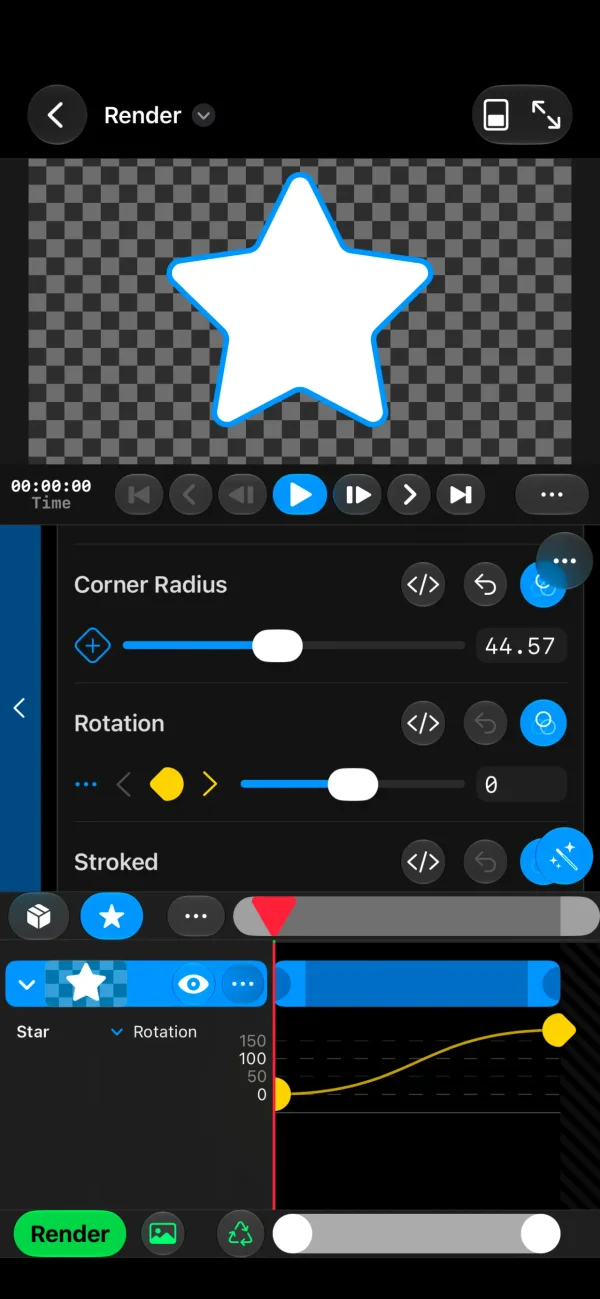
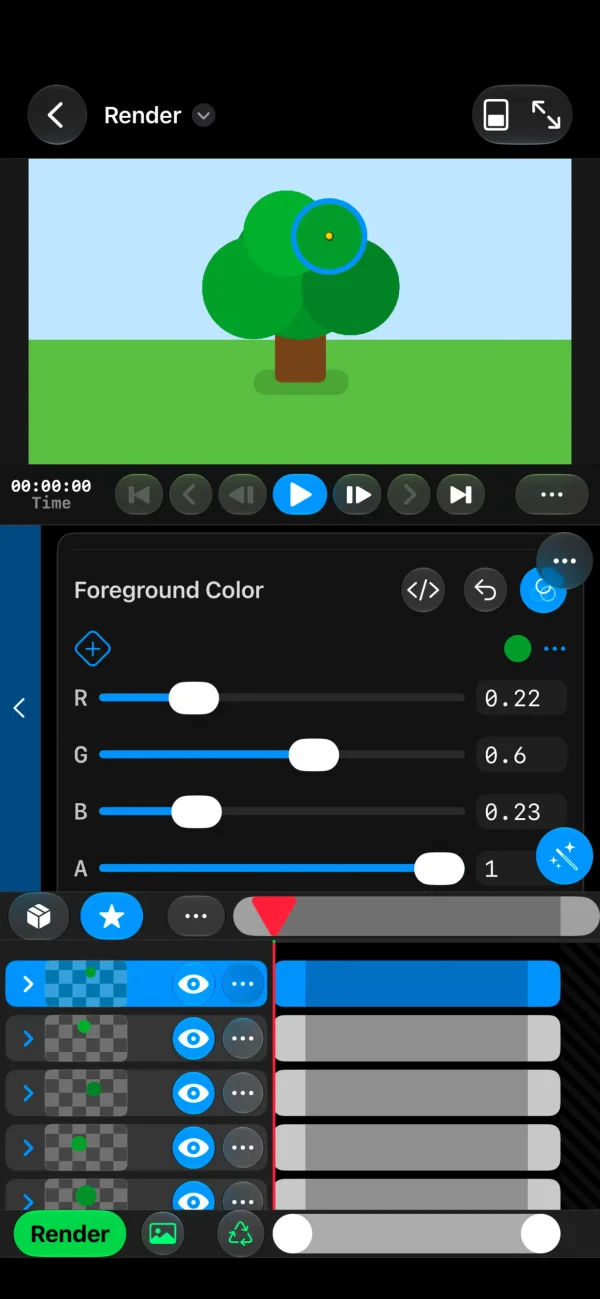
Visuals: shapes (rectangle, circle, capsule, star, polygon, arc, line) and solids (color, noise, gradient).
Create an adjustment layer to apply effects to all underlying layers.
Effects: levels (brightness, contrast, invert), color shift (hue, saturation), blur, transform, kaleidoscope, corner pin, chroma key (green screen).
Effect packs: funny mirror, glitch, CRT, smoke, vignette.
Mask, displace or luma blur a layer with another layer.
Blending modes: add, subtract, multiply, divide, screen, lighten, darken, minimum, maximum, gamma, power and difference.
Timeline features:
- Snapping of layers while dragging.
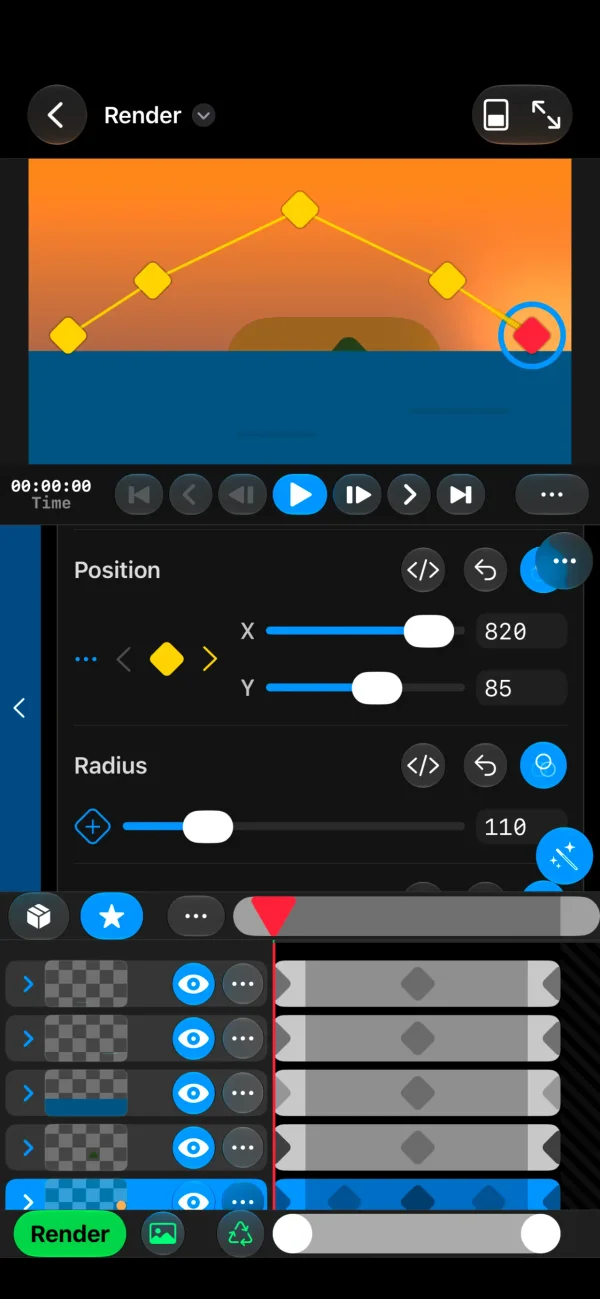
- Keyframe properties with bezier curves.
- Motion blur with blending modes.
- Pre-compose layers.
- Split layers.
- Time remap.
Zoom in to pixel level to inspect your graphics.
Write expressions for any property.
Import and export LUTs in the .cube format.
There are rendered previews of visuals, blending modes, effects and samples.
Samples is a way to visualize what the composition will look like for a property at different values.
The render engine caches all played frames, so re-playing is quicker.
Caches frames are indicated by a green bar in the top of the timeline.
Render out a still frame as image, render a region or the full composition as a video or image sequence.
Projects are saved in Files and media is bundled in the project file.
XDR display support. Create graphics in high color depth (16bit & 32bit).
Export video in h264 and ProRes on supported devices.
Audio is supported.
Novedades
Versión 27.0.0 · 28/10/2026
Render engine performance improvements and general fixes.
Privacidad de la aplicación
Lo que Anton Heestand declara en App Store sobre cómo esta aplicación gestiona los datos.
-
Datos no vinculados a ti
Pueden recopilarse, pero no se vinculan a tu identidad.
- Identificadores
- Datos de uso
- Diagnóstico
Las prácticas de privacidad pueden variar, por ejemplo, según las funciones que uses o tu edad.
Información
- Vendedor
- Anton Heestand
- Categoría
- Foto y vídeo
- Versión
- 27.0.0
- Actualizado
- 28/10/2026
- Publicado
- 15/3/2023
- Tamaño
- 41,4 MB
- Requiere
- iOS 26.0 o posterior
- Clasificación por edad
- 4+
- Precio
- 9,99 €
- Idiomas
- Inglés, Japonés, Sueco
- Copyright
- © 2026 Anton Heestand
Quizá también te guste
-
 SliceTimeCamFoto y vídeo
-
 PhotoXo - Magical Photo EditorFoto y vídeo
-
 Keyframes MediaFoto y vídeo
-
 TrichromyFoto y vídeo
-
 CUBE - AR Camera EffectsFoto y vídeo
-
 Video Compress: Film ConverterMejorar Calidad Videos: Movie
-
 KinoGlitchEfectos glitch y arte 3D
-
 VidMix Video EditorFoto y vídeo
-
 Syn-FX: Video Editor & EffectsFoto y vídeo
-
 drumroll: see your life flashFoto y vídeo