Render - Video Composer
Timeline, Keyframes & Effects
Designed for iPhone, iPad, Mac
- Age rating4+
- CategoryPhoto & Video
- DeveloperAnton Heestand
- LanguagesEnglish+ 2 more
- Size41.4 MB
Links to the official App Store page
Download.org hosts no file of Render - Video Composer. The button opens its official App Store page, published by Anton Heestand. Listing last checked on Nov 11, 2026.
Screenshots
About
Render compositions with layered videos, images, audio, visuals and effects.
Import and export 3D spatial photos and video.
Import media (images, videos, GIFs, SVGs, image sequences and RAW footage) from Photos and Files.
A sequence is defined by a folder of images, each image is a frame of a video.
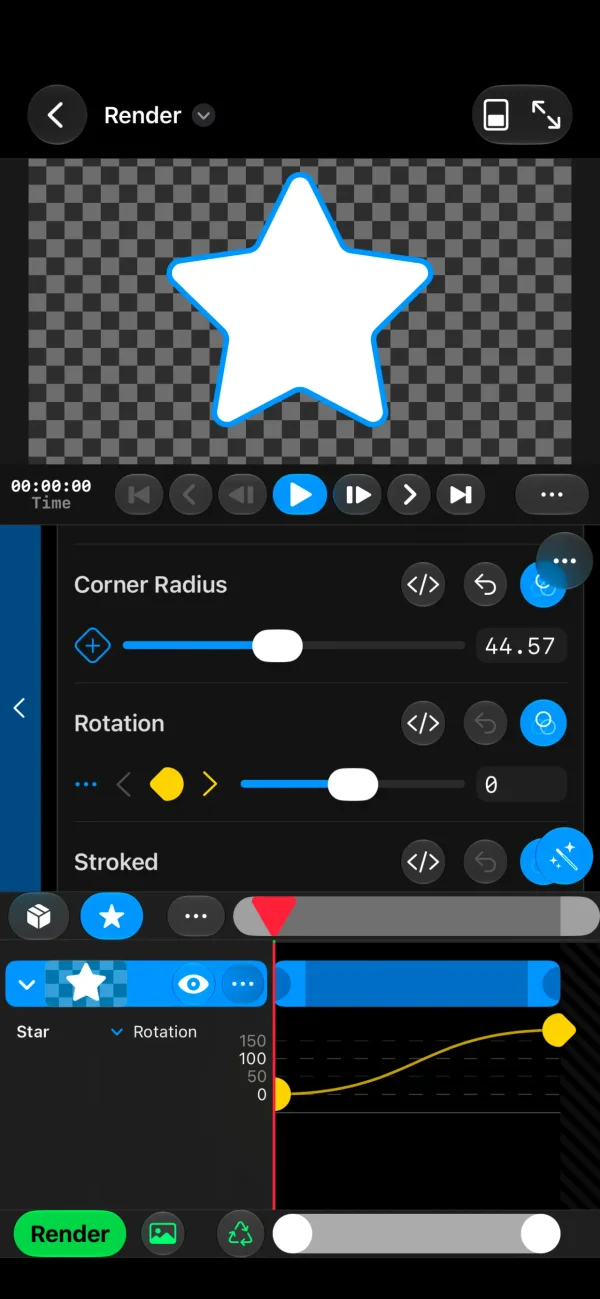
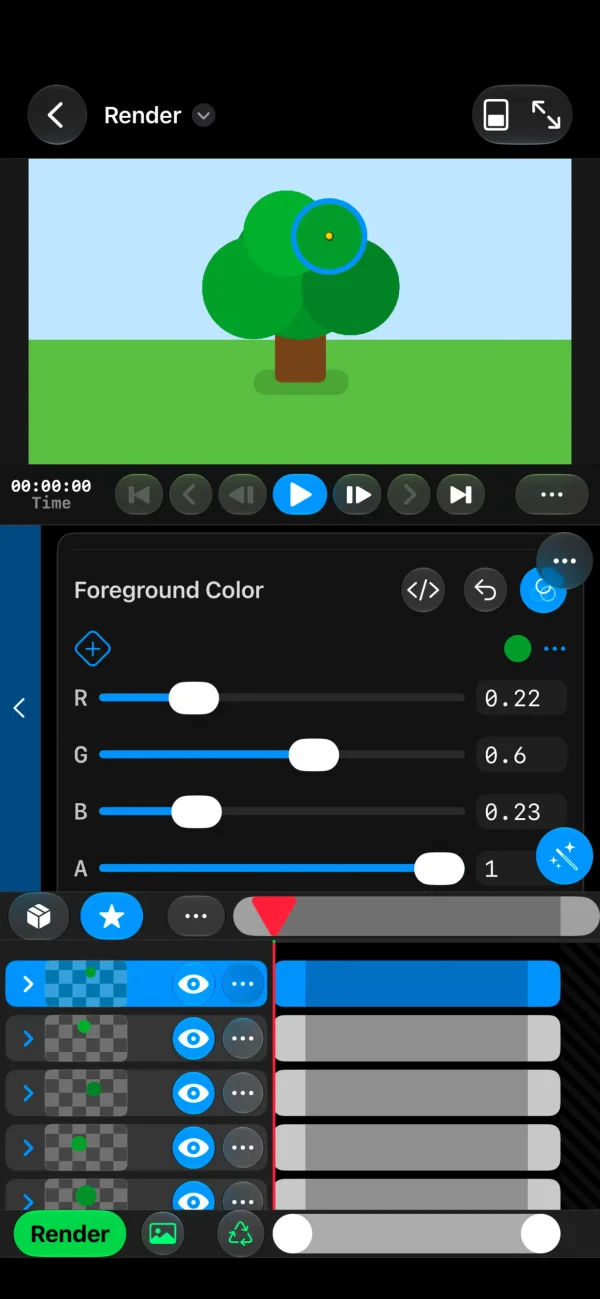
Visuals: shapes (rectangle, circle, capsule, star, polygon, arc, line) and solids (color, noise, gradient).
Create an adjustment layer to apply effects to all underlying layers.
Effects: levels (brightness, contrast, invert), color shift (hue, saturation), blur, transform, kaleidoscope, corner pin, chroma key (green screen).
Effect packs: funny mirror, glitch, CRT, smoke, vignette.
Mask, displace or luma blur a layer with another layer.
Blending modes: add, subtract, multiply, divide, screen, lighten, darken, minimum, maximum, gamma, power and difference.
Timeline features:
- Snapping of layers while dragging.
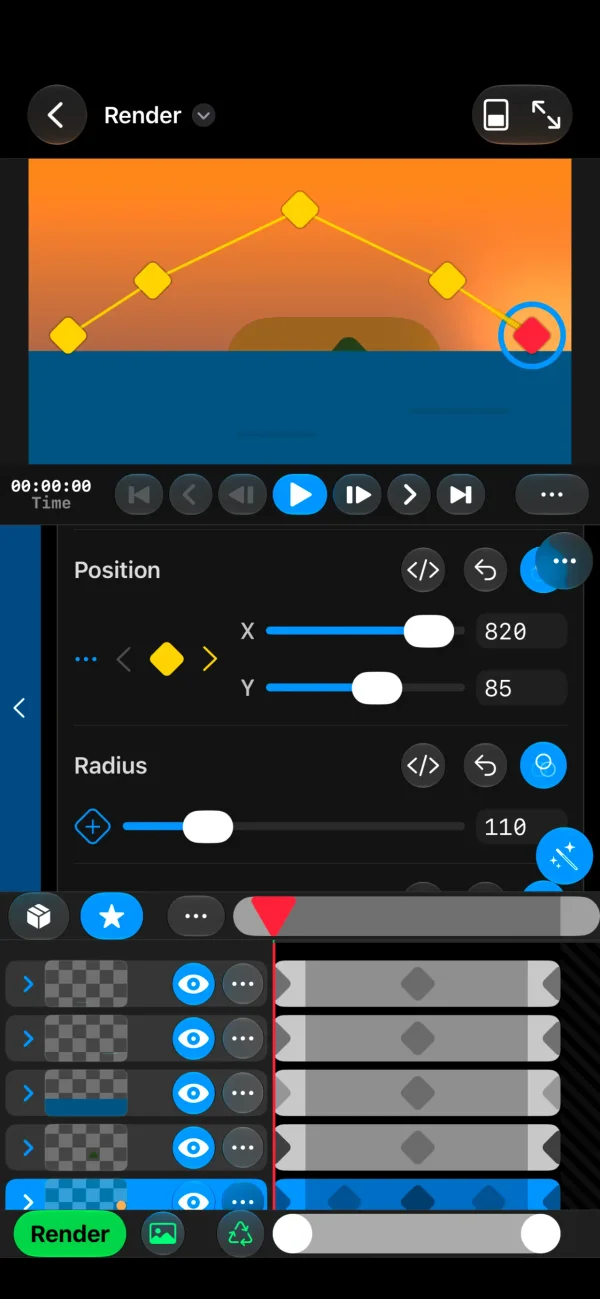
- Keyframe properties with bezier curves.
- Motion blur with blending modes.
- Pre-compose layers.
- Split layers.
- Time remap.
Zoom in to pixel level to inspect your graphics.
Write expressions for any property.
Import and export LUTs in the .cube format.
There are rendered previews of visuals, blending modes, effects and samples.
Samples is a way to visualize what the composition will look like for a property at different values.
The render engine caches all played frames, so re-playing is quicker.
Caches frames are indicated by a green bar in the top of the timeline.
Render out a still frame as image, render a region or the full composition as a video or image sequence.
Projects are saved in Files and media is bundled in the project file.
XDR display support. Create graphics in high color depth (16bit & 32bit).
Export video in h264 and ProRes on supported devices.
Audio is supported.
What’s new
Version 27.0.0 · Oct 28, 2026
Render engine performance improvements and general fixes.
App privacy
What Anton Heestand declares on the App Store about how this app handles data.
-
Data not linked to you
May be collected but is not linked to your identity.
- Identifiers
- Usage data
- Diagnostics
Privacy practices may vary, for example with the features you use or your age.
Information
- Seller
- Anton Heestand
- Category
- Photo & Video
- Version
- 27.0.0
- Updated
- Oct 28, 2026
- Released
- Mar 15, 2023
- Size
- 41.4 MB
- Requires
- iOS 26.0 or later
- Age rating
- 4+
- Languages
- English, Japanese, Swedish
- Copyright
- © 2026 Anton Heestand
You might also like
-
 SliceTimeCamSlitscan Camera app
-
 PhotoXo - Magical Photo EditorPhoto & Video
-
 Keyframes MediaPhoto & Video
-
 Trichromycompact trichromatic camera
-
 CUBE - AR Camera Effects3D LiDAR, Filters & Slit Scan
-
 Video Compressor: Shrink VidsResize, Reduce & Convert MP4
-
 KinoGlitchGlitch Video FX & 3D Art
-
 VidMix Video Editorvideo & animation maker, mixer
-
 Syn-FX: Video Editor & EffectsVFX, Filters, Slow Motion, GIF
-
 drumroll: see your life flashPhoto & Video