Render - Video Composer
Timeline, Keyframes & Effects
Dirancang untuk iPhone, iPad, Mac
Rp 199ribu
- Batasan usia4+
- KategoriFoto & Video
- PengembangAnton Heestand
- BahasaInggris+ 2 lainnya
- Ukuran41,4 MB
Tertaut ke halaman resmi App Store
Download.org tidak menyimpan file Render - Video Composer apa pun. Tombol ini membuka halaman aplikasi di App Store, tempat Anton Heestand menerbitkannya. Halaman terakhir diperiksa pada 11/11/2026.
Tangkapan layar
Tentang
Pengembang belum menyediakan teks ini dalam bahasa Anda.
Render compositions with layered videos, images, audio, visuals and effects.
Import and export 3D spatial photos and video.
Import media (images, videos, GIFs, SVGs, image sequences and RAW footage) from Photos and Files.
A sequence is defined by a folder of images, each image is a frame of a video.
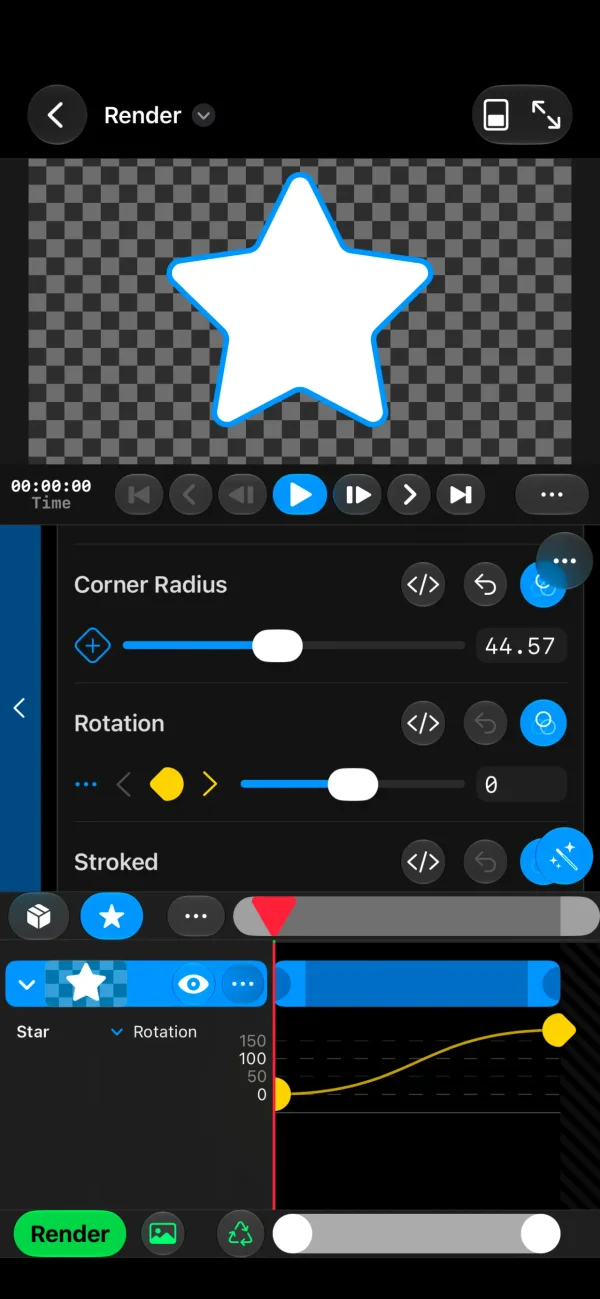
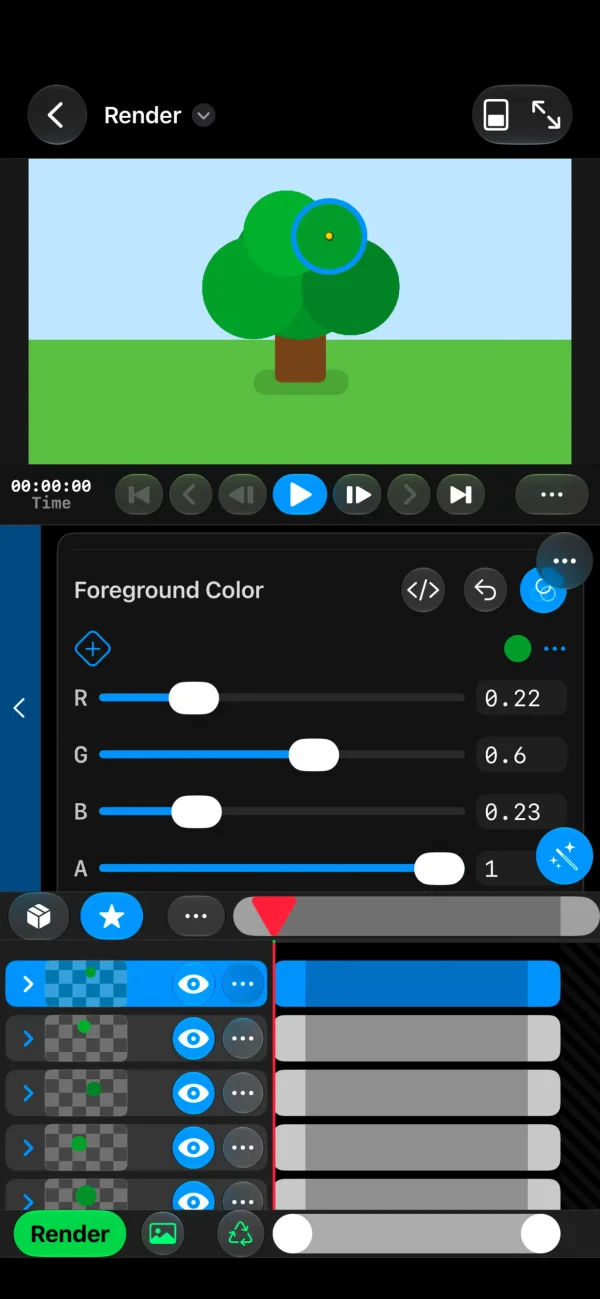
Visuals: shapes (rectangle, circle, capsule, star, polygon, arc, line) and solids (color, noise, gradient).
Create an adjustment layer to apply effects to all underlying layers.
Effects: levels (brightness, contrast, invert), color shift (hue, saturation), blur, transform, kaleidoscope, corner pin, chroma key (green screen).
Effect packs: funny mirror, glitch, CRT, smoke, vignette.
Mask, displace or luma blur a layer with another layer.
Blending modes: add, subtract, multiply, divide, screen, lighten, darken, minimum, maximum, gamma, power and difference.
Timeline features:
- Snapping of layers while dragging.
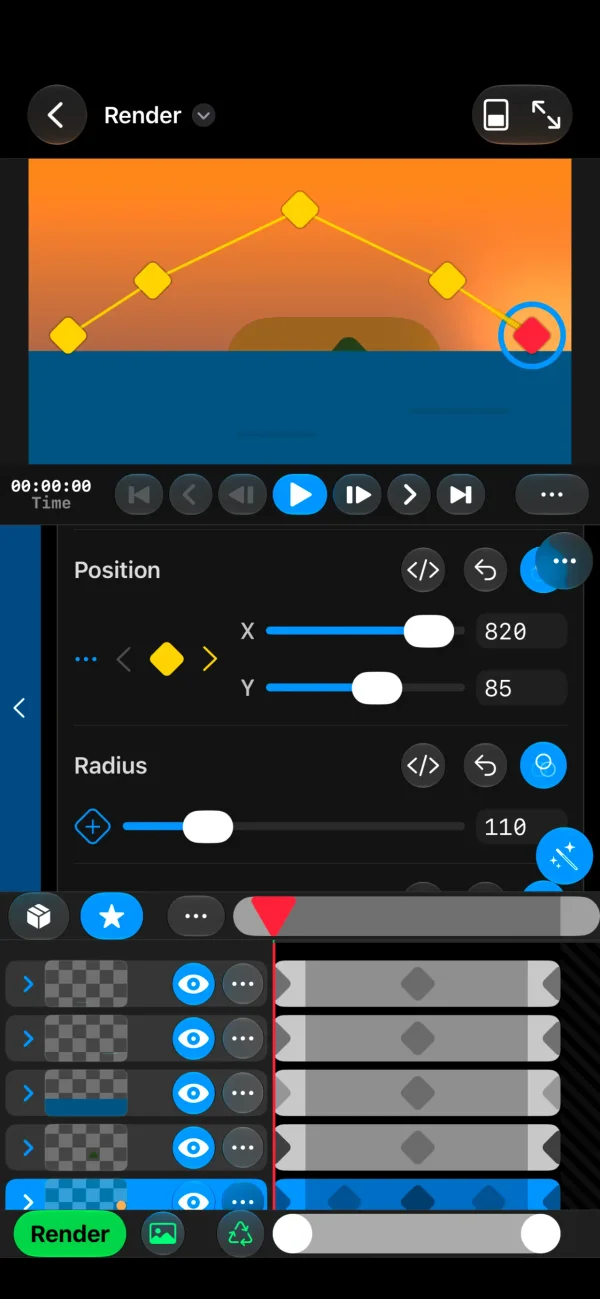
- Keyframe properties with bezier curves.
- Motion blur with blending modes.
- Pre-compose layers.
- Split layers.
- Time remap.
Zoom in to pixel level to inspect your graphics.
Write expressions for any property.
Import and export LUTs in the .cube format.
There are rendered previews of visuals, blending modes, effects and samples.
Samples is a way to visualize what the composition will look like for a property at different values.
The render engine caches all played frames, so re-playing is quicker.
Caches frames are indicated by a green bar in the top of the timeline.
Render out a still frame as image, render a region or the full composition as a video or image sequence.
Projects are saved in Files and media is bundled in the project file.
XDR display support. Create graphics in high color depth (16bit & 32bit).
Export video in h264 and ProRes on supported devices.
Audio is supported.
Yang baru
Versi 27.0.0 · 28/10/2026
Render engine performance improvements and general fixes.
Privasi aplikasi
Yang dinyatakan Anton Heestand di App Store tentang cara aplikasi ini menangani data.
-
Data yang tidak ditautkan dengan Anda
Dapat dikumpulkan, tetapi tidak ditautkan dengan identitas Anda.
- Pengenal
- Data penggunaan
- Diagnostik
Praktik privasi dapat bervariasi, misalnya berdasarkan fitur yang Anda gunakan atau usia Anda.
Informasi
- Penjual
- Anton Heestand
- Kategori
- Foto & Video
- Versi
- 27.0.0
- Diperbarui
- 28/10/2026
- Dirilis
- 15/3/2023
- Ukuran
- 41,4 MB
- Memerlukan
- iOS 26.0 atau yang lebih baru
- Batasan usia
- 4+
- Harga
- Rp 199ribu
- Bahasa
- Inggris, Jepang, Swensk (Swedia)
- Hak cipta
- © 2026 Anton Heestand
Mungkin Anda juga suka
-
 SliceTimeCamFoto & Video
-
 PhotoXo - Magical Photo EditorFoto & Video
-
 Keyframes MediaFoto & Video
-
 TrichromyFoto & Video
-
 CUBE - AR Camera EffectsFoto & Video
-
 Kompres Video: Compres VideosVids Compress: Movie Converter
-
 KinoGlitchFoto & Video
-
 VidMix Video EditorFoto & Video
-
 Syn-FX: Video Editor & EffectsFoto & Video
-
 drumroll: see your life flashFoto & Video