Retroize
Retro Pixel Video Maker
Diseñada para iPhone, iPad, Mac, iPod touch
Gratis · Compras en la aplicación
- Clasificación por edad4+
- CategoríaFoto y vídeo
- DesarrolladorNekomimimi
- IdiomasJaponés+ 4 más
- Tamaño20,0 MB
Enlaza a la página oficial de App Store
Download.org no aloja ningún archivo de Retroize. El botón abre la página de la aplicación en App Store, donde la publica Nekomimimi. Ficha comprobada por última vez el 12/11/2026.
Capturas de pantalla

Acerca de
El desarrollador no ha proporcionado este texto en tu idioma.
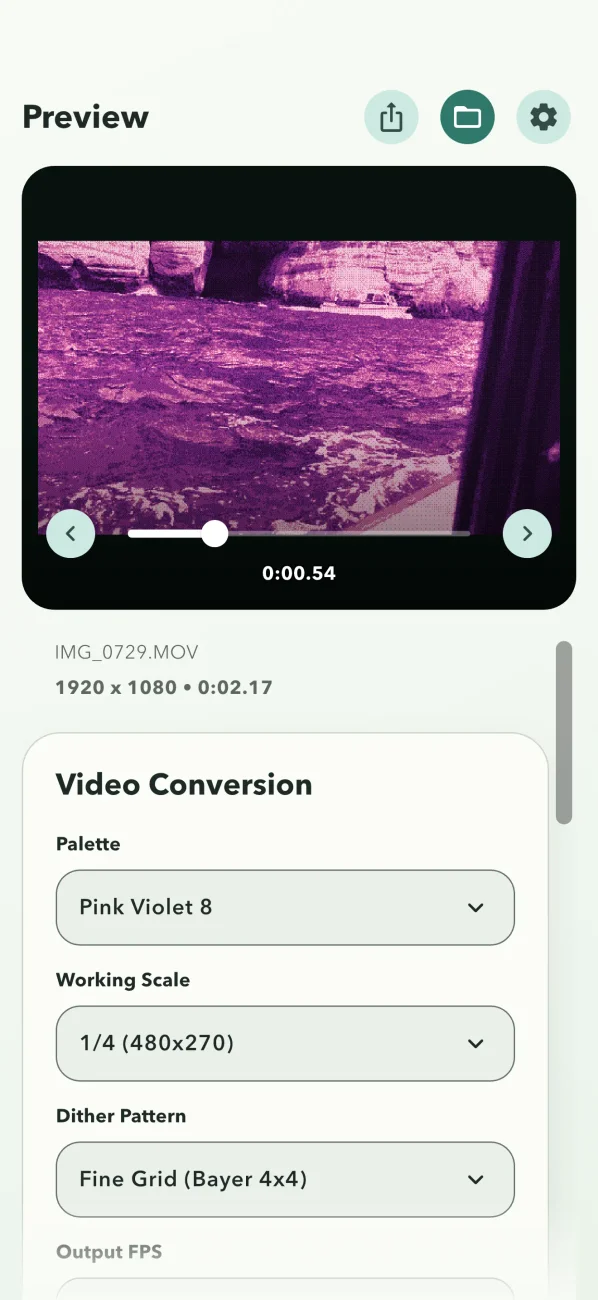
Retroize is an iPhone and iPad video converter that turns your videos into an 8-bit-inspired or retro-styled look and lets you share or save the result as a video file.
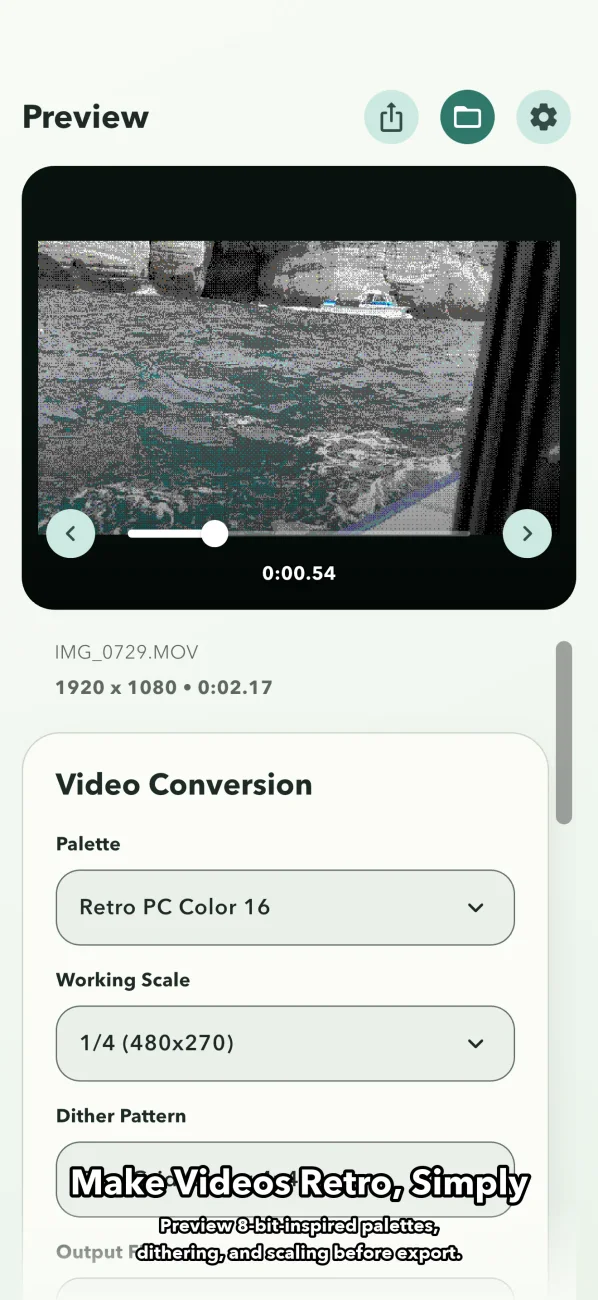
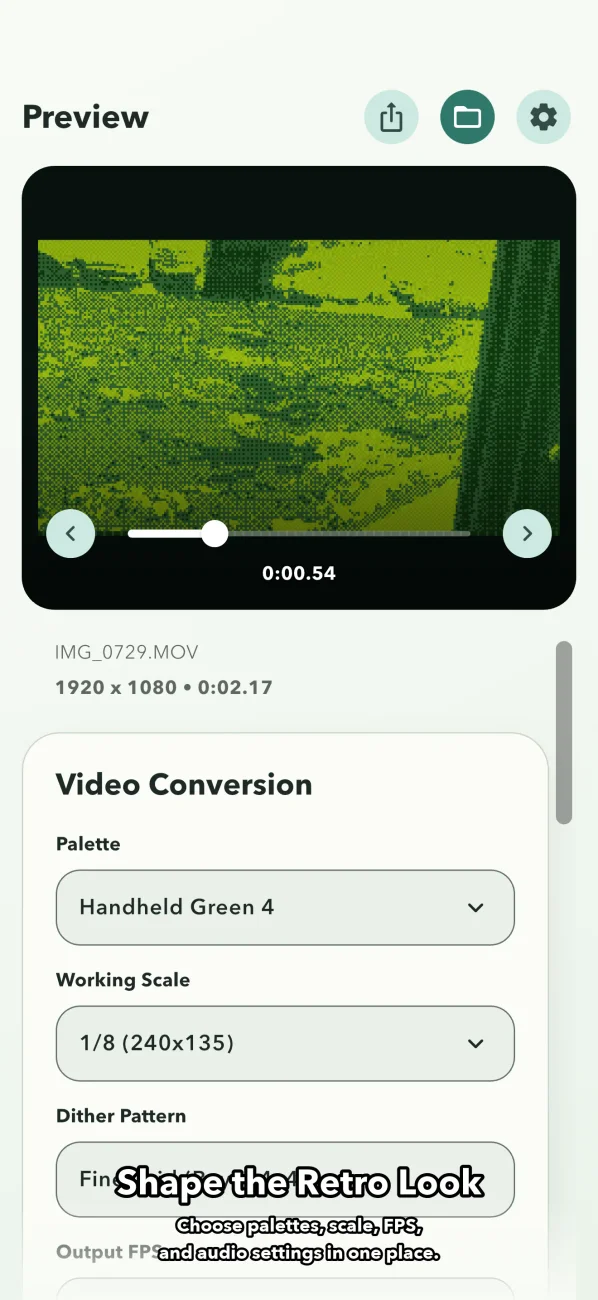
Choose videos from Photos or Files, then adjust palettes, dithering, working resolution, output FPS, and audio settings in one focused workflow.
■ Retro palettes for different looks
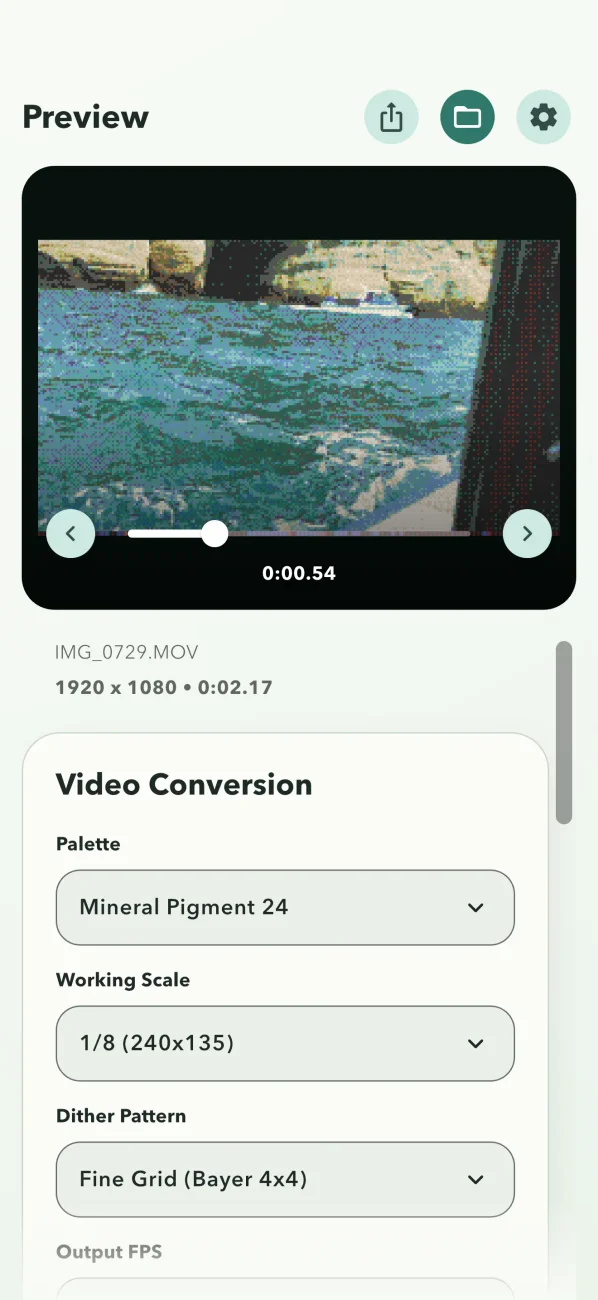
Choose from retro PC monochrome and color palettes, handheld-style green, phosphor green, 8-bit-inspired console colors, sepia tone, pink violet, traditional Japanese colors, mineral pigments, indigo dye, fresco earth, and original color.
■ Dithering for texture
Select fine grid (Bayer 4x4), wide grid (Bayer 8x8), or soft grain (blue noise). Reduce banding from color reduction and add a classic retro texture.
■ Control resolution and FPS
Tune the working scale, output size, and output FPS. Create a classic low-resolution, low-frame-rate feel, or keep a modern resolution while applying palette conversion.
■ One-frame preview
Preview a representative frame before export. Check the look as you adjust settings, so it is easier to find the right style.
■ Retro-style audio
Keep the original audio, or lower the sample rate for a retro-style sound.
■ iPhone and iPad export
Export MP4 video files, then use the system share sheet to save, send, or open the exported video in another app.
Note: HDR and wide-color videos are processed as standard-color MP4 files. HDR brightness and wide-color information are not preserved.
[Free version and full export]
The free version exports the first 10 seconds of each video.
Unlock Full Export with an in-app purchase to export the entire video.
Export length may also depend on device performance and available storage.
Privacidad de la aplicación
Lo que Nekomimimi declara en App Store sobre cómo esta aplicación gestiona los datos.
-
No se recopilan datos
El desarrollador no recopila ningún dato de esta aplicación.
Las prácticas de privacidad pueden variar, por ejemplo, según las funciones que uses o tu edad.
Información
- Vendedor
- Yoshiyuki Hirose
- Categoría
- Foto y vídeo
- Versión
- 1.0.0
- Actualizado
- 13/5/2026
- Publicado
- 13/5/2026
- Tamaño
- 20,0 MB
- Requiere
- iOS 15.0 o posterior
- Clasificación por edad
- 4+
- Precio
- Gratis
- Compras en la aplicación
- Sí
- Idiomas
- Japonés, Chino simplificado, Chino tradicional, Inglés, Coreano
- Copyright
- © Nekomimimi
Quizá también te guste
-
 CRASTiPIX-liteFoto y vídeo
-
 3D SuperimposeFoto y vídeo
-
 RedactFlow: Blur & PixelateFoto y vídeo
-
 PixelCamera - Retro 8-bit CamFoto y vídeo
-
 Chaos Camera LabFoto y vídeo
-
 Pixelize MeFotos en pixel art de 8 bits
-
 RuinFilterFoto y vídeo
-
 POPI 前髪・髪型・パーソナルカラー診断Foto y vídeo
-
 Pixel ShapeChange bored pixel for shapes
-
 Scryer: Glitch RitualMira mundos en tu expresión