Retroize
Retro Pixel Video Maker
Designed for iPhone, iPad, Mac, iPod touch
In-app purchases
- Age rating4+
- CategoryPhoto & Video
- DeveloperNekomimimi
- LanguagesJapanese+ 4 more
- Size20.0 MB
Links to the official App Store page
Download.org hosts no file of Retroize. The button opens its official App Store page, published by Nekomimimi. Listing last checked on Nov 12, 2026.
Screenshots
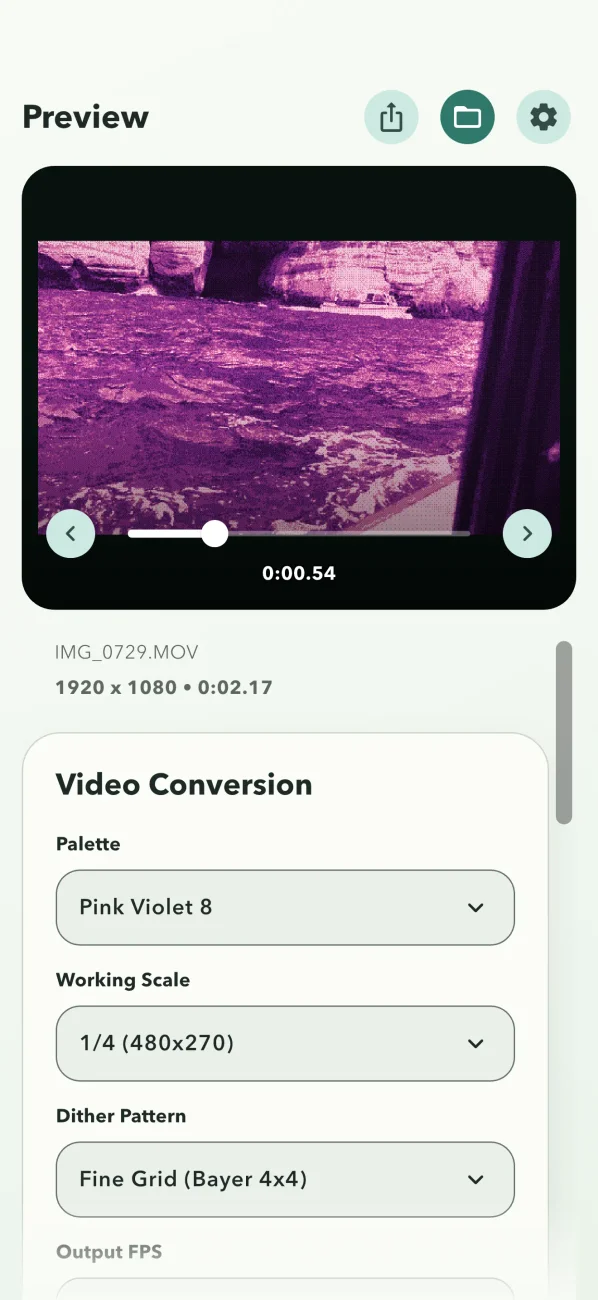

About
Retroize is an iPhone and iPad video converter that turns your videos into an 8-bit-inspired or retro-styled look and lets you share or save the result as a video file.
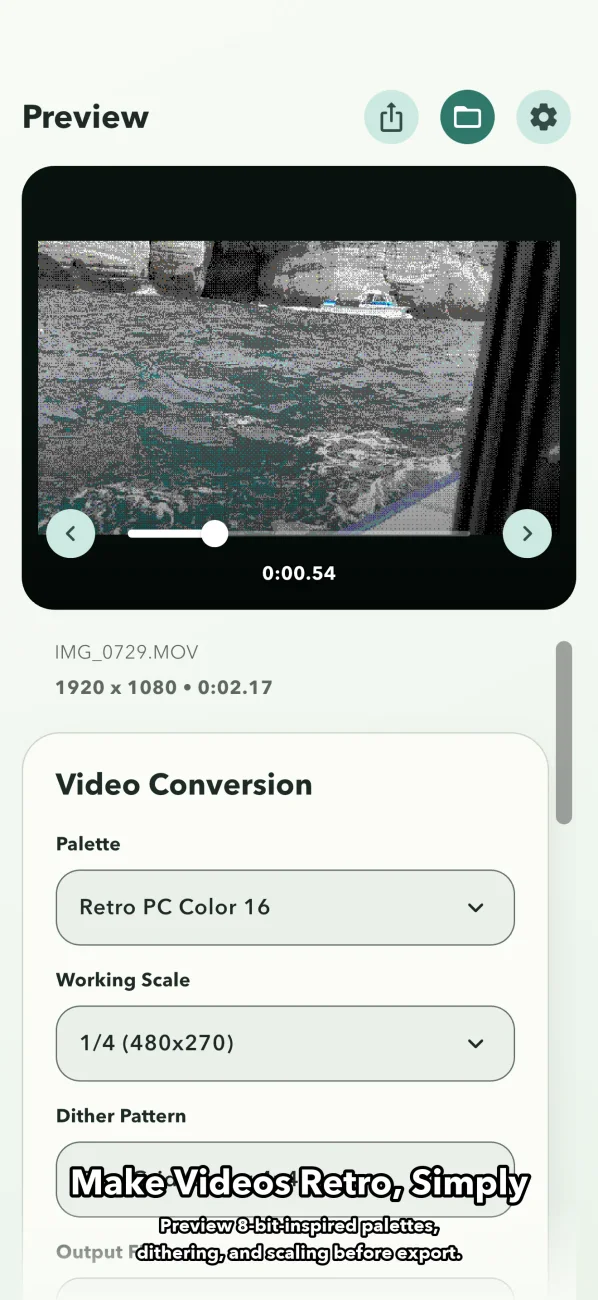
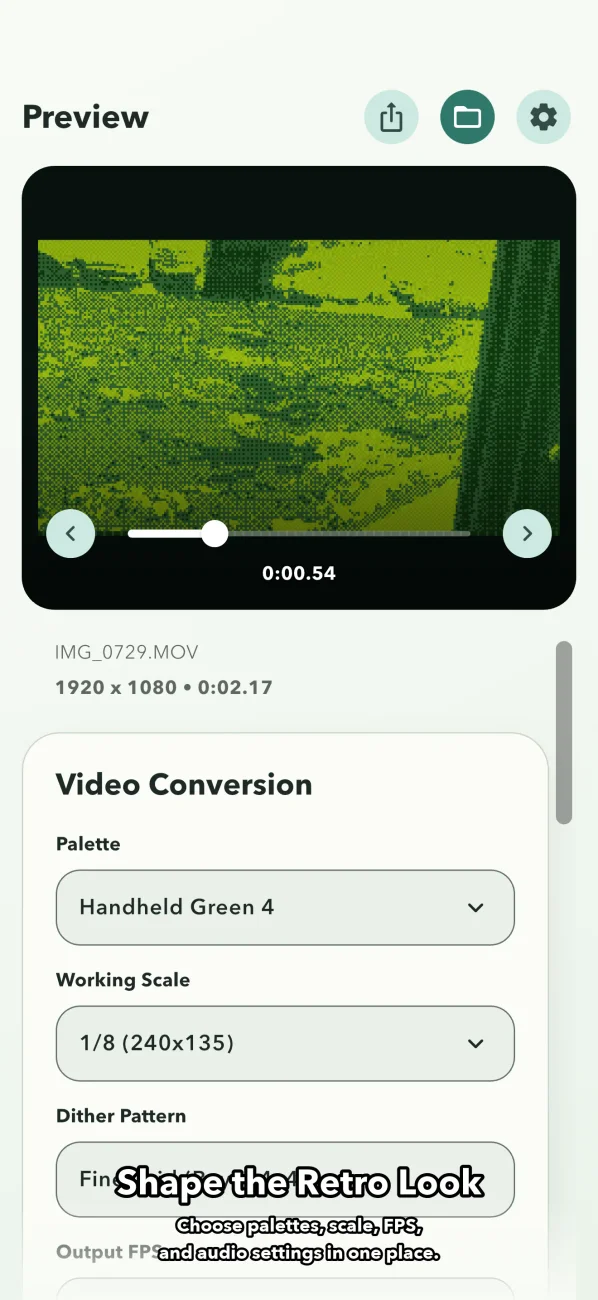
Choose videos from Photos or Files, then adjust palettes, dithering, working resolution, output FPS, and audio settings in one focused workflow.
■ Retro palettes for different looks
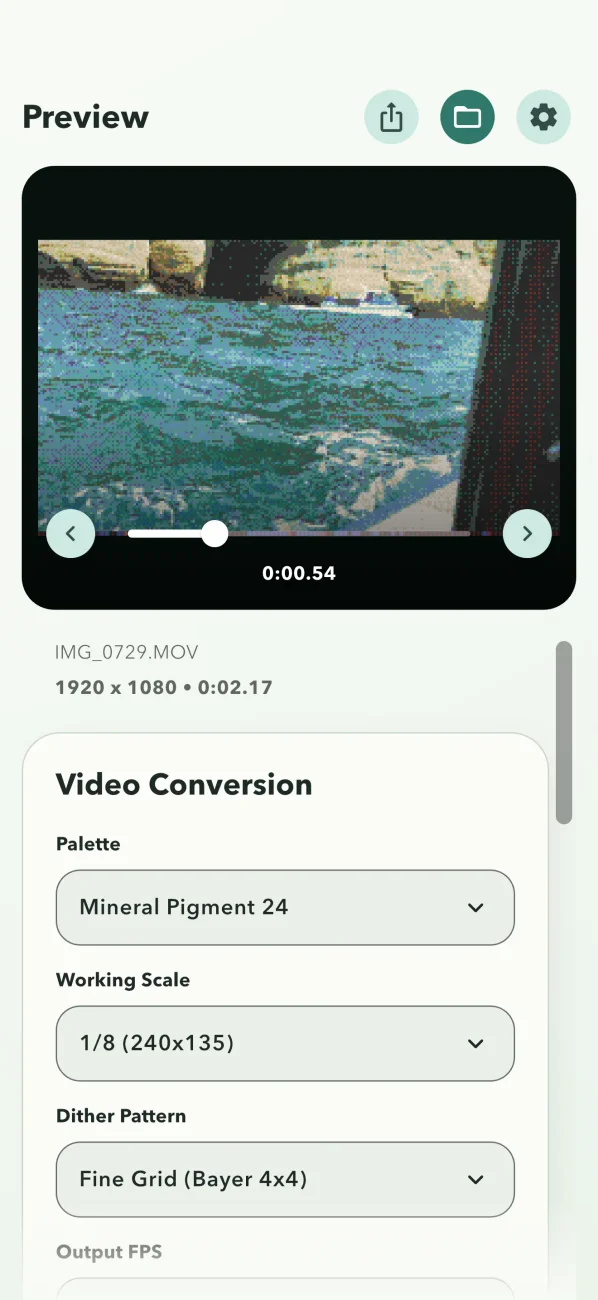
Choose from retro PC monochrome and color palettes, handheld-style green, phosphor green, 8-bit-inspired console colors, sepia tone, pink violet, traditional Japanese colors, mineral pigments, indigo dye, fresco earth, and original color.
■ Dithering for texture
Select fine grid (Bayer 4x4), wide grid (Bayer 8x8), or soft grain (blue noise). Reduce banding from color reduction and add a classic retro texture.
■ Control resolution and FPS
Tune the working scale, output size, and output FPS. Create a classic low-resolution, low-frame-rate feel, or keep a modern resolution while applying palette conversion.
■ One-frame preview
Preview a representative frame before export. Check the look as you adjust settings, so it is easier to find the right style.
■ Retro-style audio
Keep the original audio, or lower the sample rate for a retro-style sound.
■ iPhone and iPad export
Export MP4 video files, then use the system share sheet to save, send, or open the exported video in another app.
Note: HDR and wide-color videos are processed as standard-color MP4 files. HDR brightness and wide-color information are not preserved.
[Free version and full export]
The free version exports the first 10 seconds of each video.
Unlock Full Export with an in-app purchase to export the entire video.
Export length may also depend on device performance and available storage.
App privacy
What Nekomimimi declares on the App Store about how this app handles data.
-
Data not collected
The developer does not collect any data from this app.
Privacy practices may vary, for example with the features you use or your age.
Information
- Seller
- Yoshiyuki Hirose
- Category
- Photo & Video
- Version
- 1.0.0
- Updated
- May 13, 2026
- Released
- May 13, 2026
- Size
- 20.0 MB
- Requires
- iOS 15.0 or later
- Age rating
- 4+
- In-app purchases
- Yes
- Languages
- Japanese, Simplified Chinese, Traditional Chinese, English, Korean
- Copyright
- © Nekomimimi
You might also like
-
 CRASTiPIX-litePixelate everything
-
 3D SuperimposePhoto & Video
-
 RedactFlow: Blur & PixelateBlur photos, videos & text
-
 PixelCamera - Retro 8-bit CamTurn your world into pixel art
-
 Chaos Camera LabPhotography, remixed.
-
 Pixelize MePhoto to 8-Bit Pixel Art Maker
-
 RuinFilterTurn photos into ruins
-
 POPI 前髪・髪型・パーソナルカラー診断Photo & Video
-
 Pixel ShapeChange bored pixel for shapes
-
 Scryer: Glitch RitualSee worlds in your expression