Retroize
Retro Pixel Video Maker
Projetado para iPhone, iPad, Mac, iPod touch
Grátis · Compras no app
- Classificação etária4+
- CategoriaFoto e vídeo
- DesenvolvedorNekomimimi
- IdiomasJaponêse mais 4
- Tamanho20,0 MB
Leva à página oficial na App Store
O Download.org não hospeda nenhum arquivo de Retroize. O botão abre a página do app na App Store, onde Nekomimimi o publica. Página verificada pela última vez em 12/11/2026.
Capturas de tela
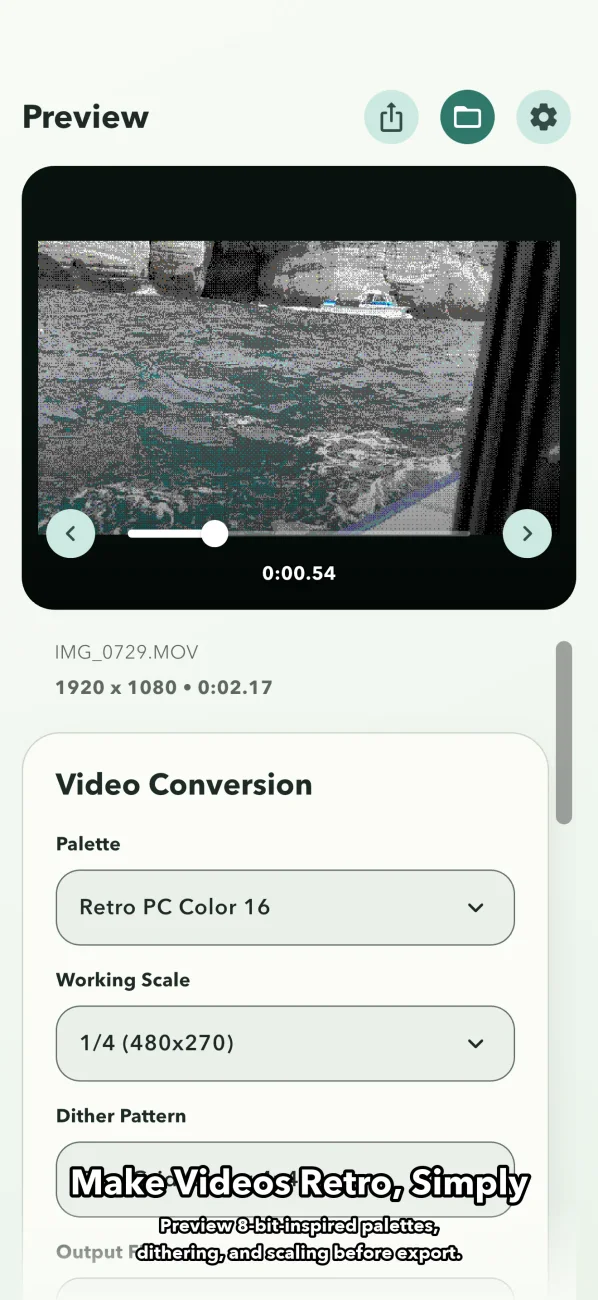
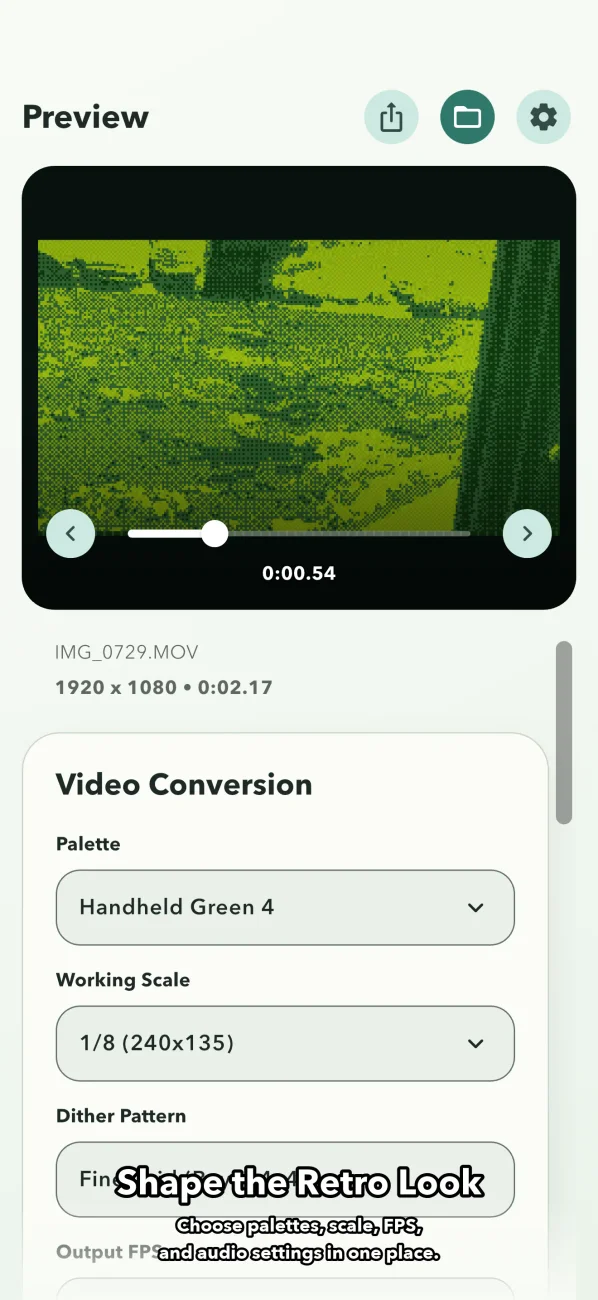
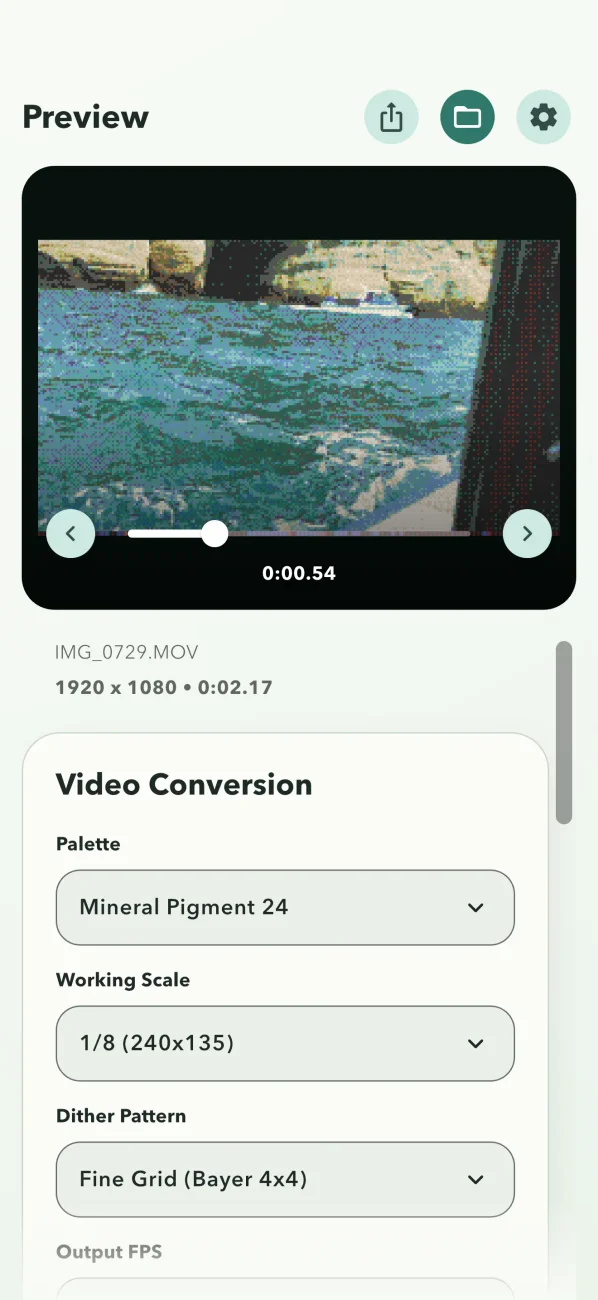

Sobre
O desenvolvedor não forneceu este texto no seu idioma.
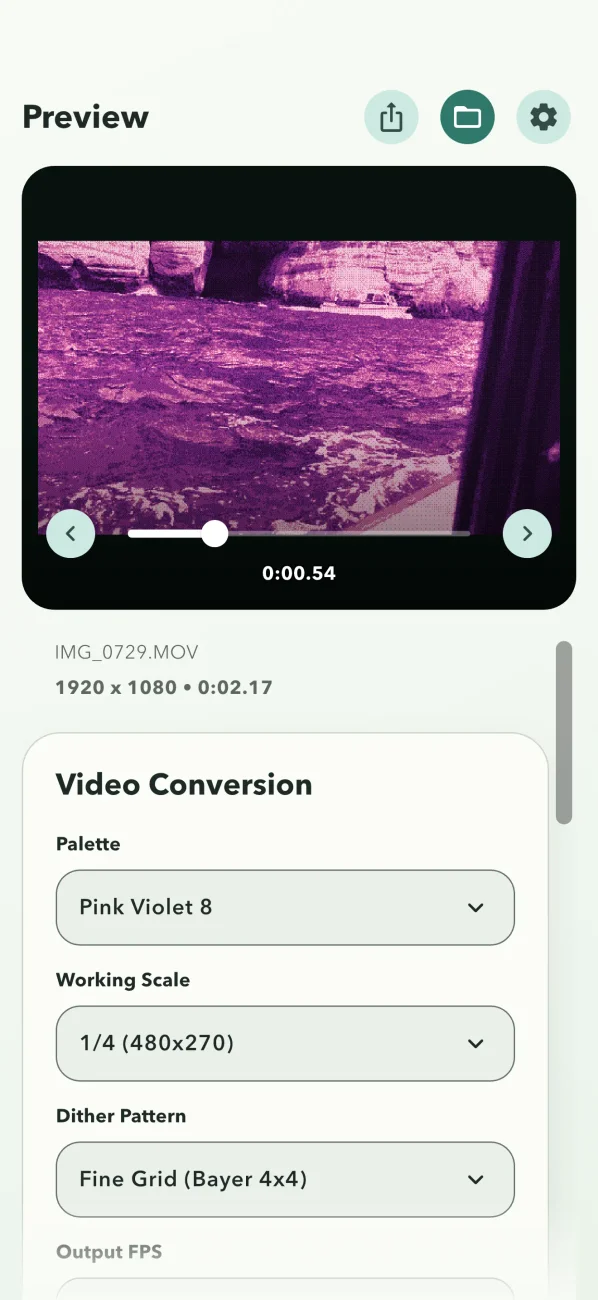
Retroize is an iPhone and iPad video converter that turns your videos into an 8-bit-inspired or retro-styled look and lets you share or save the result as a video file.
Choose videos from Photos or Files, then adjust palettes, dithering, working resolution, output FPS, and audio settings in one focused workflow.
■ Retro palettes for different looks
Choose from retro PC monochrome and color palettes, handheld-style green, phosphor green, 8-bit-inspired console colors, sepia tone, pink violet, traditional Japanese colors, mineral pigments, indigo dye, fresco earth, and original color.
■ Dithering for texture
Select fine grid (Bayer 4x4), wide grid (Bayer 8x8), or soft grain (blue noise). Reduce banding from color reduction and add a classic retro texture.
■ Control resolution and FPS
Tune the working scale, output size, and output FPS. Create a classic low-resolution, low-frame-rate feel, or keep a modern resolution while applying palette conversion.
■ One-frame preview
Preview a representative frame before export. Check the look as you adjust settings, so it is easier to find the right style.
■ Retro-style audio
Keep the original audio, or lower the sample rate for a retro-style sound.
■ iPhone and iPad export
Export MP4 video files, then use the system share sheet to save, send, or open the exported video in another app.
Note: HDR and wide-color videos are processed as standard-color MP4 files. HDR brightness and wide-color information are not preserved.
[Free version and full export]
The free version exports the first 10 seconds of each video.
Unlock Full Export with an in-app purchase to export the entire video.
Export length may also depend on device performance and available storage.
Privacidade do app
O que Nekomimimi declara na App Store sobre como este app lida com os dados.
-
Dados não coletados
O desenvolvedor não coleta nenhum dado deste app.
As práticas de privacidade podem variar, por exemplo, com base nos recursos que você usa ou na sua idade.
Informações
- Vendedor
- Yoshiyuki Hirose
- Categoria
- Foto e vídeo
- Versão
- 1.0.0
- Atualizado
- 13/05/2026
- Lançamento
- 13/05/2026
- Tamanho
- 20,0 MB
- Requer
- iOS 15.0 ou posterior
- Classificação etária
- 4+
- Preço
- Grátis
- Compras no app
- Sim
- Idiomas
- Japonês, Chinês simplificado, Chinês tradicional, Inglês, Coreano
- Copyright
- © Nekomimimi
Você também pode gostar
-
 CRASTiPIX-liteFoto e vídeo
-
 3D SuperimposeFoto e vídeo
-
 RedactFlow: Blur & PixelateFoto e vídeo
-
 PixelCamera - Retro 8-bit CamFoto e vídeo
-
 Chaos Camera LabFoto e vídeo
-
 Pixelize MeFotos em pixel art de 8 bits
-
 RuinFilterFoto e vídeo
-
 POPI 前髪・髪型・パーソナルカラー診断Foto e vídeo
-
 Pixel ShapeFoto e vídeo
-
 Scryer: Glitch RitualFoto e vídeo