Scan it: Quick scanner
No subscription. Export to PDF
Diseñada para iPhone, iPad
Gratis · Compras en la aplicación
- Clasificación por edad4+
- CategoríaEconomía y empresa
- DesarrolladorFilip Nemecek
- IdiomasInglés
- Tamaño12,9 MB
Enlaza a la página oficial de App Store
Download.org no aloja ningún archivo de Scan it: Quick scanner. El botón abre la página de la aplicación en App Store, donde la publica Filip Nemecek. Ficha comprobada por última vez el 12/11/2026.
Capturas de pantalla
Acerca de
El desarrollador no ha proporcionado este texto en tu idioma.
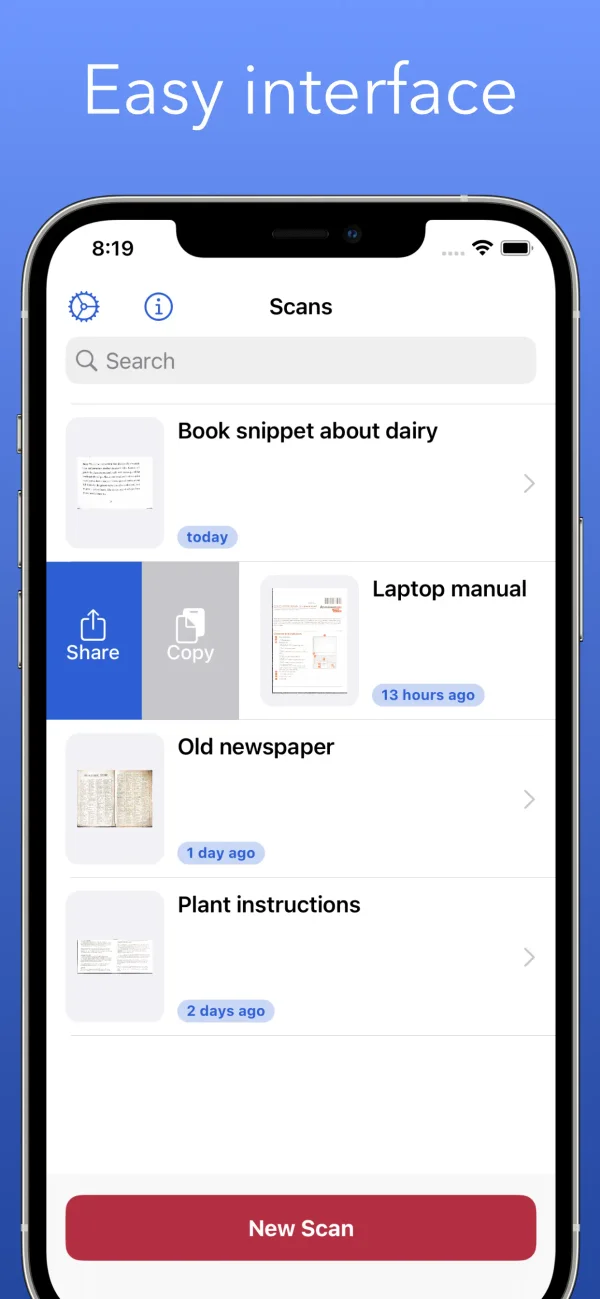
Easy to use scanner. Convert scans into PDF for easy sharing.
*Free version offers 5 scans every month. Upgrade to Pro to remove the limit*
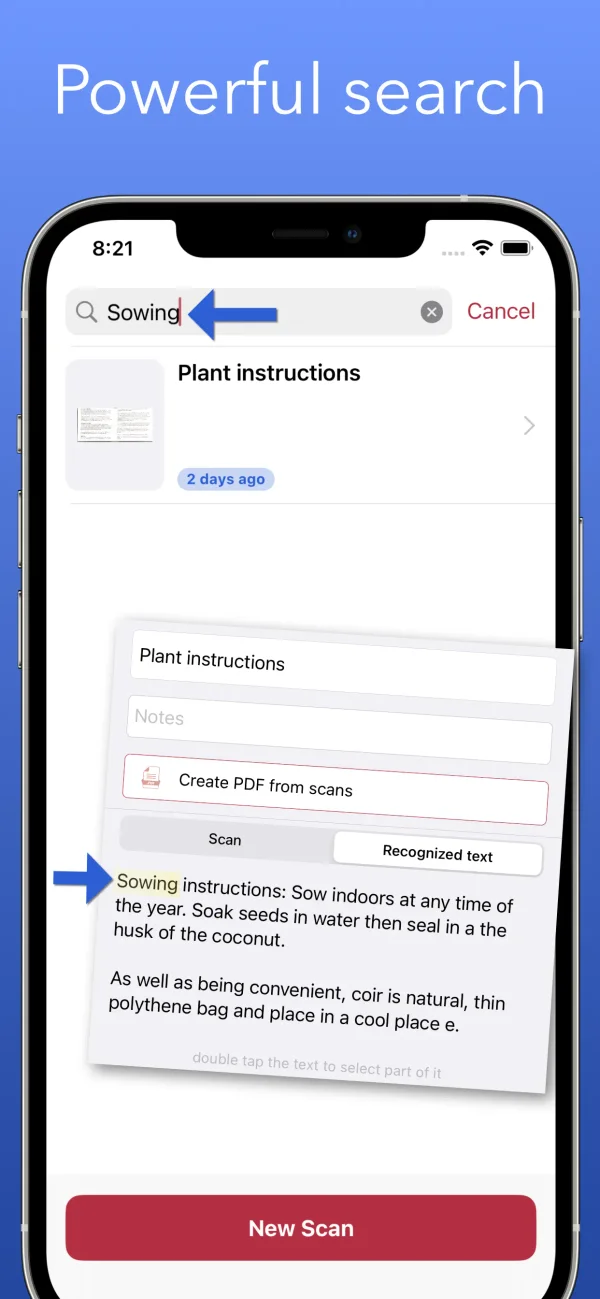
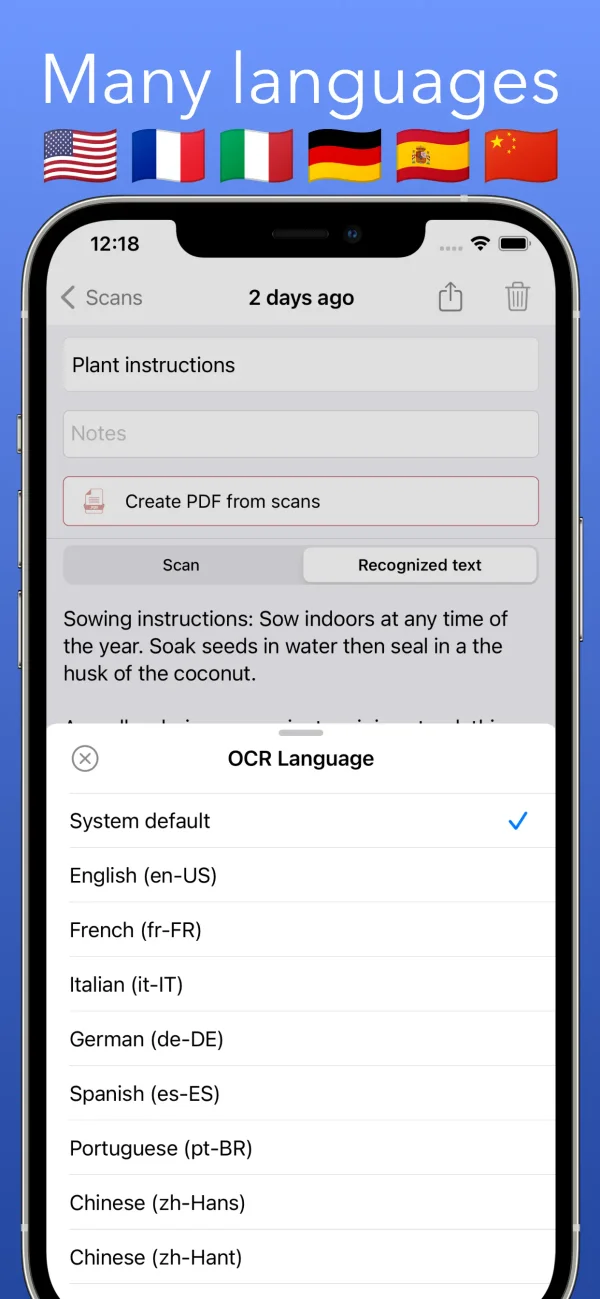
The app can export scanned documents as PDF and also does text recognition (OCR). You can easily access all text content or perhaps just the website address or phone number.
You scanned documents are automatically saved to iCloud Drive and available on all your Apple devices.
iPad version supports drag and drop so you can quickly drag scanned documents to other apps.
| Scan
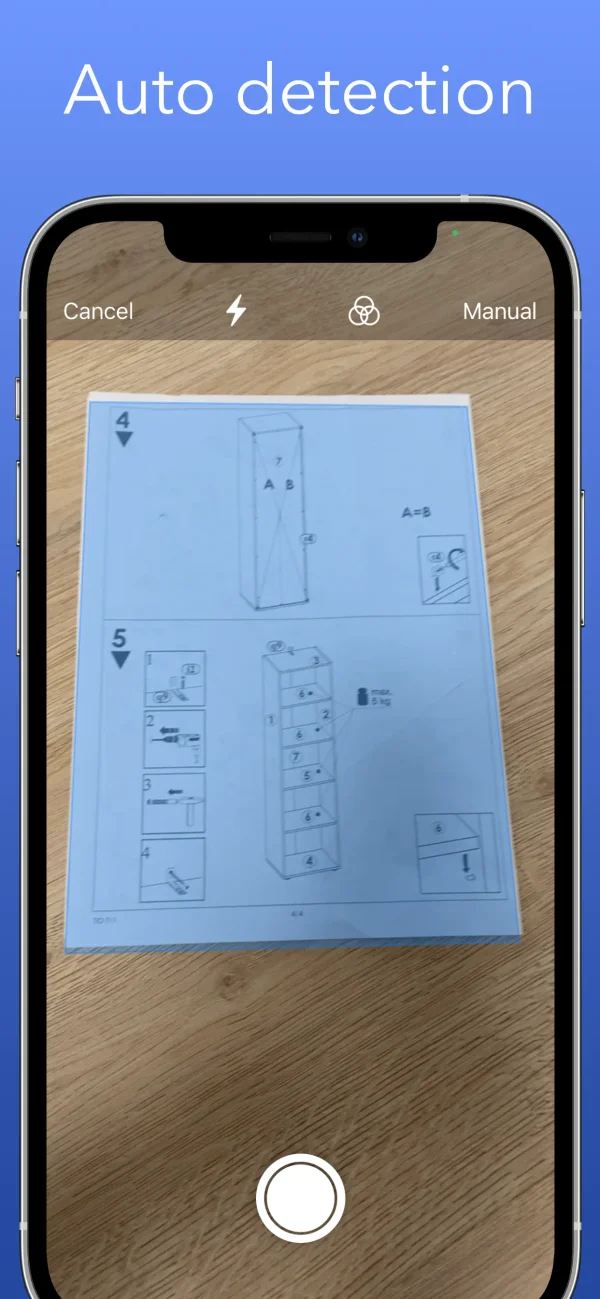
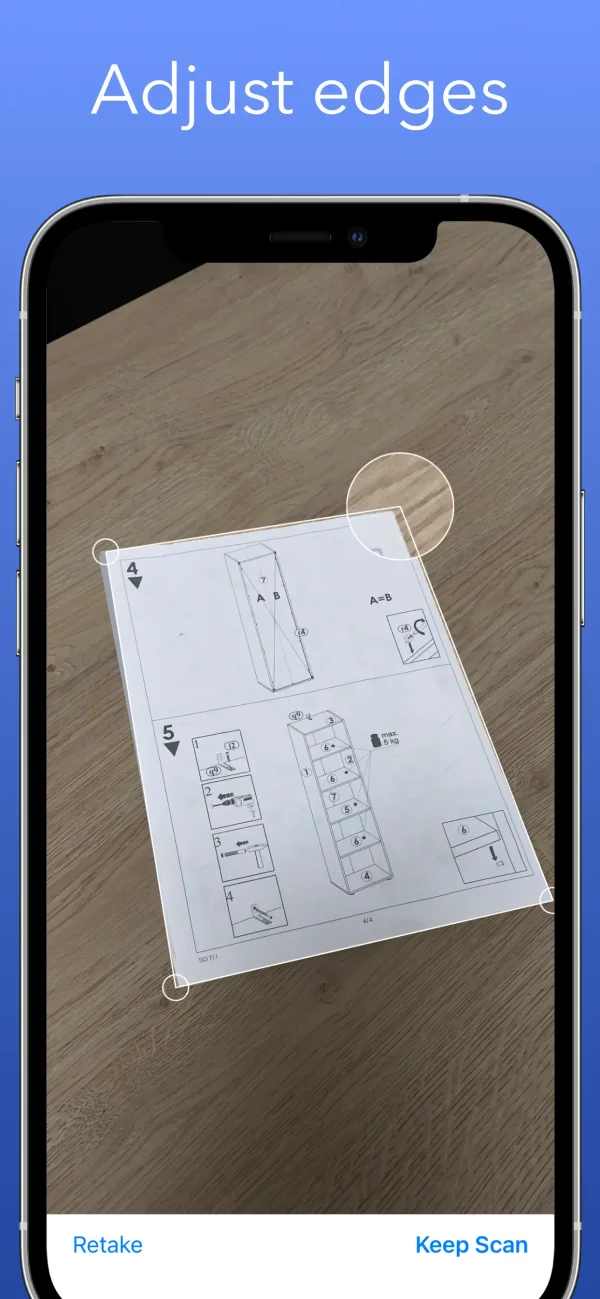
Scan one or multiple pages and adjust the edges if needed before saving the final scan. The app automatically detects the edges of the document for better experience.
You can rotate the scanned document or apply Grayscale, Black & White or Photo filters. Just make sure to do these edits before confirming the scan.
| Export
Easily share scanned documents as individual images or create PDF from all the pages in one scan.
| iCloud
All scanned documents are automatically uploaded to your iCloud Drive for easy access and backup. Just look for the "Scan it" folder. You can also customize this to export single PDF from multiple scans.
| Text Recognition
Scan it features OCR which means that scanned text will get recognized and you can quickly make use of it. For example if you scan business card you will get tappable links in results allowing you to make a call, send an email, open Safari or maps depending on the contents.
This recognized text can also be easily shared.
Examples where app can help:
* Scan business cards to quickly save contact information like an email or phone number
* Scan receipts to keep track of expenses
* Scan interesting book pages or other articles for later
* Scan and archive invoices and other important documents
* Paper notes, mindmaps and other important texts so you never lose it
Novedades
Versión 4.0.1 · 13/1/2026
Minor design tweaks, bug fixes
Privacidad de la aplicación
Lo que Filip Nemecek declara en App Store sobre cómo esta aplicación gestiona los datos.
-
Datos no vinculados a ti
Pueden recopilarse, pero no se vinculan a tu identidad.
- Diagnóstico
Las prácticas de privacidad pueden variar, por ejemplo, según las funciones que uses o tu edad.
Información
- Vendedor
- Filip Nemecek
- Categoría
- Economía y empresa
- Versión
- 4.0.1
- Actualizado
- 13/1/2026
- Publicado
- 29/4/2020
- Tamaño
- 12,9 MB
- Requiere
- iOS 16.0 o posterior
- Clasificación por edad
- 4+
- Precio
- Gratis
- Compras en la aplicación
- Sí
- Idiomas
- Inglés
- Copyright
- © Filip Němeček 2025
Quizá también te guste
-
 Easy Smart ScannerNo Ads & No Subscriptions
-
 Document Scanner: Scan StudioEconomía y empresa
-
 Gem - Money trackerFinanzas
-
 Escáner de Foto a PDFEscanear documentos PDF
-
 Prizmo › Escáner documentosEscanear textos PDF, DOCX +OCR
-
 Scanner App: Scan Paper to PDFEconomía y empresa
-
 Scan-IT to OfficeAdquisición de datos móviles
-
 Simple Scan • Quick ScannerProductividad
-
 QuickScan: PDF & OCR ScannerConvert Docs, Scan and Photo
-
 Anybox - Bookmark & Read LaterProductividad