Scan it: Quick scanner
No subscription. Export to PDF
Entwickelt für iPhone, iPad
Kostenlos · In-App-Käufe
- Altersfreigabe4+
- KategorieWirtschaft
- EntwicklerFilip Nemecek
- SprachenEnglisch
- Größe12,9 MB
Verlinkt auf die offizielle App Store-Seite
Download.org hostet keine Datei von Scan it: Quick scanner. Die Schaltfläche öffnet die App-Seite bei App Store, wo Filip Nemecek die App veröffentlicht. Eintrag zuletzt geprüft am 12.11.2026.
Screenshots
Info
Der Entwickler hat diesen Text nicht in Ihrer Sprache bereitgestellt.
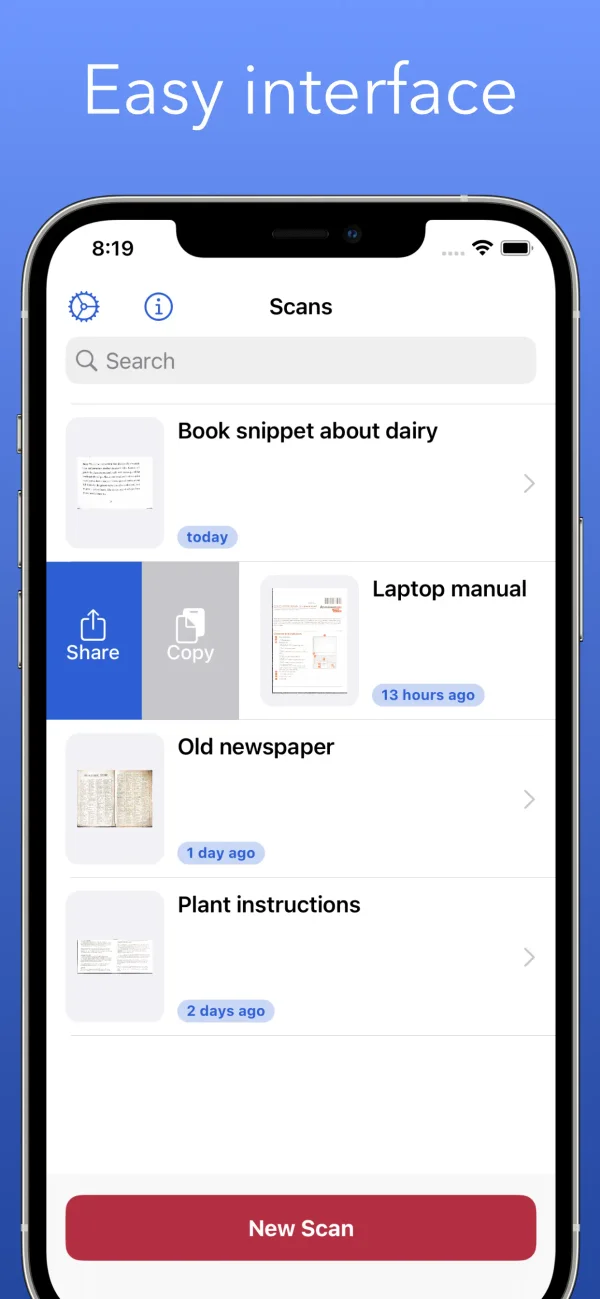
Easy to use scanner. Convert scans into PDF for easy sharing.
*Free version offers 5 scans every month. Upgrade to Pro to remove the limit*
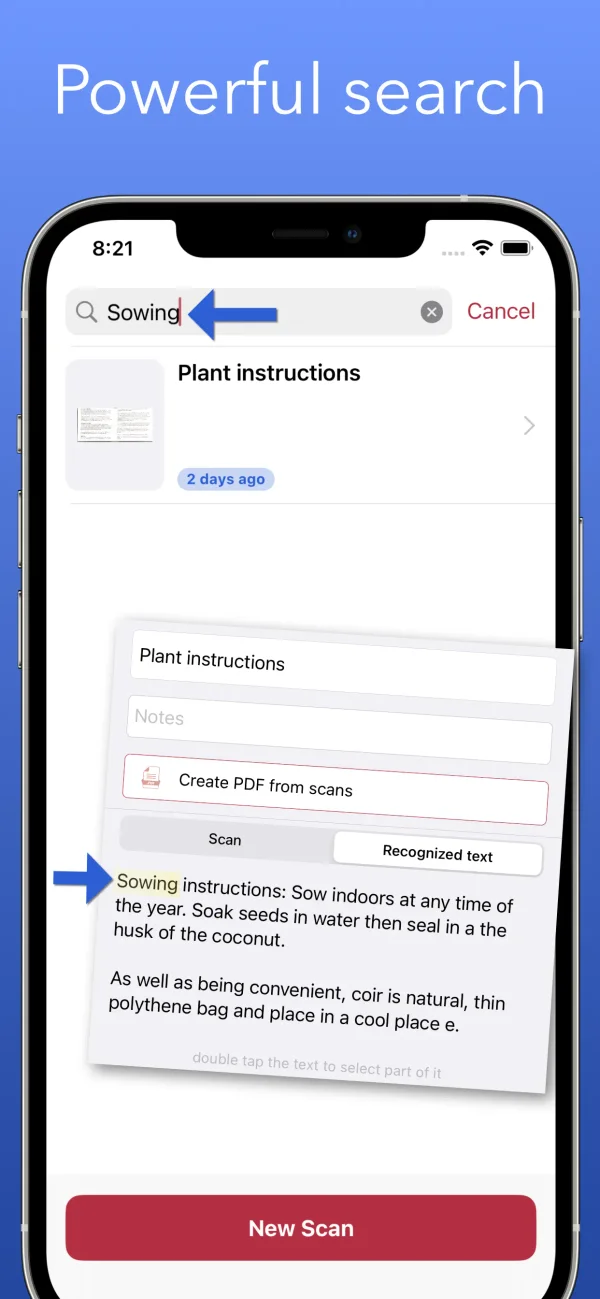
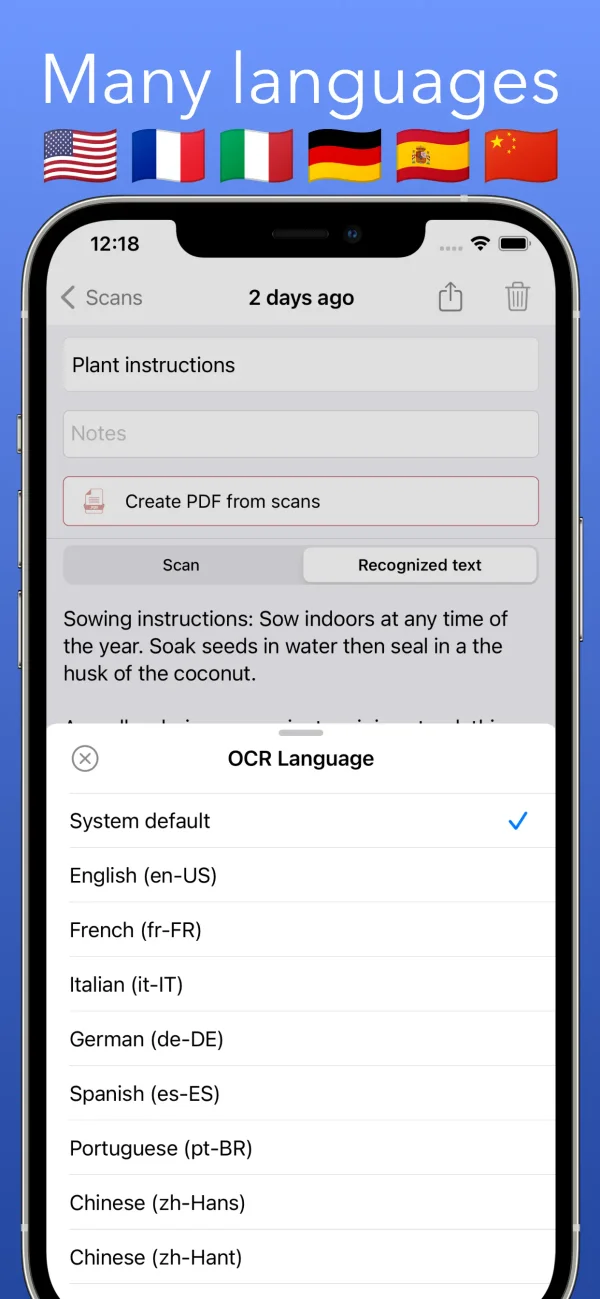
The app can export scanned documents as PDF and also does text recognition (OCR). You can easily access all text content or perhaps just the website address or phone number.
You scanned documents are automatically saved to iCloud Drive and available on all your Apple devices.
iPad version supports drag and drop so you can quickly drag scanned documents to other apps.
| Scan
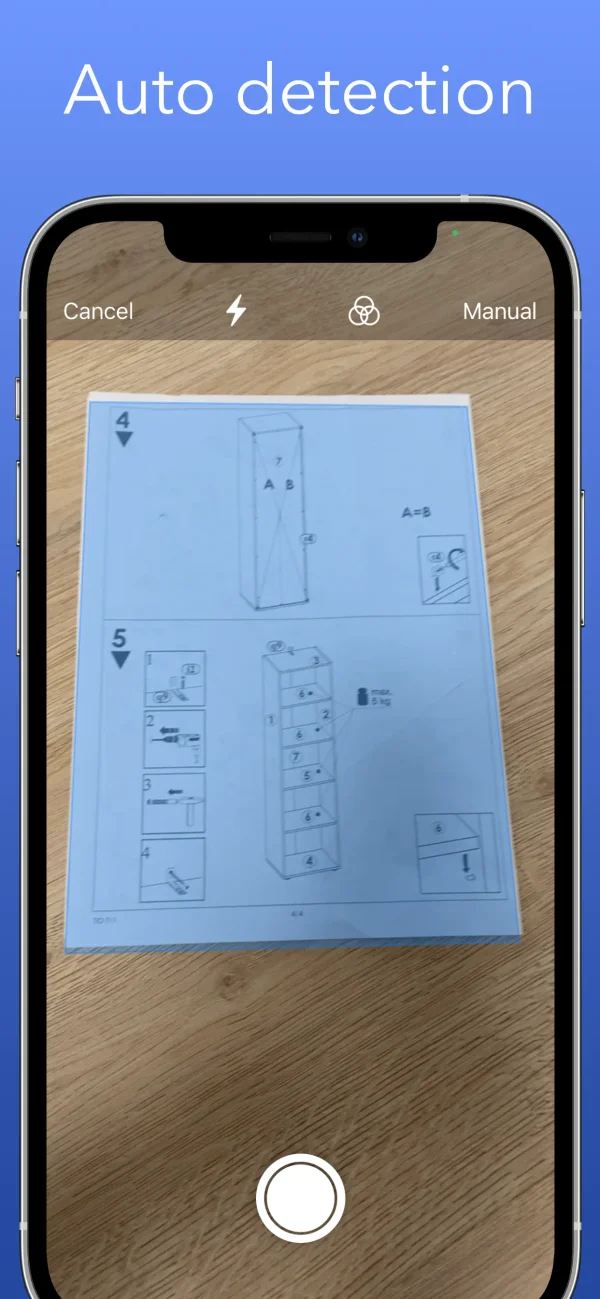
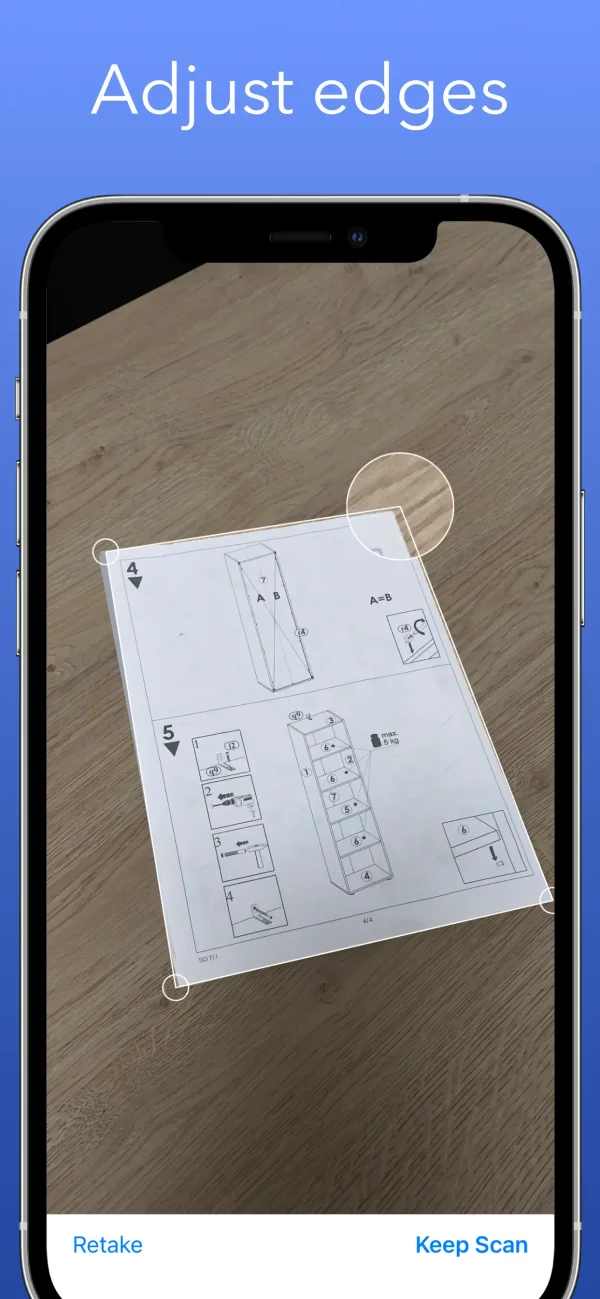
Scan one or multiple pages and adjust the edges if needed before saving the final scan. The app automatically detects the edges of the document for better experience.
You can rotate the scanned document or apply Grayscale, Black & White or Photo filters. Just make sure to do these edits before confirming the scan.
| Export
Easily share scanned documents as individual images or create PDF from all the pages in one scan.
| iCloud
All scanned documents are automatically uploaded to your iCloud Drive for easy access and backup. Just look for the "Scan it" folder. You can also customize this to export single PDF from multiple scans.
| Text Recognition
Scan it features OCR which means that scanned text will get recognized and you can quickly make use of it. For example if you scan business card you will get tappable links in results allowing you to make a call, send an email, open Safari or maps depending on the contents.
This recognized text can also be easily shared.
Examples where app can help:
* Scan business cards to quickly save contact information like an email or phone number
* Scan receipts to keep track of expenses
* Scan interesting book pages or other articles for later
* Scan and archive invoices and other important documents
* Paper notes, mindmaps and other important texts so you never lose it
Neue Funktionen
Version 4.0.1 · 13.01.2026
Minor design tweaks, bug fixes
App-Datenschutz
Was Filip Nemecek im App Store zum Umgang dieser App mit Daten angibt.
-
Nicht mit Ihnen verknüpfte Daten
Können erfasst werden, sind aber nicht mit Ihrer Identität verknüpft.
- Diagnose
Die Datenschutzpraktiken können variieren, zum Beispiel je nach den von Ihnen verwendeten Funktionen oder Ihrem Alter.
Informationen
- Anbieter
- Filip Nemecek
- Kategorie
- Wirtschaft
- Version
- 4.0.1
- Aktualisiert
- 13.01.2026
- Veröffentlicht
- 29.04.2020
- Größe
- 12,9 MB
- Erfordert
- iOS 16.0 oder neuer
- Altersfreigabe
- 4+
- Preis
- Kostenlos
- In-App-Käufe
- Ja
- Sprachen
- Englisch
- Copyright
- © Filip Němeček 2025
Das könnte Ihnen auch gefallen
-
 Easy Smart ScannerProduktivität
-
 Scan Studio: PDF Scanner AppDokumente & Belege scannen
-
 Gem - Money trackerFinanzen
-
 Foto-zu-PDF-Scanner - ScannenDokument scannen und freigeben
-
 Prizmo › Dokumentenscanner OCRText scannen: PDF, DOCX, OCR.
-
 Scanner App: Scan Paper to PDFWirtschaft
-
 Scan-IT to OfficeMobile Datenerfassung
-
 Simple Scan • Quick ScannerProduktivität
-
 QuickScan: Dokumenten ScannerPDF, Text, OCR, Fotos Scannen
-
 Anybox - Bookmark & Read LaterProduktivität