Scan it: Quick scanner
No subscription. Export to PDF
Được thiết kế cho iPhone, iPad
Miễn phí · Mua hàng trong ứng dụng
- Độ tuổi4+
- Danh mụcKinh Doanh
- Nhà phát triểnFilip Nemecek
- Ngôn ngữTiếng Anh
- Kích thước12,9 MB
Liên kết đến trang App Store chính thức
Download.org không lưu trữ tệp nào của Scan it: Quick scanner. Nút này mở trang ứng dụng trên App Store, nơi Filip Nemecek phát hành ứng dụng. Trang được kiểm tra lần cuối: 12/11/2026.
Ảnh chụp màn hình
Giới thiệu
Nhà phát triển chưa cung cấp nội dung này bằng ngôn ngữ của bạn.
Easy to use scanner. Convert scans into PDF for easy sharing.
*Free version offers 5 scans every month. Upgrade to Pro to remove the limit*
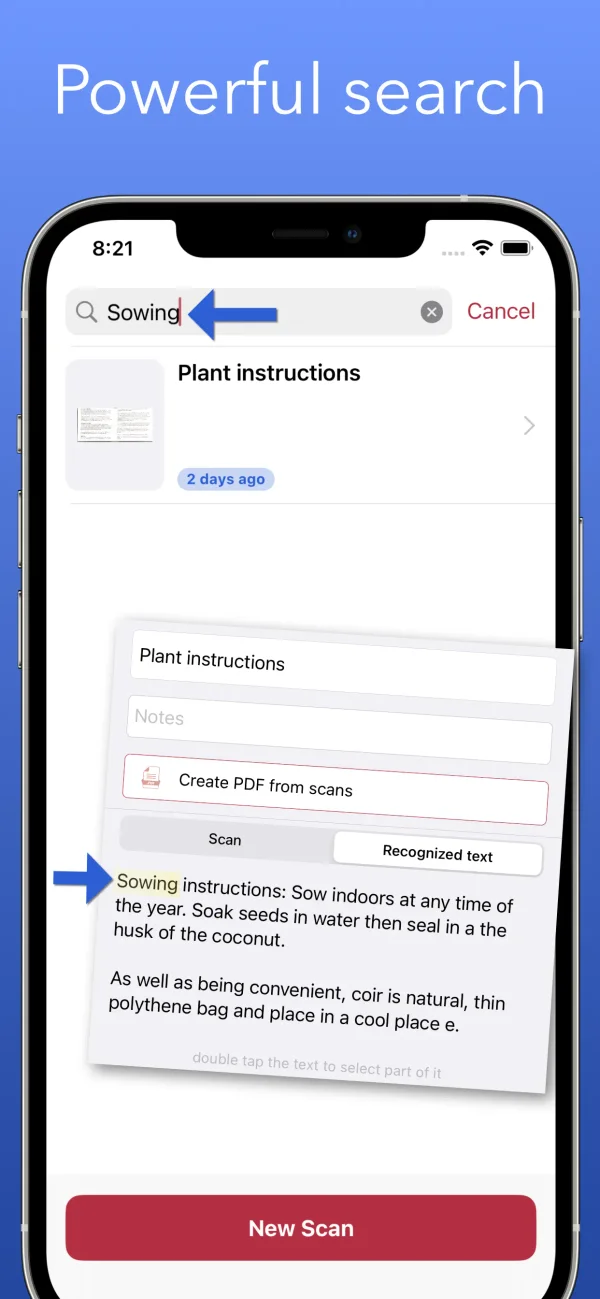
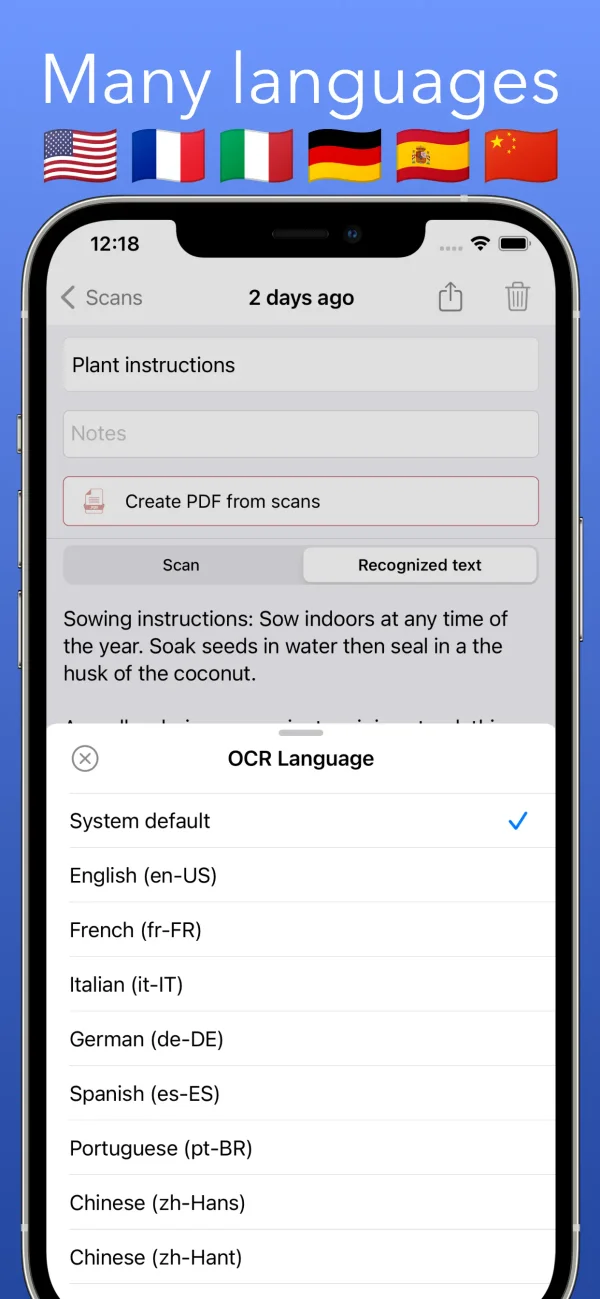
The app can export scanned documents as PDF and also does text recognition (OCR). You can easily access all text content or perhaps just the website address or phone number.
You scanned documents are automatically saved to iCloud Drive and available on all your Apple devices.
iPad version supports drag and drop so you can quickly drag scanned documents to other apps.
| Scan
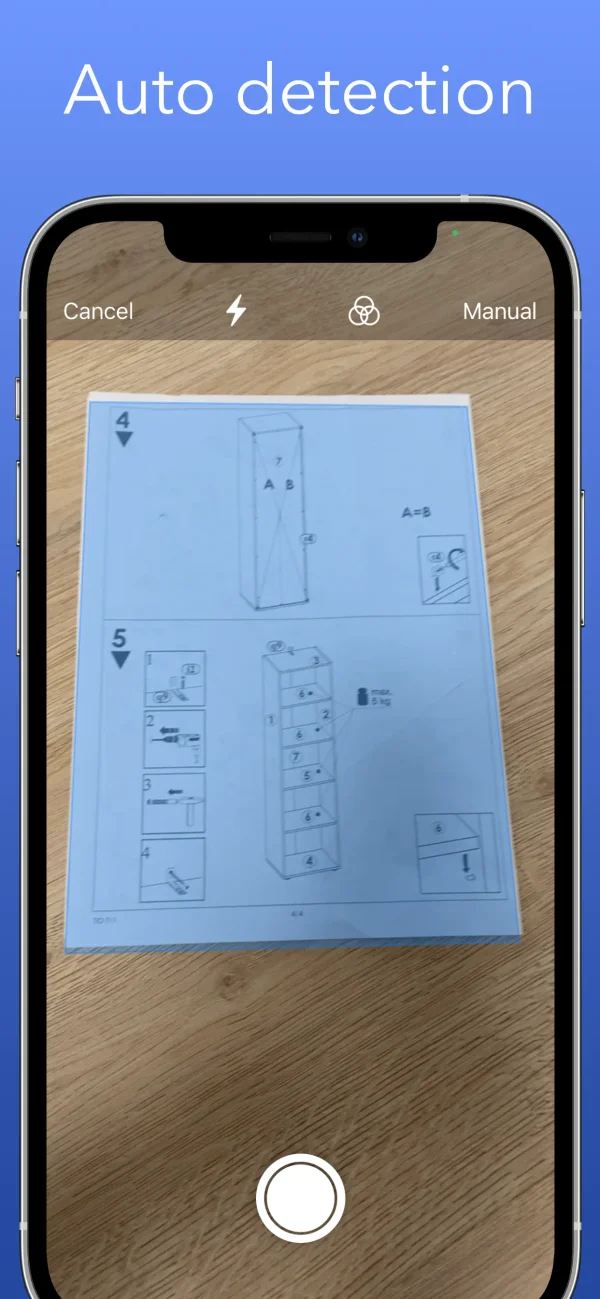
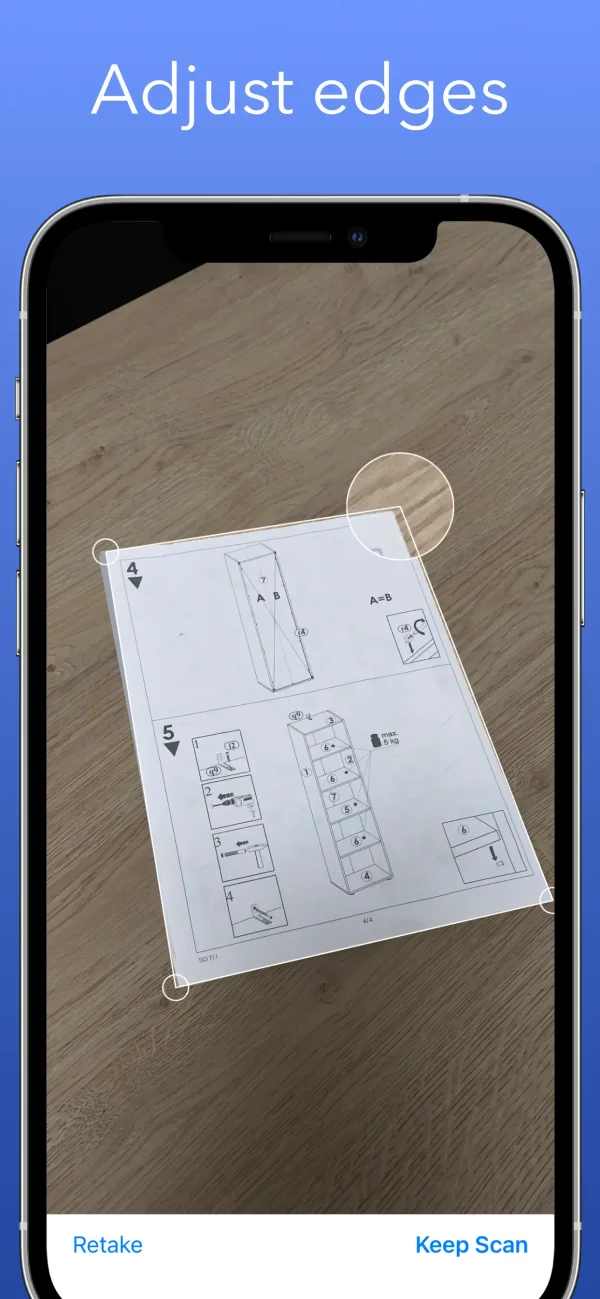
Scan one or multiple pages and adjust the edges if needed before saving the final scan. The app automatically detects the edges of the document for better experience.
You can rotate the scanned document or apply Grayscale, Black & White or Photo filters. Just make sure to do these edits before confirming the scan.
| Export
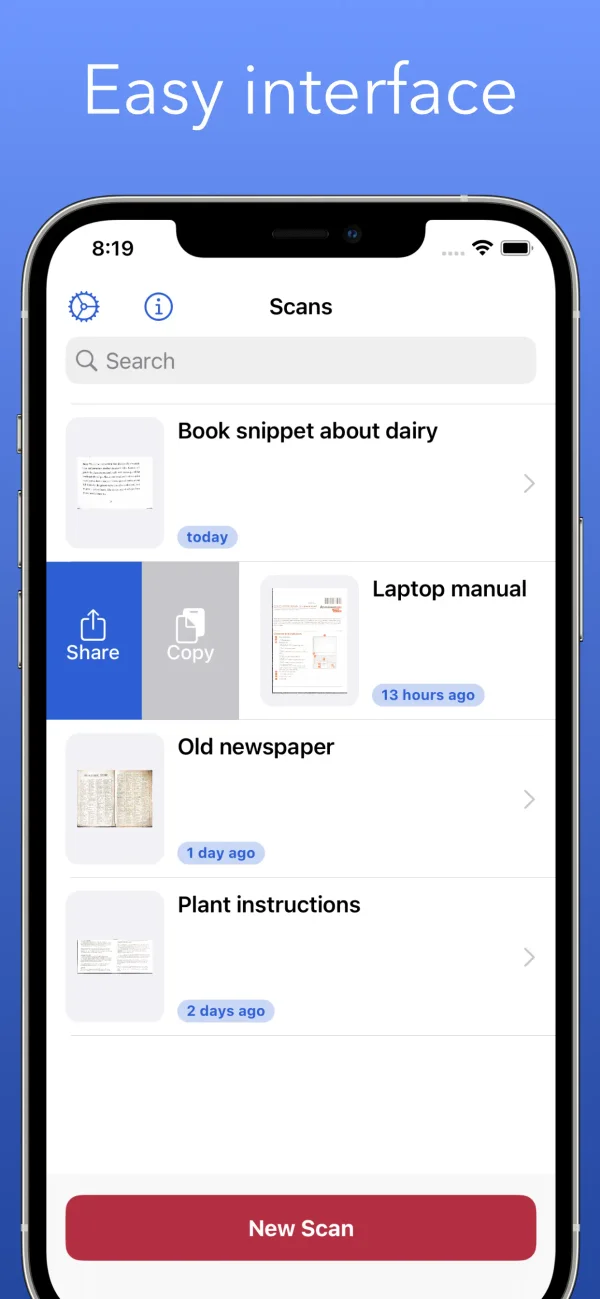
Easily share scanned documents as individual images or create PDF from all the pages in one scan.
| iCloud
All scanned documents are automatically uploaded to your iCloud Drive for easy access and backup. Just look for the "Scan it" folder. You can also customize this to export single PDF from multiple scans.
| Text Recognition
Scan it features OCR which means that scanned text will get recognized and you can quickly make use of it. For example if you scan business card you will get tappable links in results allowing you to make a call, send an email, open Safari or maps depending on the contents.
This recognized text can also be easily shared.
Examples where app can help:
* Scan business cards to quickly save contact information like an email or phone number
* Scan receipts to keep track of expenses
* Scan interesting book pages or other articles for later
* Scan and archive invoices and other important documents
* Paper notes, mindmaps and other important texts so you never lose it
Có gì mới
Phiên bản 4.0.1 · 13/01/2026
Minor design tweaks, bug fixes
Quyền riêng tư của ứng dụng
Những gì Filip Nemecek khai báo trên App Store về cách ứng dụng này xử lý dữ liệu.
-
Dữ liệu không liên kết với bạn
Có thể được thu thập nhưng không liên kết với danh tính của bạn.
- Chẩn đoán
Phương thức đảm bảo quyền riêng tư có thể khác nhau, chẳng hạn như tuỳ theo các tính năng bạn sử dụng hoặc độ tuổi của bạn.
Thông tin
- Người bán
- Filip Nemecek
- Danh mục
- Kinh Doanh
- Phiên bản
- 4.0.1
- Cập nhật
- 13/01/2026
- Phát hành
- 29/04/2020
- Kích thước
- 12,9 MB
- Yêu cầu
- iOS 16.0 trở lên
- Độ tuổi
- 4+
- Giá
- Miễn phí
- Mua hàng trong ứng dụng
- Có
- Ngôn ngữ
- Tiếng Anh
- Bản quyền
- © Filip Němeček 2025
Có thể bạn cũng thích
-
 Easy Smart ScannerHiệu Suất
-
 Document Scanner: Scan StudioKinh Doanh
-
 Gem - Money trackerTài Chính
-
 Photo to PDF Scanner - Scan ItKinh Doanh
-
 Prizmo › Quét tài liệu PDFQuét tài liệu thành PDF, OCR
-
 Scanner App: Scan Paper to PDFKinh Doanh
-
 Scan-IT to OfficeKinh Doanh
-
 Simple Scan • Quick ScannerHiệu Suất
-
 QuickScan: PDF & OCR ScannerConvert Docs, Scan and Photo
-
 Anybox - Bookmark & Read LaterHiệu Suất