Simple Timer USA
Easiest fast timer with alerts
Diseñada para iPhone
Gratis · Compras en la aplicación
- Clasificación por edad4+
- CategoríaProductividad
- DesarrolladorTom Molinaro
- IdiomasInglés
- Tamaño4,7 MB
Enlaza a la página oficial de App Store
Download.org no aloja ningún archivo de Simple Timer USA. El botón abre la página de la aplicación en App Store, donde la publica Tom Molinaro. Ficha comprobada por última vez el 15/11/2026.
Capturas de pantalla

Acerca de
El desarrollador no ha proporcionado este texto en tu idioma.
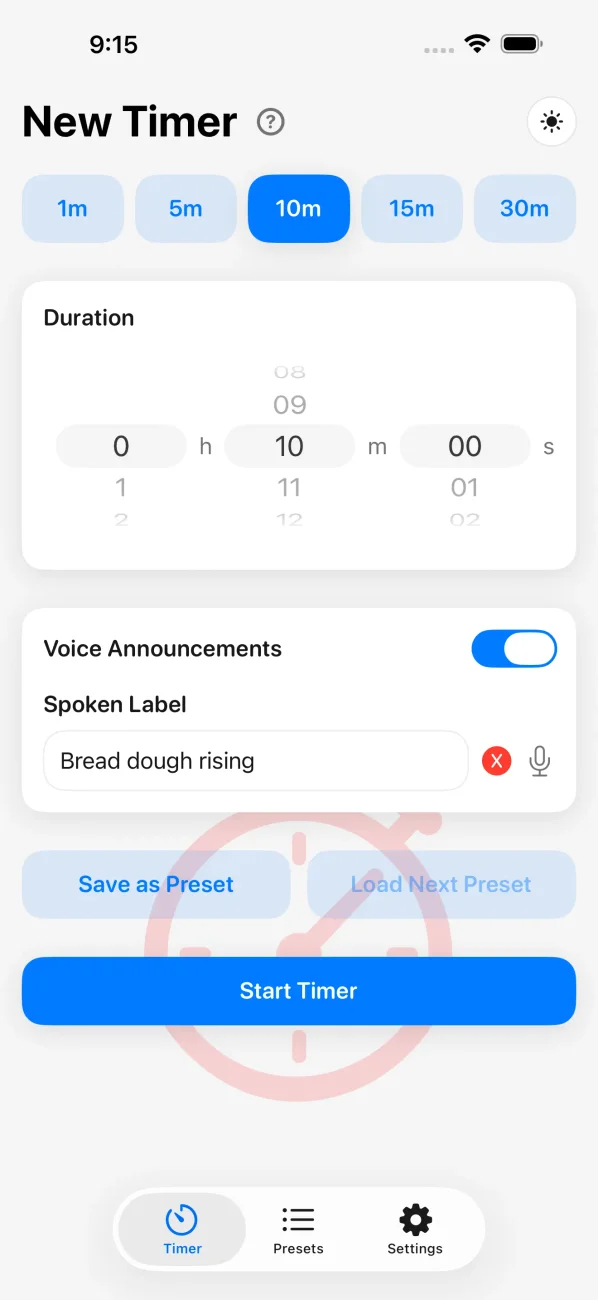
Simple Timer cuts out the friction between "I need a timer" and "the timer is running."
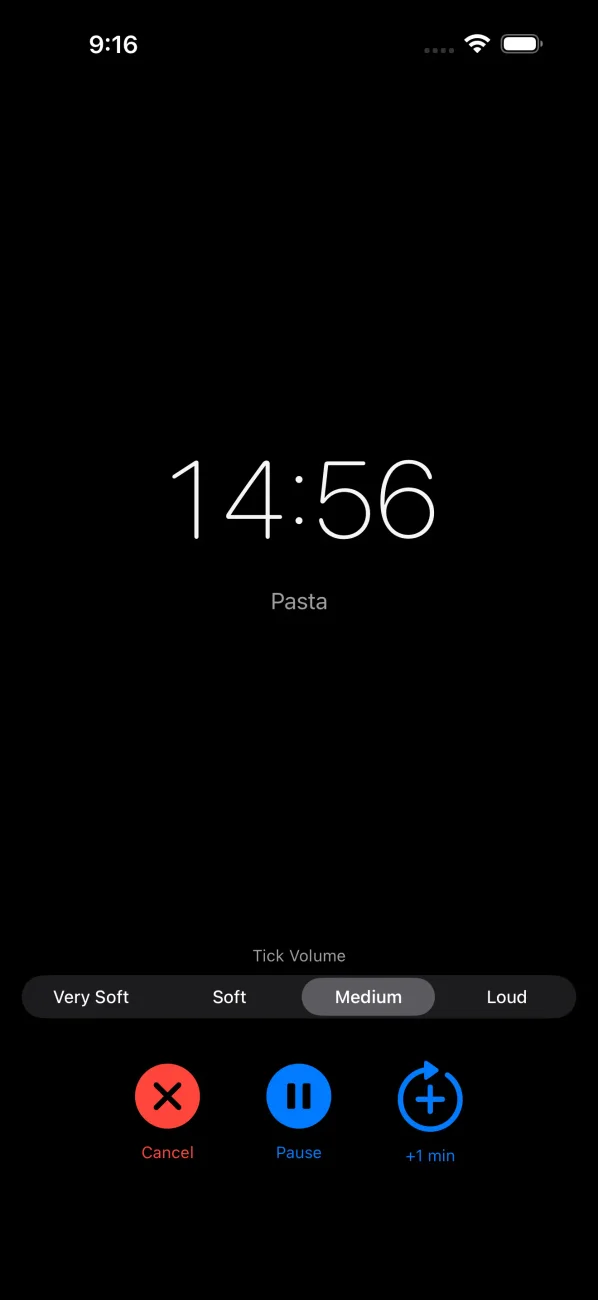
Tap a preset or dial in a custom duration — hours, minutes, seconds — and go. No menus, no fuss.
FEATURES
• Quick One-Tap Start — tap a saved preset or dial in a custom duration and go
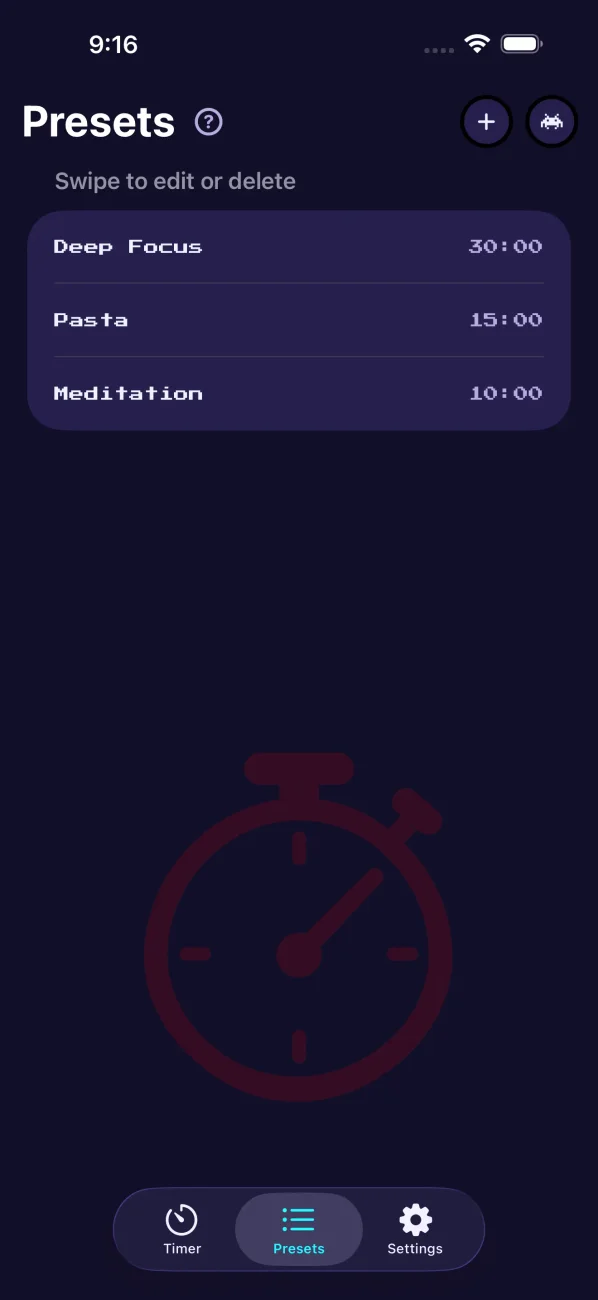
• Reusable Presets — save your go-to timers by unique name and start them again with one tap; free tier saves 3, or go unlimited for $2.99/year
• Past Timers — a history of every timer you've finished, grouped by month and year; tap one to run it again, or save it as a preset (included with the $2.99/year subscription)
• Voice or Typed Labels — name any timer by typing or just speaking it, with a Voice Announcements toggle to choose whether it's spoken aloud at completion
• Alerts You'll Actually Hear — a chime plus your label spoken aloud, playing right over silent mode, backed up independently by both a scheduled notification and a system-level alarm
• Keeps Your Music Playing — audio only briefly ducks for the few seconds your alert speaks, then picks right back up
• One-Tap Snooze — right from the Lock Screen or the completion screen
• Lock Screen & Dynamic Island — watch your countdown without unlocking your phone
• AirPlay & Bluetooth Output — switch your timer's audio to your speaker, AirPlay, or a Bluetooth device right from the app
• Live Volume & Audio Status — see your current volume right on the running timer, with a gentle nudge when it's low and a heads-up if your alerts might route to a Bluetooth device you won't hear
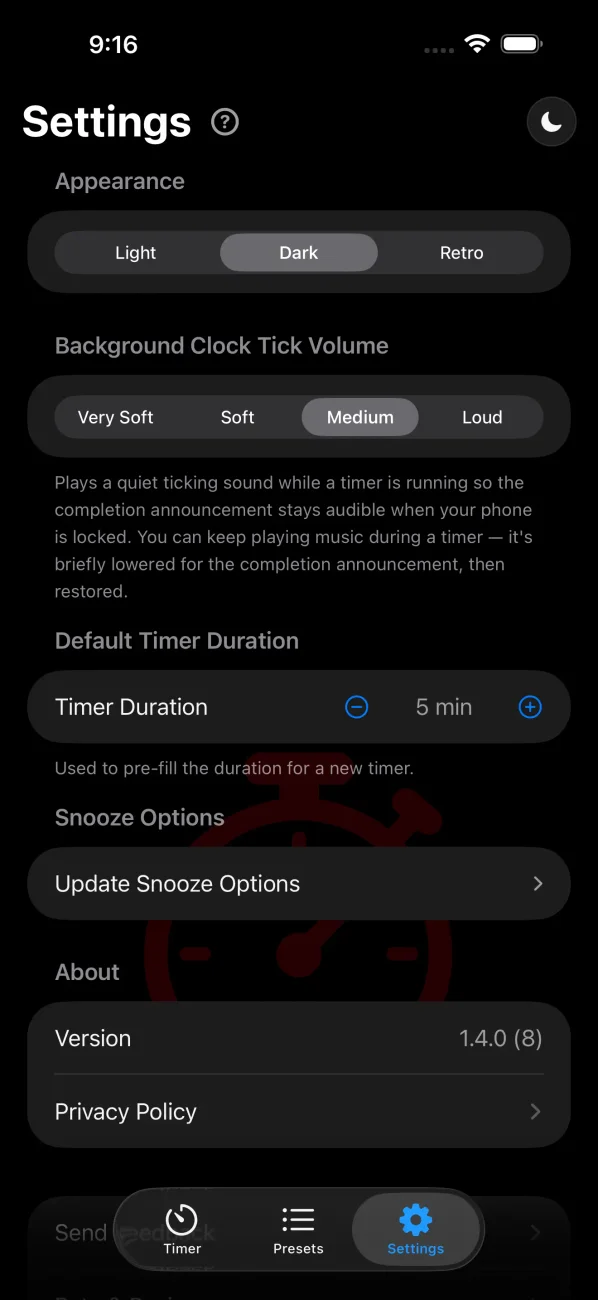
• Keep Screen Awake — a Lock Screen button on the running timer (on by default, adjustable in Settings) keeps the display on while you watch
• Built-In FAQ — quick answers to common questions from the "?" on any screen, with a direct link to send feedback, or to leave an App Store review
• Light, Dark, and Retro 16-bit Themes
• No Account, No Data Collection — everything stays on your device
Simple Timer doesn't collect your data. Everything stays on your device — no account, no sign-up, no tracking.
Terms of Use (EULA): https://www.apple.com/legal/internet-services/itunes/dev/stdeula/
Privacy Policy: https://gist.github.com/tm4747/a6de81dd1764762b20c81358ee95f97a
Novedades
Versión 1.6.1 · 23/10/2026
- Refreshed app icon
- Past Timers, new in 1.6, keeps a history of every timer you've finished — tap one to run it again or save it as a preset
- Unlimited Presets and Past Timers are included with Premium, now $2.99/year
- Small improvements and fixes
Privacidad de la aplicación
Lo que Tom Molinaro declara en App Store sobre cómo esta aplicación gestiona los datos.
-
No se recopilan datos
El desarrollador no recopila ningún dato de esta aplicación.
Las prácticas de privacidad pueden variar, por ejemplo, según las funciones que uses o tu edad.
Información
- Vendedor
- Tom Molinaro
- Categoría
- Productividad
- Versión
- 1.6.1
- Actualizado
- 23/10/2026
- Publicado
- 30/7/2026
- Tamaño
- 4,7 MB
- Requiere
- iOS 26.5 o posterior
- Clasificación por edad
- 4+
- Precio
- Gratis
- Compras en la aplicación
- Sí
- Idiomas
- Inglés
- Copyright
- © 2026 Thomas Molinaro
Quizá también te guste
-
 HelpDo: Goals, Todos & HelpProductividad
-
 FlowCue AppProductividad
-
 Epic HabitsProductividad
-
 Calibrate: Time Block PlannerProductividad
-
 Temporizador Visual: NextStepRutina diaria paso a paso
-
 Commute Prep - MorningRushProductividad
-
 Routine Tracker - Daily FlowProductividad
-
 LateLess: Daily Time CoachProductividad
-
 Hey OnTime: Meeting ReminderProductividad
-
 Epok: Resizable Clock & MoreProductividad