- 対象年齢4+
- カテゴリ仕事効率化
- 開発元Tom Molinaro
- 言語英語
- サイズ4.7 MB
App Storeの公式ページにリンクしています
Download.orgはSimple Timer USAのファイルを一切ホストしていません。ボタンを押すと、Tom Molinaroが公開しているApp Storeのアプリページが開きます。ページの最終確認:2026/11/15。
スクリーンショット

概要
開発元はこのテキストをお使いの言語で提供していません。
Simple Timer cuts out the friction between "I need a timer" and "the timer is running."
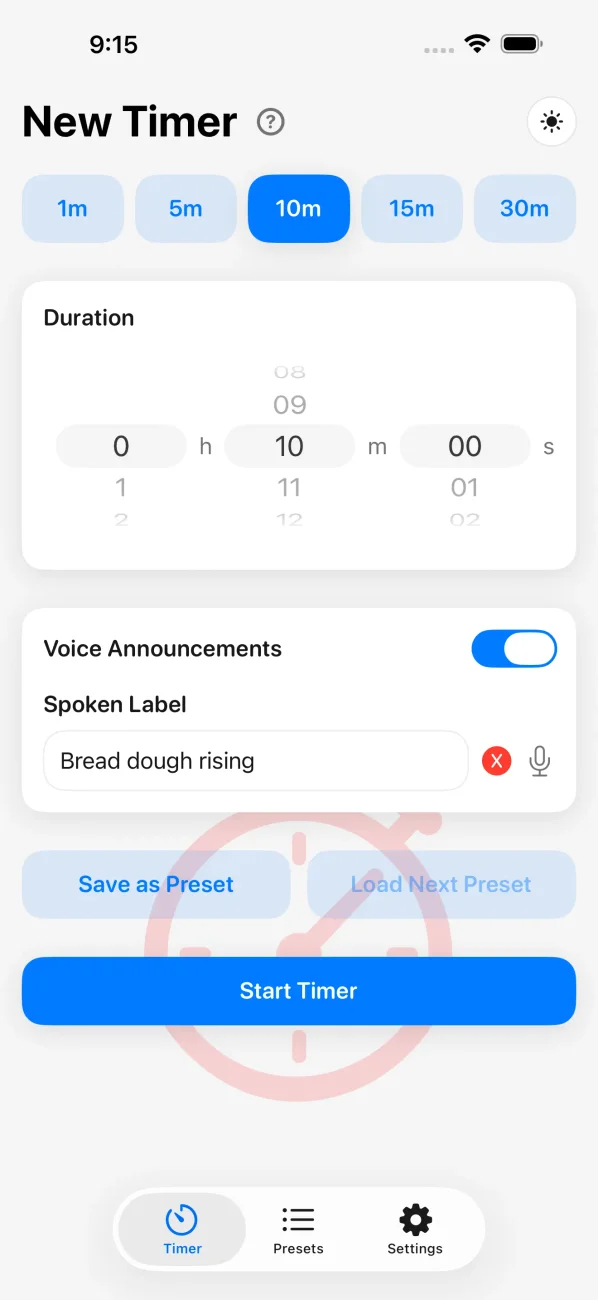
Tap a preset or dial in a custom duration — hours, minutes, seconds — and go. No menus, no fuss.
FEATURES
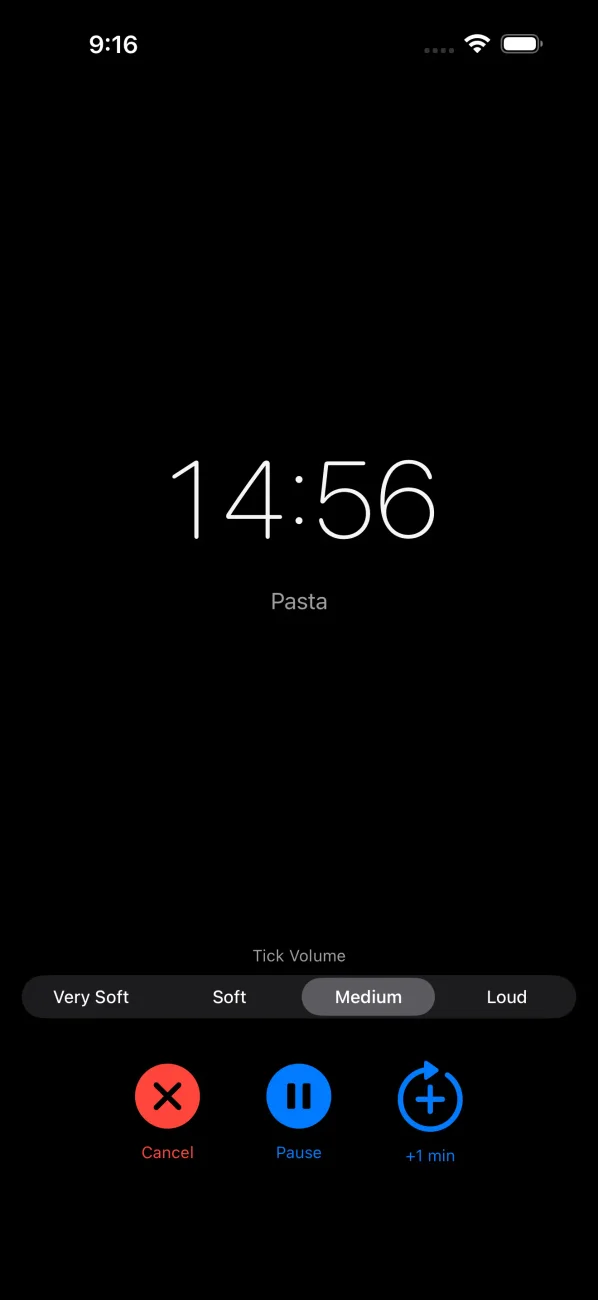
• Quick One-Tap Start — tap a saved preset or dial in a custom duration and go
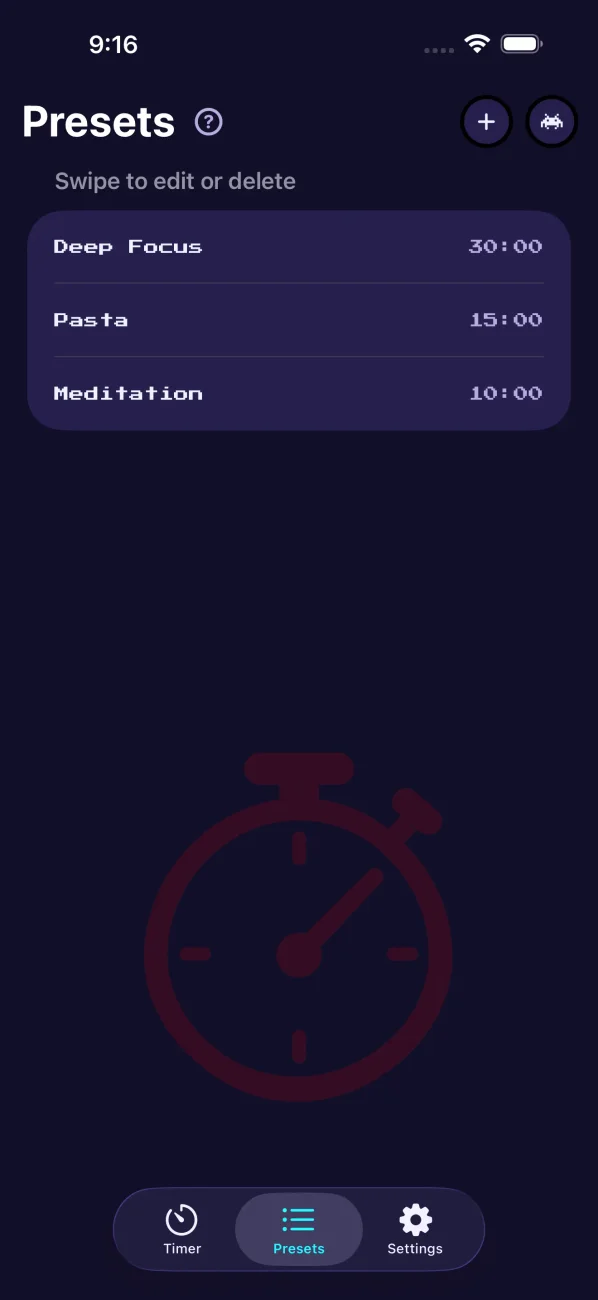
• Reusable Presets — save your go-to timers by unique name and start them again with one tap; free tier saves 3, or go unlimited for $2.99/year
• Past Timers — a history of every timer you've finished, grouped by month and year; tap one to run it again, or save it as a preset (included with the $2.99/year subscription)
• Voice or Typed Labels — name any timer by typing or just speaking it, with a Voice Announcements toggle to choose whether it's spoken aloud at completion
• Alerts You'll Actually Hear — a chime plus your label spoken aloud, playing right over silent mode, backed up independently by both a scheduled notification and a system-level alarm
• Keeps Your Music Playing — audio only briefly ducks for the few seconds your alert speaks, then picks right back up
• One-Tap Snooze — right from the Lock Screen or the completion screen
• Lock Screen & Dynamic Island — watch your countdown without unlocking your phone
• AirPlay & Bluetooth Output — switch your timer's audio to your speaker, AirPlay, or a Bluetooth device right from the app
• Live Volume & Audio Status — see your current volume right on the running timer, with a gentle nudge when it's low and a heads-up if your alerts might route to a Bluetooth device you won't hear
• Keep Screen Awake — a Lock Screen button on the running timer (on by default, adjustable in Settings) keeps the display on while you watch
• Built-In FAQ — quick answers to common questions from the "?" on any screen, with a direct link to send feedback, or to leave an App Store review
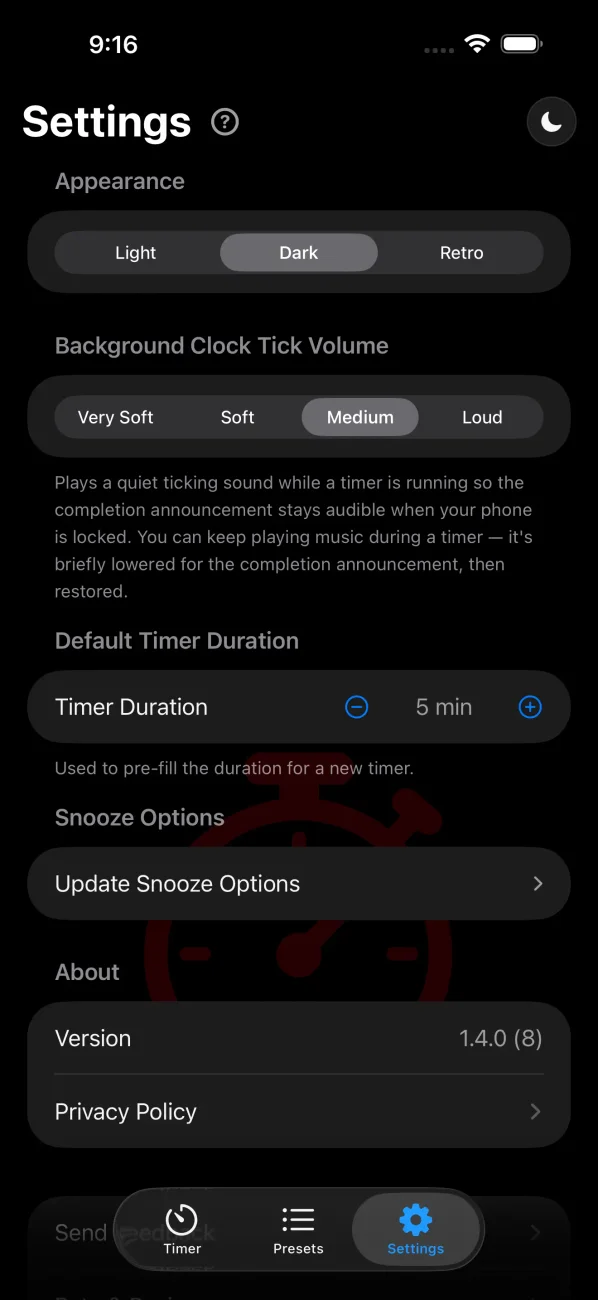
• Light, Dark, and Retro 16-bit Themes
• No Account, No Data Collection — everything stays on your device
Simple Timer doesn't collect your data. Everything stays on your device — no account, no sign-up, no tracking.
Terms of Use (EULA): https://www.apple.com/legal/internet-services/itunes/dev/stdeula/
Privacy Policy: https://gist.github.com/tm4747/a6de81dd1764762b20c81358ee95f97a
新機能
バージョン 1.6.1 · 2026/10/23
- Refreshed app icon
- Past Timers, new in 1.6, keeps a history of every timer you've finished — tap one to run it again or save it as a preset
- Unlimited Presets and Past Timers are included with Premium, now $2.99/year
- Small improvements and fixes
アプリのプライバシー
このアプリのデータの取り扱いについて、Tom MolinaroがApp Storeで申告している内容です。
-
データの収集なし
開発元はこのアプリからデータを収集しません。
プライバシーの取り扱いは、ご利用の機能やお客様の年齢などに応じて異なる場合があります。
情報
- 販売元
- Tom Molinaro
- カテゴリ
- 仕事効率化
- バージョン
- 1.6.1
- 更新日
- 2026/10/23
- リリース
- 2026/7/30
- サイズ
- 4.7 MB
- 必要条件
- iOS 26.5以降
- 対象年齢
- 4+
- 価格
- 無料
- アプリ内課金
- あり
- 言語
- 英語
- 著作権
- © 2026 Thomas Molinaro
こちらもおすすめ
-
 HelpDo: Goals, Todos & Help仕事効率化
-
 FlowCue App仕事効率化
-
 Epic Habits仕事効率化
-
 Calibrate: Time Block Planner仕事効率化
-
 ルーティンタイマー: NextStep朝の支度と終了時刻をひと目で
-
 出勤準備 - MorningRush朝ルーティンと到着逆算で定時出勤
-
 Routine Tracker - Daily Flow仕事効率化
-
 LateLess: Daily Time Coach仕事効率化
-
 Hey OnTime: Meeting Reminder仕事効率化
-
 Epok: Resizable Clock & More仕事効率化