Simple Timer USA
Easiest fast timer with alerts
Designed for iPhone
Free · In-app purchases
- Age rating4+
- CategoryProductivity
- DeveloperTom Molinaro
- LanguagesEnglish
- Size4.7 MB
Links to the official App Store page
Download.org hosts no file of Simple Timer USA. The button opens its official App Store page, published by Tom Molinaro. Listing last checked on Nov 15, 2026.
Screenshots
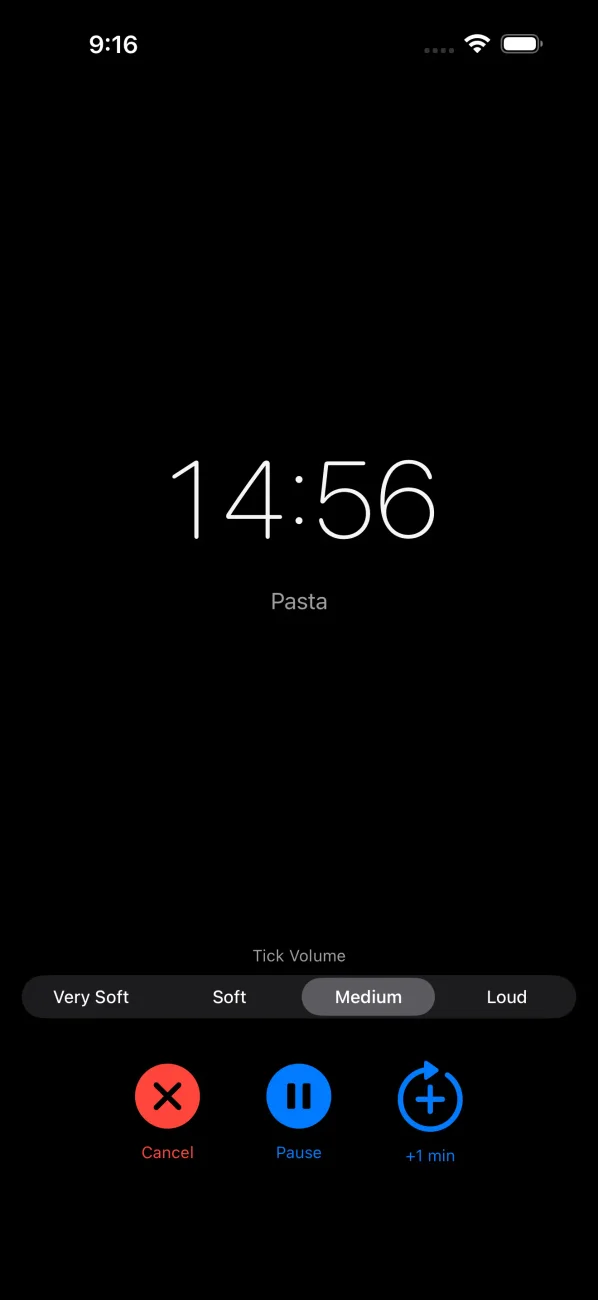
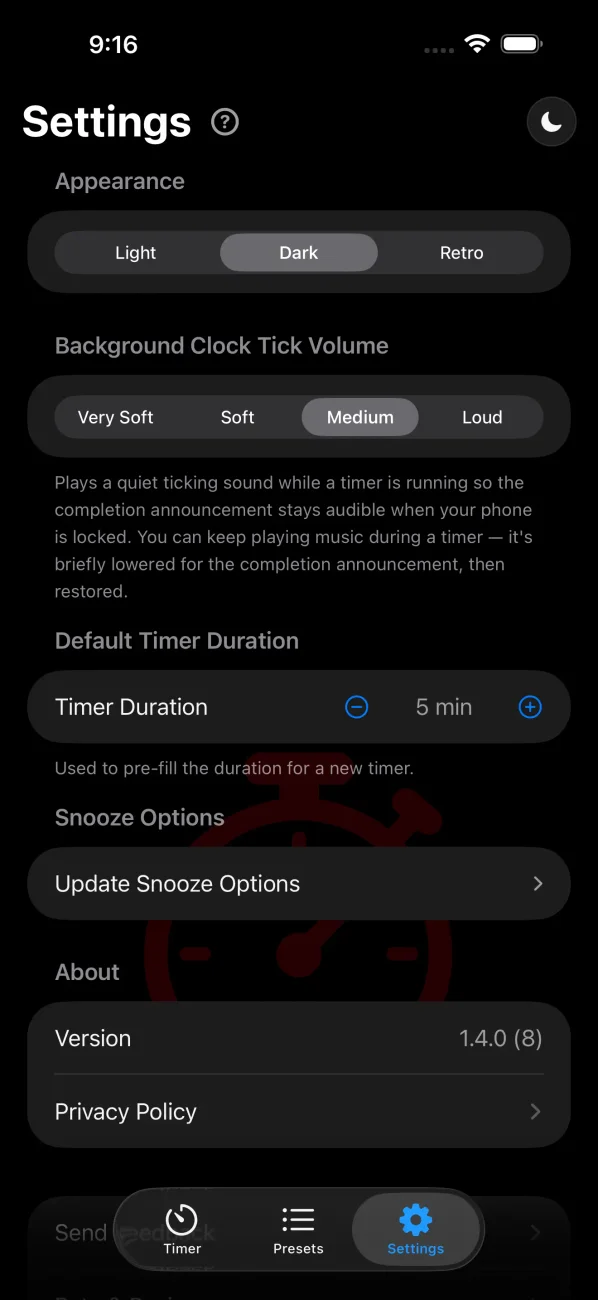
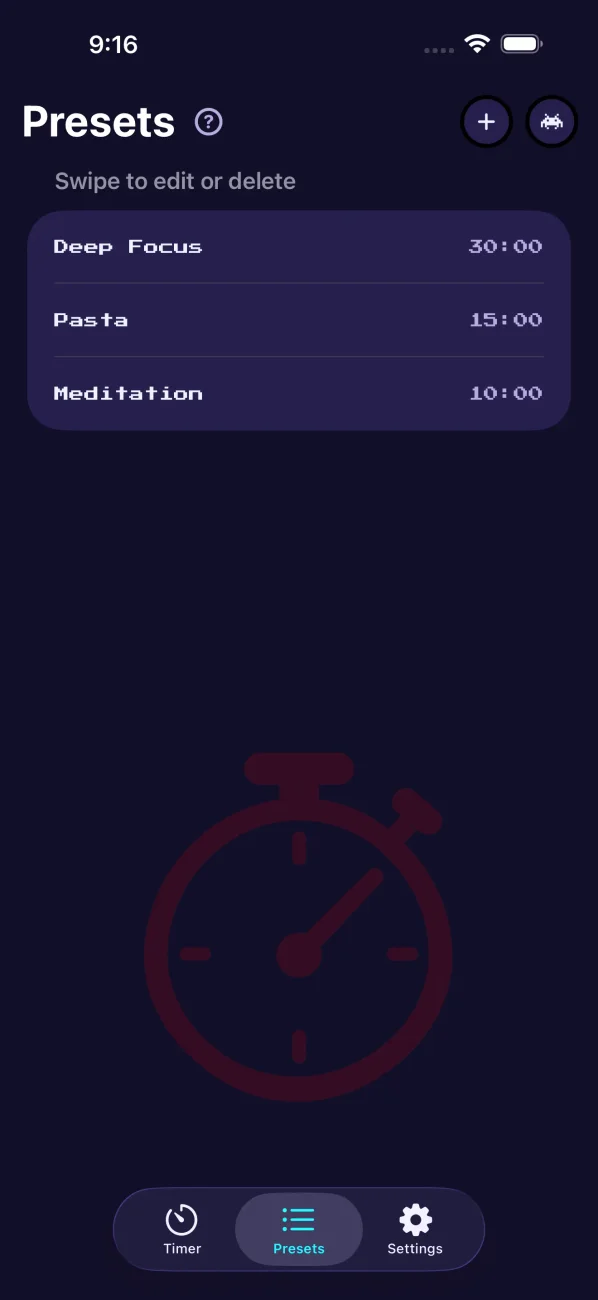

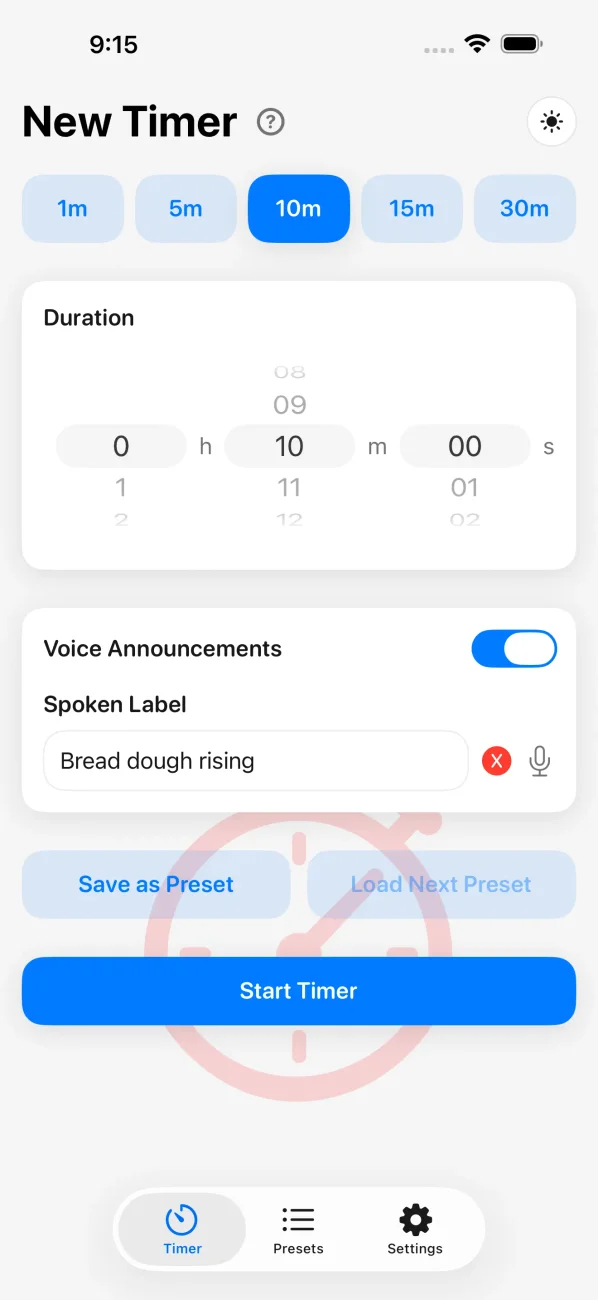
About
Simple Timer cuts out the friction between "I need a timer" and "the timer is running."
Tap a preset or dial in a custom duration — hours, minutes, seconds — and go. No menus, no fuss.
FEATURES
• Quick One-Tap Start — tap a saved preset or dial in a custom duration and go
• Reusable Presets — save your go-to timers by unique name and start them again with one tap; free tier saves 3, or go unlimited for $2.99/year
• Past Timers — a history of every timer you've finished, grouped by month and year; tap one to run it again, or save it as a preset (included with the $2.99/year subscription)
• Voice or Typed Labels — name any timer by typing or just speaking it, with a Voice Announcements toggle to choose whether it's spoken aloud at completion
• Alerts You'll Actually Hear — a chime plus your label spoken aloud, playing right over silent mode, backed up independently by both a scheduled notification and a system-level alarm
• Keeps Your Music Playing — audio only briefly ducks for the few seconds your alert speaks, then picks right back up
• One-Tap Snooze — right from the Lock Screen or the completion screen
• Lock Screen & Dynamic Island — watch your countdown without unlocking your phone
• AirPlay & Bluetooth Output — switch your timer's audio to your speaker, AirPlay, or a Bluetooth device right from the app
• Live Volume & Audio Status — see your current volume right on the running timer, with a gentle nudge when it's low and a heads-up if your alerts might route to a Bluetooth device you won't hear
• Keep Screen Awake — a Lock Screen button on the running timer (on by default, adjustable in Settings) keeps the display on while you watch
• Built-In FAQ — quick answers to common questions from the "?" on any screen, with a direct link to send feedback, or to leave an App Store review
• Light, Dark, and Retro 16-bit Themes
• No Account, No Data Collection — everything stays on your device
Simple Timer doesn't collect your data. Everything stays on your device — no account, no sign-up, no tracking.
Terms of Use (EULA): https://www.apple.com/legal/internet-services/itunes/dev/stdeula/
Privacy Policy: https://gist.github.com/tm4747/a6de81dd1764762b20c81358ee95f97a
What’s new
Version 1.6.1 · Oct 23, 2026
- Refreshed app icon
- Past Timers, new in 1.6, keeps a history of every timer you've finished — tap one to run it again or save it as a preset
- Unlimited Presets and Past Timers are included with Premium, now $2.99/year
- Small improvements and fixes
App privacy
What Tom Molinaro declares on the App Store about how this app handles data.
-
Data not collected
The developer does not collect any data from this app.
Privacy practices may vary, for example with the features you use or your age.
Information
- Seller
- Tom Molinaro
- Category
- Productivity
- Version
- 1.6.1
- Updated
- Oct 23, 2026
- Released
- Jul 30, 2026
- Size
- 4.7 MB
- Requires
- iOS 26.5 or later
- Age rating
- 4+
- Price
- Free
- In-app purchases
- Yes
- Languages
- English
- Copyright
- © 2026 Thomas Molinaro
You might also like
-
 HelpDo: Goals, Todos & HelpDaily planner & schedule
-
 FlowCue AppSequence Timer & Routine
-
 Epic HabitsProductivity
-
 Calibrate: Time Block PlannerTrack focus & productivity
-
 NextStep: Visual Routine TimerMorning steps, finish-by time
-
 Commute Prep - MorningRushSet routines, arrive on time
-
 Routine Tracker - Daily FlowStep by step routine runner
-
 LateLess: Daily Time CoachAudio & Visual Timer for ADHD
-
 Hey OnTime: Meeting ReminderNever be late for pickup
-
 Epok: Resizable Clock & MoreCustomisable Timekeeping