- Clasificación por edad4+
- CategoríaUtilidades
- DesarrolladorSokpheang Duong
- IdiomasInglés
- Tamaño19,0 MB
Enlaza a la página oficial de App Store
Download.org no aloja ningún archivo de SP Car Remote. El botón abre la página de la aplicación en App Store, donde la publica Sokpheang Duong. Ficha comprobada por última vez el 23/11/2026.
Capturas de pantalla


Acerca de
El desarrollador no ha proporcionado este texto en tu idioma.
SP Remote puts your car's screens and controls on your phone.
Set the cabin before you get in, warm the seats for your passengers, close a window you
left open, or pick the music from the back seat. SP Remote talks to your car over its own
Wi-Fi when you are close, and over the internet when you are not.
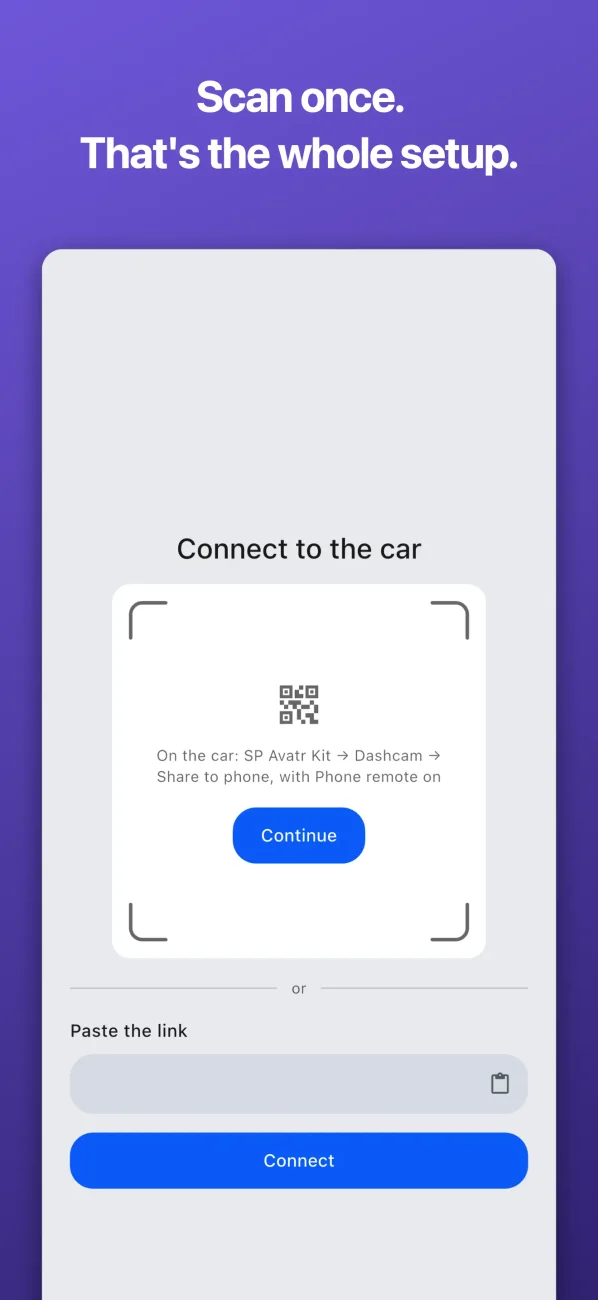
PAIR ONCE
On the centre screen, open the Dashcam panel, turn on Share to phone and Phone remote, and
scan the code. That is the whole setup — no account, no sign-up, no password. The car asks
once whether to allow your phone.
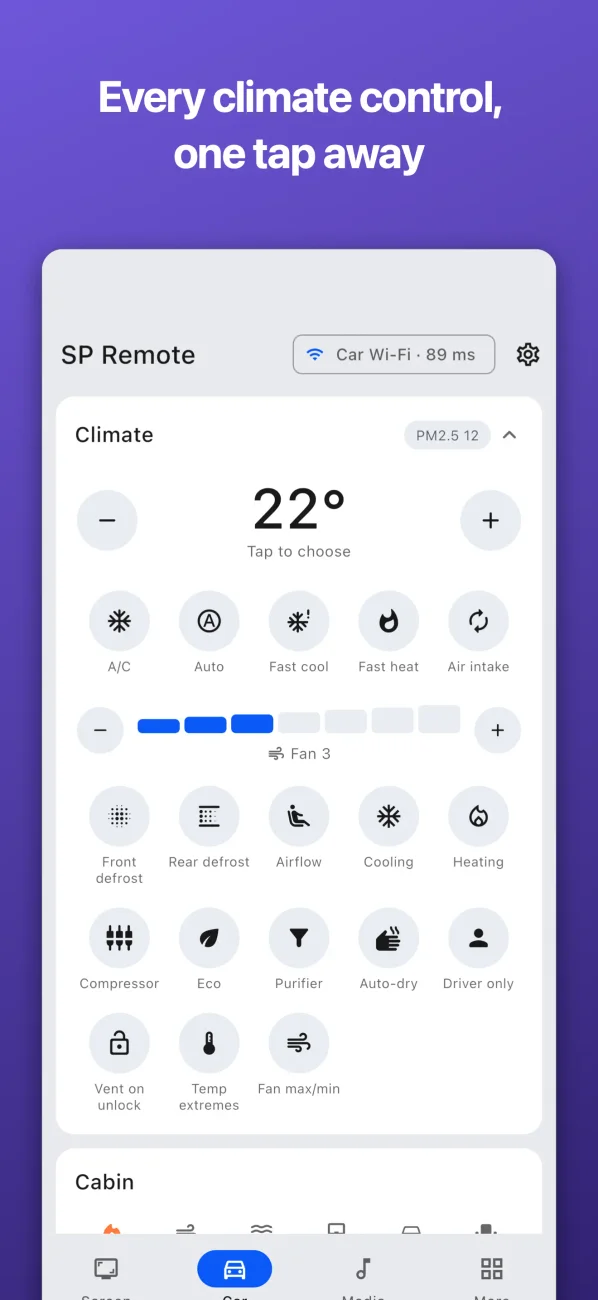
CLIMATE AND CABIN, THE WAY THE CAR SHOWS THEM
Temperature, fan, A/C, auto, fast cool and fast heat sit at the top; open the card for
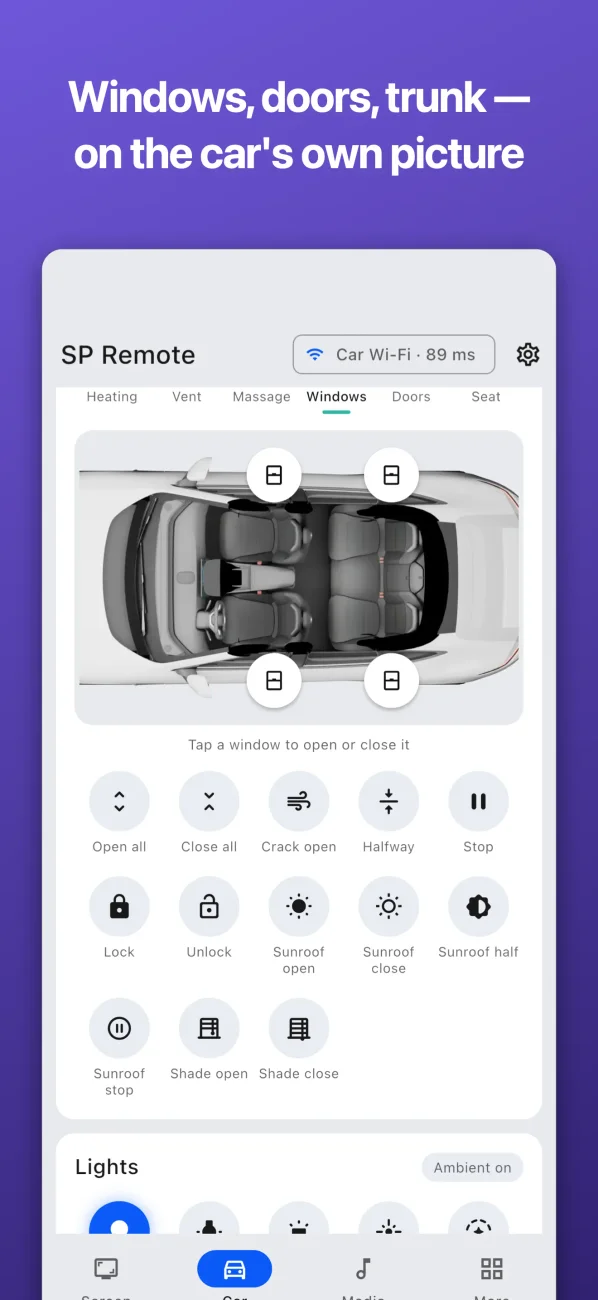
defrost, airflow, air intake, purifier and the rest. Seat heating, ventilation and massage
are set by tapping the seats on a picture of your own car, and the steering wheel heats
the same way. Windows, doors, mirrors, trunk and charging port are there too, with a
question before anything opens.
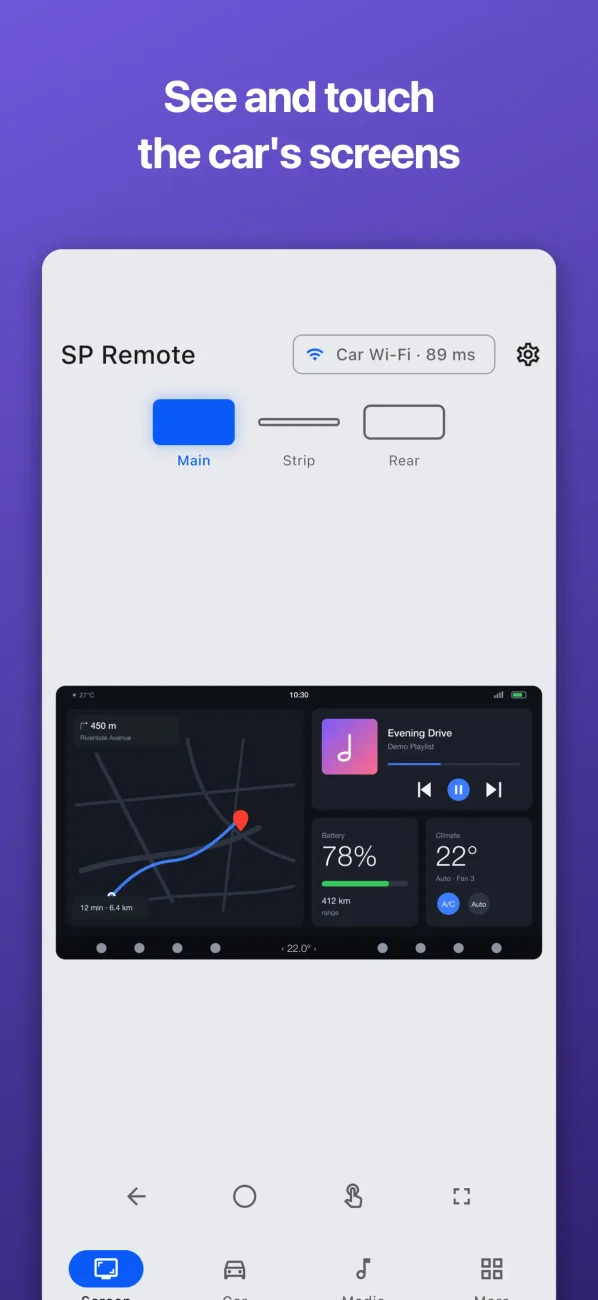
THE CAR'S SCREENS, ON YOURS
See the centre screen, the strip and the rear screen live, and tap or swipe on them as if
you were in the car. Turn the phone sideways for the full screen.
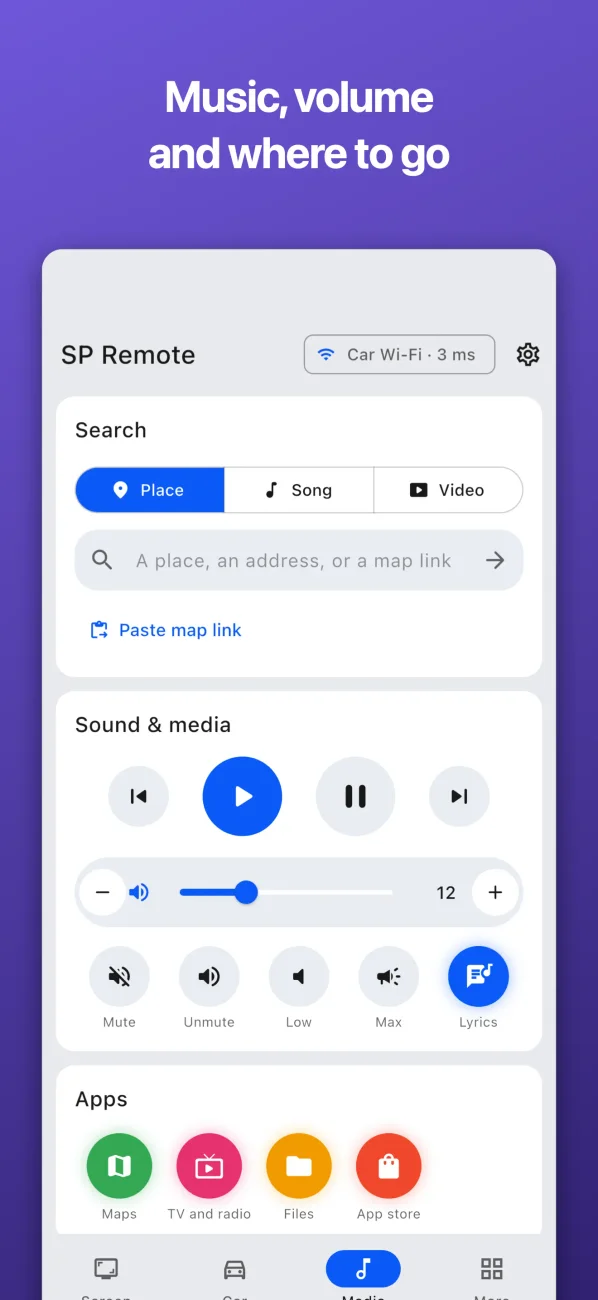
MUSIC, VOLUME AND WHERE TO GO
Play, pause and skip, drag the volume, and open the car's apps. Type a place or paste a
map link and the car starts the route.
SIRI
"Hey Siri, SP Remote front defrost." "Hey Siri, tell SP Remote" — then say what you want in
your own words. "Hey Siri, SP Remote car status" reads the climate, seats and lights back
to you. Your favourite commands can go on the Home Screen as shortcuts.
PRIVACY
There is no account and no server of ours. Your phone talks to your car and to nothing
else. No analytics, no crash reporting, no advertising, no tracking, and no third-party
SDKs.
SAFETY
SP Remote is for passengers, and for when the car is parked. The driver should never use
a phone while driving.
REQUIREMENTS
• An Avatr or Deepal vehicle with a Huawei HarmonyOS cockpit.
• SP Avatr Kit on the centre screen, with Phone remote turned on — that is what answers
this app. Setup is at the support page below.
• Which controls work depends on the car's software; the app shows only what your car
accepts and greys out the rest.
This app is an independent companion for the vehicle. It is not produced, endorsed or
supported by Avatr, Changan, Huawei, or any vehicle manufacturer. All trademarks belong to
their owners.
Support: https://dsokpheang.github.io/sp_avatr_support/support/remote/
Novedades
Versión 1.0.1 · 11/11/2026
UI / UX Revamps
Privacidad de la aplicación
Lo que Sokpheang Duong declara en App Store sobre cómo esta aplicación gestiona los datos.
-
No se recopilan datos
El desarrollador no recopila ningún dato de esta aplicación.
Las prácticas de privacidad pueden variar, por ejemplo, según las funciones que uses o tu edad.
Información
- Vendedor
- Sokpheang Duong
- Categoría
- Utilidades
- Versión
- 1.0.1
- Actualizado
- 11/11/2026
- Publicado
- 8/11/2026
- Tamaño
- 19,0 MB
- Requiere
- iOS 17.0 o posterior
- Clasificación por edad
- 4+
- Precio
- Gratis
- Idiomas
- Inglés
- Copyright
- © SPD Group