
- Clasificación por edad4+
- CategoríaUtilidades
- DesarrolladorSoftorino Inc.
- IdiomasInglés
- Tamaño378,0 KB
Enlaza a la página oficial de App Store
Download.org no aloja ningún archivo de Spatial Viewer. El botón abre la página de la aplicación en App Store, donde la publica Softorino Inc. Ficha comprobada por última vez el 12/11/2026.
Capturas de pantalla


Acerca de
El desarrollador no ha proporcionado este texto en tu idioma.
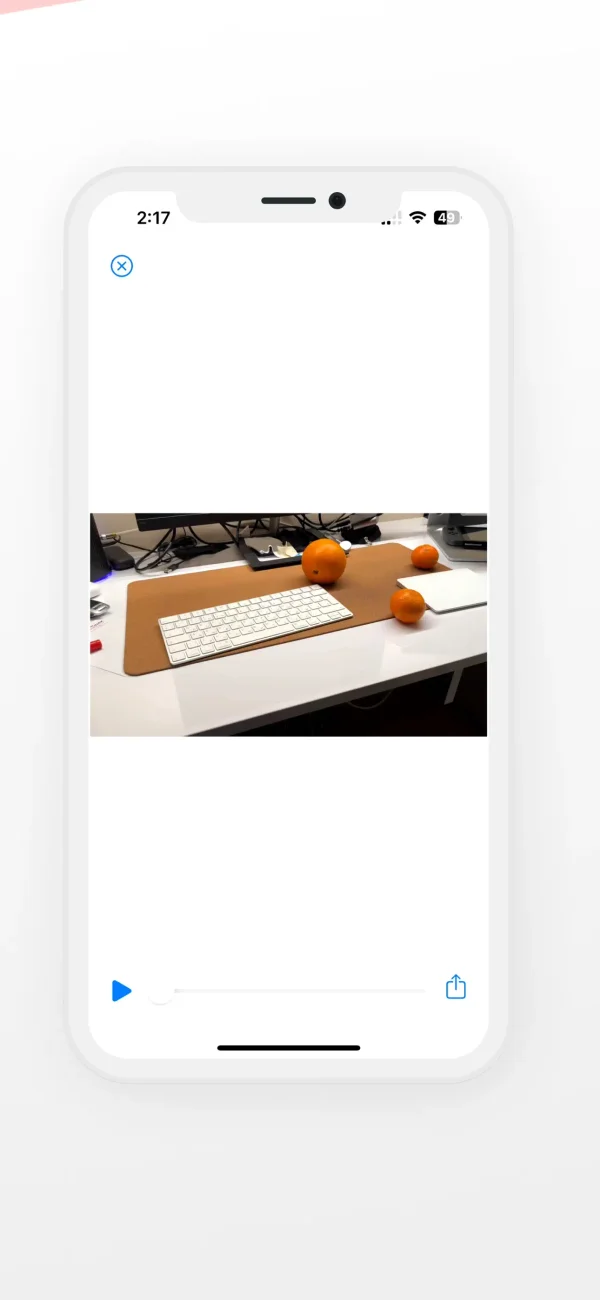
Spatial Viewer for iOS is made to convert your Spatial Videos from your iPhone camera roll, and make them viewable on your Meta Quest headset.
In 1-tap, the app will convert Spatial Videos shot by the latest iPhone and upload them to your Meta Quest. You can then view it on Meta Quest from the Spatial Viewer app (also free).
Immerse yourself in your favourite memories using Spatial Viewer by playing iPhone 15 Pro's spatial video library on Meta Quest. This app allows you to directly access and view your spatial videos in life-size scale, bringing a new dimension to your memories and experiences.
With Spatial Viewer, you get the most straightforward and fastest solution to viewing iPhone 15 Pro’s Spatial Videos without a Vision Pro headset.
**Key Features:**
- Watch Spatial Videos on Quest headset: Sync your Google Drive folder with Spatial Videos to play any spatial video directly from Meta Quest.
- Convert Spatial Video to 3D: Spatial Viewer for iOS takes your spatial videos and converts them into immersive 3D formats that are playable on your Meta Quest.
TL;DR Spatial Viewer is an All-in-one Solution to make your fancy Spatial Videos playable on your Meta Quest headset.
DESIGNED TO BE USER-FRIENDLY.
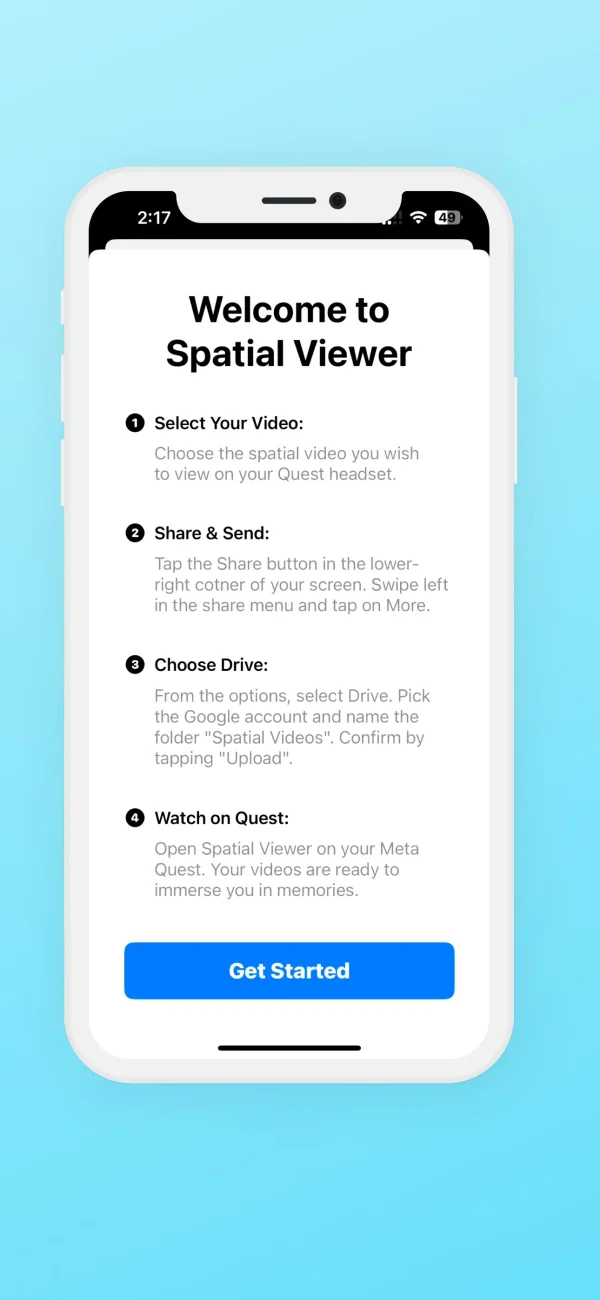
**How It Works:**
1. Install Spatial Viewer on your iPhone 15 Pro or Pro Max.
2. Select & convert spatial videos to watch on Meta Quest.
3. Share the converted videos to Drive.
And that’s it. Now you simply open “Spatial Viewer” on your Meta Quest and the videos will all be available there, since they are all synced via the cloud in Google Drive.
Privacidad de la aplicación
Lo que Softorino Inc. declara en App Store sobre cómo esta aplicación gestiona los datos.
-
No se recopilan datos
El desarrollador no recopila ningún dato de esta aplicación.
Las prácticas de privacidad pueden variar, por ejemplo, según las funciones que uses o tu edad.
Información
- Vendedor
- Softorino Inc.
- Categoría
- Utilidades
- Versión
- 1.2
- Actualizado
- 22/2/2024
- Publicado
- 22/2/2024
- Tamaño
- 378,0 KB
- Requiere
- iOS 17.2 o posterior
- Clasificación por edad
- 4+
- Precio
- Gratis
- Idiomas
- Inglés
- Copyright
- © 2024 Softorino Inc.
Quizá también te guste
-
 Spatially - 3D Video MakerUtilidades
-
 Spatial Video ConverterUtilidades
-
 Spatial Video Cam - VPCameraUtilidades
-
 Spatial to 3D Video ConverterUtilidades
-
 Fycut: Spatial Video EditorUtilidades
-
 Spatial CamUtilidades
-
 Spatial Phone : MirrorUtilidades
-
 REC Disk Speed TestUtilidades
-
 VRPlayerXUtilidades
-
 Bezel • Phone MirrorPresenta y graba pantalla