
Speedometer GPX
Pretty & Easy Speedometer
Diseñada para iPhone, iPad, iPod touch
Gratis · Compras en la aplicación
- Clasificación por edad4+
- CategoríaUtilidades
- DesarrolladorLand Analysis Lab
- IdiomasInglés
- Tamaño47,0 MB
Enlaza a la página oficial de App Store
Download.org no aloja ningún archivo de Speedometer GPX. El botón abre la página de la aplicación en App Store, donde la publica Land Analysis Lab. Ficha comprobada por última vez el 8/11/2026.
Capturas de pantalla


Acerca de
El desarrollador no ha proporcionado este texto en tu idioma.
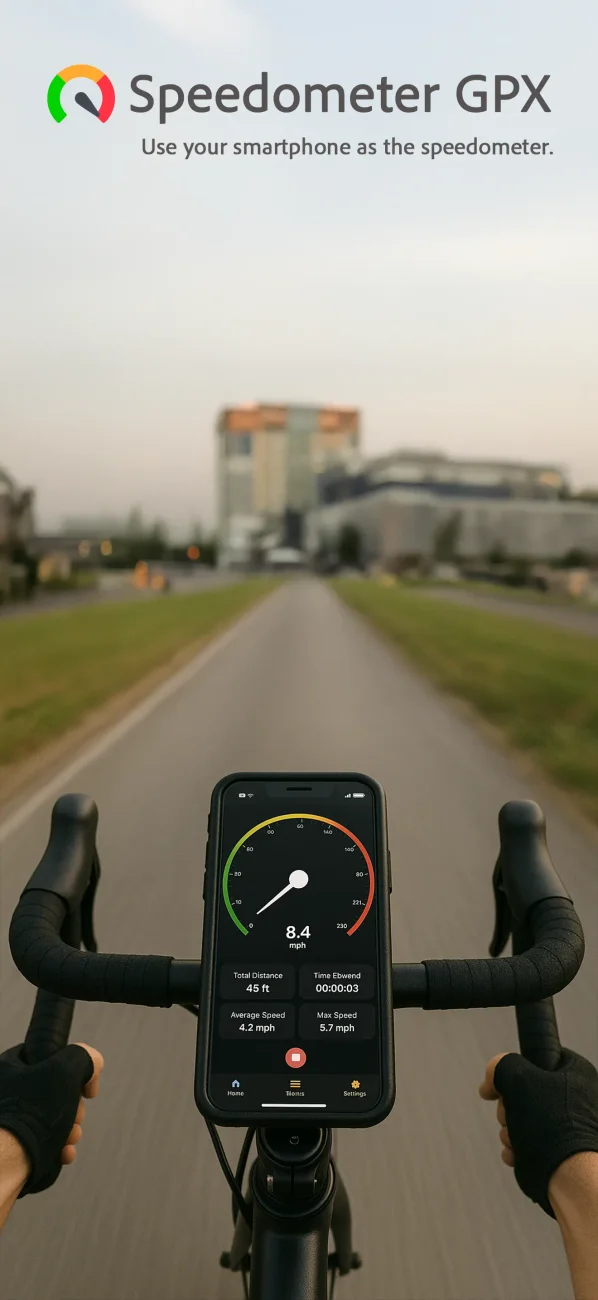
Speedometer - GPS Speedometer & Tracker
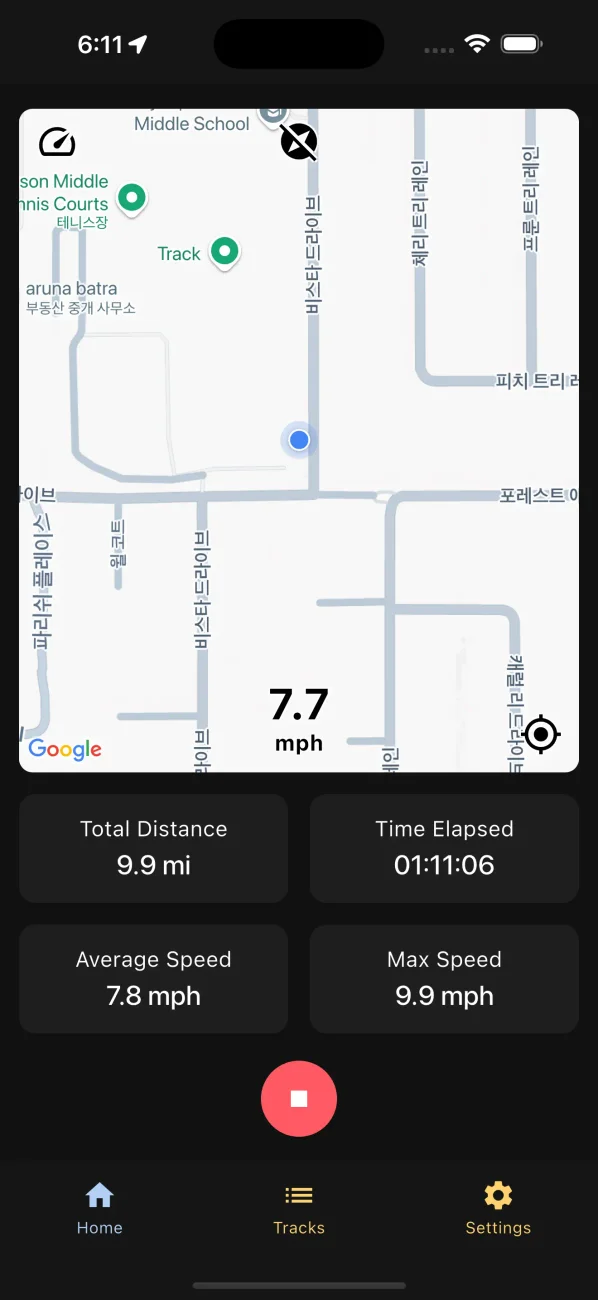
Speedometer is a real-time GPS-based speedometer and tracking app. While driving, you can check your current speed, travel distance, average speed, maximum speed, and more. You can also view your traveled route on the map in real-time.
[Key Features]
▶ Real-time Speedometer
• Digital speedometer and gauge view
• Supports km/h and mph units
• Speed level settings (Slowest, Slow, Normal, Fast)
▶ GPS Tracking
• Real-time location tracking
• Total distance measurement
• Average and maximum speed recording
• Elapsed time display
▶ Map View
• Google Maps integration
• Map type selection (Normal, Satellite, Hybrid, Terrain)
• Start and end point markers
▶ Track Management
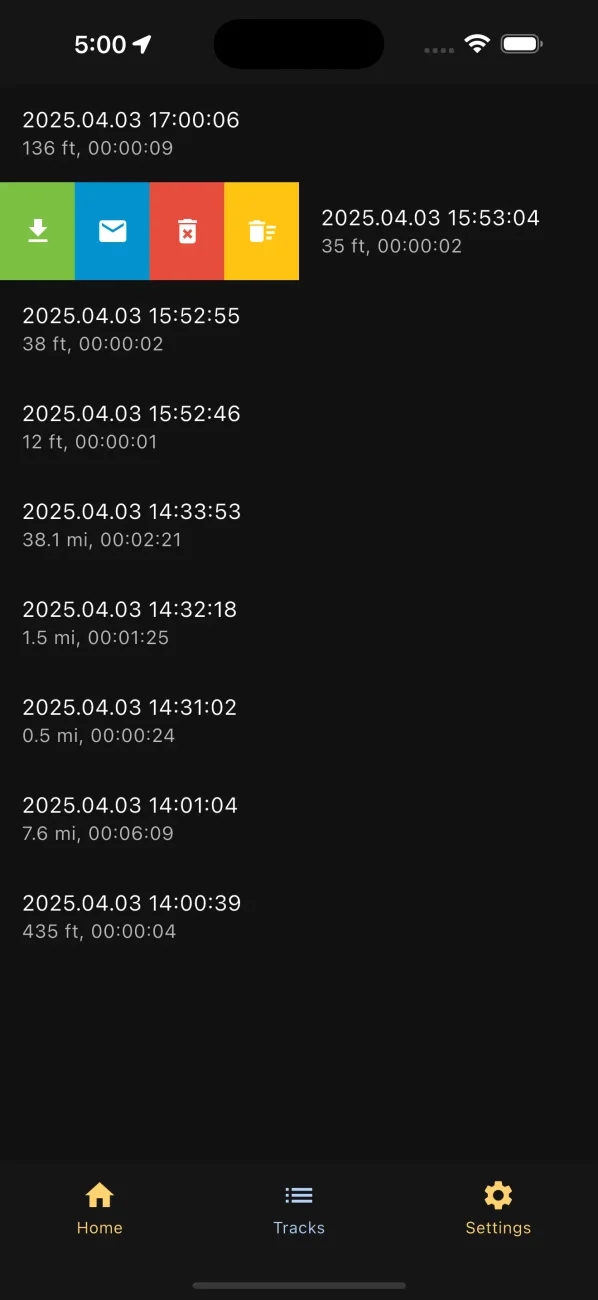
• Save recorded tracks
• Export to GPX and KML formats
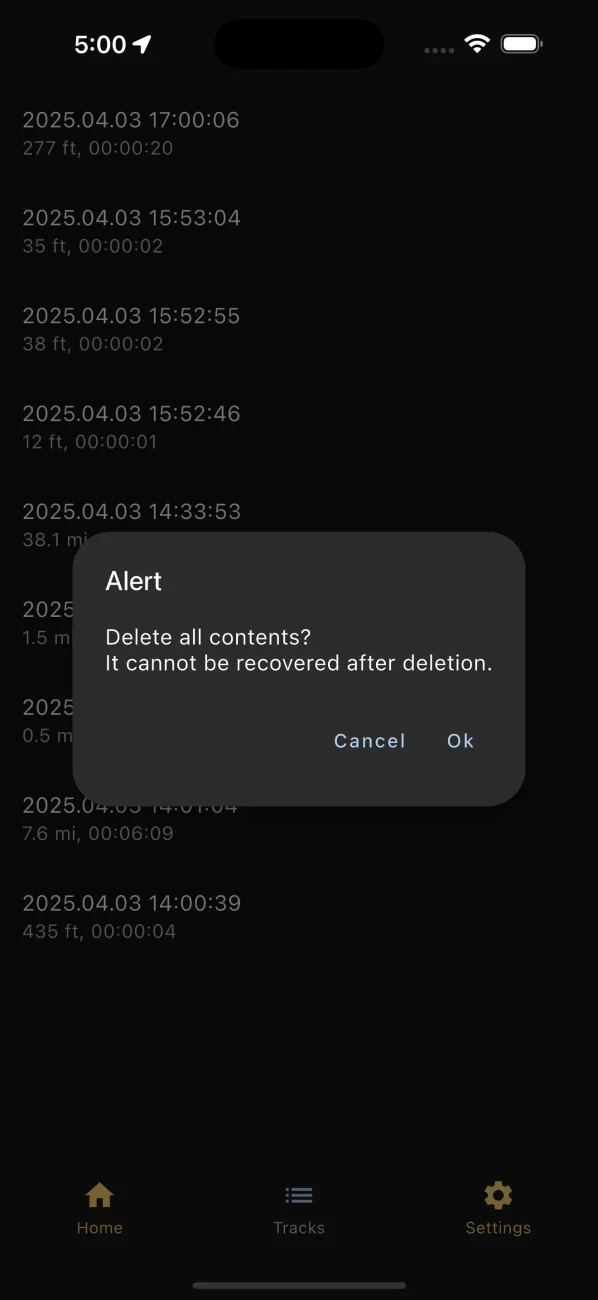
• View and delete track list
▶ Settings
• Multi-language support (English, Chinese, Spanish, Hindi, Arabic, Japanese, Korean)
• Theme mode (Light/Dark/System)
• Speed range settings
• Distance unit (km/mi)
• GPS accuracy settings (Power Save/Low Accuracy/Balanced/High Accuracy)
▶ Premium
• Ad-free experience
• Purchase Premium to remove all ads
[How to Use]
1. Launch the app to receive GPS signals for your current location.
2. Press the Start button to begin speed measurement and tracking.
3. Press the Stop button to end measurement and save the track.
4. Check the recorded route on the map in the Tracks screen.
5. Adjust various options in Settings.
[Privacy Policy]
This app only collects location data, which is stored solely on your device. It is not transmitted to any external servers.
Novedades
Versión 2.0.1 · 15/10/2026
Bug fixes.
Privacidad de la aplicación
Lo que Land Analysis Lab declara en App Store sobre cómo esta aplicación gestiona los datos.
-
Datos usados para rastrearte
Pueden usarse para rastrearte en aplicaciones y sitios web propiedad de otras empresas.
- Ubicación
- Identificadores
- Datos de uso
- Diagnóstico
-
Datos vinculados a ti
Pueden recopilarse y vincularse a tu identidad.
- Ubicación
- Identificadores
- Datos de uso
- Diagnóstico
Las prácticas de privacidad pueden variar, por ejemplo, según las funciones que uses o tu edad.
Información
- Vendedor
- Land Analysis Lab
- Categoría
- Utilidades
- Versión
- 2.0.1
- Actualizado
- 15/10/2026
- Publicado
- 3/4/2025
- Tamaño
- 47,0 MB
- Requiere
- iOS 15.6 o posterior
- Clasificación por edad
- 4+
- Precio
- Gratis
- Compras en la aplicación
- Sí
- Idiomas
- Inglés
- Copyright
- © 2025 Land Analysis Lab
Quizá también te guste
-
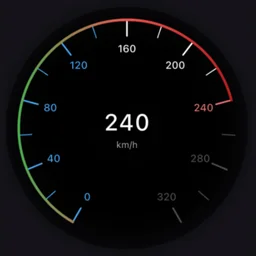 Trip Tracker & SpeedometerUtilidades
-
 Speedometer XSUtilidades
-
 Velocímetro GPS: HUD y AlertaVelocidad de coche y bici
-
 eSpeed: Velocímetro GPSVelocidad clara al rodar
-
 Speedometer GPS Speed Tracker.Utilidades
-
 Stud Finder , Metal DetectorUtilidades
-
 LabelDeckUtilidades
-
 Pacer: VelocímetroGPS Velocidad & Distancia
-
 The Vroom SpeedometerUtilidades
-
 LocatometerUtilidades