
Speedometer GPX
Pretty & Easy Speedometer
Conçue pour iPhone, iPad, iPod touch
Gratuit · Achats intégrés
- Classification d’âge4+
- CatégorieUtilitaires
- DéveloppeurLand Analysis Lab
- LanguesAnglais
- Taille47,0 Mo
Renvoie vers la page App Store officielle
Download.org n’héberge aucun fichier de Speedometer GPX. Le bouton ouvre la page de l’application sur App Store, où Land Analysis Lab la publie. Fiche vérifiée pour la dernière fois le 08/11/2026.
Captures d’écran


À propos
Le développeur n’a pas fourni ce texte dans votre langue.
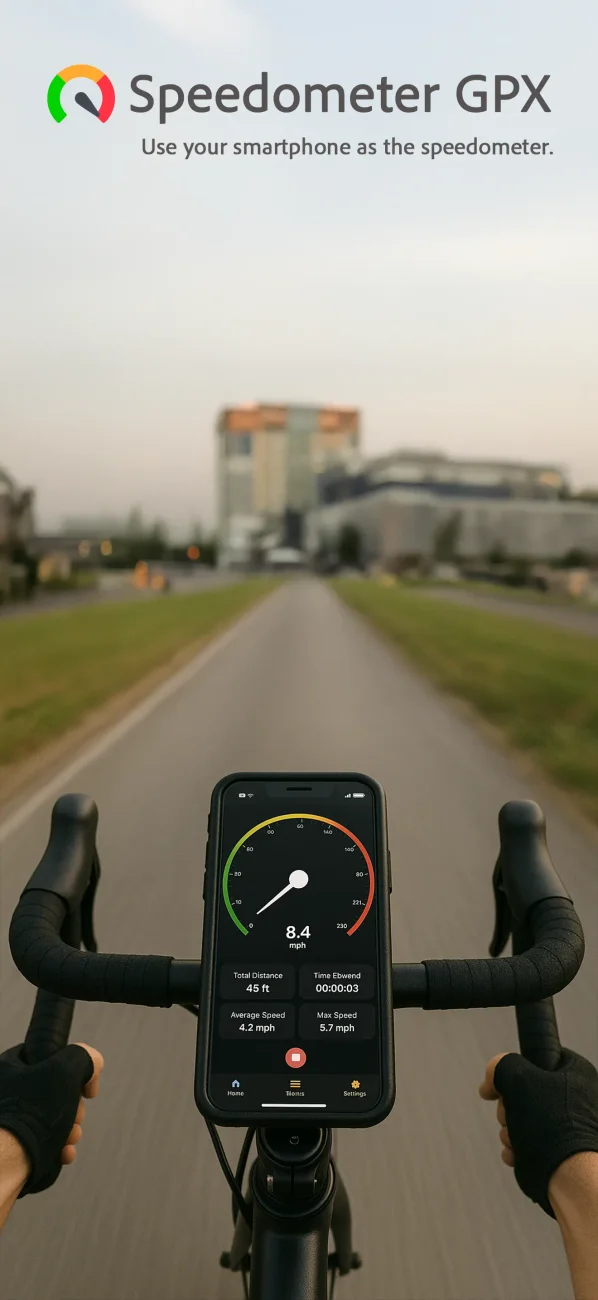
Speedometer - GPS Speedometer & Tracker
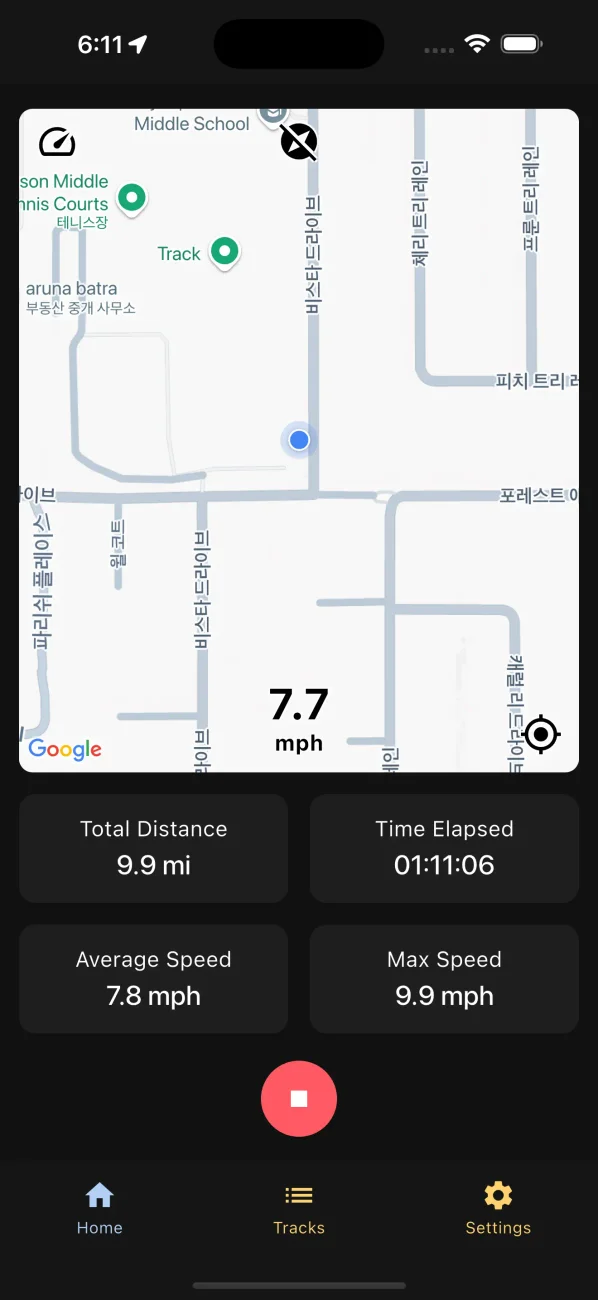
Speedometer is a real-time GPS-based speedometer and tracking app. While driving, you can check your current speed, travel distance, average speed, maximum speed, and more. You can also view your traveled route on the map in real-time.
[Key Features]
▶ Real-time Speedometer
• Digital speedometer and gauge view
• Supports km/h and mph units
• Speed level settings (Slowest, Slow, Normal, Fast)
▶ GPS Tracking
• Real-time location tracking
• Total distance measurement
• Average and maximum speed recording
• Elapsed time display
▶ Map View
• Google Maps integration
• Map type selection (Normal, Satellite, Hybrid, Terrain)
• Start and end point markers
▶ Track Management
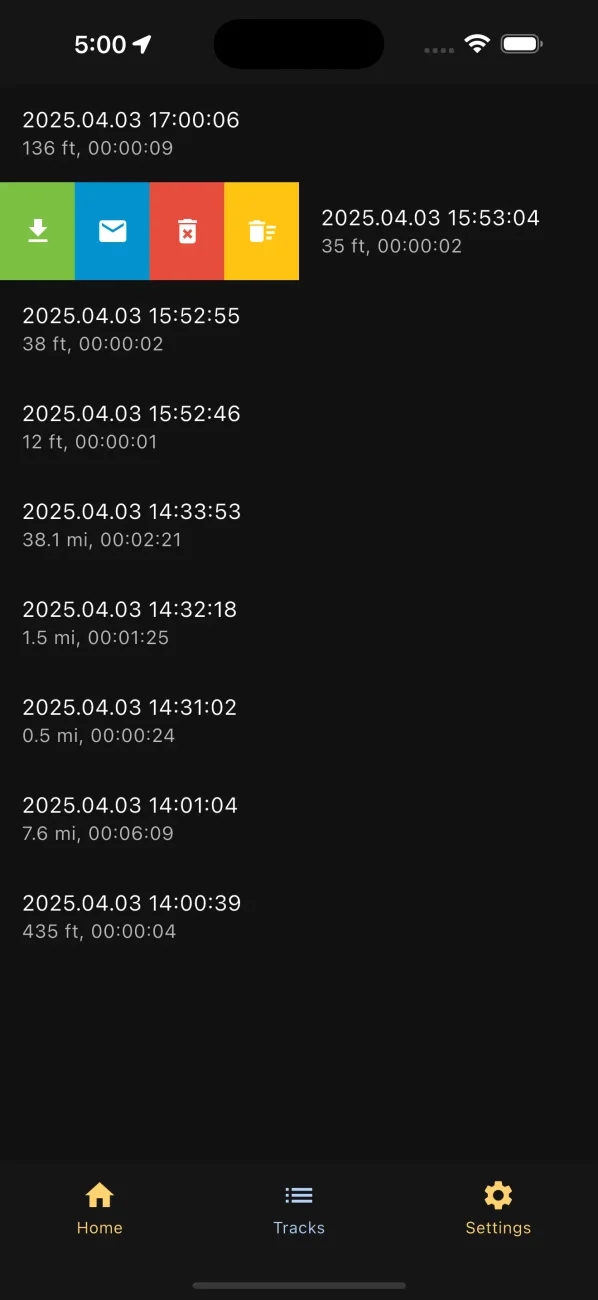
• Save recorded tracks
• Export to GPX and KML formats
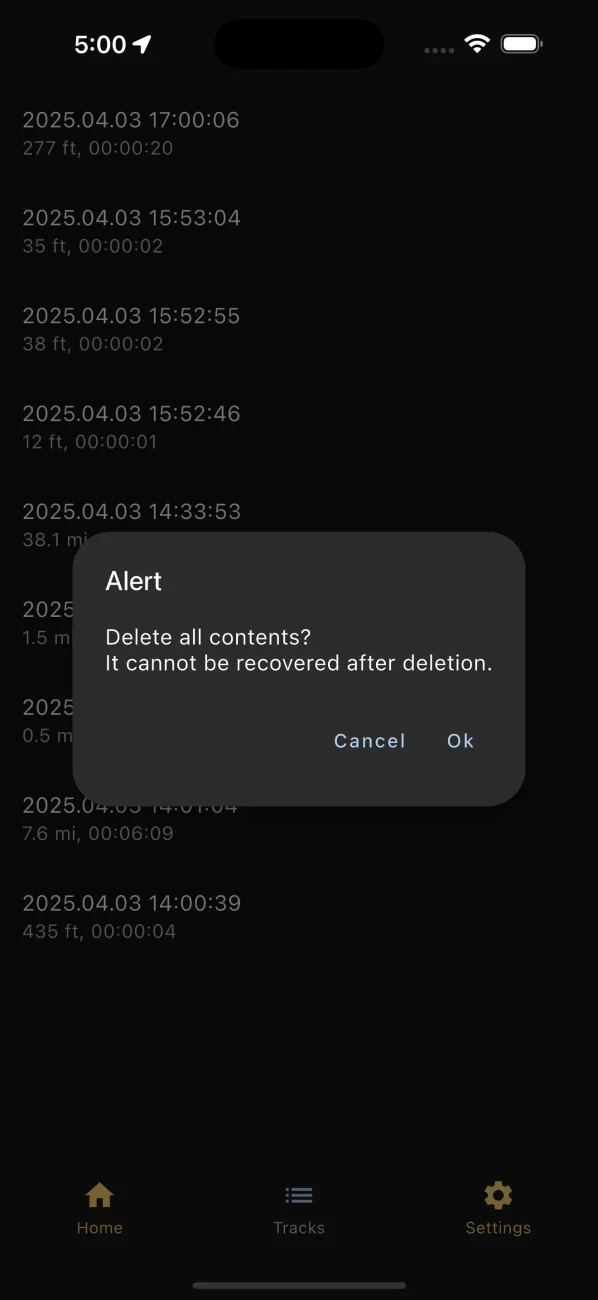
• View and delete track list
▶ Settings
• Multi-language support (English, Chinese, Spanish, Hindi, Arabic, Japanese, Korean)
• Theme mode (Light/Dark/System)
• Speed range settings
• Distance unit (km/mi)
• GPS accuracy settings (Power Save/Low Accuracy/Balanced/High Accuracy)
▶ Premium
• Ad-free experience
• Purchase Premium to remove all ads
[How to Use]
1. Launch the app to receive GPS signals for your current location.
2. Press the Start button to begin speed measurement and tracking.
3. Press the Stop button to end measurement and save the track.
4. Check the recorded route on the map in the Tracks screen.
5. Adjust various options in Settings.
[Privacy Policy]
This app only collects location data, which is stored solely on your device. It is not transmitted to any external servers.
Nouveautés
Version 2.0.1 · 15/10/2026
Bug fixes.
Confidentialité de l’application
Ce que Land Analysis Lab déclare sur l’App Store au sujet du traitement des données par cette application.
-
Données utilisées pour vous suivre
Peuvent être utilisées pour vous suivre sur des applications et des sites web appartenant à d’autres sociétés.
- Emplacement
- Identifiants
- Données d’utilisation
- Diagnostic
-
Données établissant un lien avec vous
Peuvent être collectées et liées à votre identité.
- Emplacement
- Identifiants
- Données d’utilisation
- Diagnostic
Les pratiques en matière de confidentialité peuvent varier, notamment en fonction des fonctionnalités que vous utilisez ou de votre âge.
Informations
- Vendeur
- Land Analysis Lab
- Catégorie
- Utilitaires
- Version
- 2.0.1
- Mis à jour
- 15/10/2026
- Publié
- 03/04/2025
- Taille
- 47,0 Mo
- Nécessite
- iOS 15.6 ou version ultérieure
- Classification d’âge
- 4+
- Prix
- Gratuit
- Achats intégrés
- Oui
- Langues
- Anglais
- Copyright
- © 2025 Land Analysis Lab
Vous aimerez peut-être aussi
-
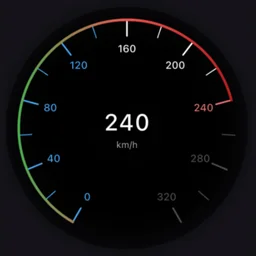 Trip Tracker & SpeedometerUtilitaires
-
 Speedometer XSUtilitaires
-
 Compteur Vitesse: GPS & HUDVitesse voiture, vélo, alerte
-
 eSpeed : Compteur GPSVitesse claire à vélo
-
 Speedometer GPS Speed Tracker.Utilitaires
-
 Stud Finder , Metal DetectorUtilitaires
-
 LabelDeckUtilitaires
-
 Pacer: Compteur de vitesseTraceur GPS Rapide
-
 The Vroom SpeedometerUtilitaires
-
 LocatometerUtilitaires