
Speedometer GPX
Pretty & Easy Speedometer
Designed for iPhone, iPad, iPod touch
In-app purchases
- Age rating4+
- CategoryUtilities
- DeveloperLand Analysis Lab
- LanguagesEnglish
- Size47.0 MB
Links to the official App Store page
Download.org hosts no file of Speedometer GPX. The button opens its official App Store page, published by Land Analysis Lab. Listing last checked on Nov 8, 2026.
Screenshots


About
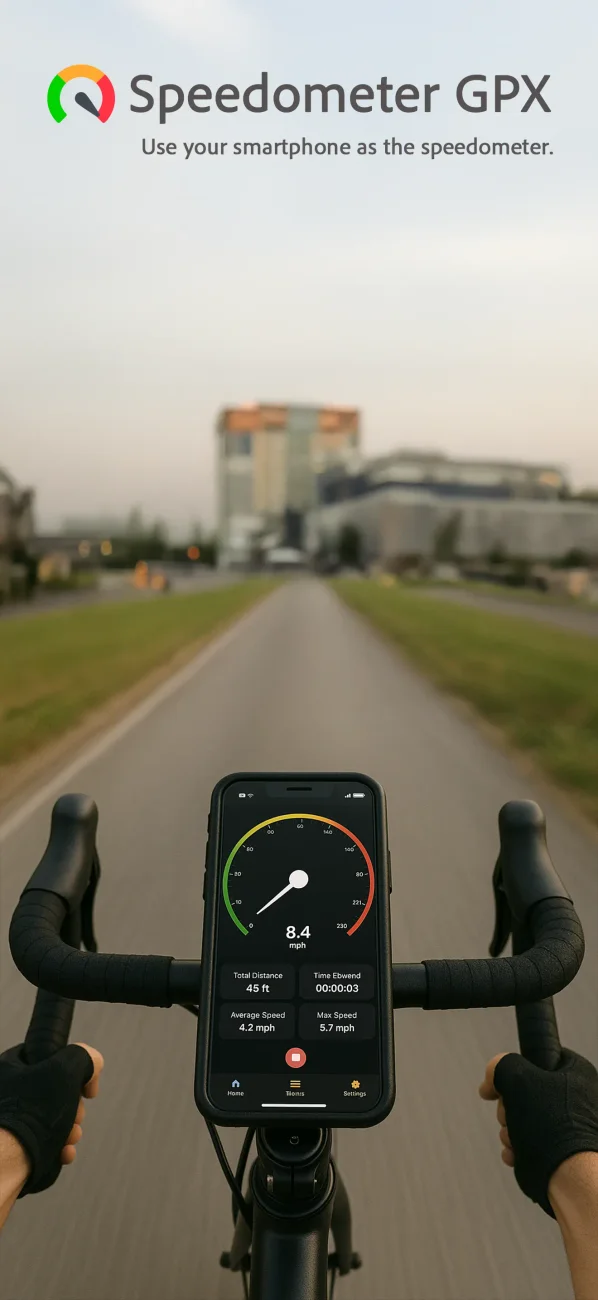
Speedometer - GPS Speedometer & Tracker
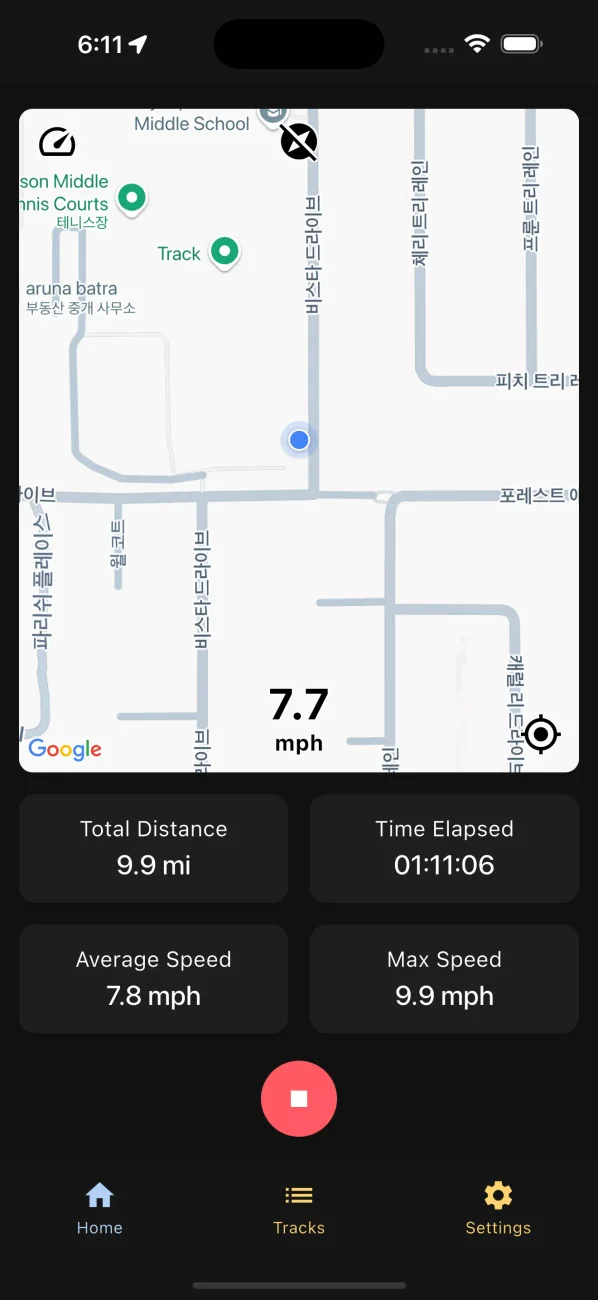
Speedometer is a real-time GPS-based speedometer and tracking app. While driving, you can check your current speed, travel distance, average speed, maximum speed, and more. You can also view your traveled route on the map in real-time.
[Key Features]
▶ Real-time Speedometer
• Digital speedometer and gauge view
• Supports km/h and mph units
• Speed level settings (Slowest, Slow, Normal, Fast)
▶ GPS Tracking
• Real-time location tracking
• Total distance measurement
• Average and maximum speed recording
• Elapsed time display
▶ Map View
• Google Maps integration
• Map type selection (Normal, Satellite, Hybrid, Terrain)
• Start and end point markers
▶ Track Management
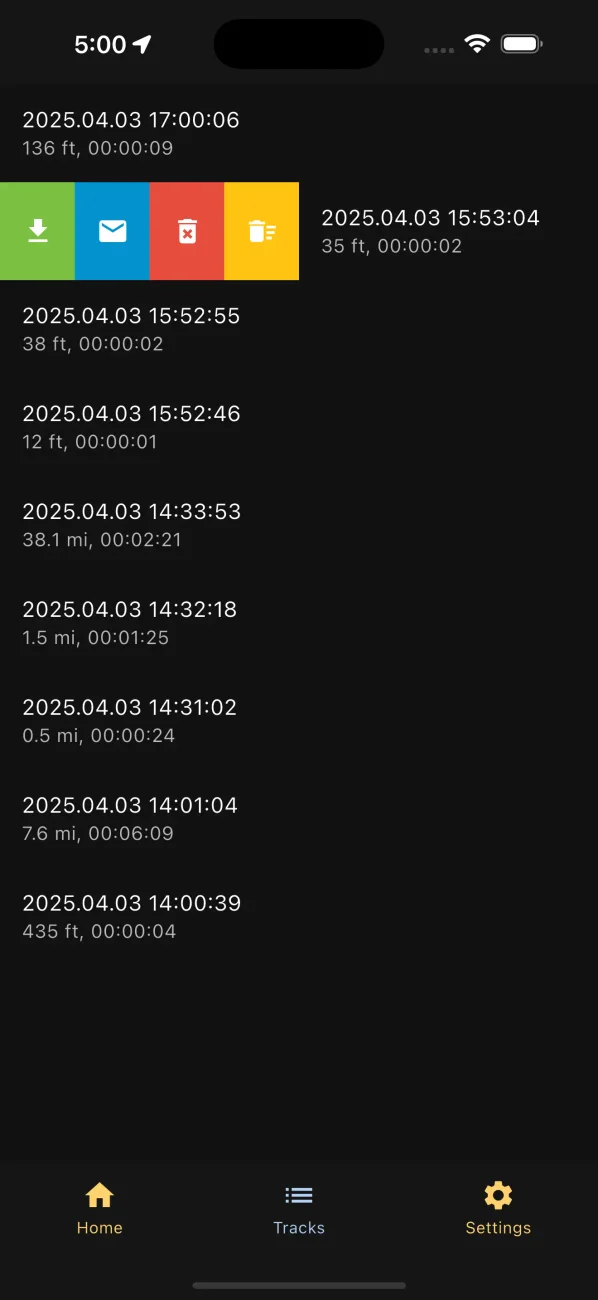
• Save recorded tracks
• Export to GPX and KML formats
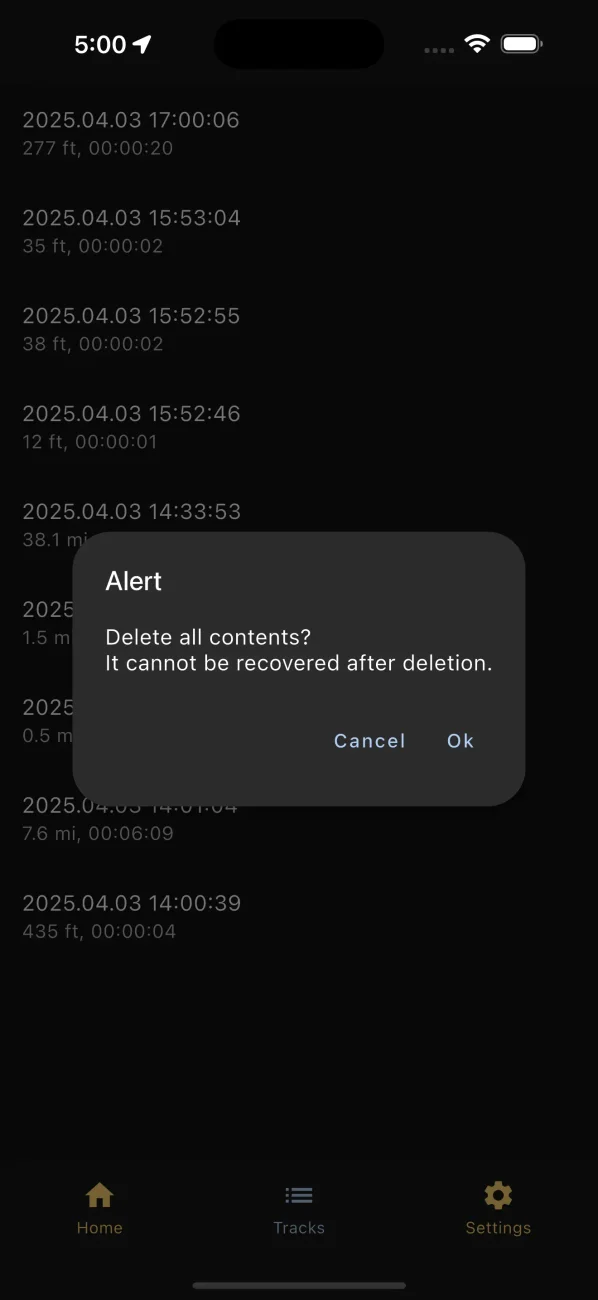
• View and delete track list
▶ Settings
• Multi-language support (English, Chinese, Spanish, Hindi, Arabic, Japanese, Korean)
• Theme mode (Light/Dark/System)
• Speed range settings
• Distance unit (km/mi)
• GPS accuracy settings (Power Save/Low Accuracy/Balanced/High Accuracy)
▶ Premium
• Ad-free experience
• Purchase Premium to remove all ads
[How to Use]
1. Launch the app to receive GPS signals for your current location.
2. Press the Start button to begin speed measurement and tracking.
3. Press the Stop button to end measurement and save the track.
4. Check the recorded route on the map in the Tracks screen.
5. Adjust various options in Settings.
[Privacy Policy]
This app only collects location data, which is stored solely on your device. It is not transmitted to any external servers.
What’s new
Version 2.0.1 · Oct 15, 2026
Bug fixes.
App privacy
What Land Analysis Lab declares on the App Store about how this app handles data.
-
Data used to track you
May be used to track you across apps and websites owned by other companies.
- Location
- Identifiers
- Usage data
- Diagnostics
-
Data linked to you
May be collected and linked to your identity.
- Location
- Identifiers
- Usage data
- Diagnostics
Privacy practices may vary, for example with the features you use or your age.
Information
- Seller
- Land Analysis Lab
- Category
- Utilities
- Version
- 2.0.1
- Updated
- Oct 15, 2026
- Released
- Apr 3, 2025
- Size
- 47.0 MB
- Requires
- iOS 15.6 or later
- Age rating
- 4+
- In-app purchases
- Yes
- Languages
- English
- Copyright
- © 2025 Land Analysis Lab
You might also like
-
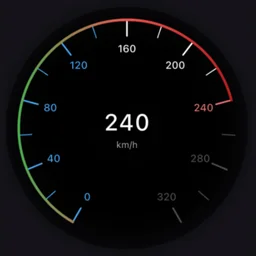 Trip Tracker & SpeedometerDrive Stats & Map History
-
 Speedometer XSSpeed, distance, and altitude
-
 Speedometer: GPS HUD & AlertCar & Bike Speed Tracker, mph
-
 eSpeed - GPS SpeedometerClear speed for every ride
-
 Speedometer GPS Speed Tracker.Car & Bike Digital Odometer
-
 Stud Finder , Metal DetectorFind Studs & Detect Metal
-
 LabelDeckZPL label printer over Wi-Fi
-
 Pacer: SpeedometerGPS Speed & Distance
-
 The Vroom SpeedometerUtilities
-
 LocatometerSpeed & Location