
Teletype: SSH & Remote Desktop
Terminal, VNC & Screen Sharing
Diseñada para iPhone, iPad, Mac
Gratis · Compras en la aplicación
- Clasificación por edad4+
- CategoríaPara desarrolladores
- DesarrolladorSergio Fernandez Duran
- Tamaño97,8 MB
Enlaza a la página oficial de App Store
Download.org no aloja ningún archivo de Teletype: SSH & Remote Desktop. El botón abre la página de la aplicación en App Store, donde la publica Sergio Fernandez Duran. Ficha comprobada por última vez el 26/11/2026.
Capturas de pantalla

Acerca de
El desarrollador no ha proporcionado este texto en tu idioma.
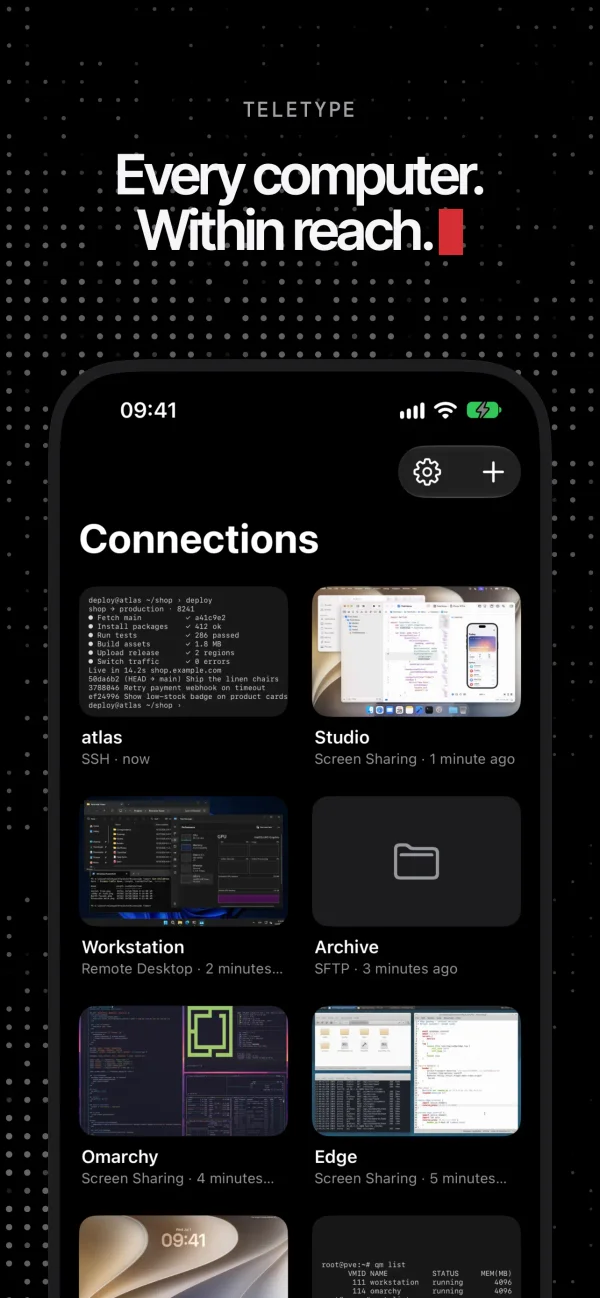
Every computer. Within reach.
Your Mac, your PC and your servers in one native app for iPhone and iPad. Reach your Macs from anywhere with Link. Share your Mac’s screen in High Performance with sound, control a Windows PC with Remote Desktop, see a Linux desktop over VNC, work in a terminal over SSH or Mosh, and move files over SFTP.
One connection is free, with every protocol. No account and no card.
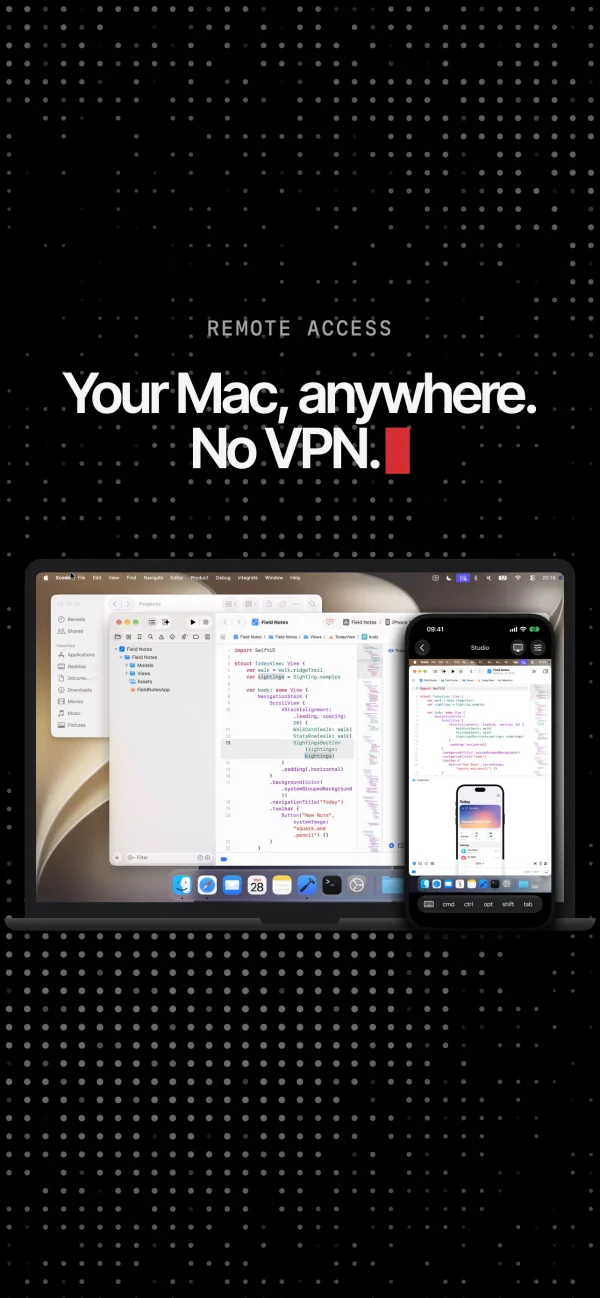
YOUR MACS, FROM ANYWHERE
• Turn on Link in Teletype on your Mac, and it’s one tap away on your iPhone and iPad, at home, at work or on cellular.
• No router setup, no port forwarding and no VPN.
• Screen Sharing, the terminal and files all work over Link.
• Invite someone you trust to a Mac, for Screen Sharing, the terminal or both, for as long as you choose. Remove them at any time.
YOUR MAC, LIKE YOU NEVER LEFT
• High Performance Screen Sharing on Macs with Apple silicon: hardware-decoded video up to 5K, the Mac’s own sound, and one or two virtual displays sized to your screen.
• High dynamic range on iPhones and iPads whose screens can show it, so photos and video keep their highlights.
• Standard sessions use Apple’s own codec, so text stays sharp. Works with macOS 26 and 27.
• Copy and paste text, formatted text and images. Send files to the Mac and save files from it.
• Curtain Screen keeps the Mac’s own display dark while you work.
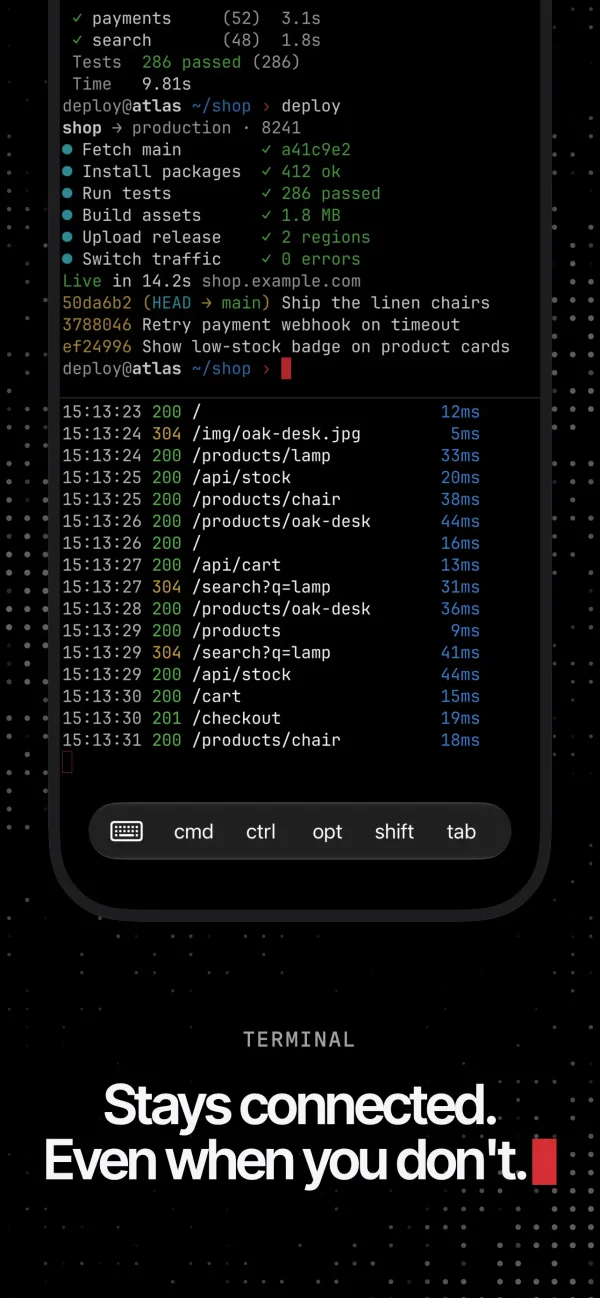
A TERMINAL THAT STAYS CONNECTED
• Mosh keeps your session alive as you move between networks and through sleep.
• Built on Ghostty and drawn with Metal, with 660 themes.
• Split panes, snippets, Find and output export, with the keys a terminal needs right above the keyboard.
• Notifications from programs on your server while the session runs in the background.
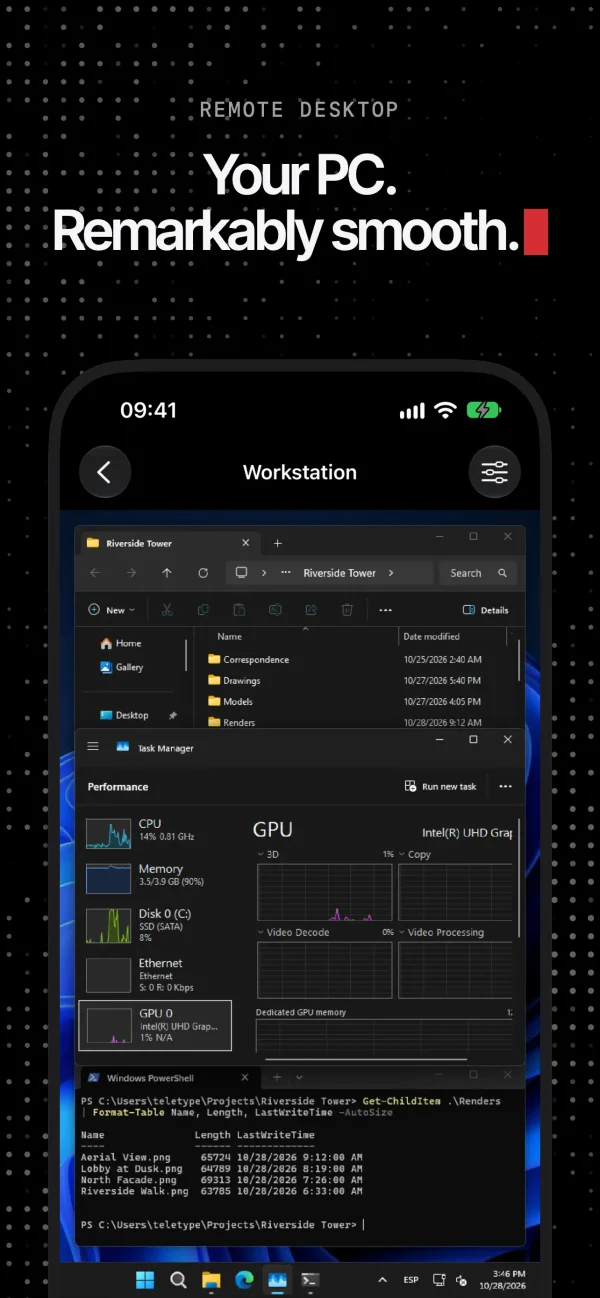
YOUR PC, REMARKABLY SMOOTH
• Remote Desktop to Windows Pro, Enterprise, Education and Server, with sound, microphone, clipboard and shared files.
• A desktop sized to your screen, Remote Desktop Gateway and Network Level Authentication.
• Review a PC’s certificate and trust it once, with a warning if it ever changes.
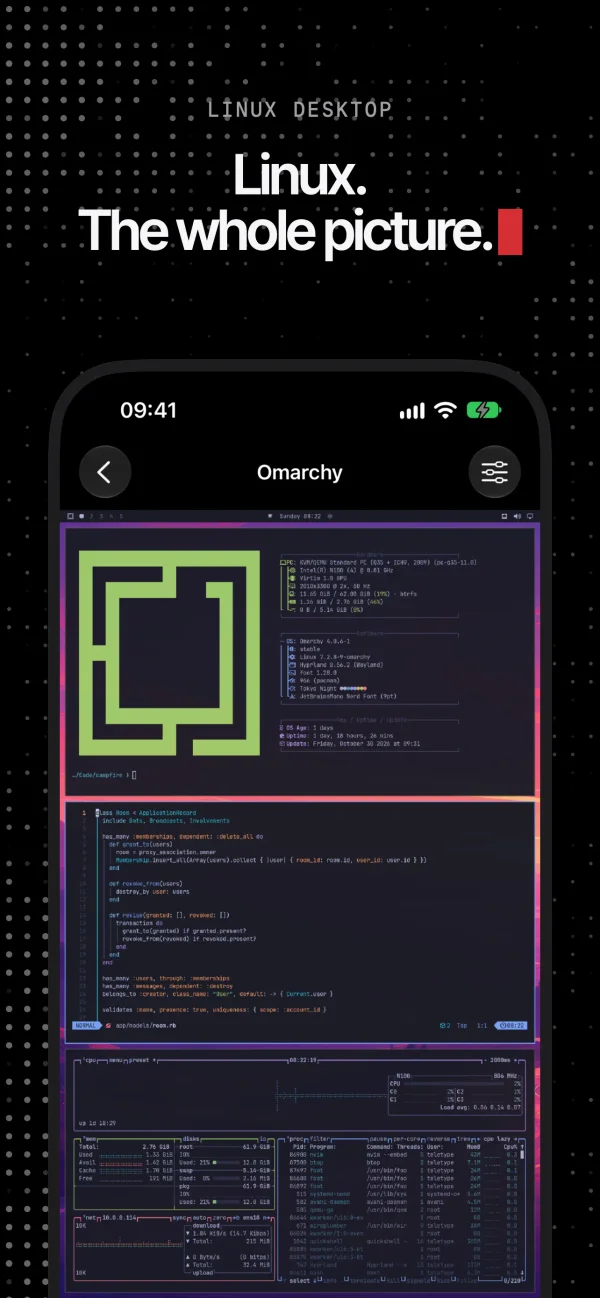
LINUX, THE WHOLE PICTURE
• VNC for Linux desktops on X11 and on Wayland, and the VNC servers you already run.
• Encrypted with TLS when the server offers it, and clipboard text that keeps its accents.
FILES, ONE TAP AWAY
• Browse servers and NAS drives over SFTP, and preview files with Quick Look.
• Upload from Files and Photos, or drag files in. Drag a file onto another folder to move it on the server.
• Rename, organize and create folders on servers that allow it.
REACH EVERY MACHINE
• Jump hosts, port forwarding and SSH agent forwarding.
• Wake-on-LAN wakes a sleeping machine before you connect.
• Computers on your network appear under Nearby.
KEYS THAT NEVER LEAVE YOUR DEVICE
• Create an SSH key in the Secure Enclave and sign in with Face ID. Import Ed25519, ECDSA or RSA keys.
• Teletype checks each server’s identity and warns you if it changes.
TELETYPE PRO
Link to your own Macs from anywhere, and invites; unlimited connections; iCloud sync of connections, passwords, settings and themes; Picture in Picture for terminals and desktops; your own themes; and alternate app icons. The monthly and annual plans start with a 3-day free trial, or buy once for life. Every plan works with Family Sharing.
Remote connections require a computer with the service turned on, reachable over your network, a VPN, a jump host or Link. Link connects directly when your networks allow it and otherwise through a public relay run by n0, which passes end-to-end encrypted data it cannot read.
Privacy Policy: https://teletype.sh/privacy
Terms of Use (EULA): https://www.apple.com/legal/internet-services/itunes/dev/stdeula/
Novedades
Versión 3.1.0 · 25/11/2026
Reach your Macs from anywhere with Teletype Link. Turn it on in Teletype on your Mac, and it’s one tap away on your iPhone and iPad, at home or on cellular, with no router setup and no VPN.
TELETYPE LINK
• Your Macs with Link on appear on your iPhone and iPad, ready to open.
• Screen Sharing, the terminal and files over Link: direct when your networks allow it, and through an encrypted relay when they don’t.
• Invite someone you trust to a Mac. Choose Screen Sharing, the terminal or both, and how long their access lasts. They connect with the free version, and you can remove them at any time.
ALSO NEW
• Computers on your tailnet appear in a Tailscale section of their own while Tailscale is connected.
• SSH and SFTP connections are named Terminal and Files, like Screen Sharing and Remote Desktop.
• Fixes and improvements throughout.
One connection is still free, with no account.
Privacidad de la aplicación
Lo que Sergio Fernandez Duran declara en App Store sobre cómo esta aplicación gestiona los datos.
-
No se recopilan datos
El desarrollador no recopila ningún dato de esta aplicación.
Las prácticas de privacidad pueden variar, por ejemplo, según las funciones que uses o tu edad.
Información
- Vendedor
- Sergio Fernandez Duran
- Categoría
- Para desarrolladores
- Versión
- 3.1.0
- Actualizado
- 25/11/2026
- Publicado
- 20/6/2026
- Tamaño
- 97,8 MB
- Requiere
- iOS 26.0 o posterior
- Clasificación por edad
- 4+
- Precio
- Gratis
- Compras en la aplicación
- Sí
- Copyright
- © 2026 fdzsergio
Quizá también te guste
-
 YoloShell-Terminal SSH VNC RDPHerdr, sshfs & escritorio
-
 Apperture: Remote Desktop AppsApps grandes, pantalla pequeña
-
 terminALL: SSH Remote DesktopPara desarrolladores
-
 ChibyooShellPara desarrolladores
-
 Braid CodePara desarrolladores
-
 teletype computerPara desarrolladores
-
 dev-mux: AI coding fleet mgmtPara desarrolladores
-
 RepoRoutePara desarrolladores
-
 AirShell - Agent CLI in PocketPara desarrolladores
-
 TreftPara desarrolladores