
- Clasificación por edad4+
- CategoríaEducación
- DesarrolladorMarkus Woski
- IdiomasInglés
- Tamaño47,6 MB
Enlaza a la página oficial de App Store
Download.org no aloja ningún archivo de TeXitor. El botón abre la página de la aplicación en App Store, donde la publica Markus Woski. Ficha comprobada por última vez el 12/11/2026.
Capturas de pantalla

Acerca de
El desarrollador no ha proporcionado este texto en tu idioma.
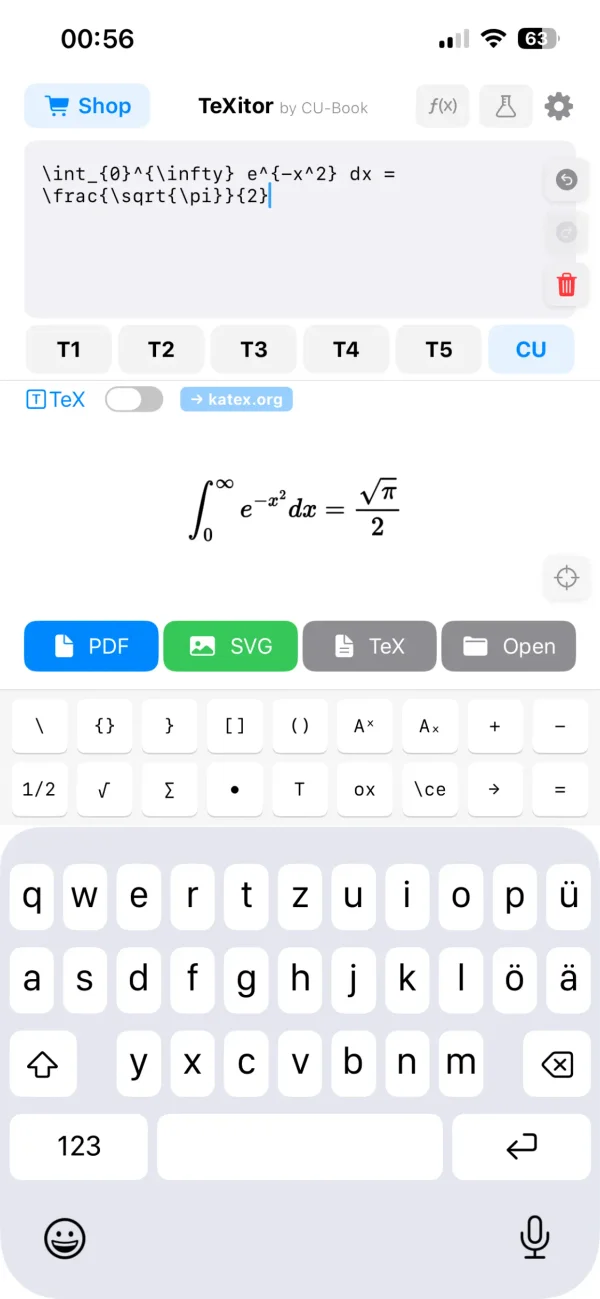
TeXitor turns the intimidating task of writing mathematical and chemical formulas into something every student, teacher, and researcher can do in seconds — right on their iPad, iPhone, or Mac.
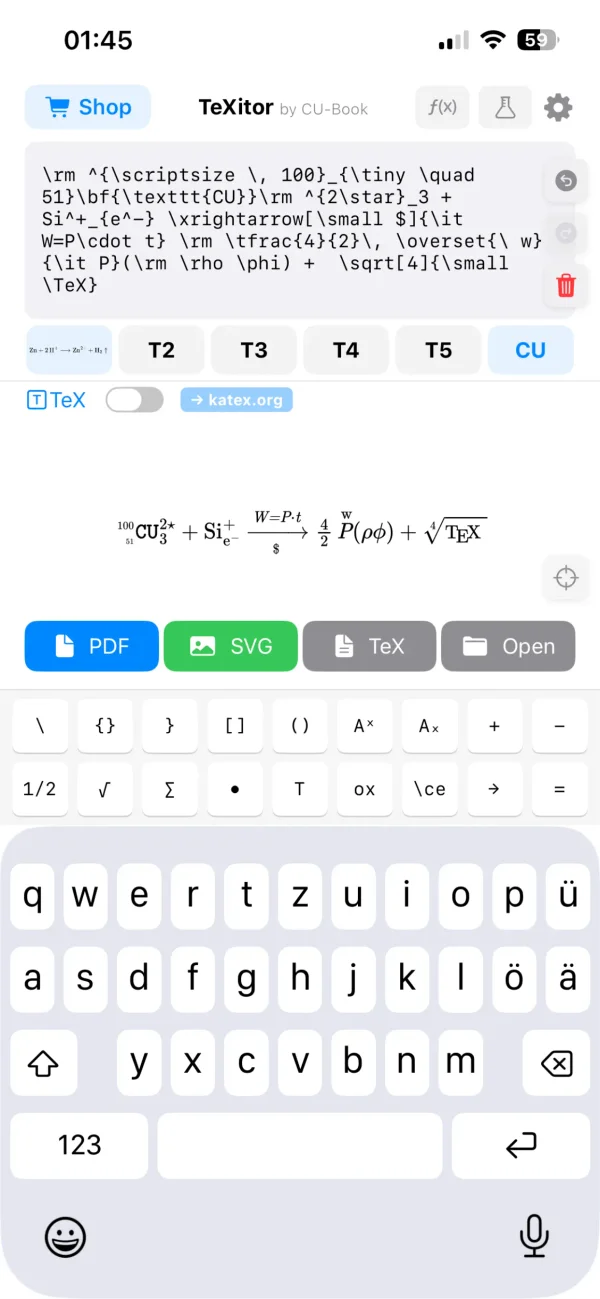
Built with classrooms in mind, TeXitor lets you type LaTeX or Typst code and see your formula rendered instantly — no compiling, no waiting, no prior LaTeX experience required. Whether you're a chemistry teacher writing reaction equations, a student typesetting an exam solution, or a researcher preparing a paper, TeXitor gives you professional-grade scientific typography in a tool as simple as a notes app.
KEY FEATURES FOR EDUCATION
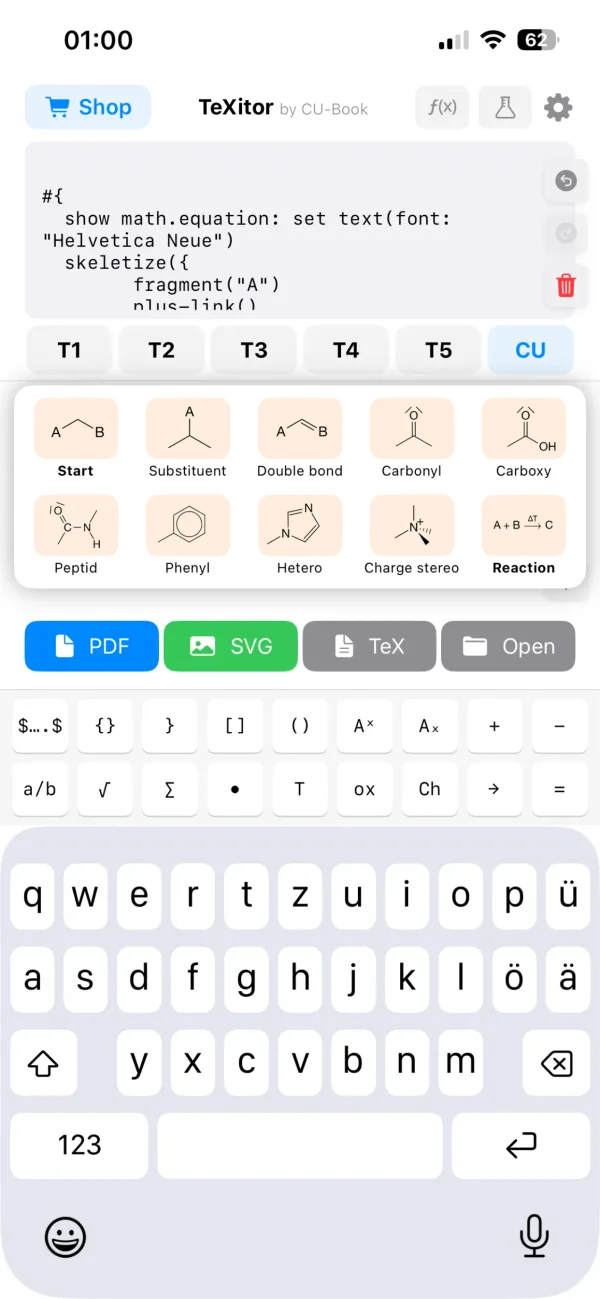
• Live formula preview — see your math and chemistry notation rendered as you type, powered by the industry-standard KaTeX (LaTeX) and Typst engines.
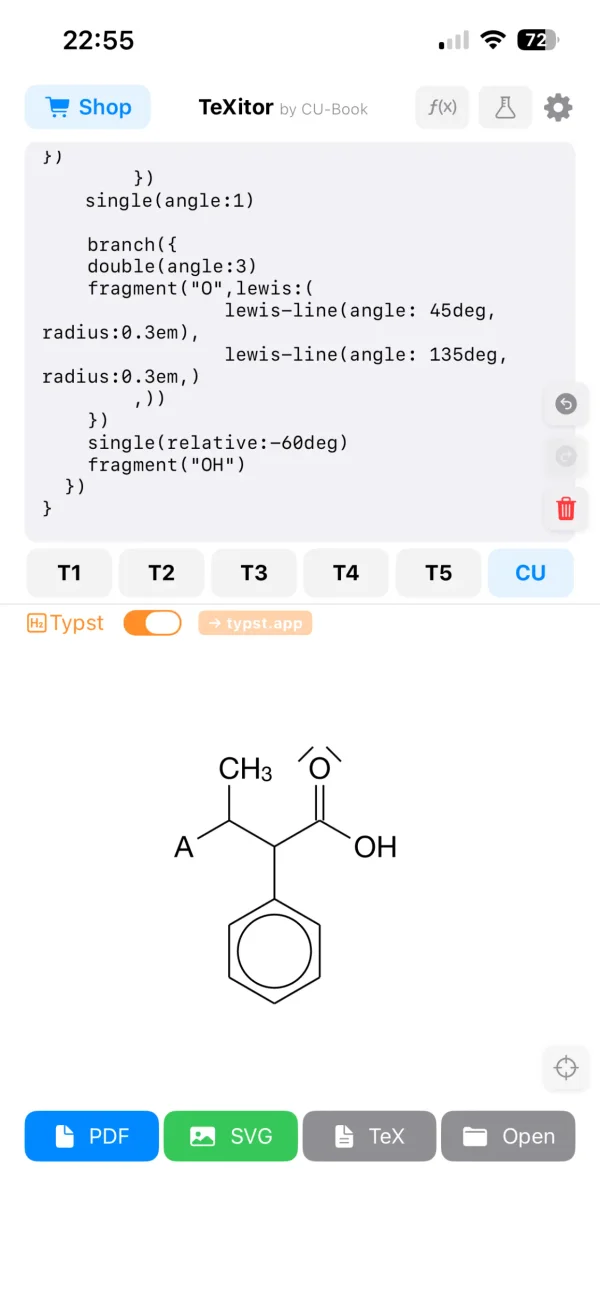
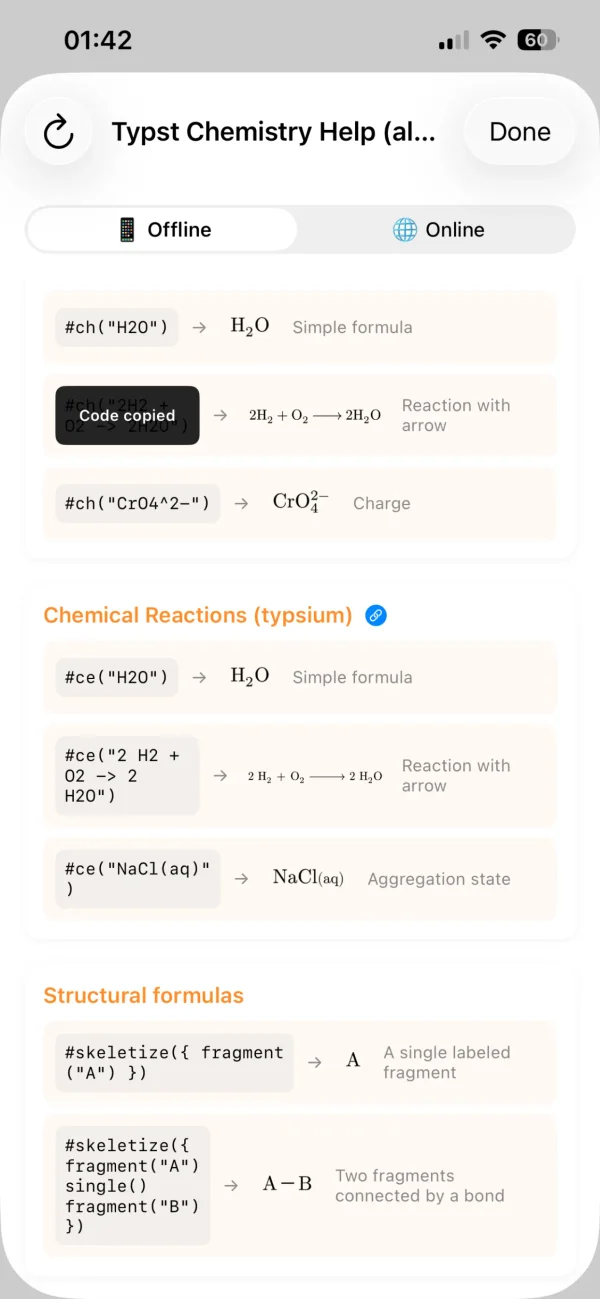
• Chemistry made easy — full support for mhchem/Alchemist syntax. Write \ce{H2SO4} or ce("H2SO4") and get correctly formatted chemical formulas, reaction arrows, and equilibrium notation.
• Custom keyboard toolbar — dedicated keys for fractions, roots, superscripts/subscripts, chemistry arrows, and common symbols mean less hunting for characters and more focus on content.
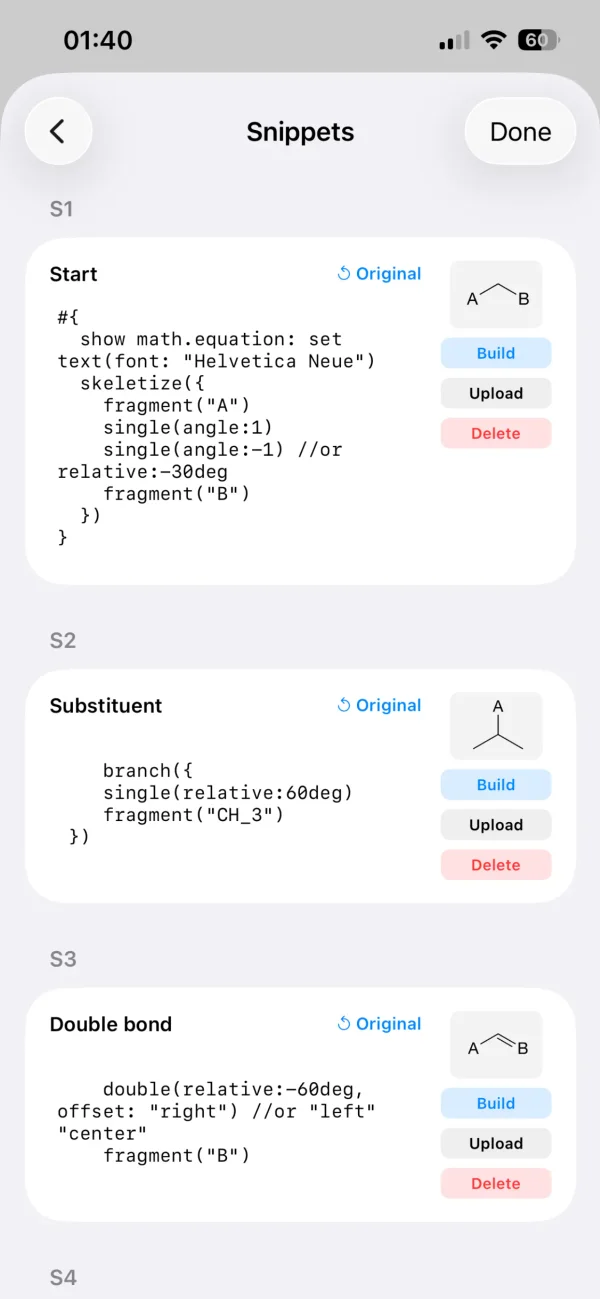
• Templates & snippets — save frequently used formulas (reaction schemes, skeletal structures, common expressions) as one-tap templates, perfect for building a personal formula library over a semester.
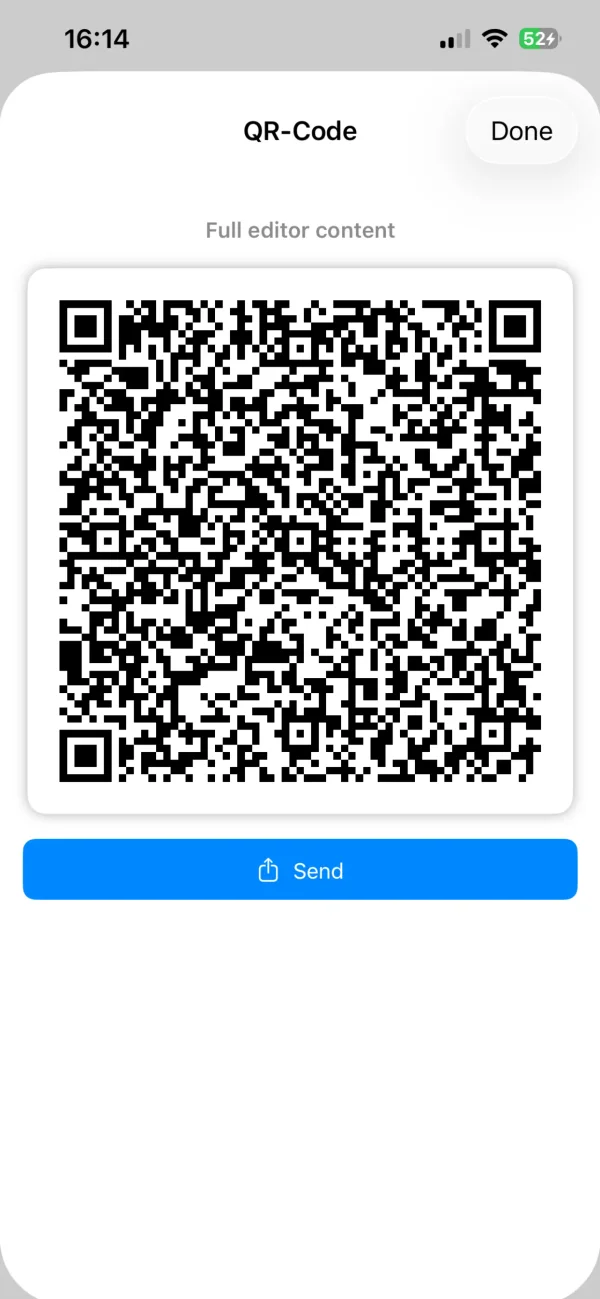
• Export anywhere — turn any formula into a PDF, scalable SVG, or plain .tex/.typ file for worksheets, slides, lab reports, or your school's LMS.
• Undo/redo, including shake-to-undo — mistake-proof editing that feels natural for students working under time pressure.
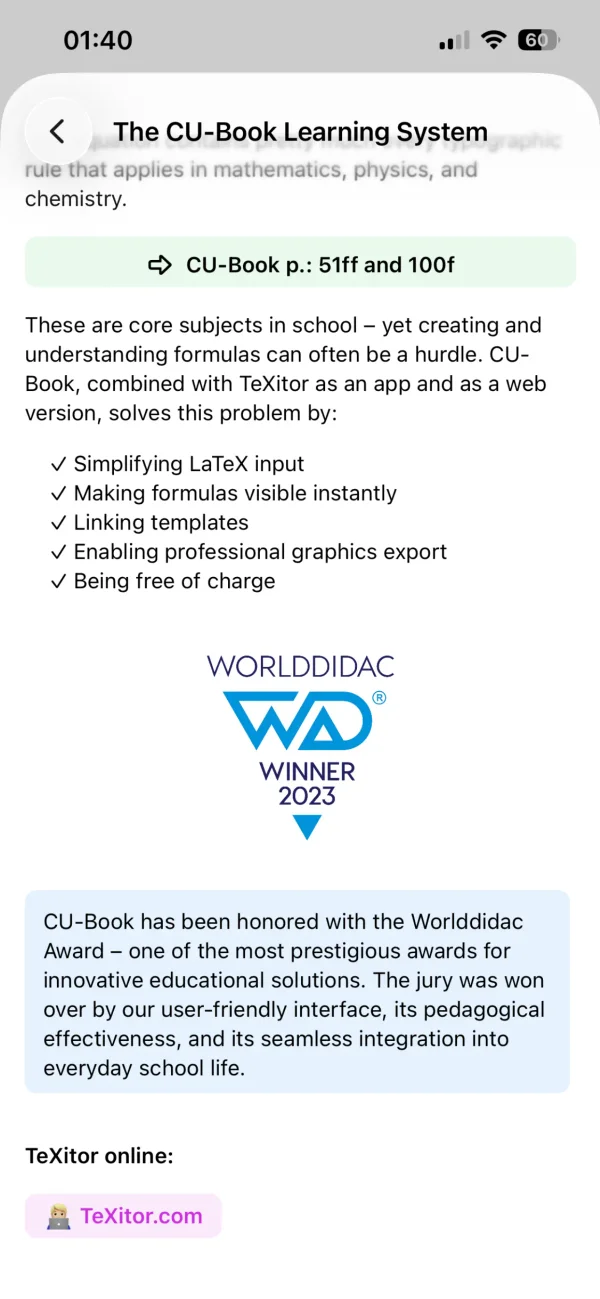
• Works with CU-Book — a seamless companion to the Worlddidac Award-winning CU-Book STEM learning system, used in classrooms to teach computer skills, data visualization, and scientific writing.
BUILT FOR SCHOOLS, NOT JUST USERS
TeXitor was designed from the ground up with data protection in mind — a rare feature in educational software:
• No accounts, no sign-up, no login — students open the app and start writing immediately.
• No personal data collected — no analytics, no tracking, no advertising IDs, no crash reporting.
• Everything stays on the device — formulas, templates, and settings are stored locally; nothing is uploaded to a server.
• GDPR-compliant by design — because no personal data is processed, TeXitor can be deployed on school devices without parental consent forms or data-protection sign-off.
• Curated, whitelist-only web access — the few in-app help links open only in a locked-down in-app browser. No open web browsing, no unexpected content.
• Safe for all ages, including young learners — no social features, no chat, no ads.
Whether you're outfitting a school's device fleet, teaching a chemistry unit, or just need to typeset a formula for tomorrow's worksheet, TeXitor makes rigorous scientific notation approachable — without ever compromising on privacy.
Novedades
Versión 2.2.1 · 30/9/2026
Horizontal mode for iPad,
Privacidad de la aplicación
Lo que Markus Woski declara en App Store sobre cómo esta aplicación gestiona los datos.
-
No se recopilan datos
El desarrollador no recopila ningún dato de esta aplicación.
Las prácticas de privacidad pueden variar, por ejemplo, según las funciones que uses o tu edad.
Información
- Vendedor
- Markus Woski
- Categoría
- Educación
- Versión
- 2.2.1
- Actualizado
- 30/9/2026
- Publicado
- 10/2/2026
- Tamaño
- 47,6 MB
- Requiere
- iOS 16.0 o posterior
- Clasificación por edad
- 4+
- Precio
- Gratis
- Idiomas
- Inglés
- Copyright
- © 2026 CU-Book, McMars
Quizá también te guste
-
 Overwrite - Markdown & LaTeXEducación
-
 TeXAntEditor LaTeX sin conexión
-
 Fórmulas KitEditor de matemáticas LaTeX
-
 Note Mplus - Math NotesEducación
-
 LaTeX HelpReferencia
-
 Img2LatexEducación
-
 PauseInkWhiteboard für den Unterricht
-
 Archimedes EditorEducación
-
 Final EquationEducación
-
 MohrsCirclesStress in crystal plasticity