- Độ tuổi4+
- Danh mụcGiáo Dục
- Nhà phát triểnMarkus Woski
- Ngôn ngữTiếng Anh
- Kích thước47,6 MB
Liên kết đến trang App Store chính thức
Download.org không lưu trữ tệp nào của TeXitor. Nút này mở trang ứng dụng trên App Store, nơi Markus Woski phát hành ứng dụng. Trang được kiểm tra lần cuối: 12/11/2026.
Ảnh chụp màn hình

Giới thiệu
Nhà phát triển chưa cung cấp nội dung này bằng ngôn ngữ của bạn.
TeXitor turns the intimidating task of writing mathematical and chemical formulas into something every student, teacher, and researcher can do in seconds — right on their iPad, iPhone, or Mac.
Built with classrooms in mind, TeXitor lets you type LaTeX or Typst code and see your formula rendered instantly — no compiling, no waiting, no prior LaTeX experience required. Whether you're a chemistry teacher writing reaction equations, a student typesetting an exam solution, or a researcher preparing a paper, TeXitor gives you professional-grade scientific typography in a tool as simple as a notes app.
KEY FEATURES FOR EDUCATION
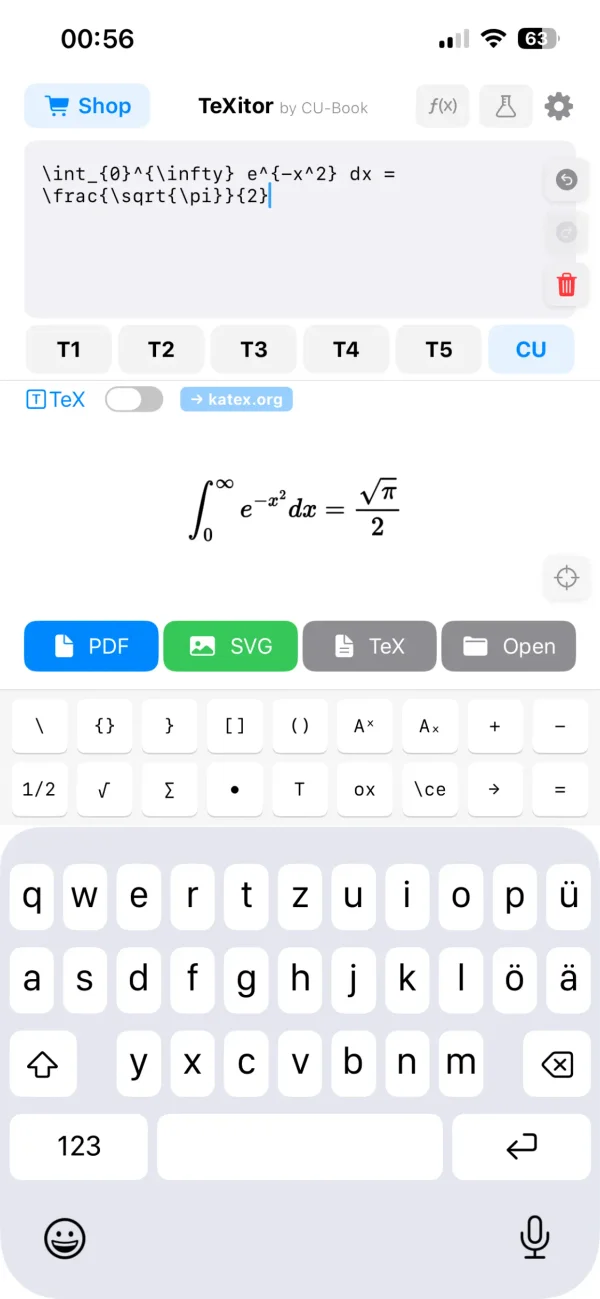
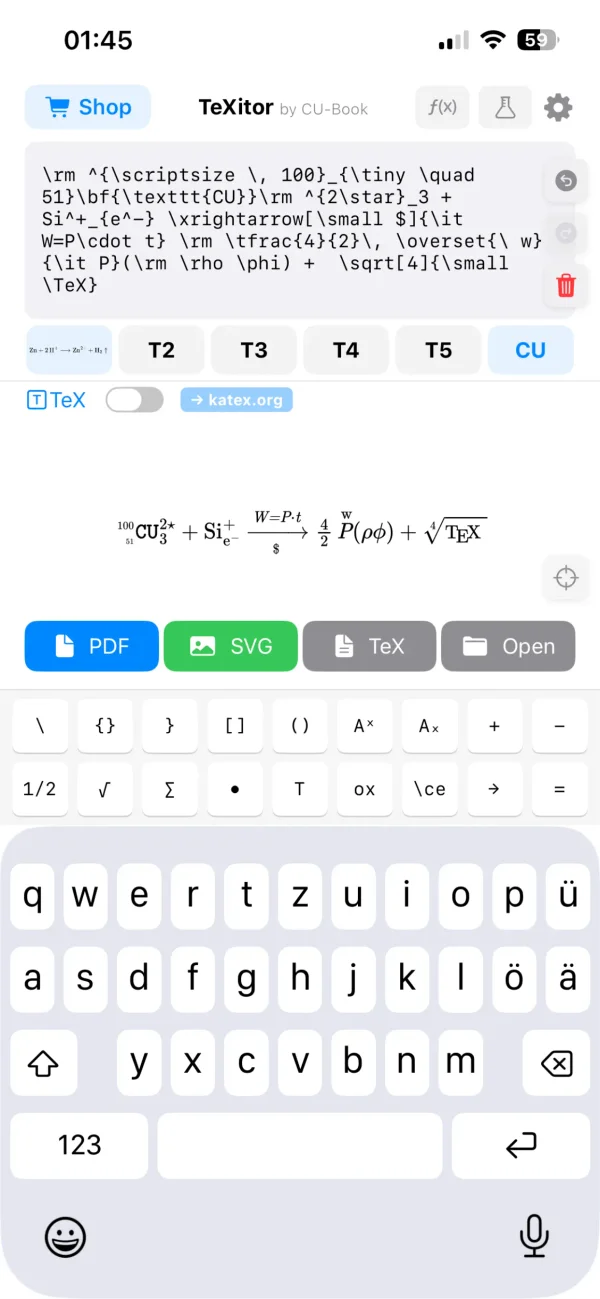
• Live formula preview — see your math and chemistry notation rendered as you type, powered by the industry-standard KaTeX (LaTeX) and Typst engines.
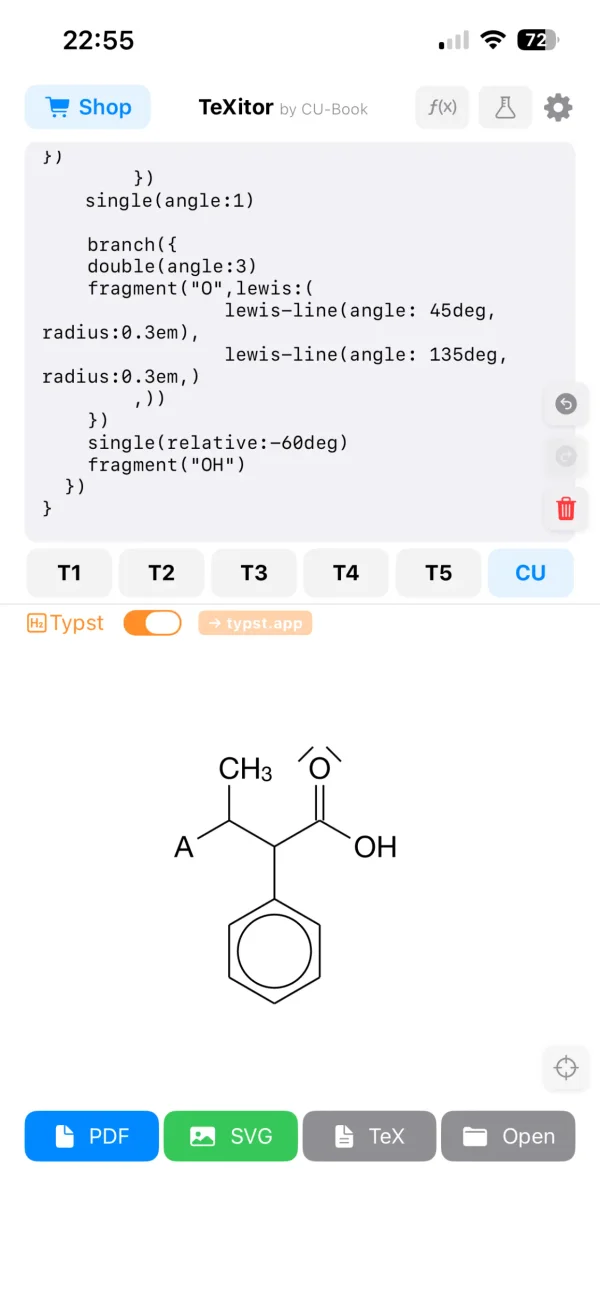
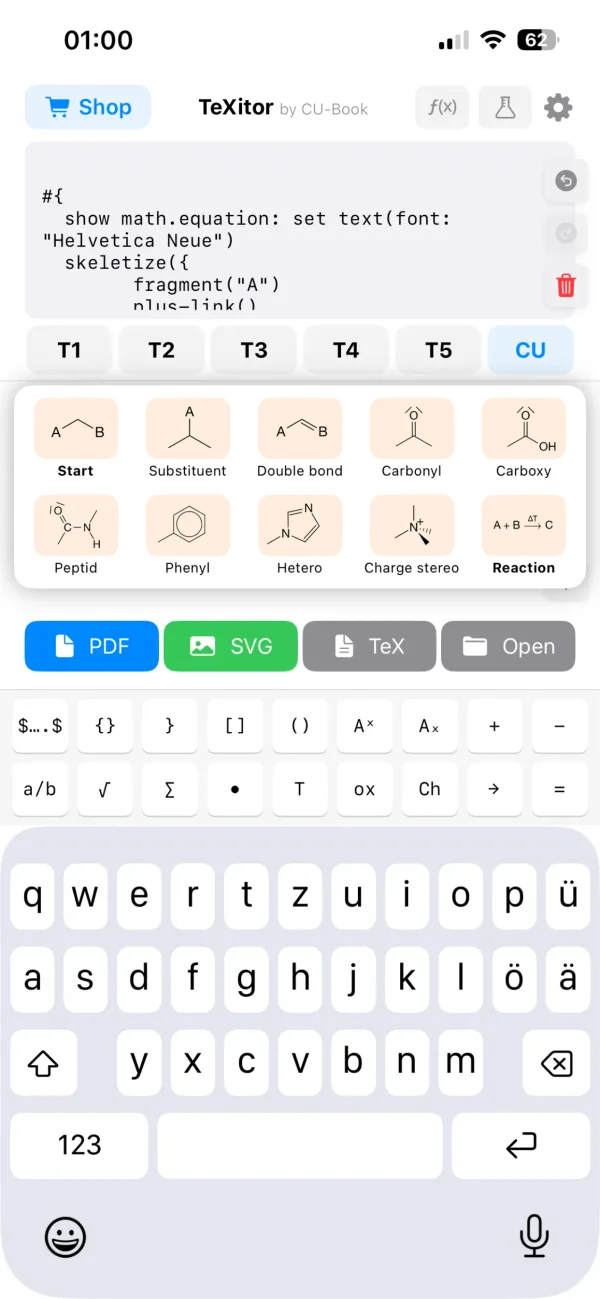
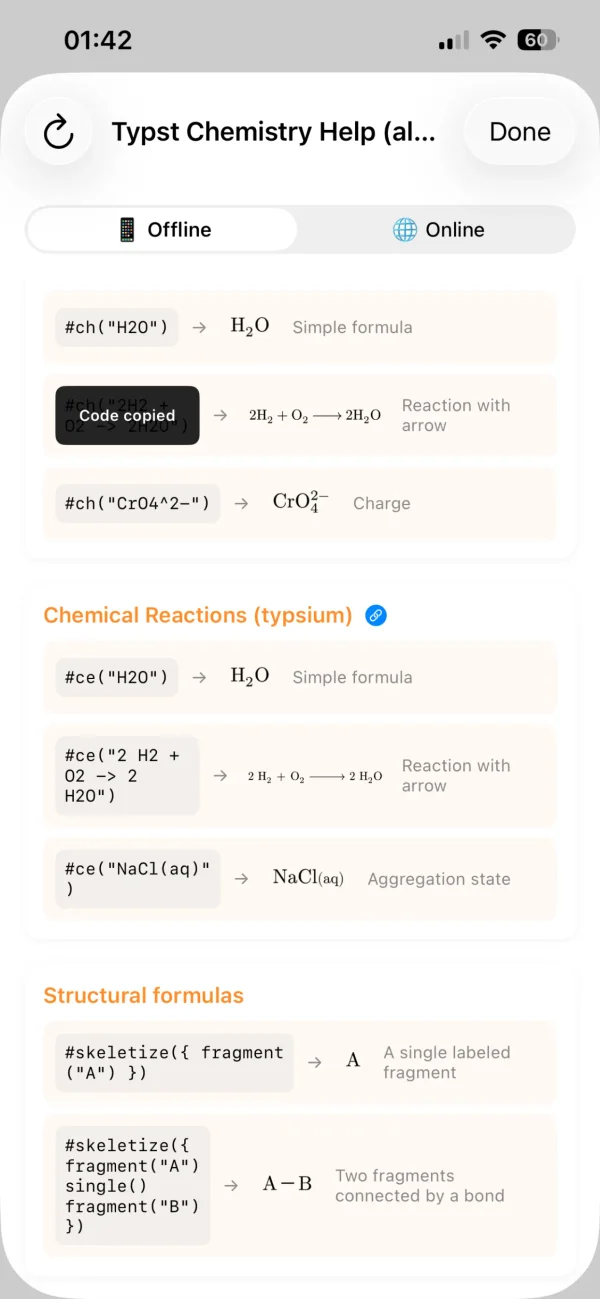
• Chemistry made easy — full support for mhchem/Alchemist syntax. Write \ce{H2SO4} or ce("H2SO4") and get correctly formatted chemical formulas, reaction arrows, and equilibrium notation.
• Custom keyboard toolbar — dedicated keys for fractions, roots, superscripts/subscripts, chemistry arrows, and common symbols mean less hunting for characters and more focus on content.
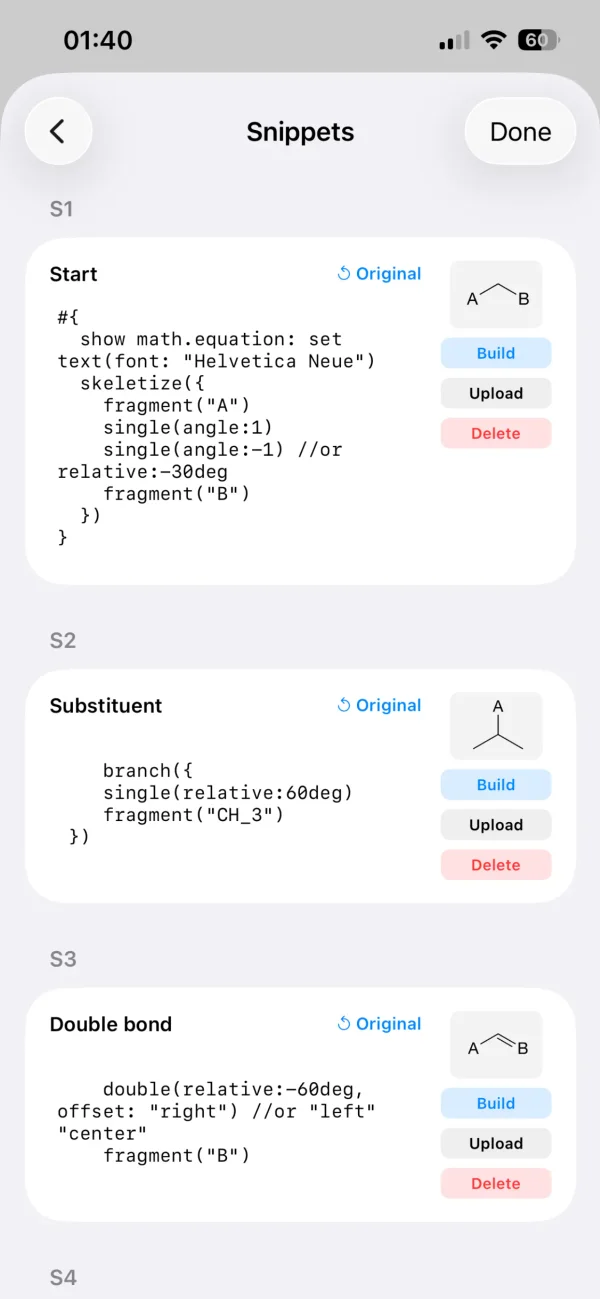
• Templates & snippets — save frequently used formulas (reaction schemes, skeletal structures, common expressions) as one-tap templates, perfect for building a personal formula library over a semester.
• Export anywhere — turn any formula into a PDF, scalable SVG, or plain .tex/.typ file for worksheets, slides, lab reports, or your school's LMS.
• Undo/redo, including shake-to-undo — mistake-proof editing that feels natural for students working under time pressure.
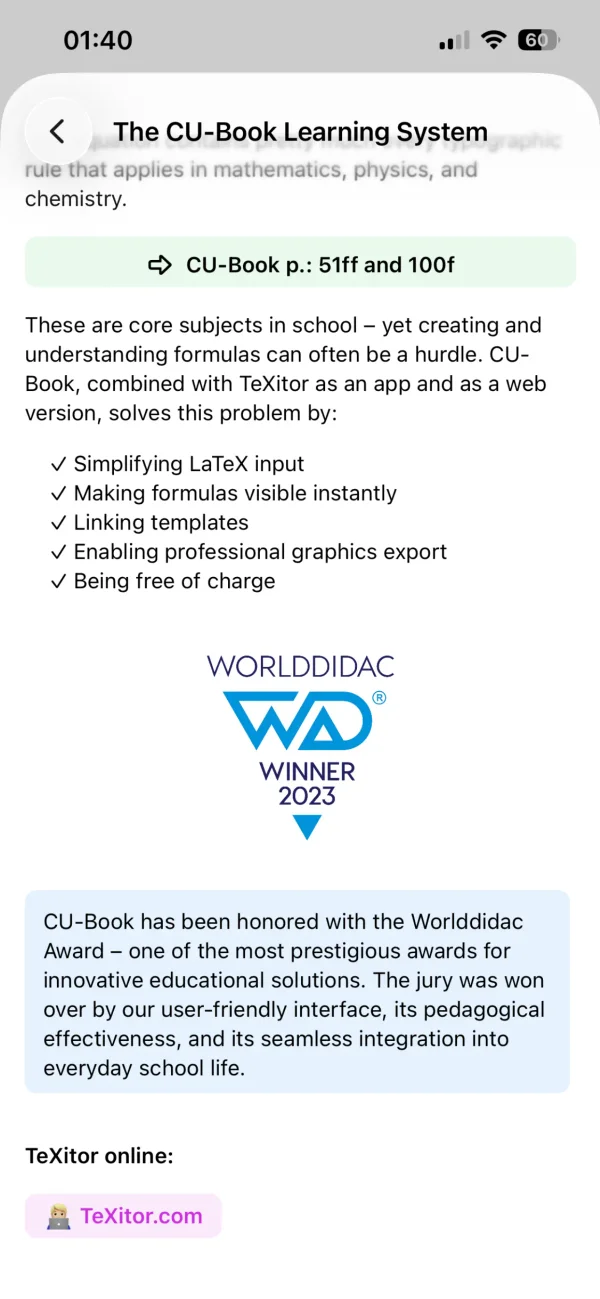
• Works with CU-Book — a seamless companion to the Worlddidac Award-winning CU-Book STEM learning system, used in classrooms to teach computer skills, data visualization, and scientific writing.
BUILT FOR SCHOOLS, NOT JUST USERS
TeXitor was designed from the ground up with data protection in mind — a rare feature in educational software:
• No accounts, no sign-up, no login — students open the app and start writing immediately.
• No personal data collected — no analytics, no tracking, no advertising IDs, no crash reporting.
• Everything stays on the device — formulas, templates, and settings are stored locally; nothing is uploaded to a server.
• GDPR-compliant by design — because no personal data is processed, TeXitor can be deployed on school devices without parental consent forms or data-protection sign-off.
• Curated, whitelist-only web access — the few in-app help links open only in a locked-down in-app browser. No open web browsing, no unexpected content.
• Safe for all ages, including young learners — no social features, no chat, no ads.
Whether you're outfitting a school's device fleet, teaching a chemistry unit, or just need to typeset a formula for tomorrow's worksheet, TeXitor makes rigorous scientific notation approachable — without ever compromising on privacy.
Có gì mới
Phiên bản 2.2.1 · 30/09/2026
Horizontal mode for iPad,
Quyền riêng tư của ứng dụng
Những gì Markus Woski khai báo trên App Store về cách ứng dụng này xử lý dữ liệu.
-
Dữ liệu không được thu thập
Nhà phát triển không thu thập bất kỳ dữ liệu nào từ ứng dụng này.
Phương thức đảm bảo quyền riêng tư có thể khác nhau, chẳng hạn như tuỳ theo các tính năng bạn sử dụng hoặc độ tuổi của bạn.
Thông tin
- Người bán
- Markus Woski
- Danh mục
- Giáo Dục
- Phiên bản
- 2.2.1
- Cập nhật
- 30/09/2026
- Phát hành
- 10/02/2026
- Kích thước
- 47,6 MB
- Yêu cầu
- iOS 16.0 trở lên
- Độ tuổi
- 4+
- Giá
- Miễn phí
- Ngôn ngữ
- Tiếng Anh
- Bản quyền
- © 2026 CU-Book, McMars