- 対象年齢4+
- カテゴリ教育
- 開発元Markus Woski
- 言語英語
- サイズ47.6 MB
App Storeの公式ページにリンクしています
Download.orgはTeXitorのファイルを一切ホストしていません。ボタンを押すと、Markus Woskiが公開しているApp Storeのアプリページが開きます。ページの最終確認:2026/11/12。
スクリーンショット

概要
開発元はこのテキストをお使いの言語で提供していません。
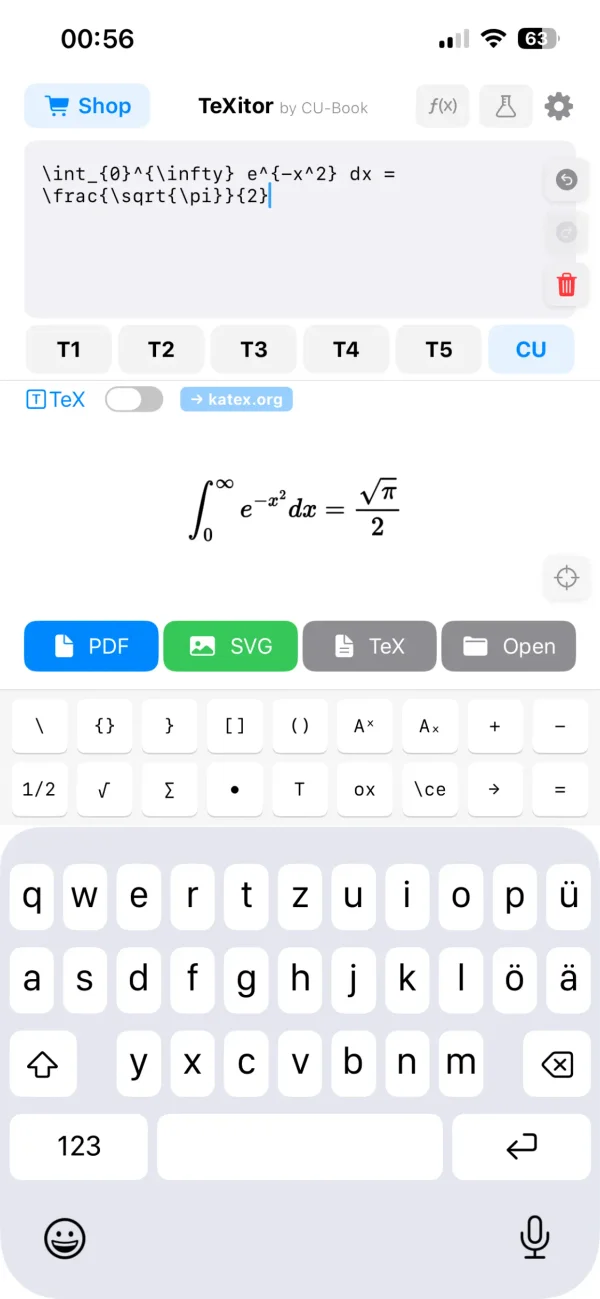
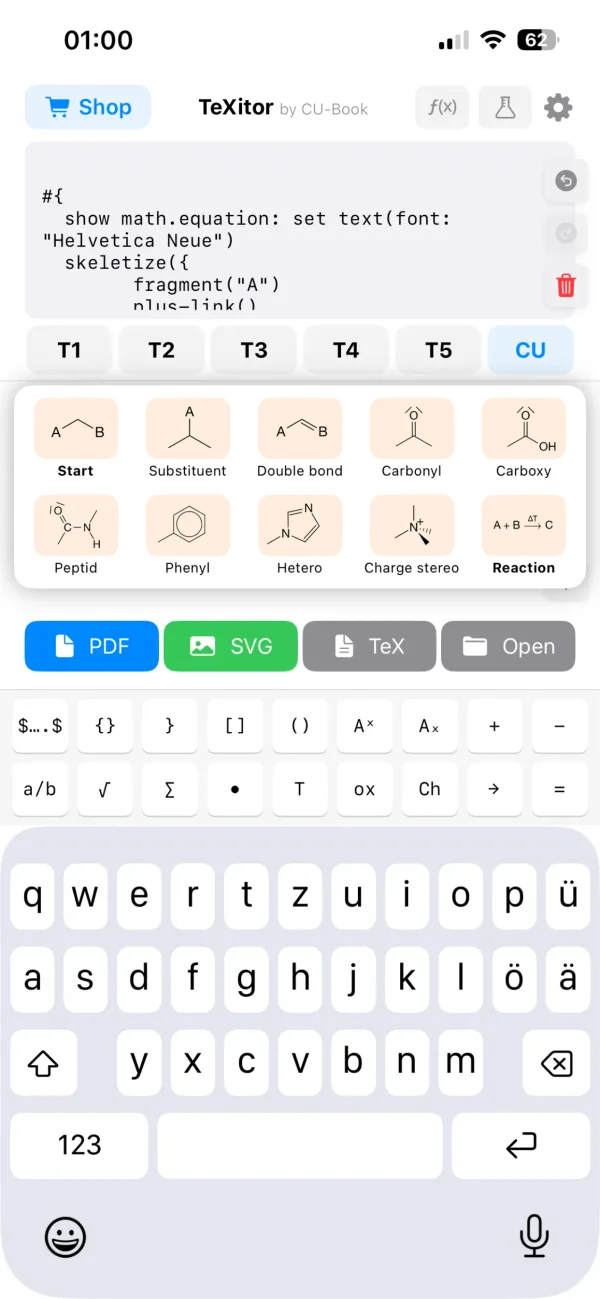
TeXitor turns the intimidating task of writing mathematical and chemical formulas into something every student, teacher, and researcher can do in seconds — right on their iPad, iPhone, or Mac.
Built with classrooms in mind, TeXitor lets you type LaTeX or Typst code and see your formula rendered instantly — no compiling, no waiting, no prior LaTeX experience required. Whether you're a chemistry teacher writing reaction equations, a student typesetting an exam solution, or a researcher preparing a paper, TeXitor gives you professional-grade scientific typography in a tool as simple as a notes app.
KEY FEATURES FOR EDUCATION
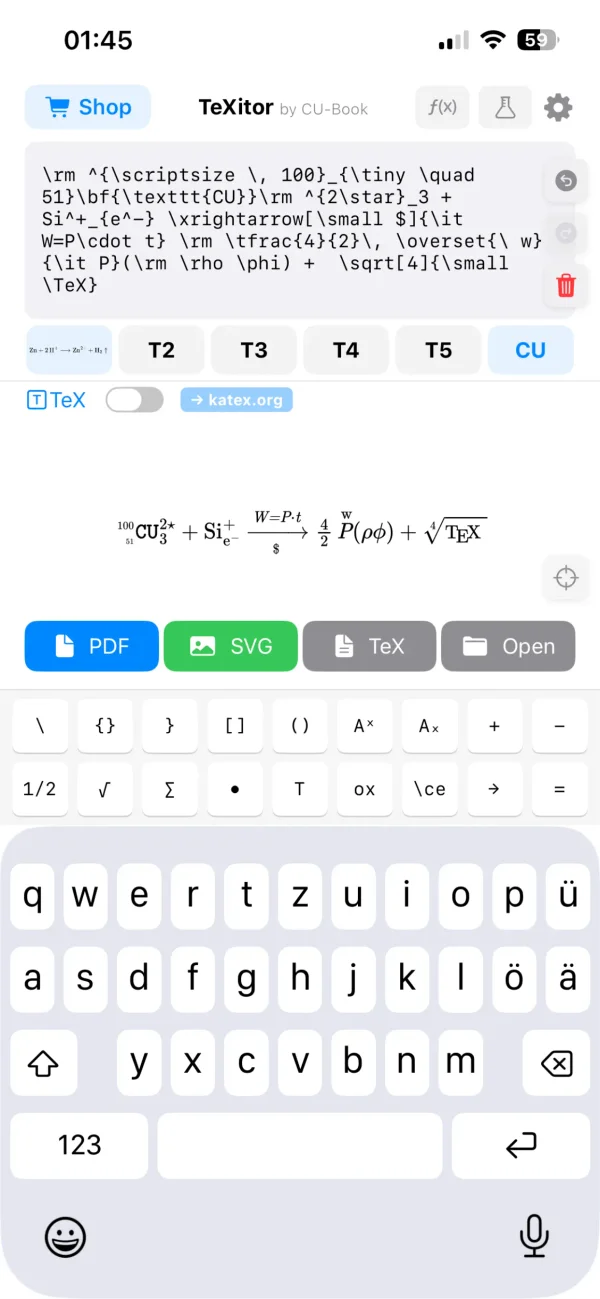
• Live formula preview — see your math and chemistry notation rendered as you type, powered by the industry-standard KaTeX (LaTeX) and Typst engines.
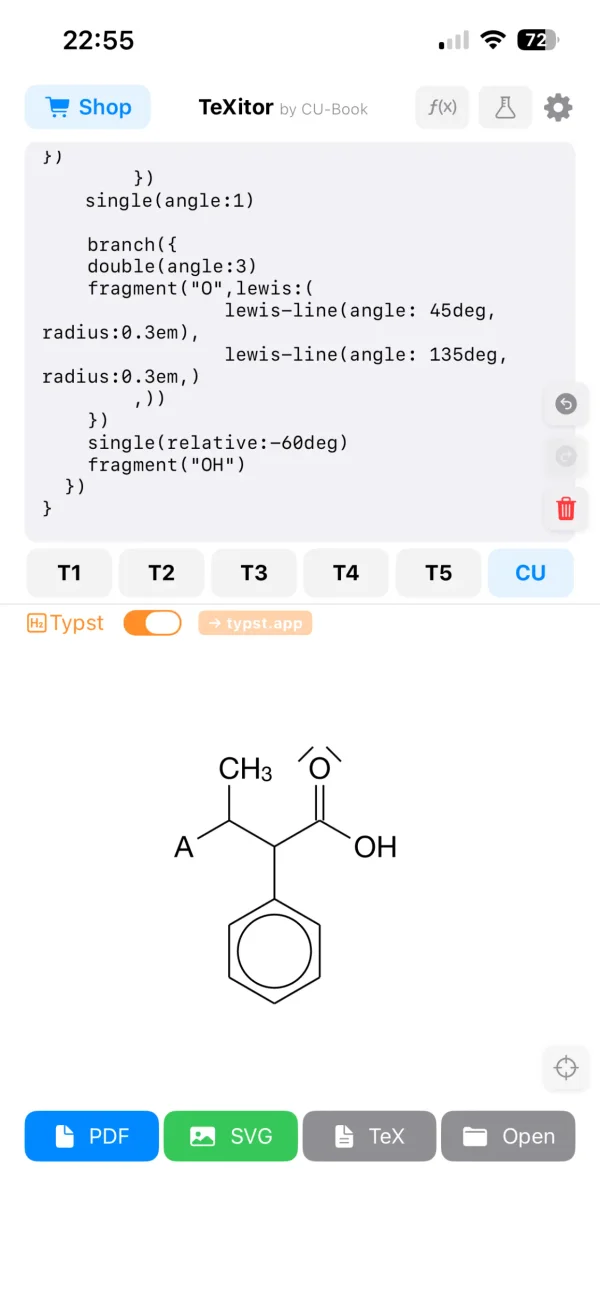
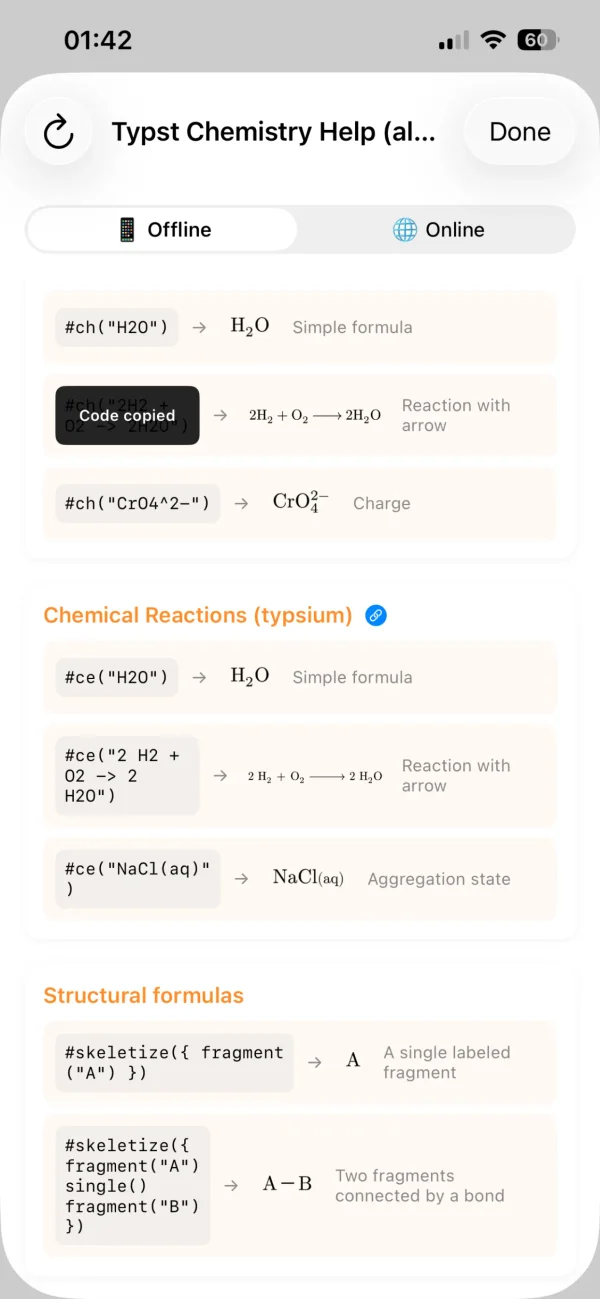
• Chemistry made easy — full support for mhchem/Alchemist syntax. Write \ce{H2SO4} or ce("H2SO4") and get correctly formatted chemical formulas, reaction arrows, and equilibrium notation.
• Custom keyboard toolbar — dedicated keys for fractions, roots, superscripts/subscripts, chemistry arrows, and common symbols mean less hunting for characters and more focus on content.
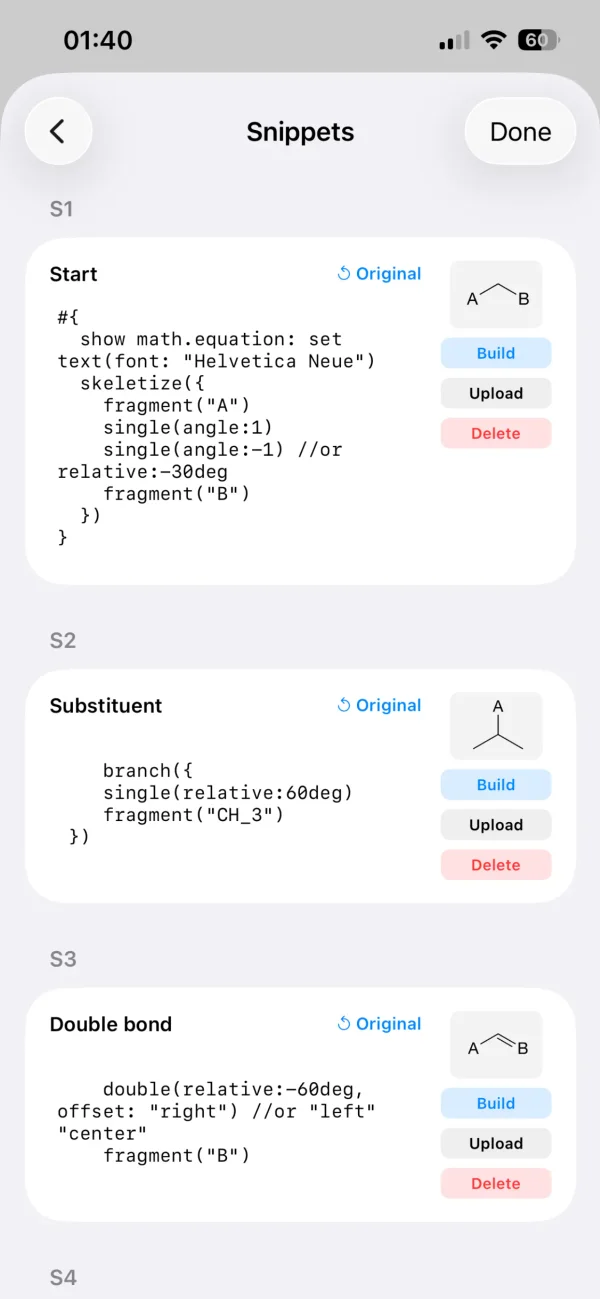
• Templates & snippets — save frequently used formulas (reaction schemes, skeletal structures, common expressions) as one-tap templates, perfect for building a personal formula library over a semester.
• Export anywhere — turn any formula into a PDF, scalable SVG, or plain .tex/.typ file for worksheets, slides, lab reports, or your school's LMS.
• Undo/redo, including shake-to-undo — mistake-proof editing that feels natural for students working under time pressure.
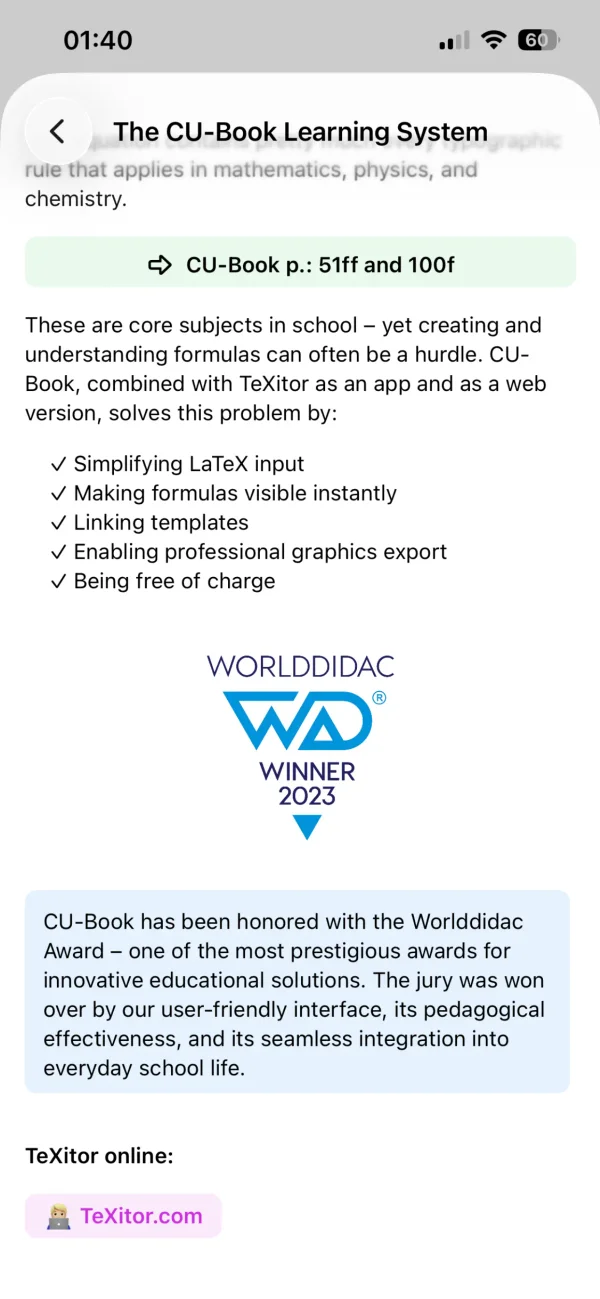
• Works with CU-Book — a seamless companion to the Worlddidac Award-winning CU-Book STEM learning system, used in classrooms to teach computer skills, data visualization, and scientific writing.
BUILT FOR SCHOOLS, NOT JUST USERS
TeXitor was designed from the ground up with data protection in mind — a rare feature in educational software:
• No accounts, no sign-up, no login — students open the app and start writing immediately.
• No personal data collected — no analytics, no tracking, no advertising IDs, no crash reporting.
• Everything stays on the device — formulas, templates, and settings are stored locally; nothing is uploaded to a server.
• GDPR-compliant by design — because no personal data is processed, TeXitor can be deployed on school devices without parental consent forms or data-protection sign-off.
• Curated, whitelist-only web access — the few in-app help links open only in a locked-down in-app browser. No open web browsing, no unexpected content.
• Safe for all ages, including young learners — no social features, no chat, no ads.
Whether you're outfitting a school's device fleet, teaching a chemistry unit, or just need to typeset a formula for tomorrow's worksheet, TeXitor makes rigorous scientific notation approachable — without ever compromising on privacy.
新機能
バージョン 2.2.1 · 2026/9/30
Horizontal mode for iPad,
アプリのプライバシー
このアプリのデータの取り扱いについて、Markus WoskiがApp Storeで申告している内容です。
-
データの収集なし
開発元はこのアプリからデータを収集しません。
プライバシーの取り扱いは、ご利用の機能やお客様の年齢などに応じて異なる場合があります。
情報
- 販売元
- Markus Woski
- カテゴリ
- 教育
- バージョン
- 2.2.1
- 更新日
- 2026/9/30
- リリース
- 2026/2/10
- サイズ
- 47.6 MB
- 必要条件
- iOS 16.0以降
- 対象年齢
- 4+
- 価格
- 無料
- 言語
- 英語
- 著作権
- © 2026 CU-Book, McMars