TezBlock: Screen Time Control
Block Apps with NFC & QR
Diseñada para iPhone
Gratis · Compras en la aplicación
- Clasificación por edad12+
- CategoríaProductividad
- DesarrolladorGandzhiya Edaliva
- IdiomasInglés+ 1 más
- Tamaño84,2 MB
Enlaza a la página oficial de App Store
Download.org no aloja ningún archivo de TezBlock: Screen Time Control. El botón abre la página de la aplicación en App Store, donde la publica Gandzhiya Edaliva. Ficha comprobada por última vez el 12/11/2026.
Capturas de pantalla

Acerca de
El desarrollador no ha proporcionado este texto en tu idioma.
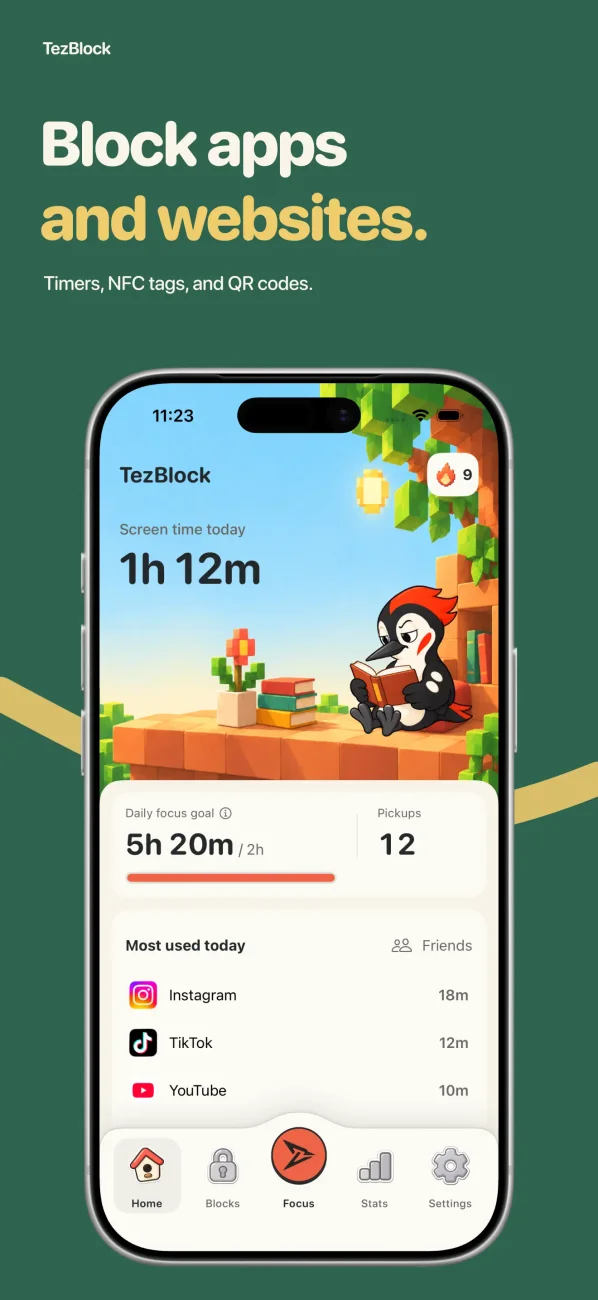
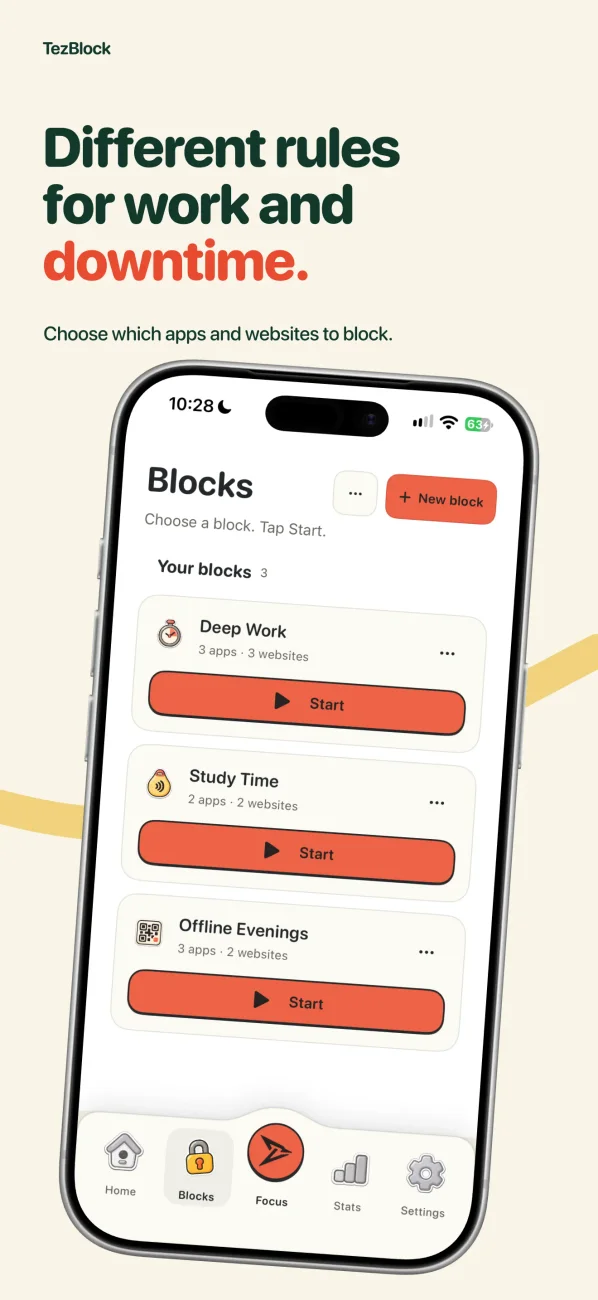
Block distracting apps and websites with TezBlock.
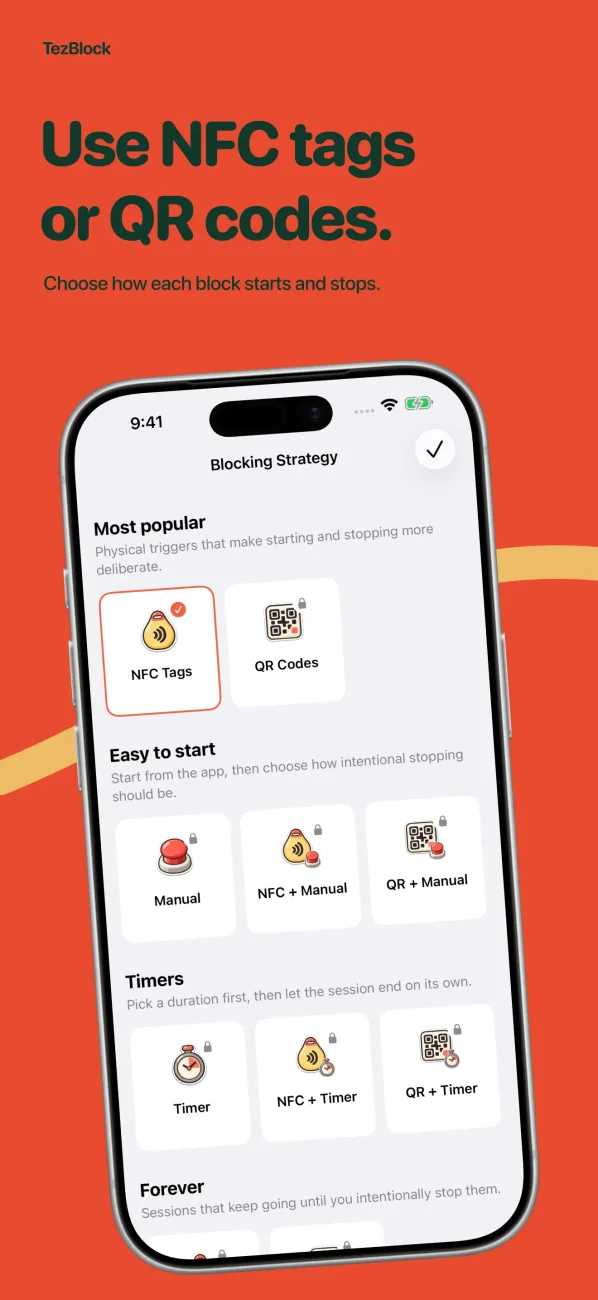
Choose the apps you want to block, create a profile, and pick how to start and end your session. Use a timer, set a schedule, or scan an NFC tag or QR code.
BLOCKING
• Create profiles for work, study, and evenings.
• Block selected apps and websites, or allow only the ones you choose.
• Schedule recurring sessions.
• Set a minimum lock time with Hard Mode.
• Take timed breaks, then return to your session.
PROGRESS
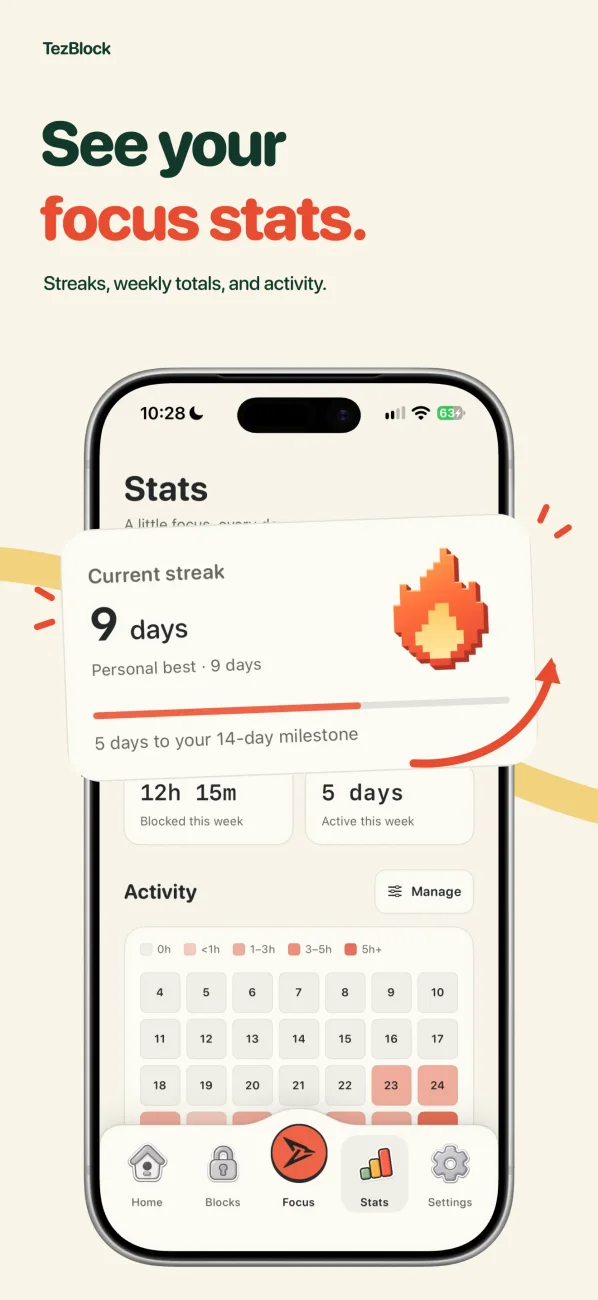
• Track focus time, completed sessions, and streaks.
• See device usage on Home after granting Screen Time access.
• Use widgets, Live Activities, and Siri shortcuts.
OPTIONAL CONNECTIONS
Sign in to use Friends and synced session history. An account is not required for local blocking and stats. You can also sync explicit website blocklists to the separate TezBlock for Mac companion on the same iCloud account.
NFC methods require a compatible iPhone and an NFC tag. QR methods require a code to scan. NFC tags are optional and sold separately. Timer and manual methods work without tags.
MEMBERSHIP
TezBlock is free to download. An active membership unlocks all blocking methods, unlimited profiles, schedules, breaks, and insights. Monthly and yearly plans are available. Prices and any eligible free trial are shown before purchase.
Subscriptions renew automatically unless canceled at least 24 hours before the current trial or billing period ends. Manage or cancel in your App Store account settings. Use Restore Purchases to recover an active subscription or an existing lifetime purchase. An optional developer tip does not unlock features.
Privacy: https://tezblock.app/privacy.html
Terms: https://www.apple.com/legal/internet-services/itunes/dev/stdeula/
Novedades
Versión 1.0.11 · 8/11/2026
• Start one of your first four blocks by pressing and holding the TezBlock icon.
• See a simpler focus timer in StandBy, with countdown rings for breaks and pauses on the Lock Screen widget and Dynamic Island.
• Protect a block with a password to prevent changes, duplication, or deletion.
• Fixed an issue where one scheduled block could interrupt the next.
• New blocks now show a name hint so you can enter your own.
Privacidad de la aplicación
Lo que Gandzhiya Edaliva declara en App Store sobre cómo esta aplicación gestiona los datos.
-
Datos vinculados a ti
Pueden recopilarse y vincularse a tu identidad.
- Compras
- Información de contacto
- Contactos
- Contenido del usuario
- Identificadores
- Datos de uso
-
Datos no vinculados a ti
Pueden recopilarse, pero no se vinculan a tu identidad.
- Identificadores
- Datos de uso
Las prácticas de privacidad pueden variar, por ejemplo, según las funciones que uses o tu edad.
Información
- Vendedor
- Gandzhiya Edaliva
- Categoría
- Productividad
- Versión
- 1.0.11
- Actualizado
- 8/11/2026
- Publicado
- 14/5/2026
- Tamaño
- 84,2 MB
- Requiere
- iOS 17.6 o posterior
- Clasificación por edad
- 12+
- Precio
- Gratis
- Compras en la aplicación
- Sí
- Idiomas
- Inglés, Ruso
- Copyright
- © 2026 TezGroup
Quizá también te guste
-
 Peace: App Blocker & FocusProductividad
-
 Tether: Agenda TDAH y FocoLista de tareas IA y timer
-
 Cowie.Time BankProductividad
-
 TapLock cardProductividad
-
 Descreened: App BlockerProductividad
-
 TimePilot 24hProductividad
-
 5001 TomatesTemporizador Pomodoro
-
 chapter lock - screen timeProductividad
-
 HoldOn: Screen Time NudgeProductividad
-
 StudyMode: Remove distractionsProductividad