The Missing Brightness Widget
Dimmer for Home & Lock Screen
Diseñada para iPhone, iPad
2,99 €
- Clasificación por edad4+
- CategoríaUtilidades
- Desarrolladorweheartprojects.com
- IdiomasInglés+ 6 más
- Tamaño11,5 MB
Enlaza a la página oficial de App Store
Download.org no aloja ningún archivo de The Missing Brightness Widget. El botón abre la página de la aplicación en App Store, donde la publica weheartprojects.com. Ficha comprobada por última vez el 12/11/2026.
Capturas de pantalla
Acerca de
El desarrollador no ha proporcionado este texto en tu idioma.
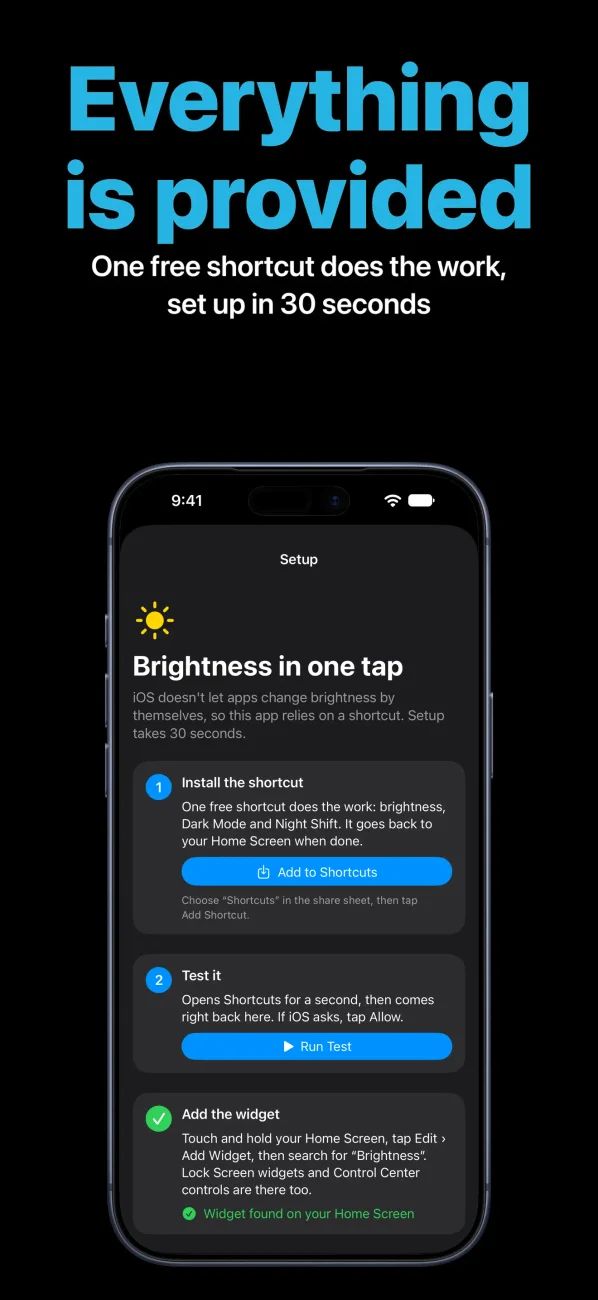
Set your screen brightness in one tap, right from your Home Screen, Lock Screen or Control Center.
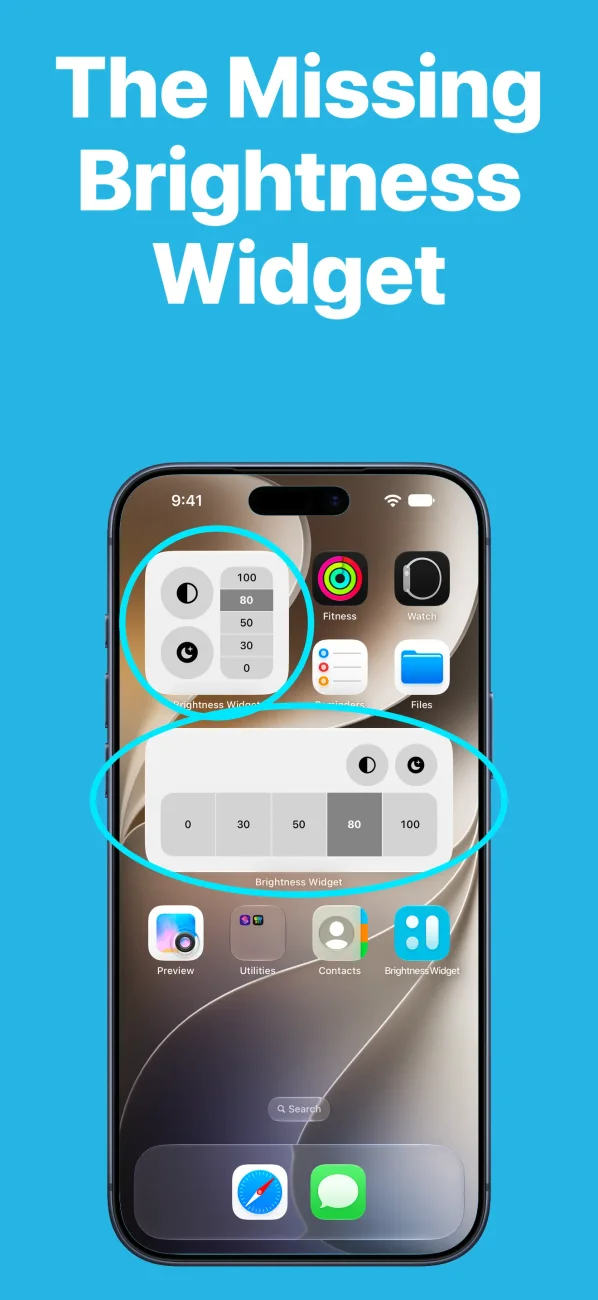
iOS has no brightness widget. This app gives you one: five brightness presets and two action buttons (Dark Mode and Night Shift by default), always one tap away.
HOW IT WORKS
iOS doesn't let apps change brightness, Dark Mode or Night Shift by themselves. The Shortcuts app can, so this app comes with a free shortcut that does the work, then takes you back to your Home Screen. Setup takes 30 seconds and the app guides you through it.
EVERYWHERE YOU NEED IT
• Home Screen widgets in three sizes, with five layouts: brightness on the right, left, top, bottom, or on its own
• StandBy, for a bedside dimmer
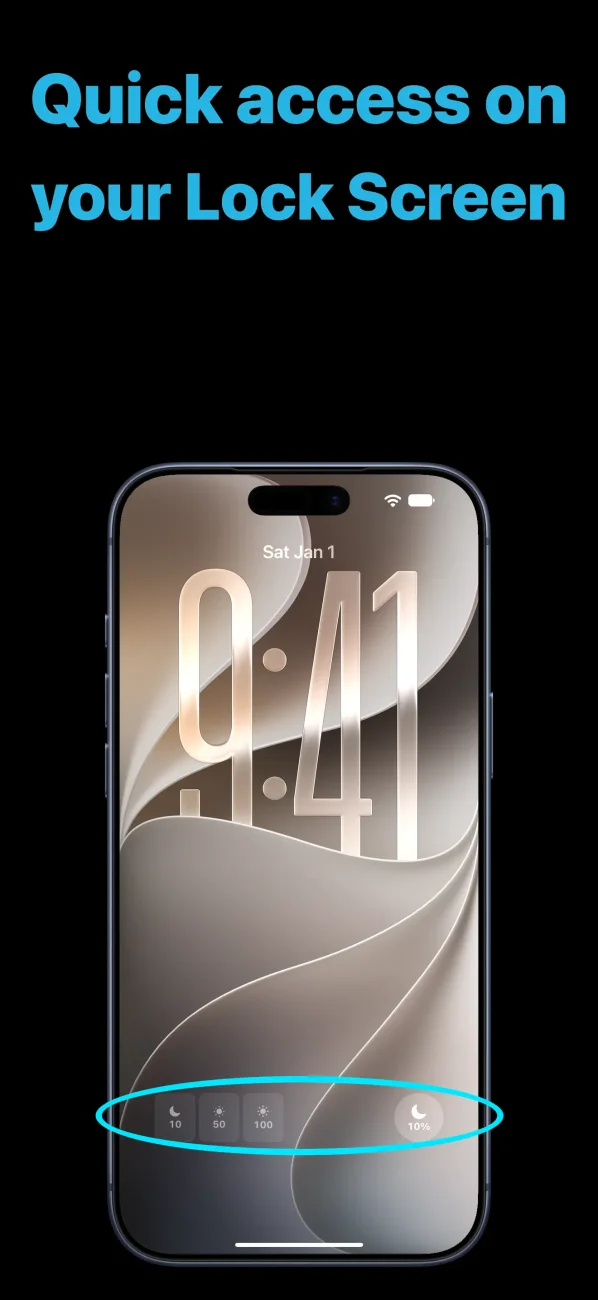
• Lock Screen widgets with your favorite presets
• Control Center controls, also usable on the Lock Screen and the Action button
• Siri and Spotlight: "Dim the screen with Brightness Widget"
MAKE IT YOURS
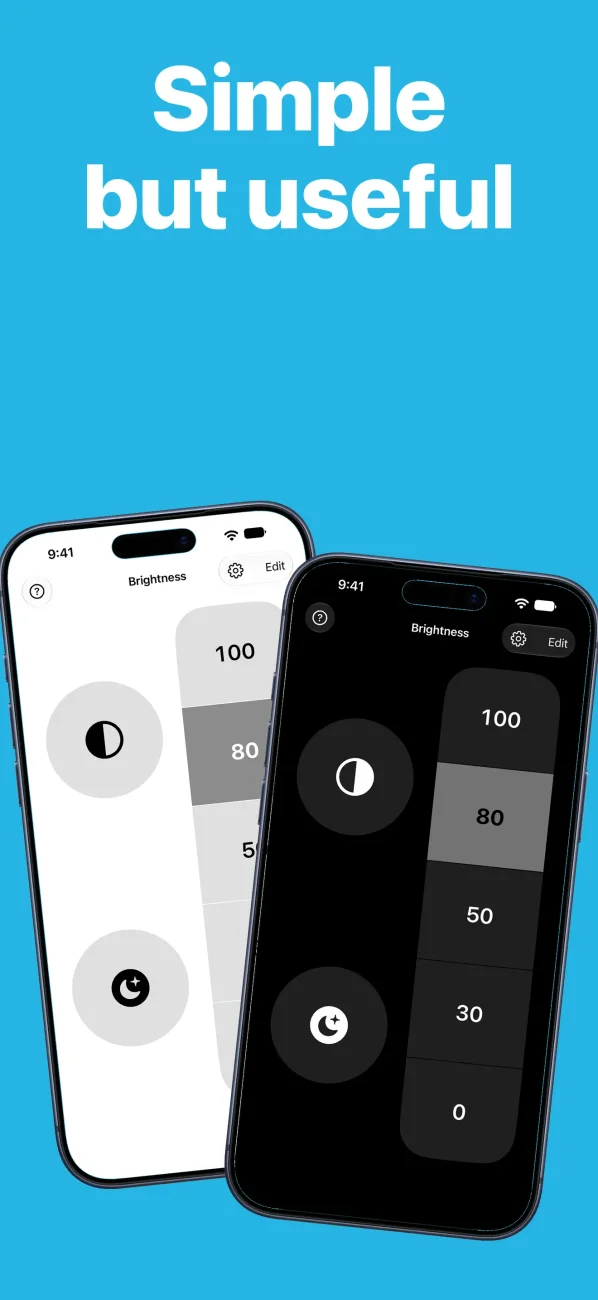
• Choose the value of each of the five presets
• Link the two round buttons to any shortcut of your own and pick their icon
• Show or hide the values, and choose which side the brightness sits on
• Works with the Clear and Tinted Home Screen
GOOD TO KNOW
Auto-Brightness can change the value again after a while. To keep your setting, turn it off in Settings > Accessibility > Display & Text Size > Auto-Brightness.
Novedades
Versión 1.1 · 21/10/2026
A big update:
• One shortcut instead of three. It runs your action and takes you straight back to your Home Screen.
• Widget buttons now act without opening the app, in every size (the small widget works too, also in StandBy).
• Five Home Screen layouts: brightness on the right, left, top, bottom, or on its own.
• New Lock Screen widgets and Control Center controls, also available for the Action button.
• Siri and Spotlight: "Dim the screen with Brightness Widget".
• Guided 30-second setup, with a test to check everything works.
• Looks great on the Clear and Tinted Home Screen.
• Now in French, German, Spanish, Italian, Japanese and Brazilian Portuguese.
Using version 1.0? Your current shortcuts keep working. The app offers the switch when you open it.
Privacidad de la aplicación
Lo que weheartprojects.com declara en App Store sobre cómo esta aplicación gestiona los datos.
-
No se recopilan datos
El desarrollador no recopila ningún dato de esta aplicación.
Las prácticas de privacidad pueden variar, por ejemplo, según las funciones que uses o tu edad.
Información
- Vendedor
- jerome gangneux
- Categoría
- Utilidades
- Versión
- 1.1
- Actualizado
- 21/10/2026
- Publicado
- 29/12/2025
- Tamaño
- 11,5 MB
- Requiere
- iOS 26.0 o posterior
- Clasificación por edad
- 4+
- Precio
- 2,99 €
- Idiomas
- Inglés, Francés, Alemán, Italiano, Japonés, Portugués, Español
- Copyright
- © Gangneux.net
Quizá también te guste
-
 Avodek: Private Browser + AIUtilidades
-
 KPlayerAirUtilidades
-
 ABE For RedditUtilidades
-
 ColorboltUtilidades
-
 Single Tab - Navegador PrivadoOculta ubicación, incógnito
-
 Heart – Browser That Does GoodUtilidades
-
 ColoredEyeUtilidades
-
 Subtitle PlayerUtilidades
-
 Contactless AccessUtilidades
-
 Resun SmartUtilidades