- Clasificación por edad4+
- CategoríaUtilidades
- DesarrolladorImran Pinjara
- IdiomasInglés
- Tamaño1,5 MB
Enlaza a la página oficial de App Store
Download.org no aloja ningún archivo de Transition Layouts. El botón abre la página de la aplicación en App Store, donde la publica Imran Pinjara. Ficha comprobada por última vez el 14/11/2026.
Capturas de pantalla
Acerca de
El desarrollador no ha proporcionado este texto en tu idioma.
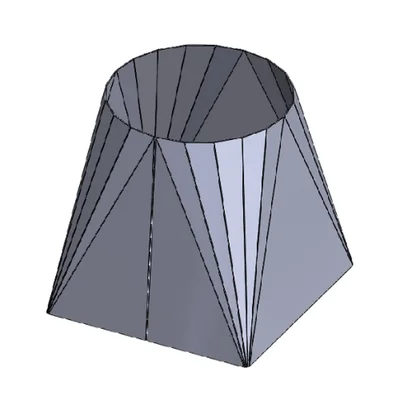
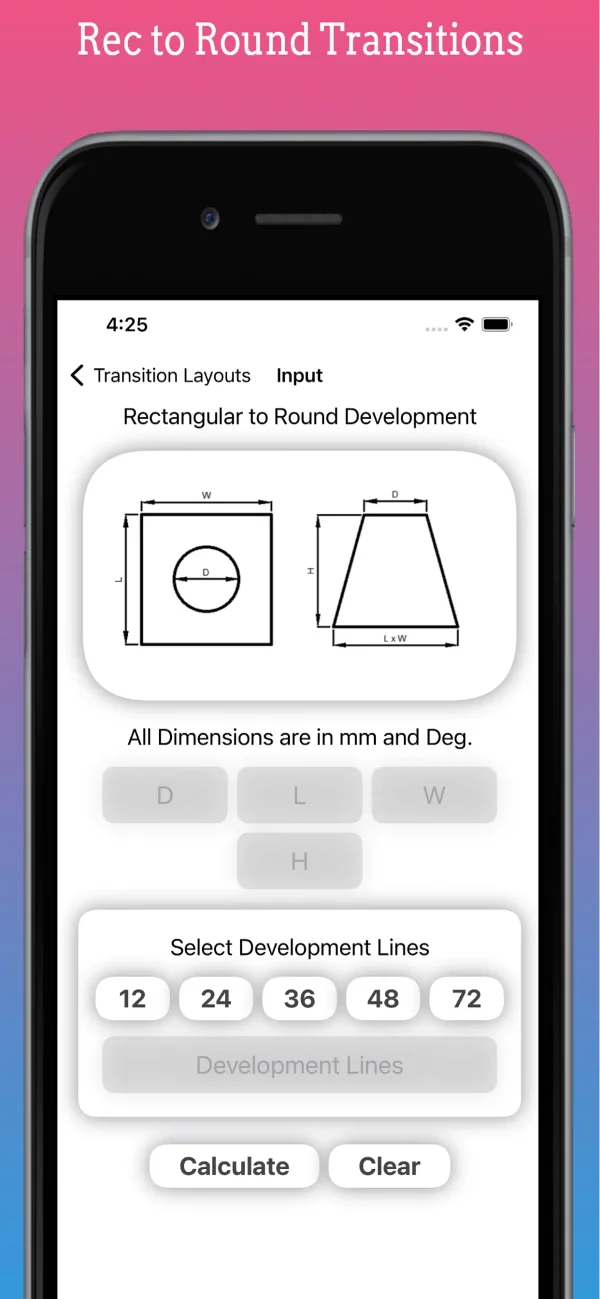
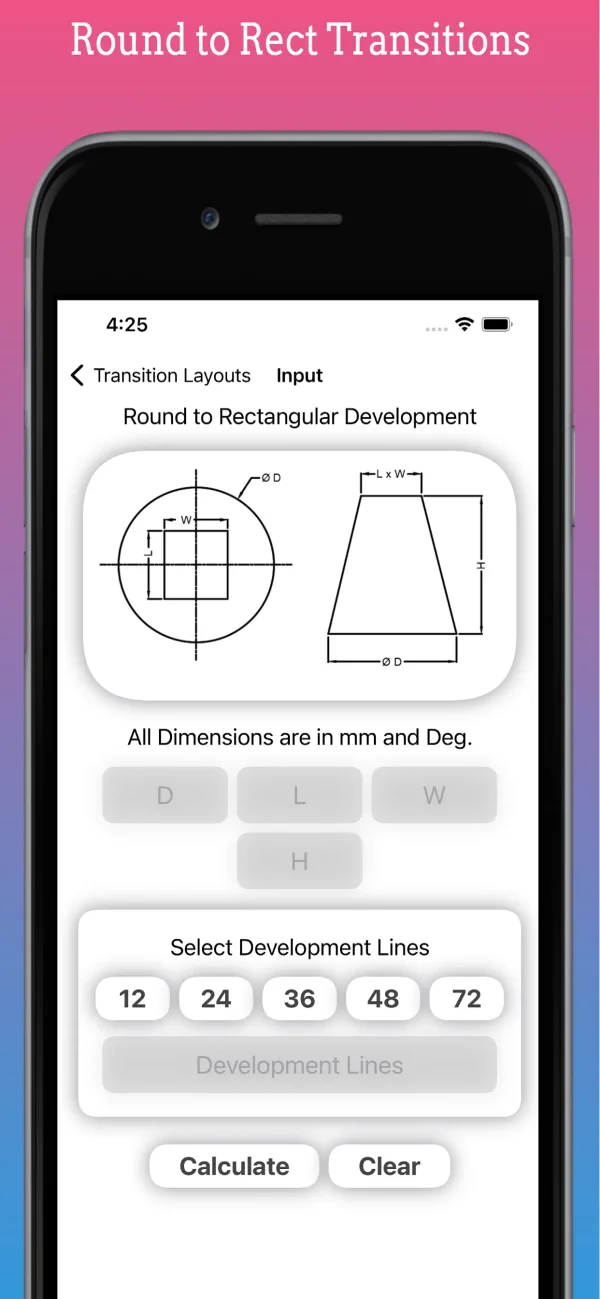
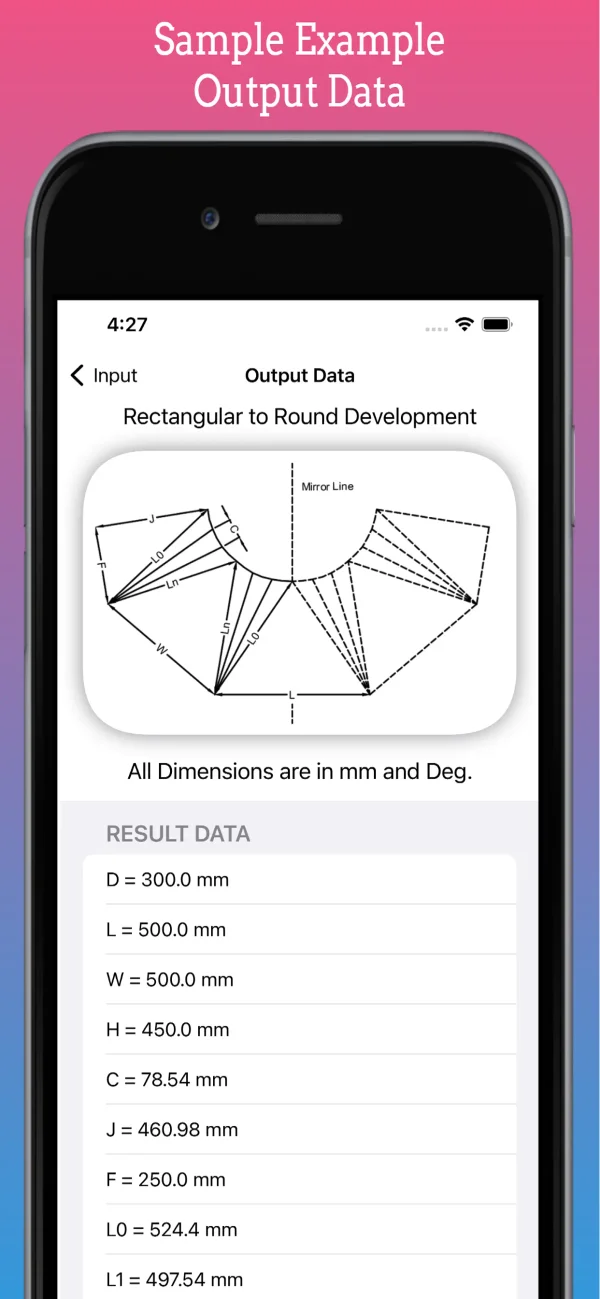
This app is design to Square to Round or Rectangular to Round shape, Round to Square or Round to Rectangular Shape, Pyramid Shape, Truncated Pyramid Shape layouts Development for fabrication purpose
This app has various options for Square to Round development or Rectangular to Round and Round to Square development or Round Rectangular Development.
This is also called Transition Piece development.
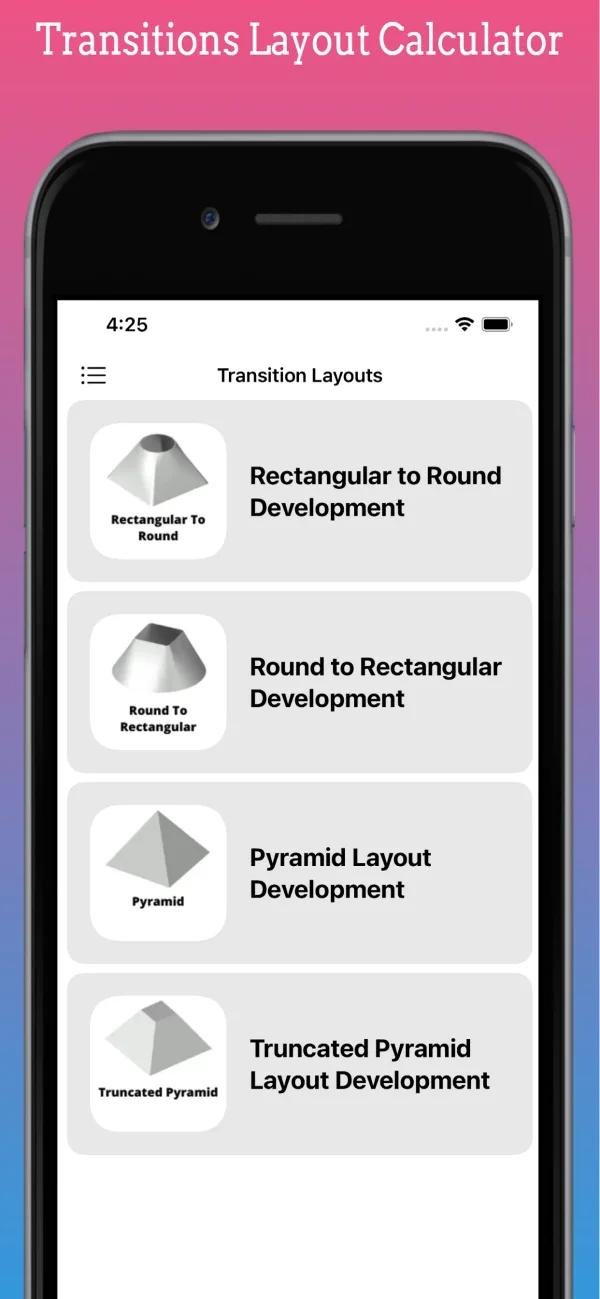
In This App Following Layout Development Feature is available :
1. Square to Round Layout or Rectangular to Round Layout
2. Round to Square Layout or Round to rectangular Layout
3. Pyramid layout
4. Truncated Pyramid Layouts.
This app has three options for development:
1 Part or 1, Joint layout.
2 Part or 2 Joint layouts.
4 Part or 4 Joints Layouts.
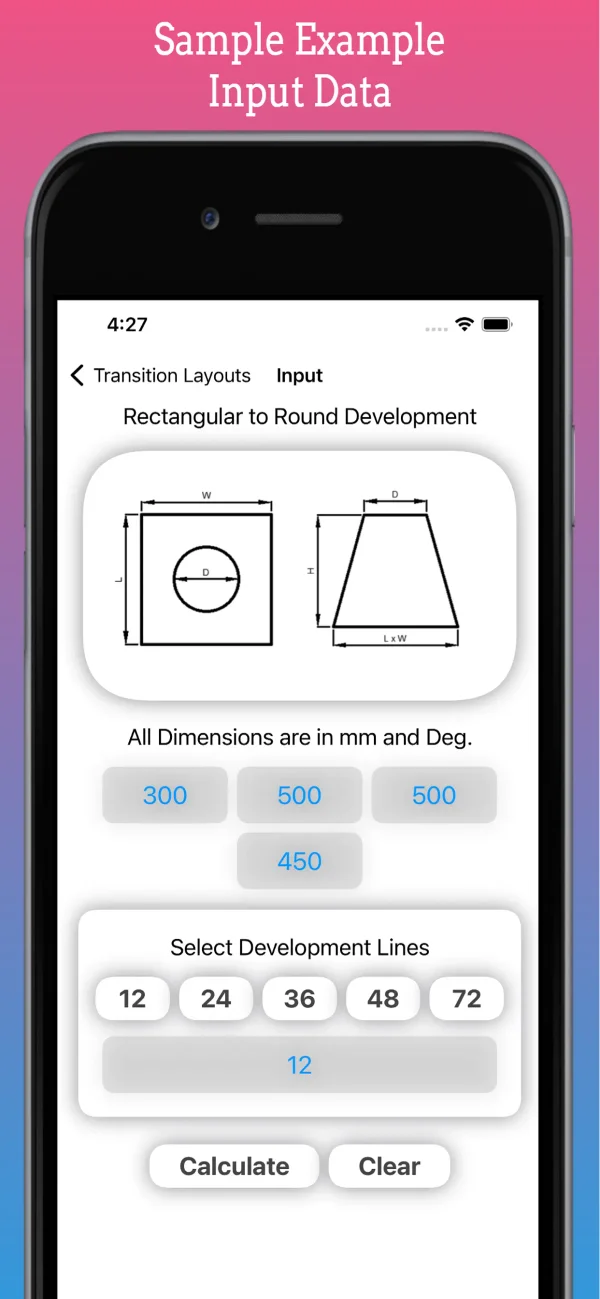
This app has 12 lines, 24 lines, 36 lines options for layout development.
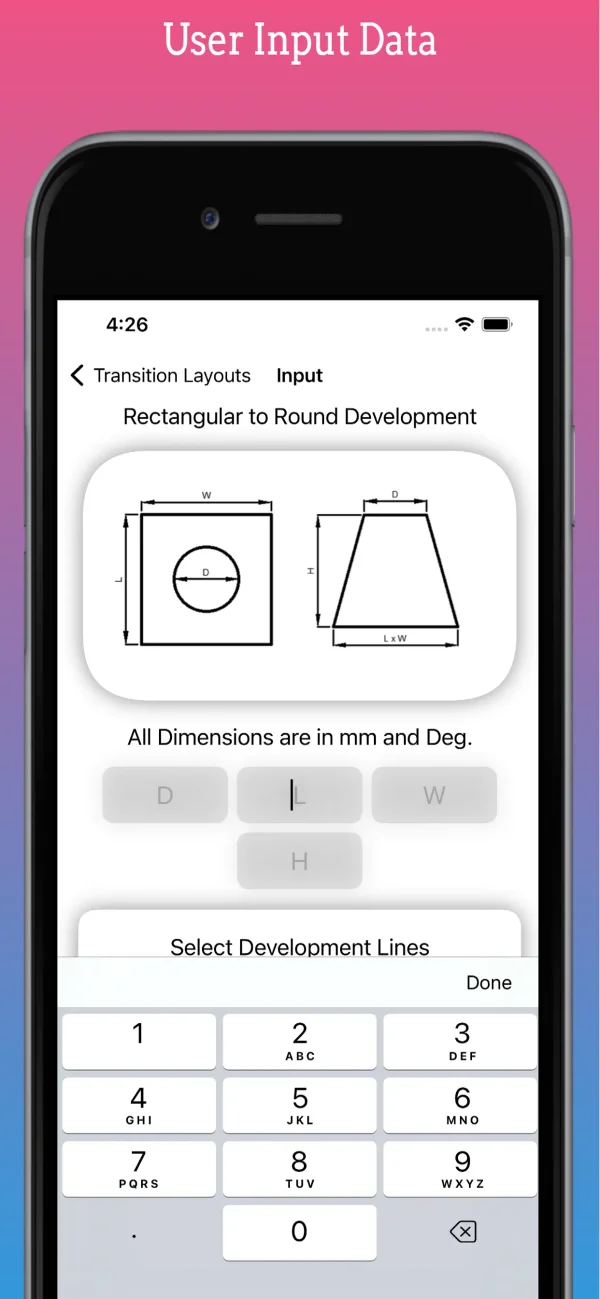
1. Square to Round Layout or Rectangular to Round Layout : In this option you can layout your shape by selecting no of joint and no of lines for development you want can be selected and input required for generating layout is length and width for base rectangle or square and Round Diameter of top circular shape. Result is generated according to your joint and lines selections.
2. Round to Square Layout or Round to Rectangular Layout : In this option you can layout your shape by selecting no of joint and no of lines for development you want can be selected and input required for generating layout is length and width for base rectangle or square and Round Diameter of top circular shape. Result is generated according to your joint and lines selections.
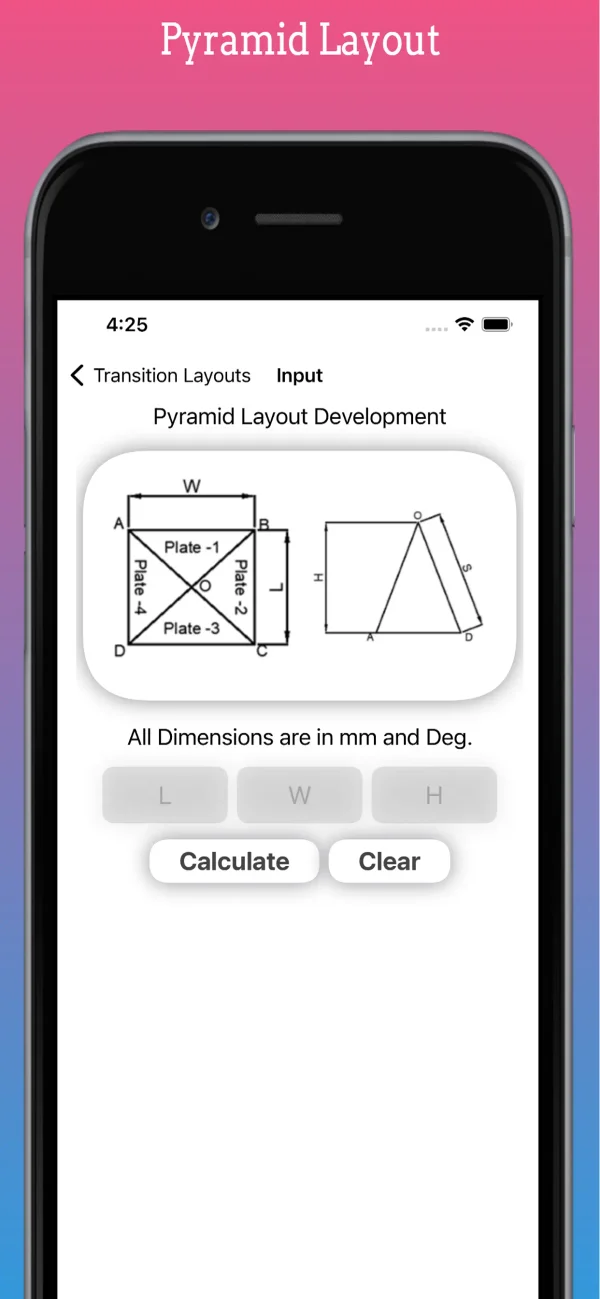
3. Pyramid Layout : In this option you can layout for pyramid shape by input value of base length , width and Height of Pyramid this tool generate layout of two plates by using this dimension you can easily layout for Pyramid Shape.
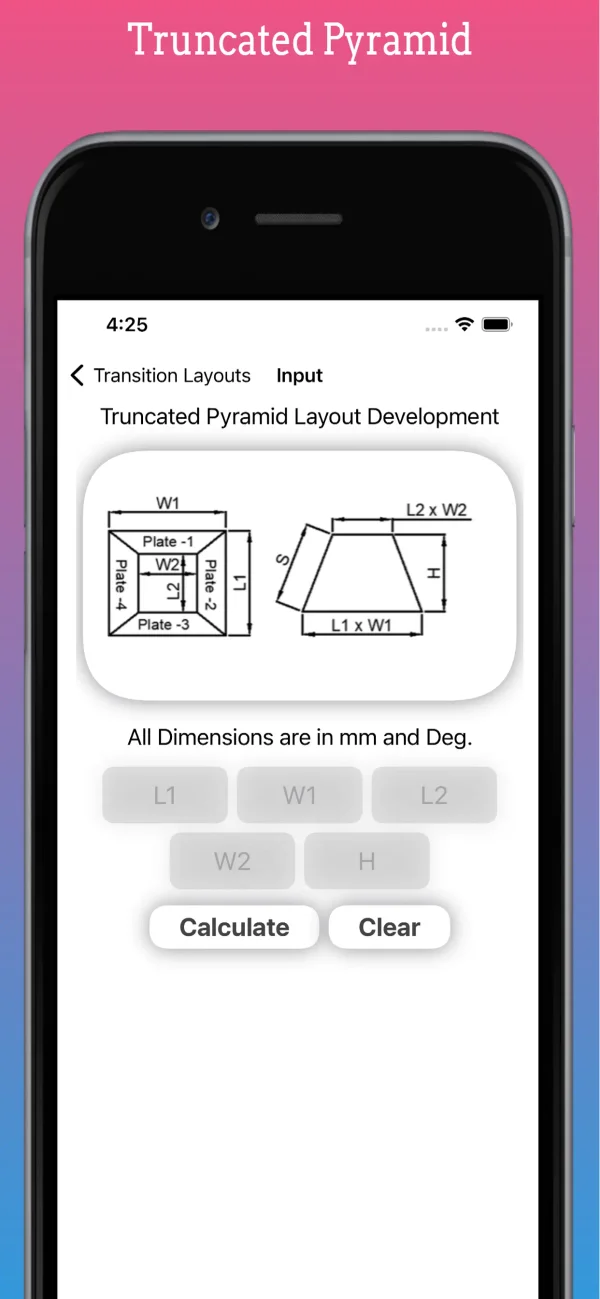
4. Truncated Pyramid : In this option you can layout for Truncated pyramid shape by input value of base length , width, Top length and width and Height of Pyramid this tool generate layout of two plates by using this dimension you can easily layout for Truncated Pyramid Shape.
This app is useful in fabrication and HVAC applications.
Novedades
Versión 2.0 · 26/7/2024
Updated for Higher SDK Levels.
App Theme Changed.
App Layout Changed.
Keypad dismiss issue fixed.
done key added in soft keypad.
clear data button added.
improved performance.
Privacidad de la aplicación
Lo que Imran Pinjara declara en App Store sobre cómo esta aplicación gestiona los datos.
-
No se recopilan datos
El desarrollador no recopila ningún dato de esta aplicación.
Las prácticas de privacidad pueden variar, por ejemplo, según las funciones que uses o tu edad.
Información
- Vendedor
- Imran Pinjara
- Categoría
- Utilidades
- Versión
- 2.0
- Actualizado
- 26/7/2024
- Publicado
- 6/12/2019
- Tamaño
- 1,5 MB
- Requiere
- iOS 16.1 o posterior
- Clasificación por edad
- 4+
- Precio
- 2,99 €
- Idiomas
- Inglés
- Copyright
- © LetsFab
Quizá también te guste
-
 Diseños de transicionesCalculadora de diseño de
-
 Breaker Size Calc NECUtilidades
-
 Box Fill Calc NECUtilidades
-
 Wire Size CalcUtilidades
-
 Welding Weight and Cost CalcUtilidades
-
 Drill CalcUtilidades
-
 Pulley & Belt calculatorUtilidades
-
 SFX Scientific Calc PremiumUtilidades
-
 Milling Pro: Speeds & FeedsUtilidades
-
 Mainstay+Utilidades