- Age rating4+
- CategoryUtilities
- DeveloperImran Pinjara
- LanguagesEnglish
- Size1.5 MB
Links to the official App Store page
Download.org hosts no file of Transition Layouts. The button opens its official App Store page, published by Imran Pinjara. Listing last checked on Nov 14, 2026.
Screenshots


About
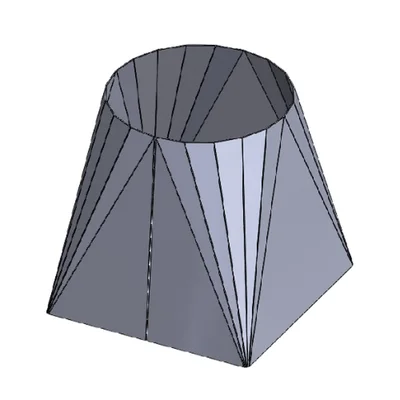
This app is design to Square to Round or Rectangular to Round shape, Round to Square or Round to Rectangular Shape, Pyramid Shape, Truncated Pyramid Shape layouts Development for fabrication purpose
This app has various options for Square to Round development or Rectangular to Round and Round to Square development or Round Rectangular Development.
This is also called Transition Piece development.
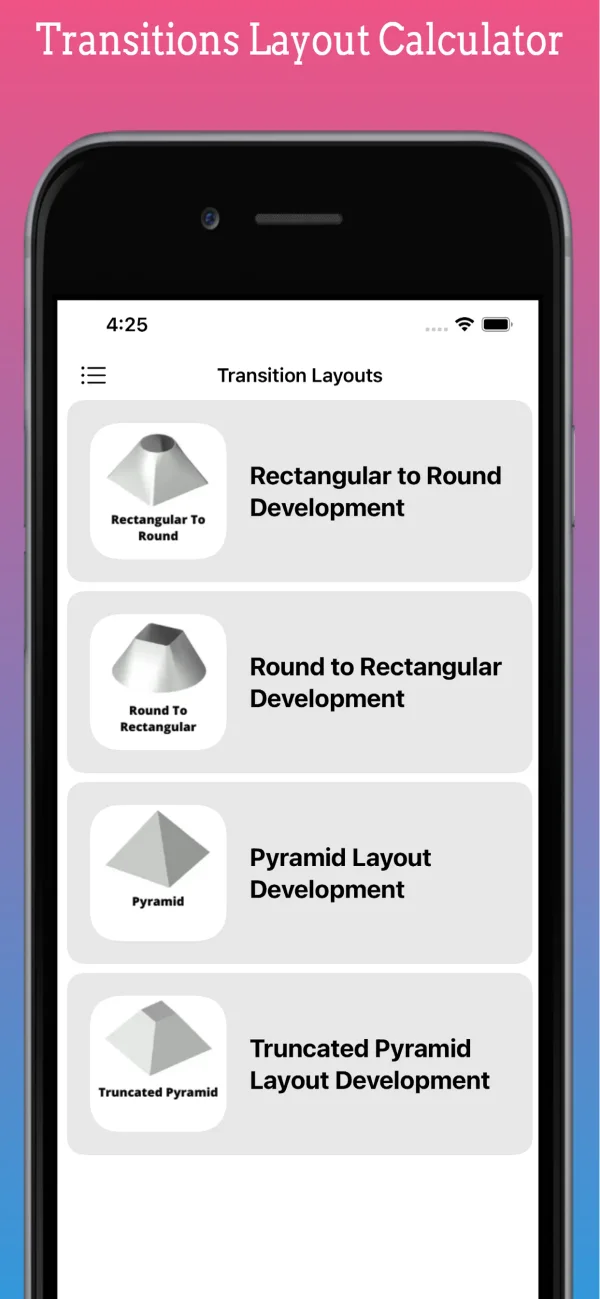
In This App Following Layout Development Feature is available :
1. Square to Round Layout or Rectangular to Round Layout
2. Round to Square Layout or Round to rectangular Layout
3. Pyramid layout
4. Truncated Pyramid Layouts.
This app has three options for development:
1 Part or 1, Joint layout.
2 Part or 2 Joint layouts.
4 Part or 4 Joints Layouts.
This app has 12 lines, 24 lines, 36 lines options for layout development.
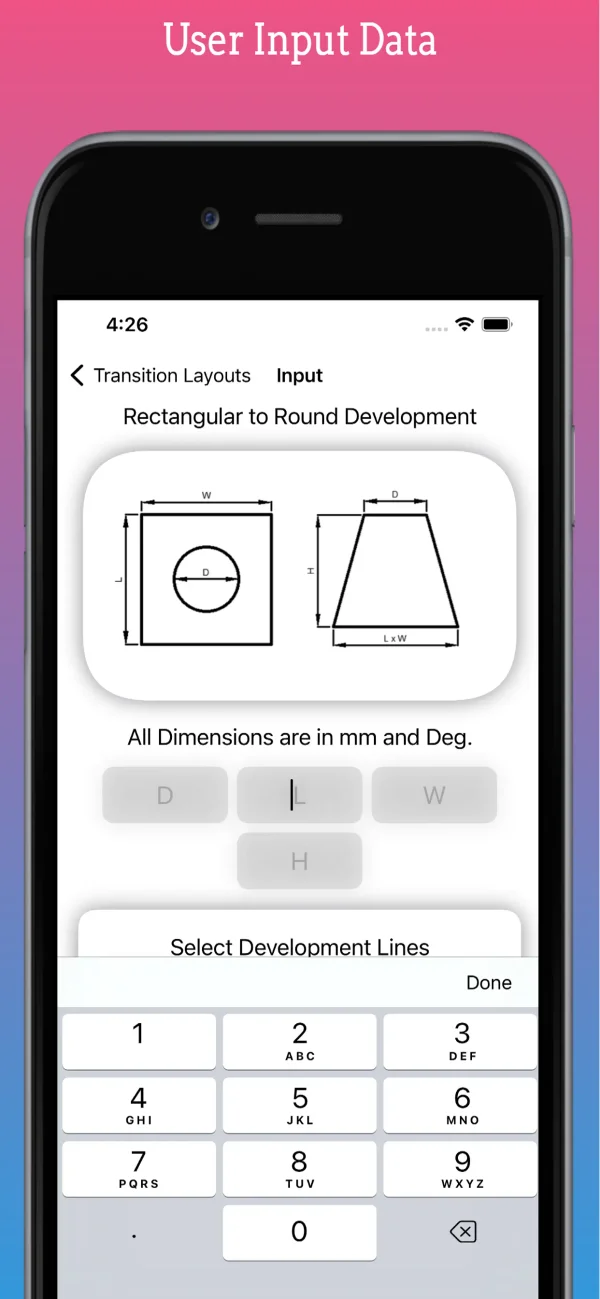
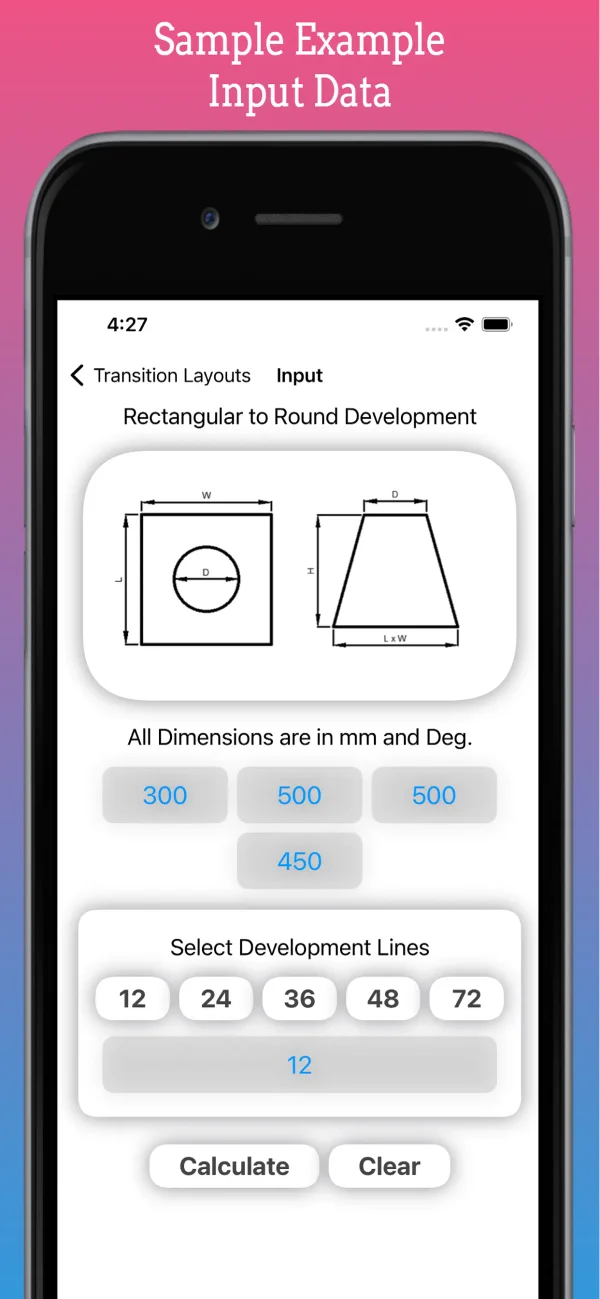
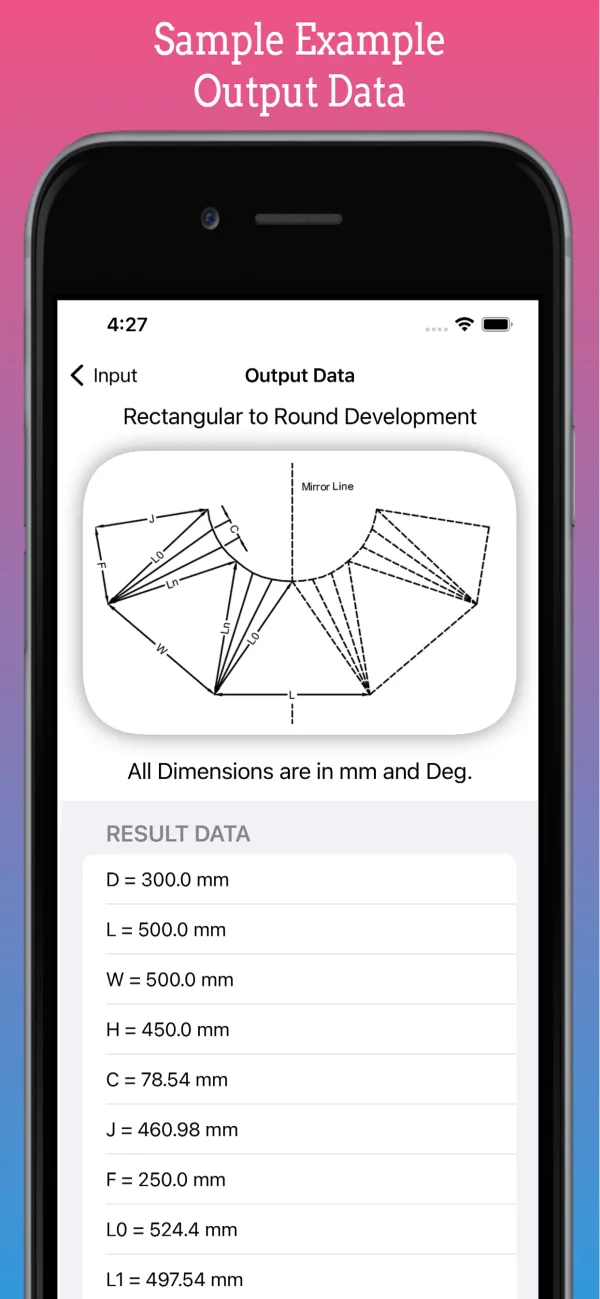
1. Square to Round Layout or Rectangular to Round Layout : In this option you can layout your shape by selecting no of joint and no of lines for development you want can be selected and input required for generating layout is length and width for base rectangle or square and Round Diameter of top circular shape. Result is generated according to your joint and lines selections.
2. Round to Square Layout or Round to Rectangular Layout : In this option you can layout your shape by selecting no of joint and no of lines for development you want can be selected and input required for generating layout is length and width for base rectangle or square and Round Diameter of top circular shape. Result is generated according to your joint and lines selections.
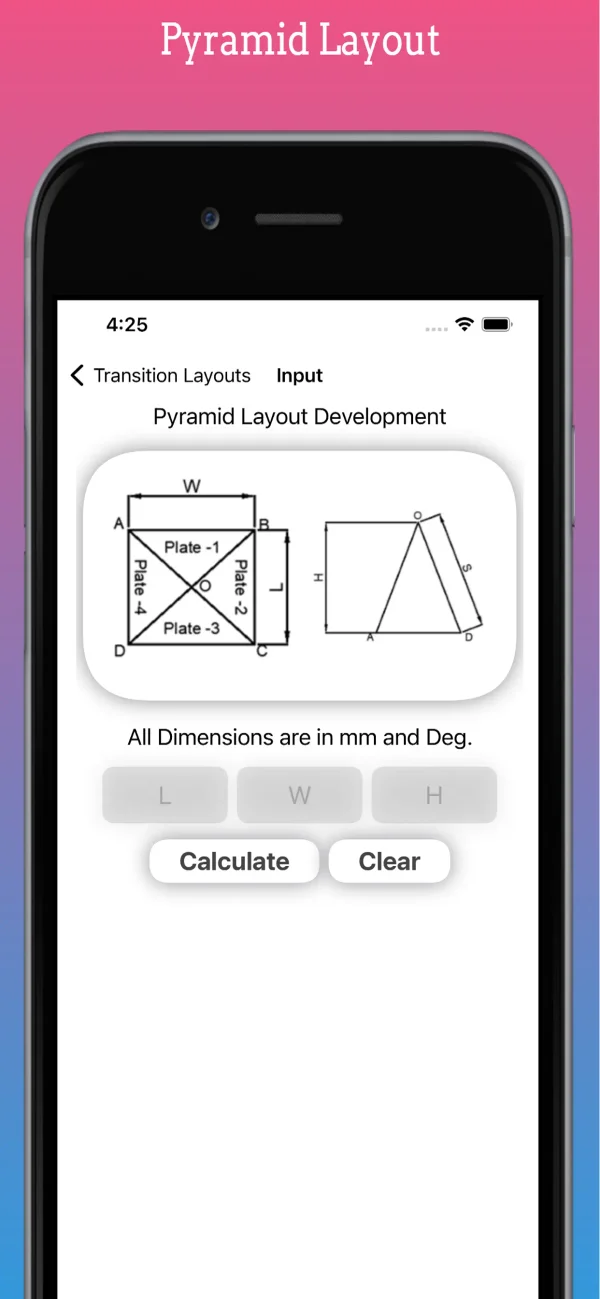
3. Pyramid Layout : In this option you can layout for pyramid shape by input value of base length , width and Height of Pyramid this tool generate layout of two plates by using this dimension you can easily layout for Pyramid Shape.
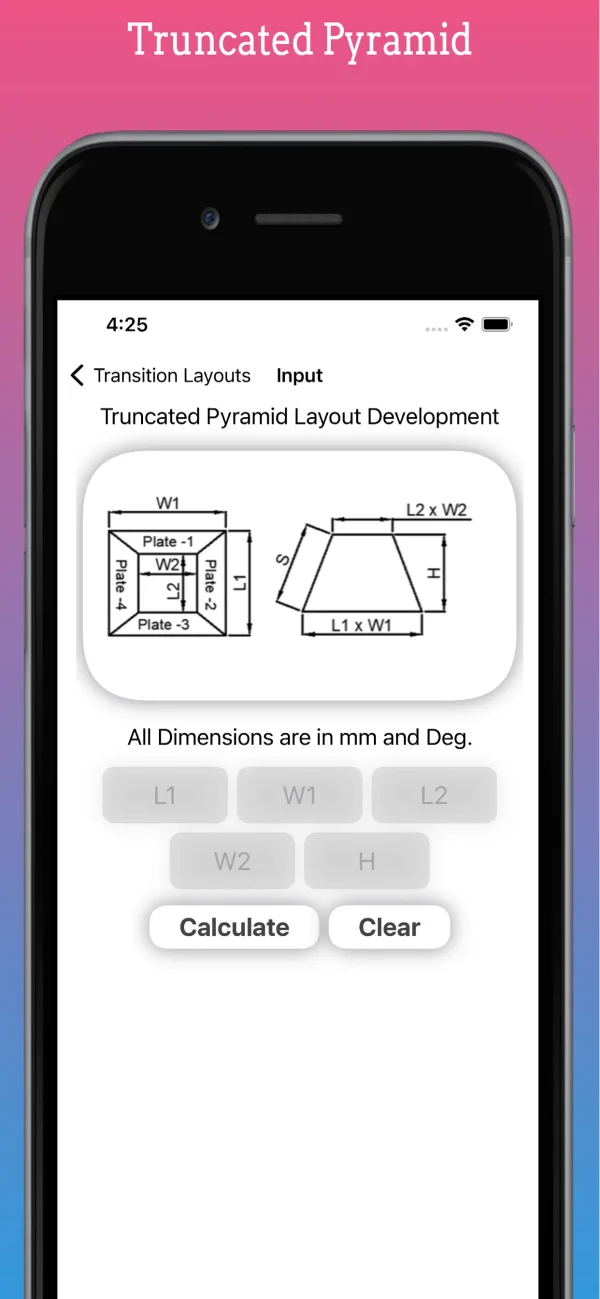
4. Truncated Pyramid : In this option you can layout for Truncated pyramid shape by input value of base length , width, Top length and width and Height of Pyramid this tool generate layout of two plates by using this dimension you can easily layout for Truncated Pyramid Shape.
This app is useful in fabrication and HVAC applications.
What’s new
Version 2.0 · Jul 26, 2024
Updated for Higher SDK Levels.
App Theme Changed.
App Layout Changed.
Keypad dismiss issue fixed.
done key added in soft keypad.
clear data button added.
improved performance.
App privacy
What Imran Pinjara declares on the App Store about how this app handles data.
-
Data not collected
The developer does not collect any data from this app.
Privacy practices may vary, for example with the features you use or your age.
Information
- Seller
- Imran Pinjara
- Category
- Utilities
- Version
- 2.0
- Updated
- Jul 26, 2024
- Released
- Dec 6, 2019
- Size
- 1.5 MB
- Requires
- iOS 16.1 or later
- Age rating
- 4+
- Price
- $2.99
- Languages
- English
- Copyright
- © LetsFab
You might also like
-
 Transitions LayoutsFabrication Layout Calculator
-
 Breaker Size Calc NECNEC OCPD Sizing Tool
-
 Box Fill Calc NECNEC Art.314 Box Volume
-
 Wire Size CalcNEC Ampacity & Derating
-
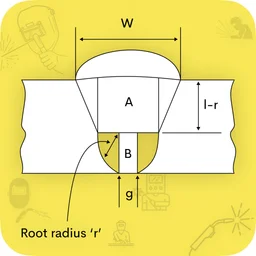 Welding Weight and Cost CalcWelding weight Calculator
-
 Drill CalcUtilities
-
 Pulley & Belt calculatorPulley Calculator
-
 SFX Scientific Calc PremiumEngineering Math & Statistics
-
 Milling Pro: Speeds & FeedsCNC Calculators & Shop Notes
-
 Mainstay+Utilities