- Batasan usia4+
- KategoriKegunaan
- PengembangImran Pinjara
- BahasaInggris
- Ukuran1,5 MB
Tertaut ke halaman resmi App Store
Download.org tidak menyimpan file Transition Layouts apa pun. Tombol ini membuka halaman aplikasi di App Store, tempat Imran Pinjara menerbitkannya. Halaman terakhir diperiksa pada 14/11/2026.
Tangkapan layar
Tentang
Pengembang belum menyediakan teks ini dalam bahasa Anda.
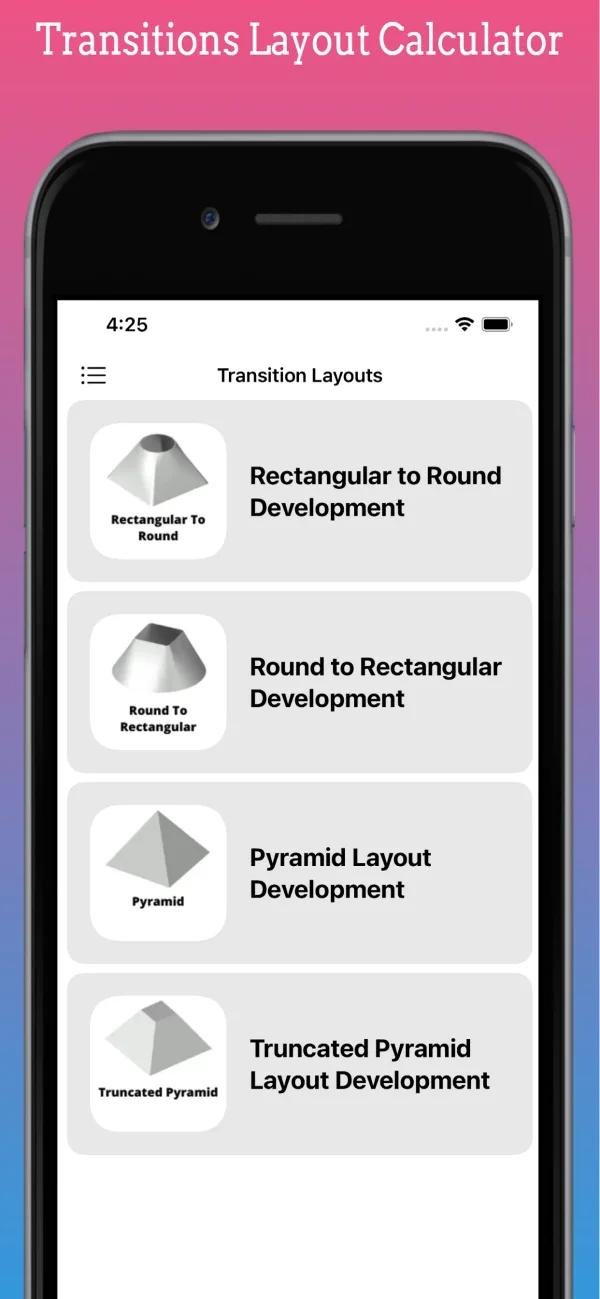
This app is design to Square to Round or Rectangular to Round shape, Round to Square or Round to Rectangular Shape, Pyramid Shape, Truncated Pyramid Shape layouts Development for fabrication purpose
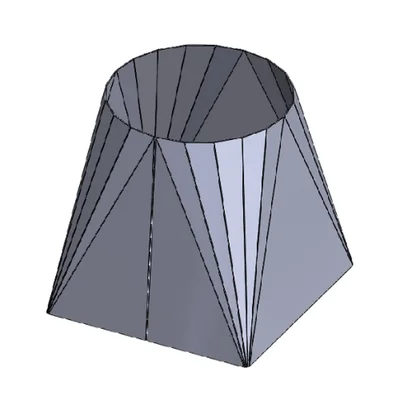
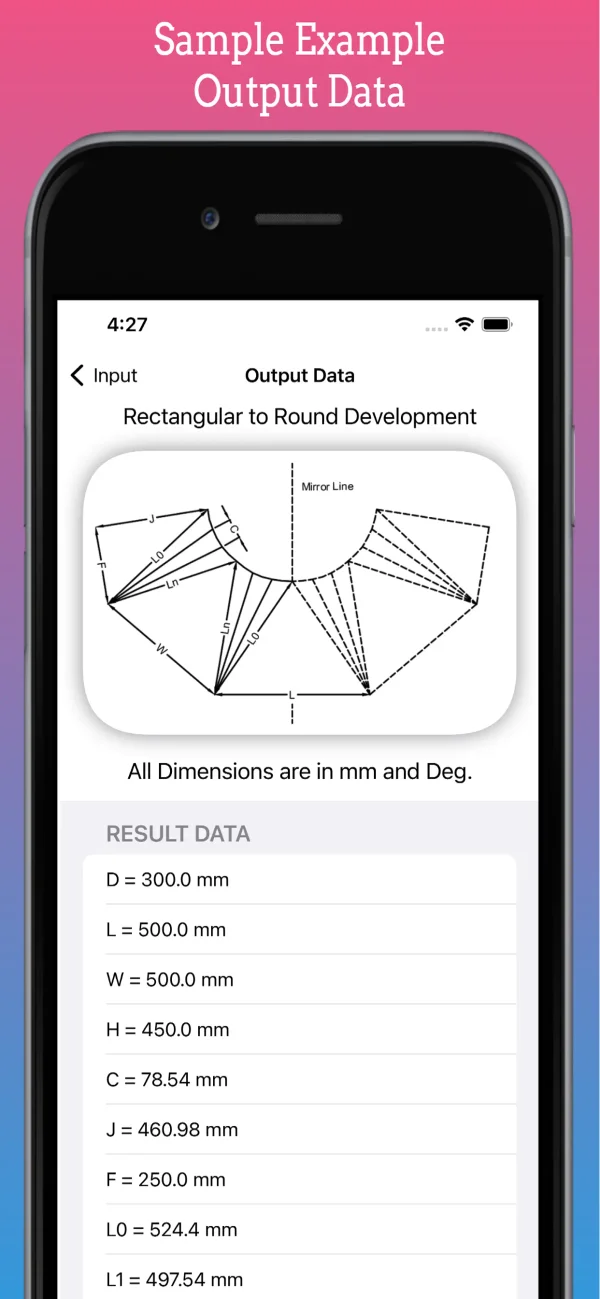
This app has various options for Square to Round development or Rectangular to Round and Round to Square development or Round Rectangular Development.
This is also called Transition Piece development.
In This App Following Layout Development Feature is available :
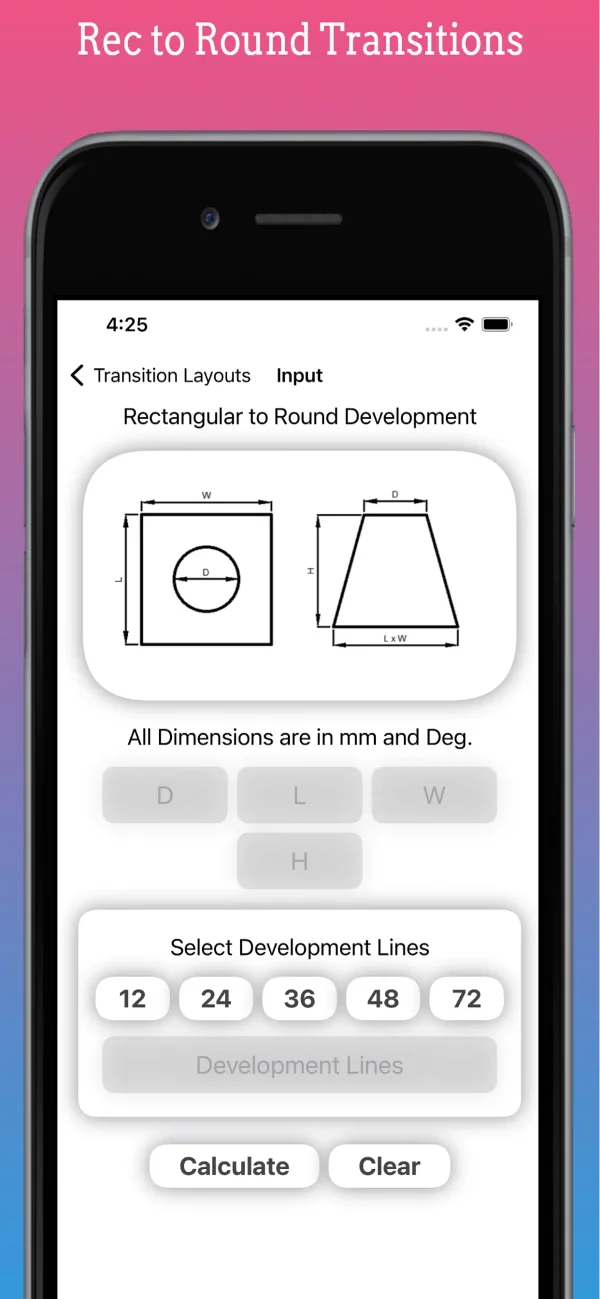
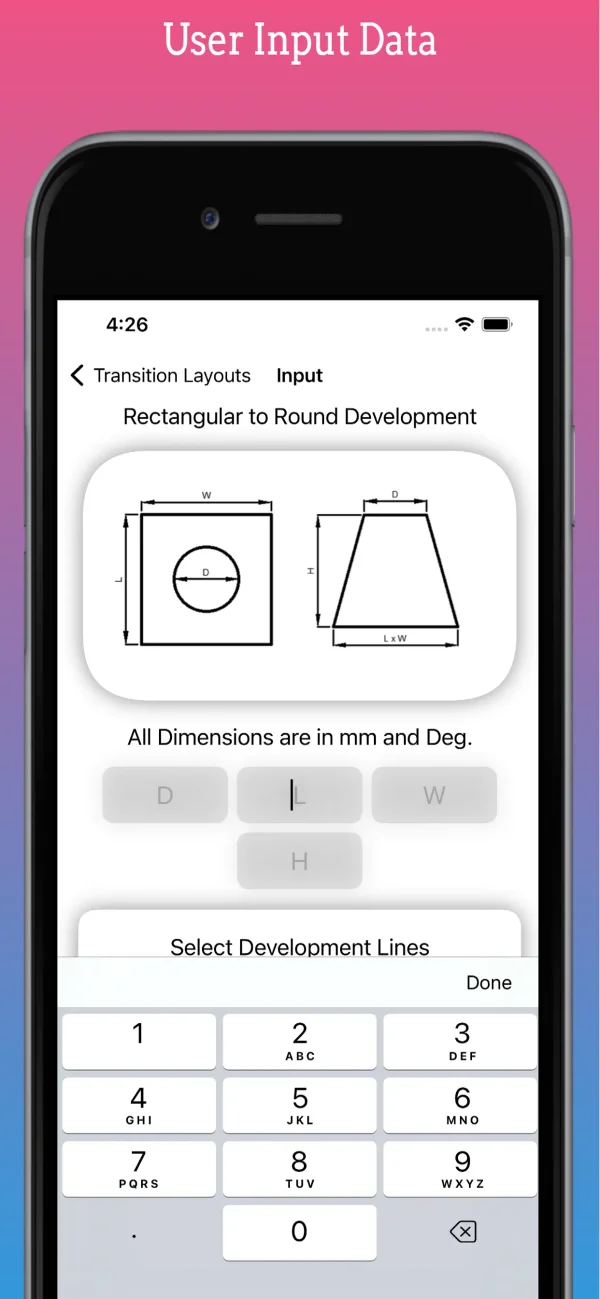
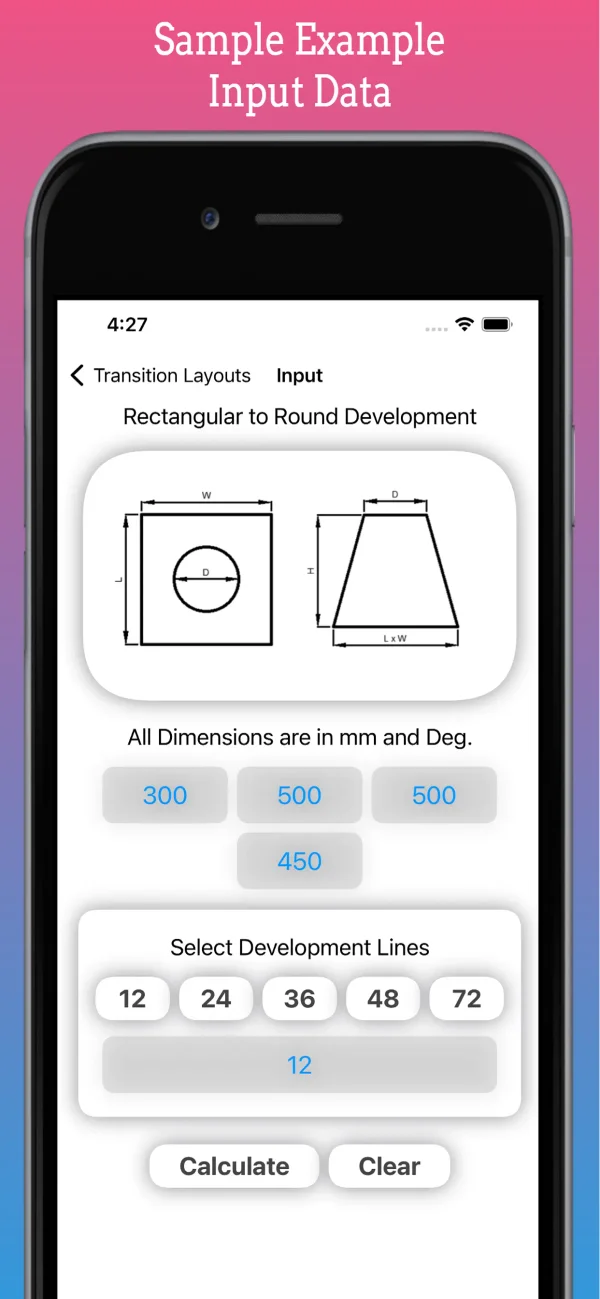
1. Square to Round Layout or Rectangular to Round Layout
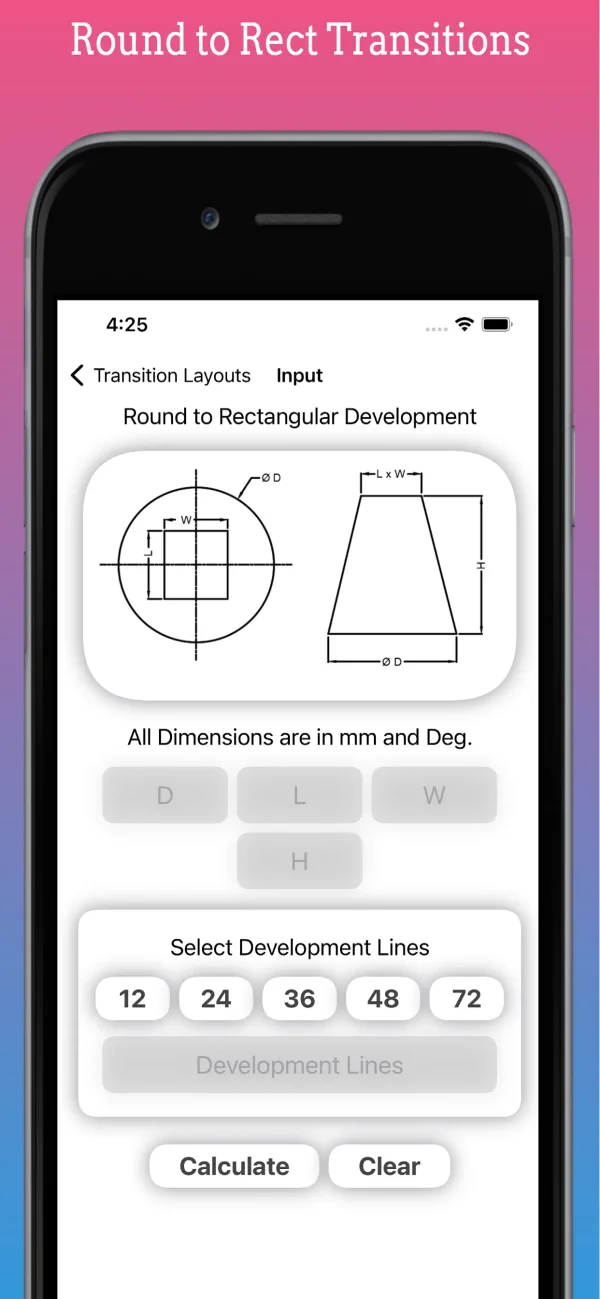
2. Round to Square Layout or Round to rectangular Layout
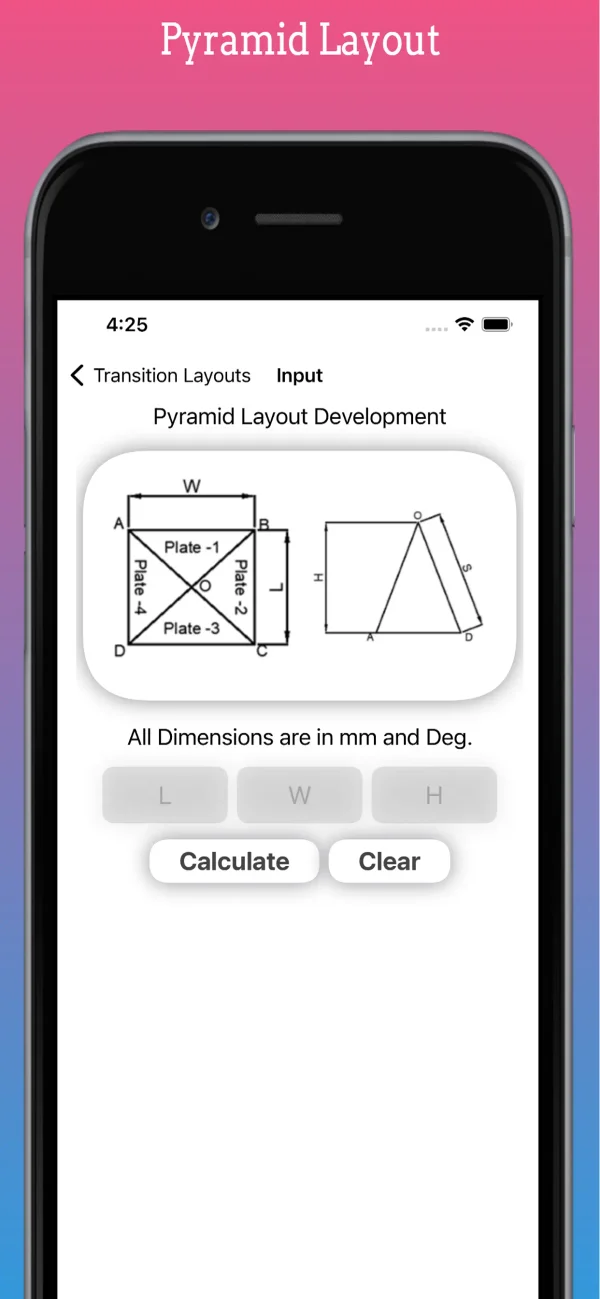
3. Pyramid layout
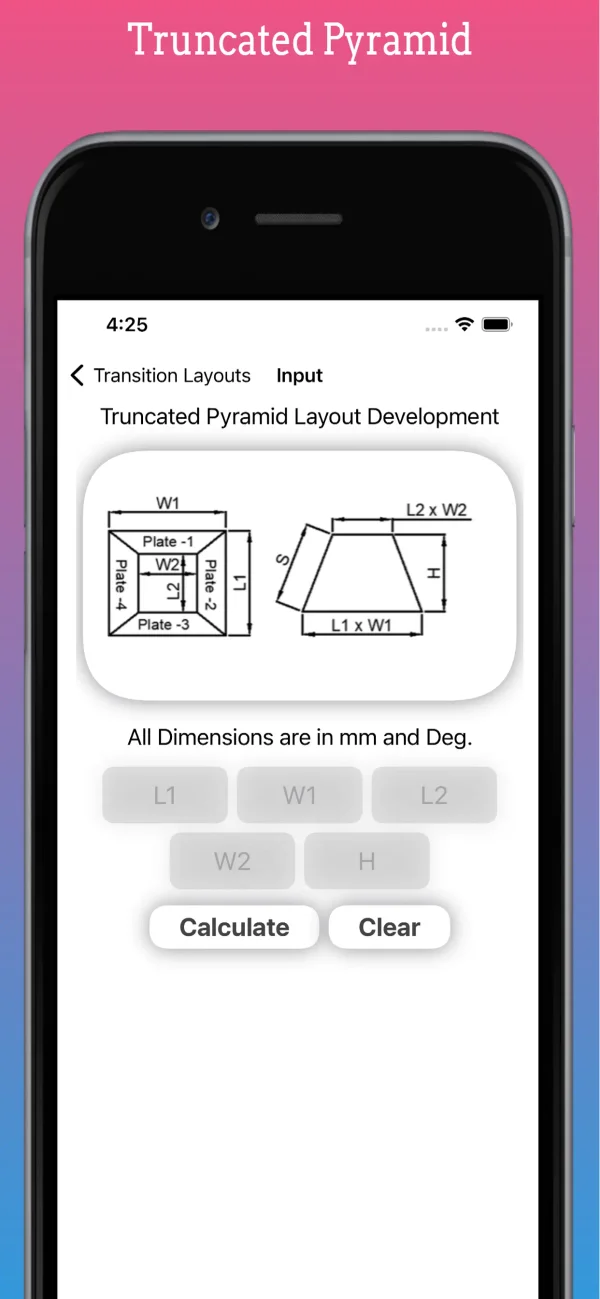
4. Truncated Pyramid Layouts.
This app has three options for development:
1 Part or 1, Joint layout.
2 Part or 2 Joint layouts.
4 Part or 4 Joints Layouts.
This app has 12 lines, 24 lines, 36 lines options for layout development.
1. Square to Round Layout or Rectangular to Round Layout : In this option you can layout your shape by selecting no of joint and no of lines for development you want can be selected and input required for generating layout is length and width for base rectangle or square and Round Diameter of top circular shape. Result is generated according to your joint and lines selections.
2. Round to Square Layout or Round to Rectangular Layout : In this option you can layout your shape by selecting no of joint and no of lines for development you want can be selected and input required for generating layout is length and width for base rectangle or square and Round Diameter of top circular shape. Result is generated according to your joint and lines selections.
3. Pyramid Layout : In this option you can layout for pyramid shape by input value of base length , width and Height of Pyramid this tool generate layout of two plates by using this dimension you can easily layout for Pyramid Shape.
4. Truncated Pyramid : In this option you can layout for Truncated pyramid shape by input value of base length , width, Top length and width and Height of Pyramid this tool generate layout of two plates by using this dimension you can easily layout for Truncated Pyramid Shape.
This app is useful in fabrication and HVAC applications.
Yang baru
Versi 2.0 · 26/7/2024
Updated for Higher SDK Levels.
App Theme Changed.
App Layout Changed.
Keypad dismiss issue fixed.
done key added in soft keypad.
clear data button added.
improved performance.
Privasi aplikasi
Yang dinyatakan Imran Pinjara di App Store tentang cara aplikasi ini menangani data.
-
Data tidak dikumpulkan
Pengembang tidak mengumpulkan data apa pun dari aplikasi ini.
Praktik privasi dapat bervariasi, misalnya berdasarkan fitur yang Anda gunakan atau usia Anda.
Informasi
- Penjual
- Imran Pinjara
- Kategori
- Kegunaan
- Versi
- 2.0
- Diperbarui
- 26/7/2024
- Dirilis
- 6/12/2019
- Ukuran
- 1,5 MB
- Memerlukan
- iOS 16.1 atau yang lebih baru
- Batasan usia
- 4+
- Harga
- Rp 59ribu
- Bahasa
- Inggris
- Hak cipta
- © LetsFab