
WebWork Time Tracker
Work Hours & GPS Tracking
Diseñada para iPhone, iPad
Gratis
- Clasificación por edad12+
- CategoríaProductividad
- DesarrolladorWebWork AI, Inc.
- IdiomasInglés
- Tamaño12,1 MB
Enlaza a la página oficial de App Store
Download.org no aloja ningún archivo de WebWork Time Tracker. El botón abre la página de la aplicación en App Store, donde la publica WebWork AI, Inc. Ficha comprobada por última vez el 22/11/2026.
Capturas de pantalla
Acerca de
El desarrollador no ha proporcionado este texto en tu idioma.
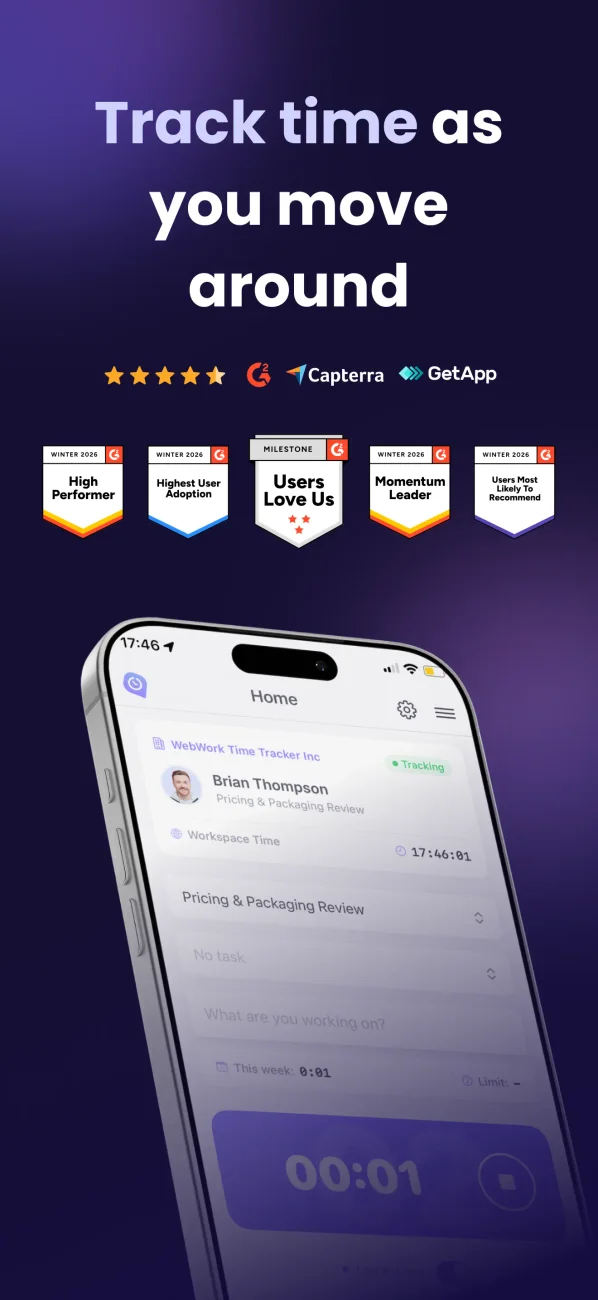
The smarter way to track work hours, projects, and GPS locations on the go. Log breaks, manage tasks, and get a clear picture of your workday.
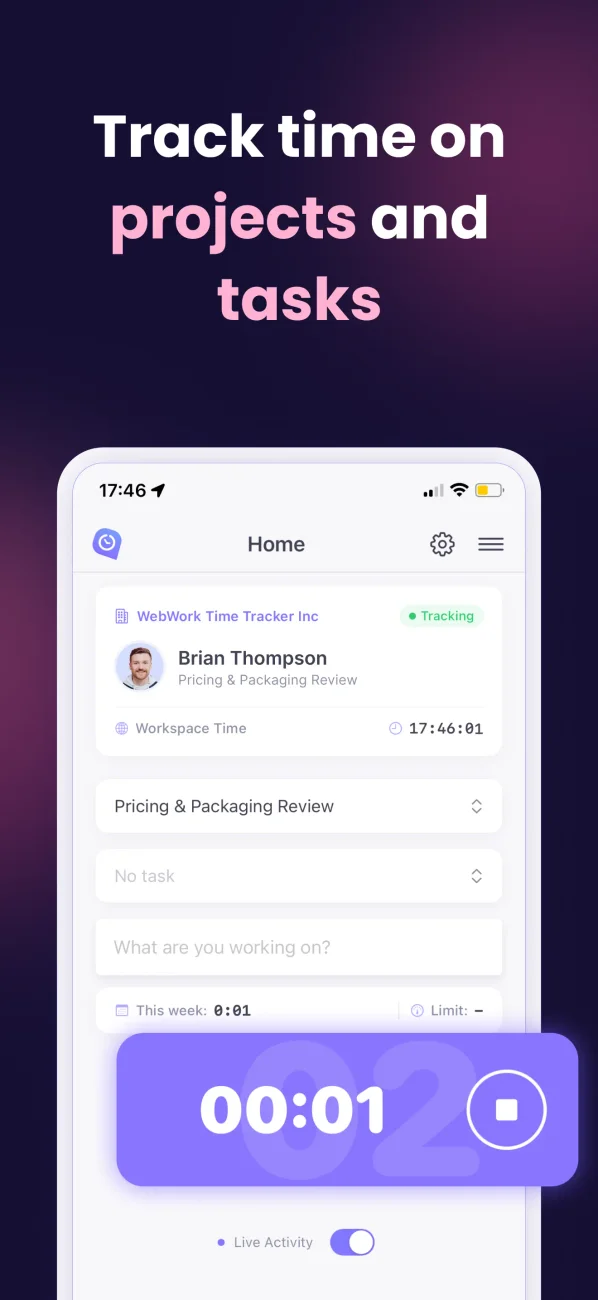
START TRACKING IN ONE TAP
Pick a project, select a task, add a note if needed, and tap Start. WebWork logs your time from that moment on.
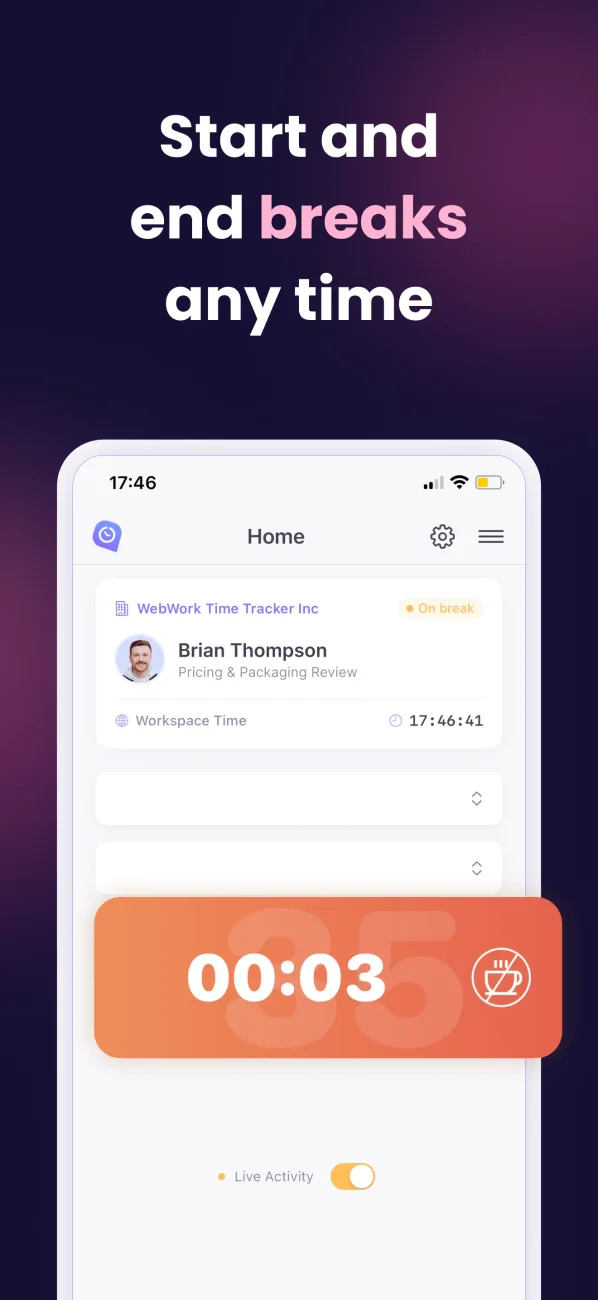
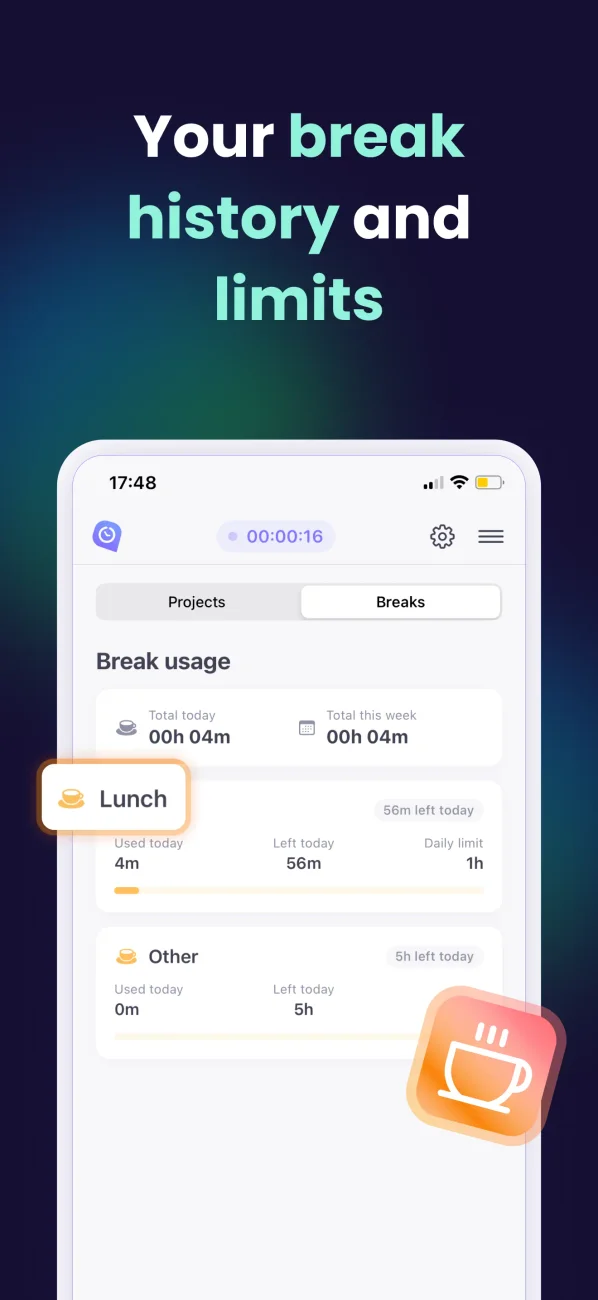
BREAK TRACKING
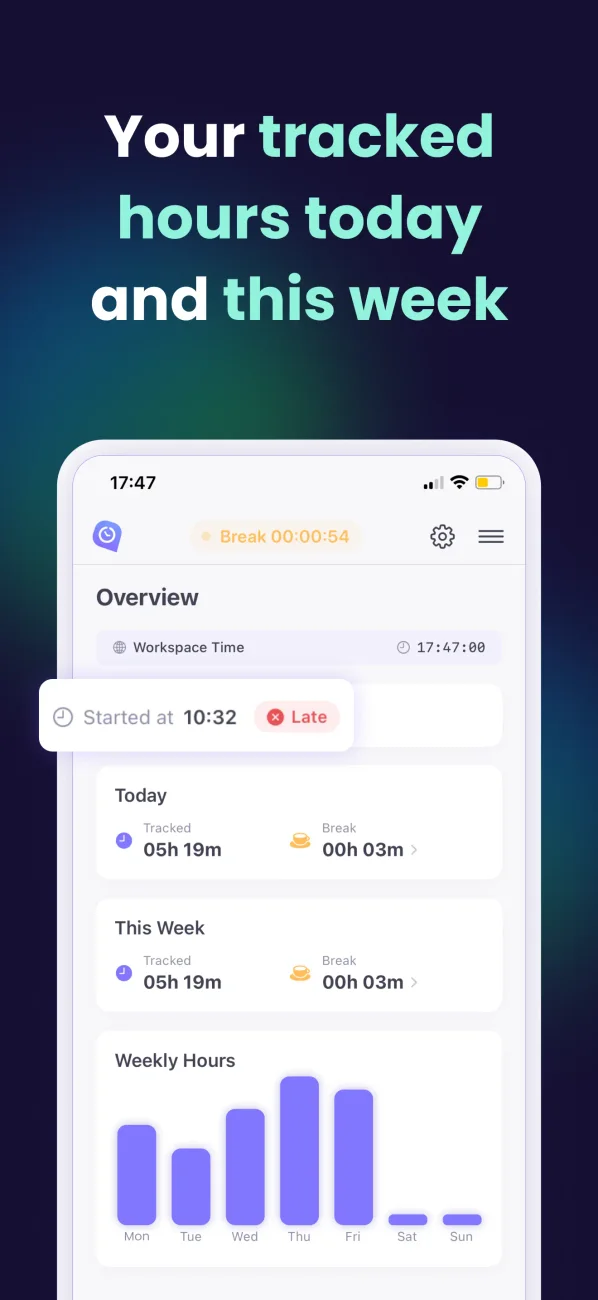
Log breaks separately so your work hours stay accurate. See your break duration and whether you're within your team's policy.
DAILY & WEEKLY OVERVIEW
See how much you've tracked today and this week with simple charts you can read at a glance.
PROJECT TIME TRACKING
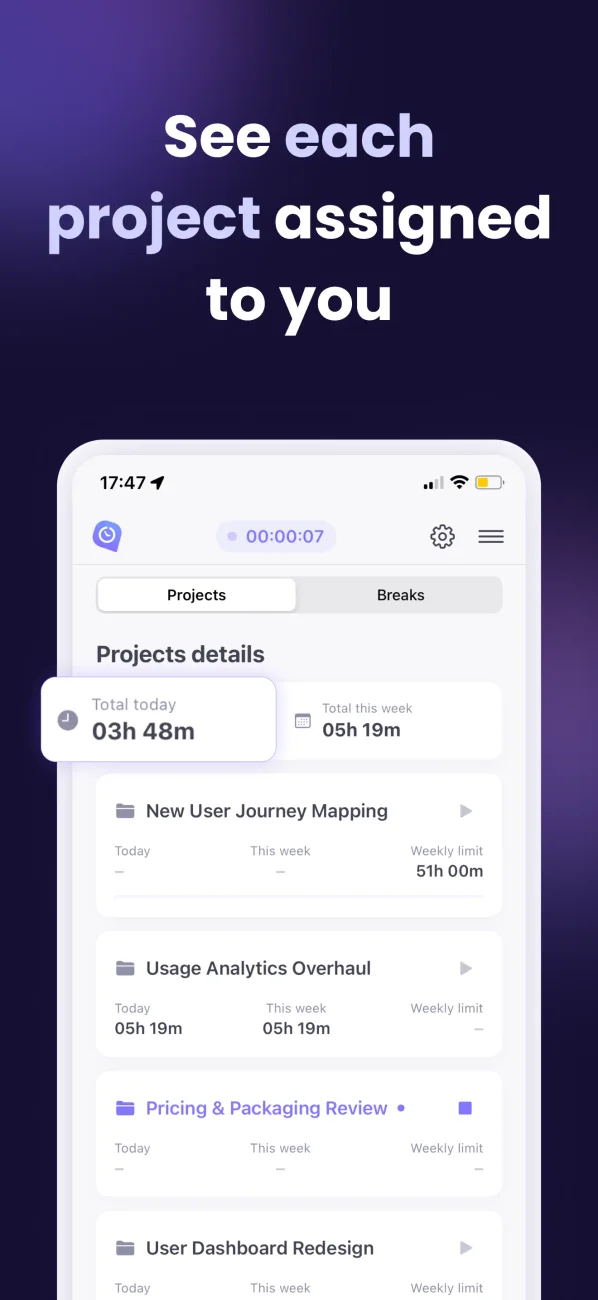
Check time spent on each project, start tracking from the project page, and see any time limits your manager has set.
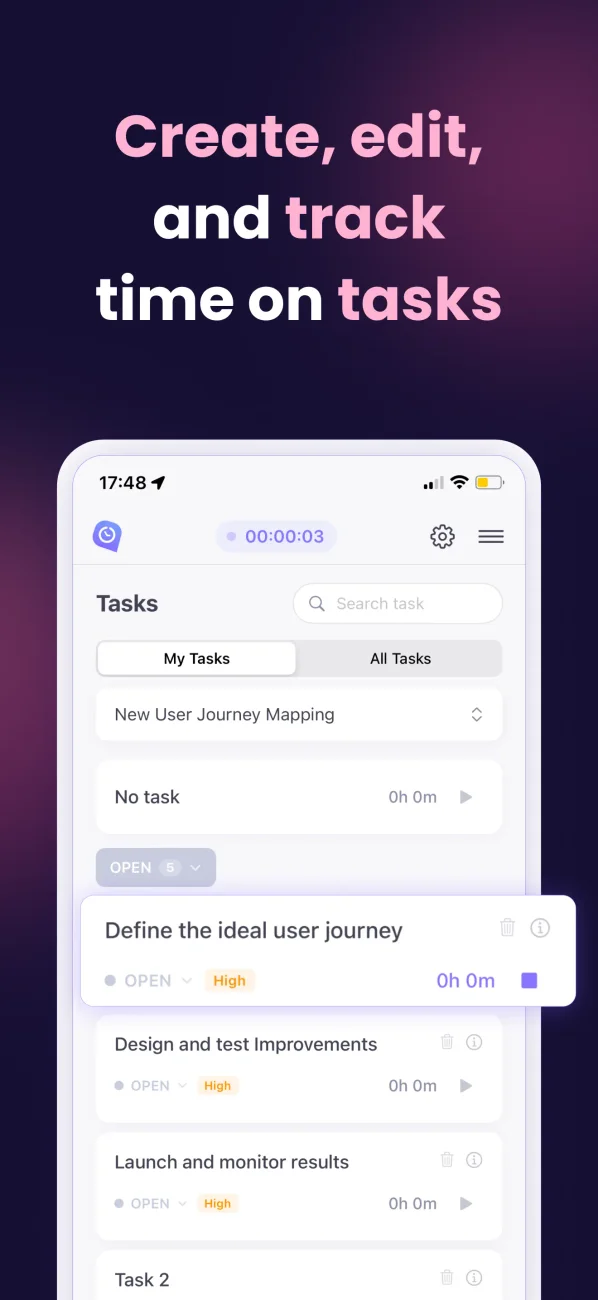
TASK MANAGEMENT
View all your tasks in one place, update statuses, and create new ones when permitted.
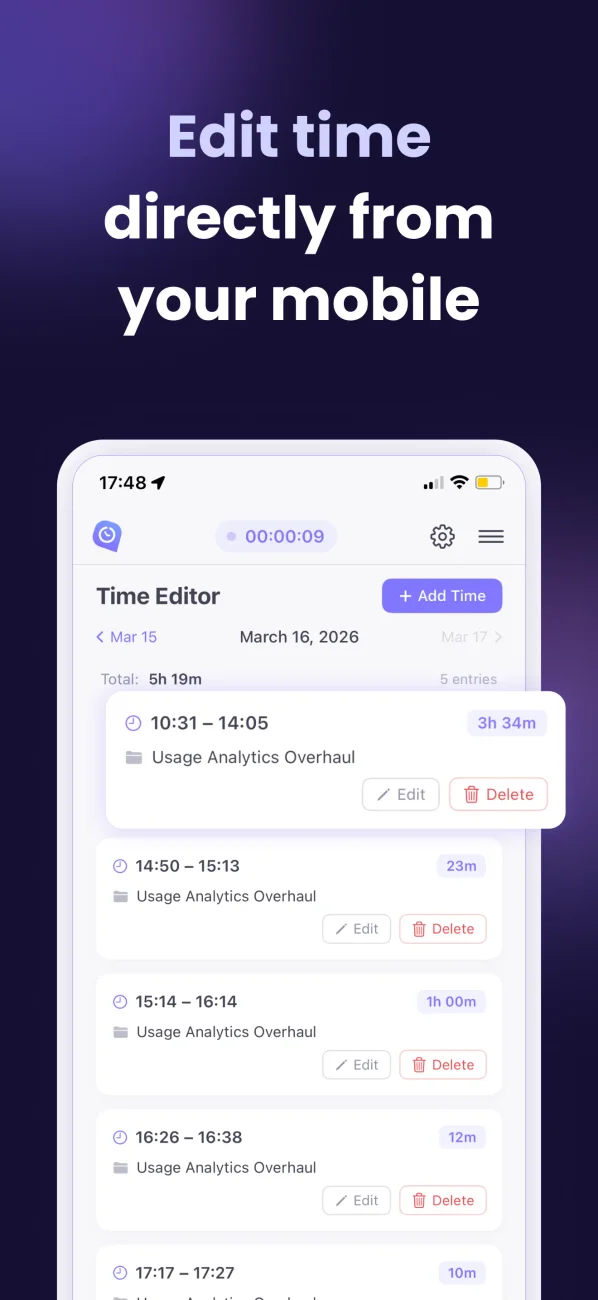
TIME ENTRIES
Browse, edit, or add time entries anytime. No more reconstructing your week from memory.
GPS LOCATION TRACKING
Record where you worked throughout the day. View locations on a map or as a list alongside your tracked time.
OFFLINE TRACKING
Lose your connection? WebWork keeps tracking and syncs everything automatically when you're back online.
DETAILS THAT MAKE IT BETTER
- Unlock instantly with Face ID
- See your running timer on your Home Screen and Lock Screen
- Feel a subtle vibration when tracking starts or stopsMarine Galstyan [1:36 PM]
The smarter way to track work hours, projects, and GPS locations on the go. Log breaks, manage tasks, and get a clear picture of your workday.
START TRACKING IN ONE TAP
Pick a project, select a task, add a note if needed, and tap Start. WebWork logs your time from that moment on.
BREAK TRACKING
Log breaks separately so your work hours stay accurate. See your break duration and whether you're within your team's policy.
DAILY & WEEKLY OVERVIEW
See how much you've tracked today and this week with simple charts you can read at a glance.
PROJECT TIME TRACKING
Check time spent on each project, start tracking from the project page, and see any time limits your manager has set.
LEAVE MANAGEMENT
Request time off directly from the app. Check the status of your requests and see your leave history in one place. If you have approval permissions, you can review, approve, or reject requests from your team.
TASK MANAGEMENT
View all your tasks in one place, update statuses, and create new ones when permitted.
TIME ENTRIES
Browse, edit, or add time entries anytime. No more reconstructing your week from memory.
GPS LOCATION TRACKING
Record where you worked throughout the day. View locations on a map or as a list alongside your tracked time. If job sites are assigned, see when you entered and exited each site, how long you stayed, and which job site you are currently at.
OFFLINE TRACKING
Lose your connection? WebWork keeps tracking and syncs everything automatically when you're back online.
DETAILS THAT MAKE IT BETTER
Unlock instantly with Face ID
See your running timer on your Home Screen and Lock Screen
Feel a subtle vibration when tracking starts or stops
KIOSK MODE
Turn any shared device into a team time clock. Switch to Kiosk Mode, select an existing kiosk, and let your team clock in and out without needing their own device. No login required, no delays.
Depending on your setup, team members clock in with a PIN or an NFC tag assigned directly from the app.
ON-SITE MONITORING
Assign a job site to your kiosk and enable geofencing to monitor on-site presence. See when team members arrived, when they left, and how long they stayed.
Novedades
Versión 13 · 17/11/2026
- When you cannot start a break, the app now tells you why and who can change it.
- The Start break window has a new, cleaner look.
- Small improvements.
Privacidad de la aplicación
Lo que WebWork AI, Inc. declara en App Store sobre cómo esta aplicación gestiona los datos.
-
Datos vinculados a ti
Pueden recopilarse y vincularse a tu identidad.
- Información de contacto
- Identificadores
- Diagnóstico
Las prácticas de privacidad pueden variar, por ejemplo, según las funciones que uses o tu edad.
Información
- Vendedor
- WebWork AI, Inc.
- Categoría
- Productividad
- Versión
- 13
- Actualizado
- 17/11/2026
- Publicado
- 29/4/2016
- Tamaño
- 12,1 MB
- Requiere
- iOS 17.6 o posterior
- Clasificación por edad
- 12+
- Precio
- Gratis
- Idiomas
- Inglés
- Copyright
- © WebWork Time Tracker
Quizá también te guste
-
 Time Doctor 2Productividad
-
 Hubstaff Time TrackerProductividad
-
 TimeCamp Time TrackerHours time tracking
-
 Krisp AI Meeting Note TakerProductividad
-
 PrideStaff EdgeProductividad
-
 Clockify Rastreador de tiempoRastreador de tiempo
-
 Zoho Cliq - Team CommunicationProductividad
-
 Chatbot Assistant: Merlin AIChat with AI using any AI Tool
-
 Instantly AIProductividad
-
 Make for iOSProductividad