- 対象年齢12+
- カテゴリ仕事効率化
- 開発元WebWork AI, Inc.
- 言語英語
- サイズ12.1 MB
App Storeの公式ページにリンクしています
Download.orgはWebWork Time Trackerのファイルを一切ホストしていません。ボタンを押すと、WebWork AI, Inc.が公開しているApp Storeのアプリページが開きます。ページの最終確認:2026/11/22。
スクリーンショット
概要
開発元はこのテキストをお使いの言語で提供していません。
The smarter way to track work hours, projects, and GPS locations on the go. Log breaks, manage tasks, and get a clear picture of your workday.
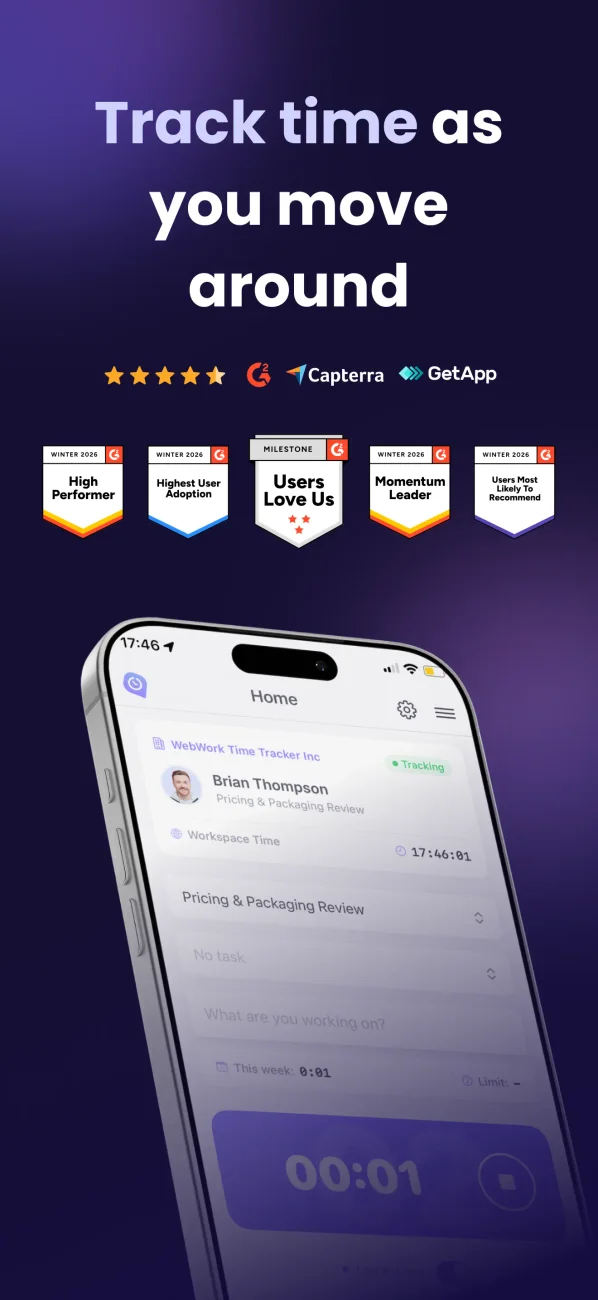
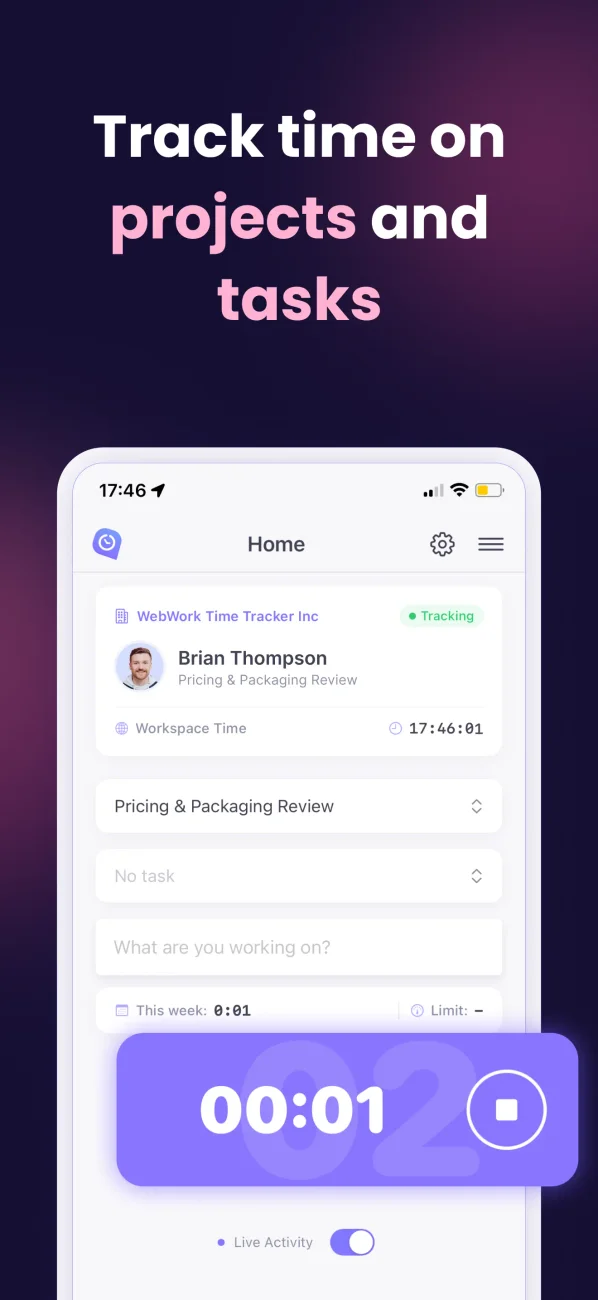
START TRACKING IN ONE TAP
Pick a project, select a task, add a note if needed, and tap Start. WebWork logs your time from that moment on.
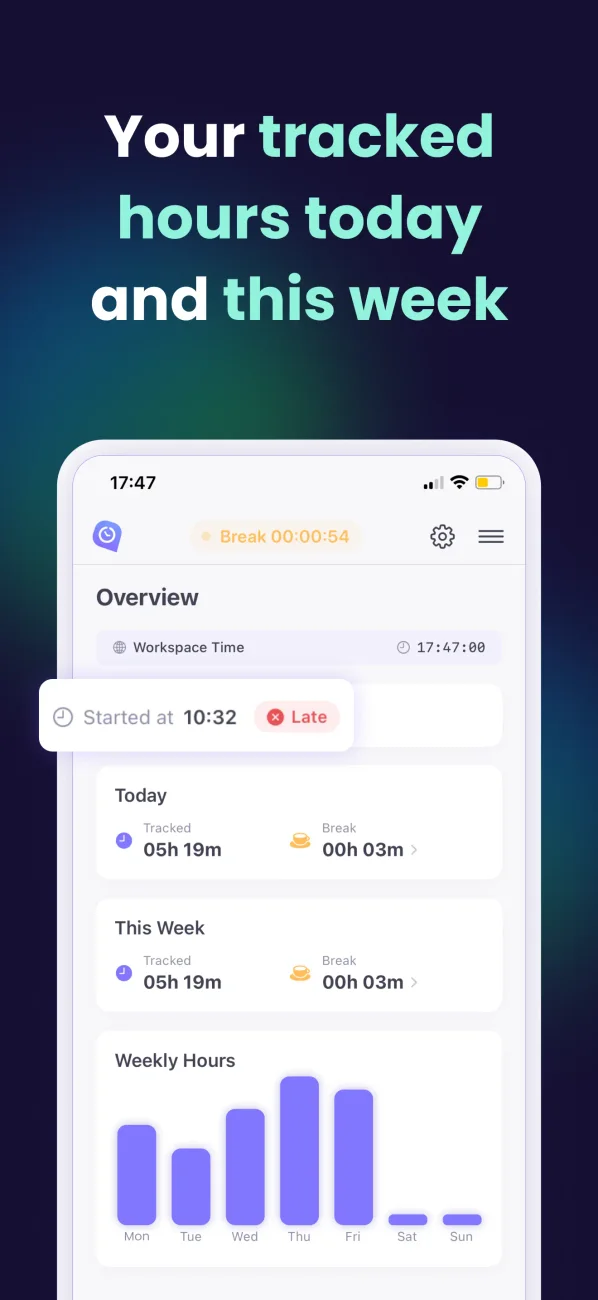
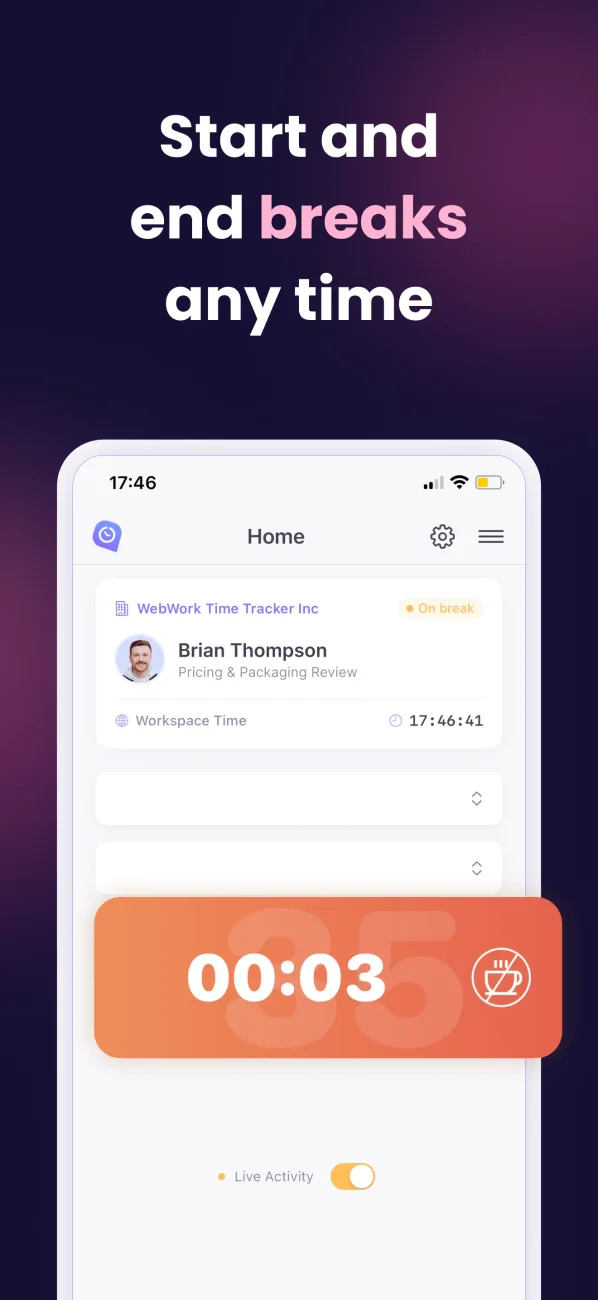
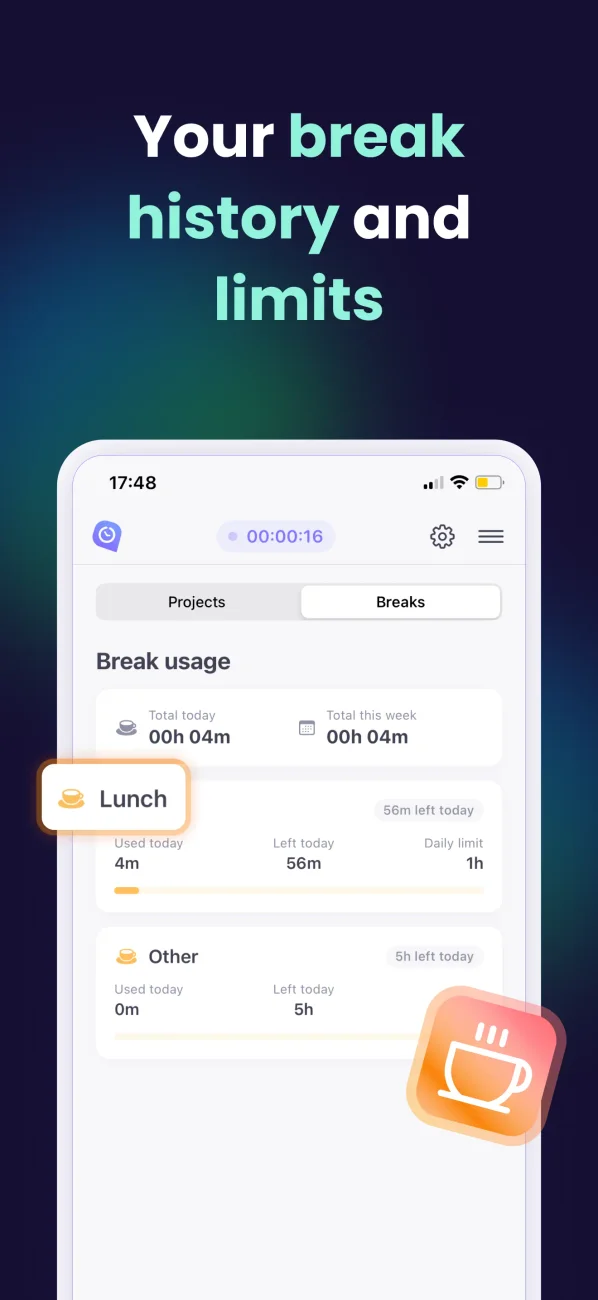
BREAK TRACKING
Log breaks separately so your work hours stay accurate. See your break duration and whether you're within your team's policy.
DAILY & WEEKLY OVERVIEW
See how much you've tracked today and this week with simple charts you can read at a glance.
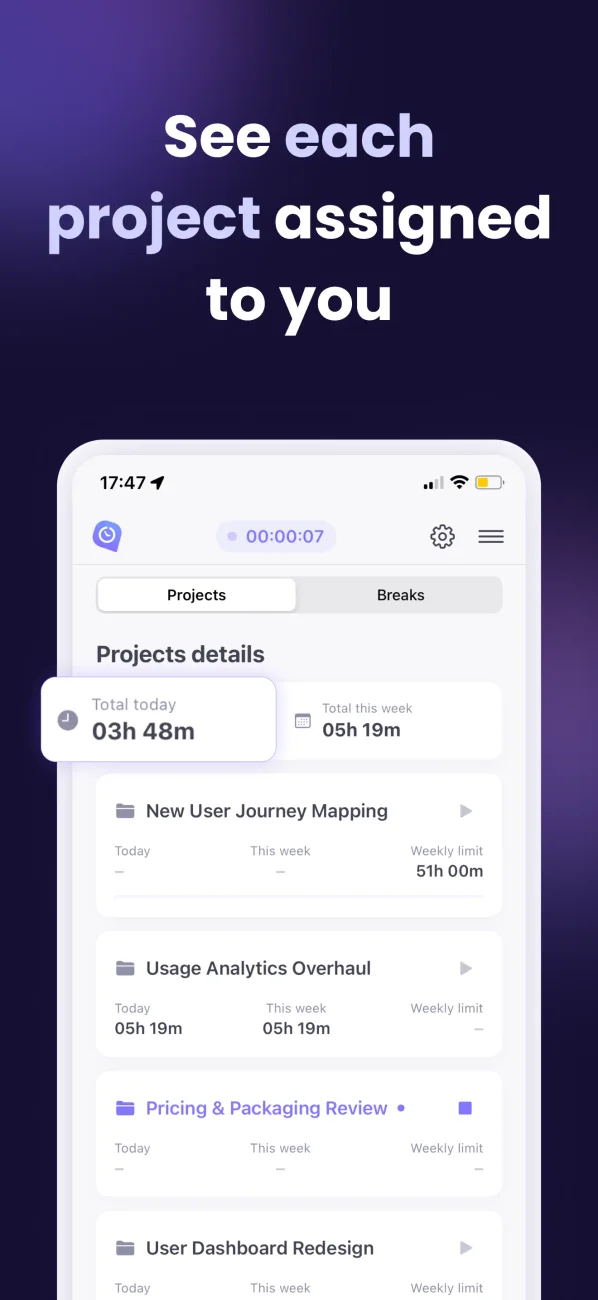
PROJECT TIME TRACKING
Check time spent on each project, start tracking from the project page, and see any time limits your manager has set.
TASK MANAGEMENT
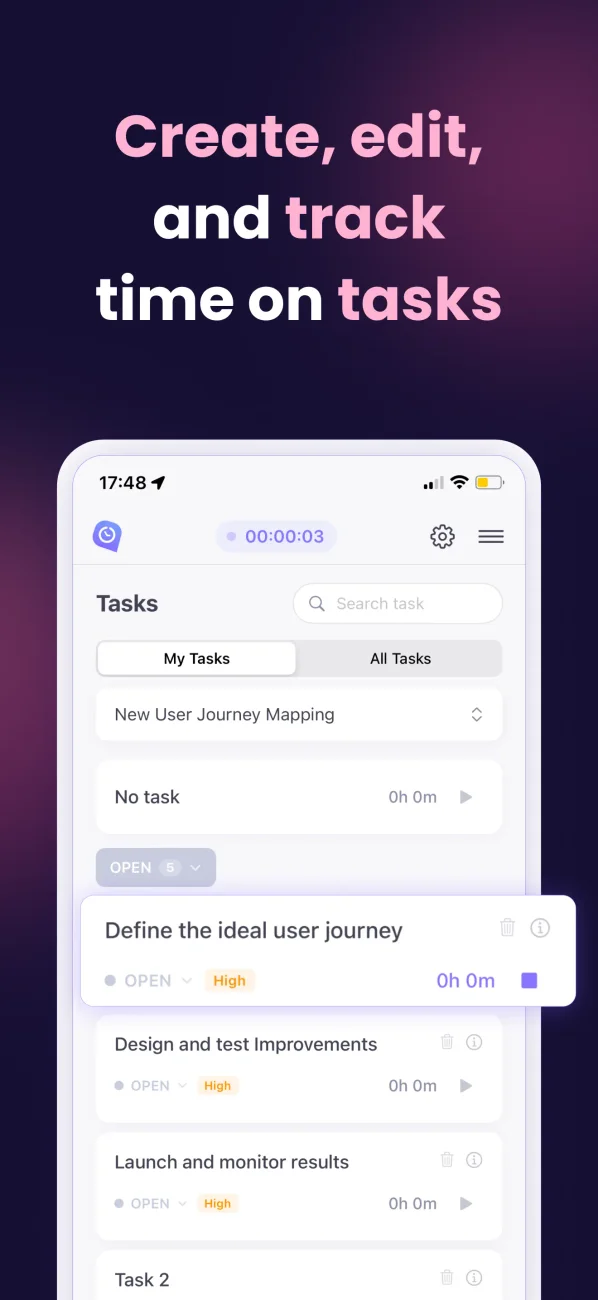
View all your tasks in one place, update statuses, and create new ones when permitted.
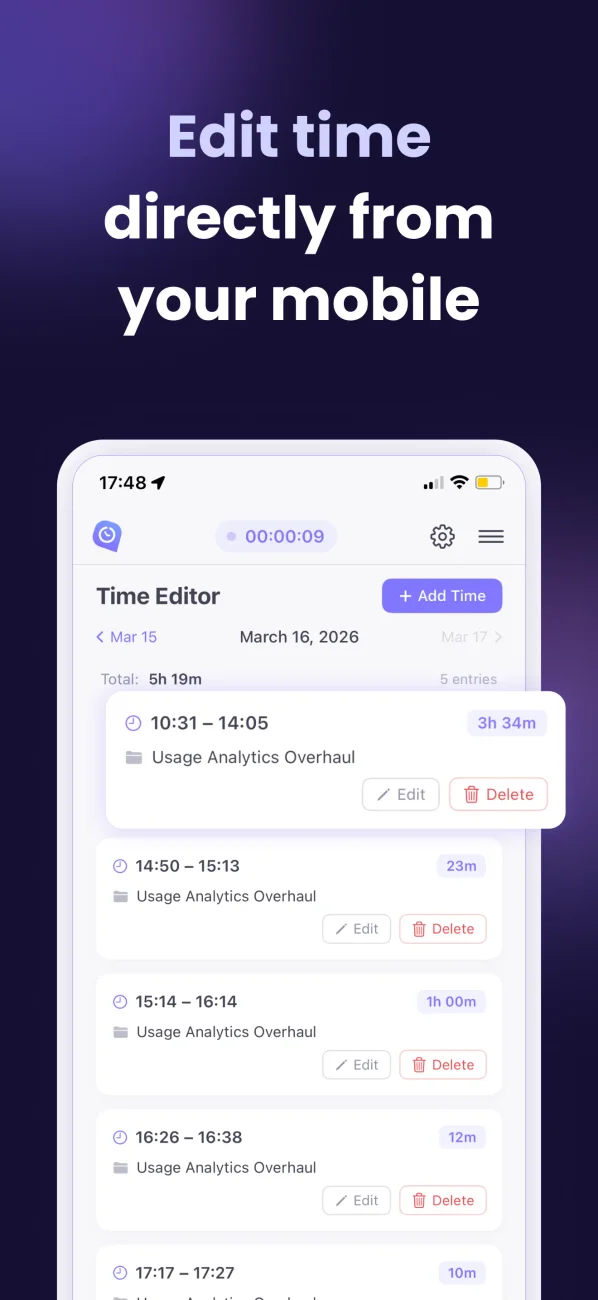
TIME ENTRIES
Browse, edit, or add time entries anytime. No more reconstructing your week from memory.
GPS LOCATION TRACKING
Record where you worked throughout the day. View locations on a map or as a list alongside your tracked time.
OFFLINE TRACKING
Lose your connection? WebWork keeps tracking and syncs everything automatically when you're back online.
DETAILS THAT MAKE IT BETTER
- Unlock instantly with Face ID
- See your running timer on your Home Screen and Lock Screen
- Feel a subtle vibration when tracking starts or stopsMarine Galstyan [1:36 PM]
The smarter way to track work hours, projects, and GPS locations on the go. Log breaks, manage tasks, and get a clear picture of your workday.
START TRACKING IN ONE TAP
Pick a project, select a task, add a note if needed, and tap Start. WebWork logs your time from that moment on.
BREAK TRACKING
Log breaks separately so your work hours stay accurate. See your break duration and whether you're within your team's policy.
DAILY & WEEKLY OVERVIEW
See how much you've tracked today and this week with simple charts you can read at a glance.
PROJECT TIME TRACKING
Check time spent on each project, start tracking from the project page, and see any time limits your manager has set.
LEAVE MANAGEMENT
Request time off directly from the app. Check the status of your requests and see your leave history in one place. If you have approval permissions, you can review, approve, or reject requests from your team.
TASK MANAGEMENT
View all your tasks in one place, update statuses, and create new ones when permitted.
TIME ENTRIES
Browse, edit, or add time entries anytime. No more reconstructing your week from memory.
GPS LOCATION TRACKING
Record where you worked throughout the day. View locations on a map or as a list alongside your tracked time. If job sites are assigned, see when you entered and exited each site, how long you stayed, and which job site you are currently at.
OFFLINE TRACKING
Lose your connection? WebWork keeps tracking and syncs everything automatically when you're back online.
DETAILS THAT MAKE IT BETTER
Unlock instantly with Face ID
See your running timer on your Home Screen and Lock Screen
Feel a subtle vibration when tracking starts or stops
KIOSK MODE
Turn any shared device into a team time clock. Switch to Kiosk Mode, select an existing kiosk, and let your team clock in and out without needing their own device. No login required, no delays.
Depending on your setup, team members clock in with a PIN or an NFC tag assigned directly from the app.
ON-SITE MONITORING
Assign a job site to your kiosk and enable geofencing to monitor on-site presence. See when team members arrived, when they left, and how long they stayed.
新機能
バージョン 13 · 2026/11/17
- When you cannot start a break, the app now tells you why and who can change it.
- The Start break window has a new, cleaner look.
- Small improvements.
アプリのプライバシー
このアプリのデータの取り扱いについて、WebWork AI, Inc.がApp Storeで申告している内容です。
-
ユーザーに関連付けられたデータ
収集され、ユーザーの識別情報に関連付けられる場合があります。
- 連絡先情報
- ID
- 診断
プライバシーの取り扱いは、ご利用の機能やお客様の年齢などに応じて異なる場合があります。
情報
- 販売元
- WebWork AI, Inc.
- カテゴリ
- 仕事効率化
- バージョン
- 13
- 更新日
- 2026/11/17
- リリース
- 2016/4/29
- サイズ
- 12.1 MB
- 必要条件
- iOS 17.6以降
- 対象年齢
- 12+
- 価格
- 無料
- 言語
- 英語
- 著作権
- © WebWork Time Tracker