
WebWork Time Tracker
Work Hours & GPS Tracking
Được thiết kế cho iPhone, iPad
Miễn phí
- Độ tuổi12+
- Danh mụcHiệu Suất
- Nhà phát triểnWebWork AI, Inc.
- Ngôn ngữTiếng Anh
- Kích thước12,1 MB
Liên kết đến trang App Store chính thức
Download.org không lưu trữ tệp nào của WebWork Time Tracker. Nút này mở trang ứng dụng trên App Store, nơi WebWork AI, Inc. phát hành ứng dụng. Trang được kiểm tra lần cuối: 22/11/2026.
Ảnh chụp màn hình
Giới thiệu
Nhà phát triển chưa cung cấp nội dung này bằng ngôn ngữ của bạn.
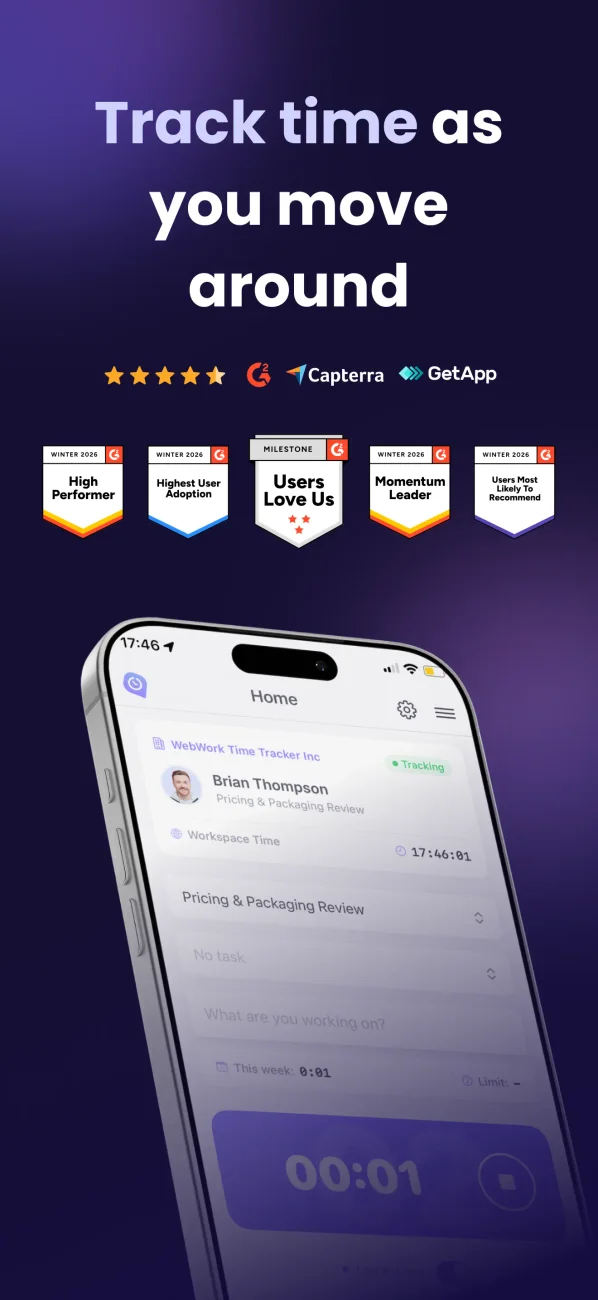
The smarter way to track work hours, projects, and GPS locations on the go. Log breaks, manage tasks, and get a clear picture of your workday.
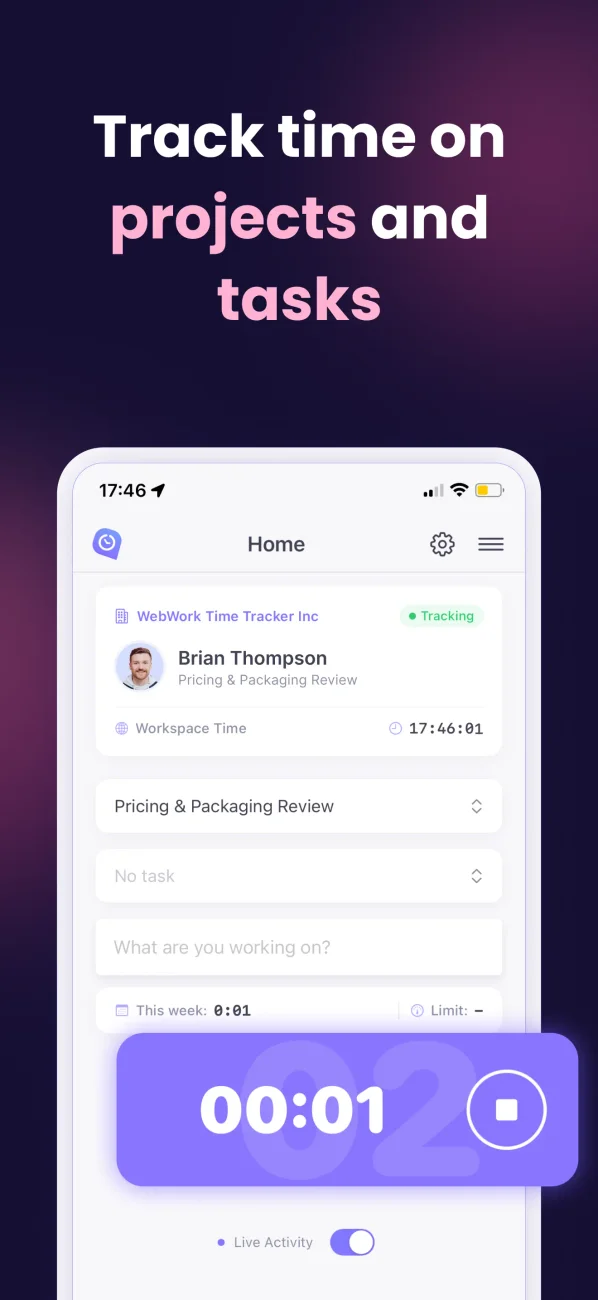
START TRACKING IN ONE TAP
Pick a project, select a task, add a note if needed, and tap Start. WebWork logs your time from that moment on.
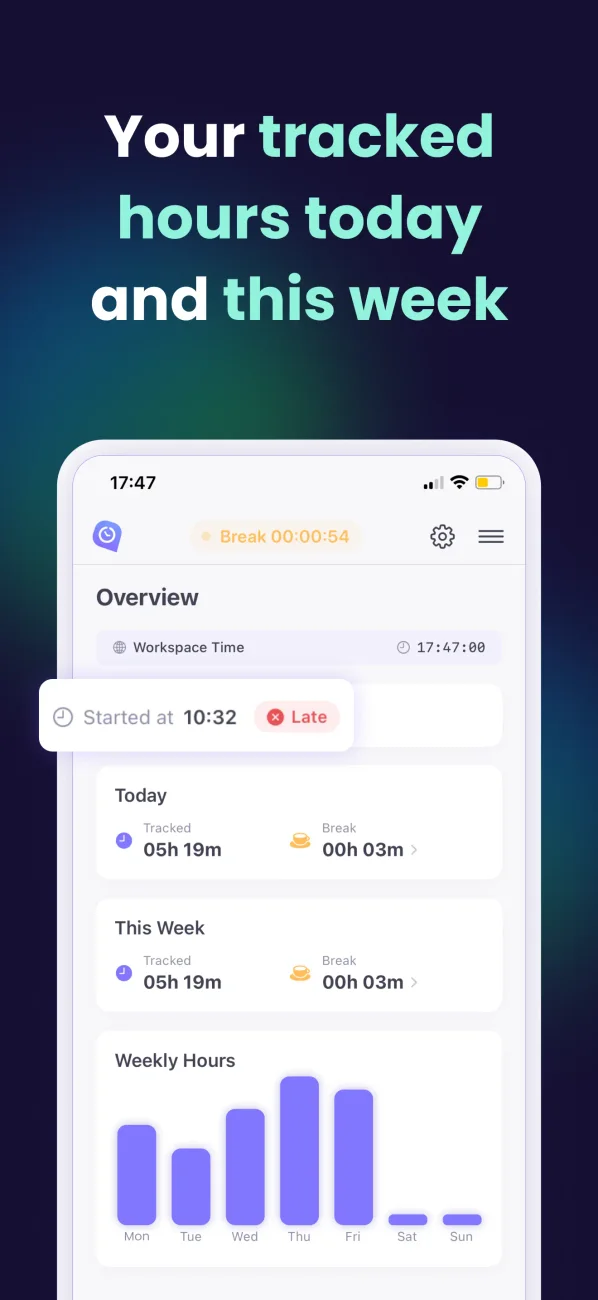
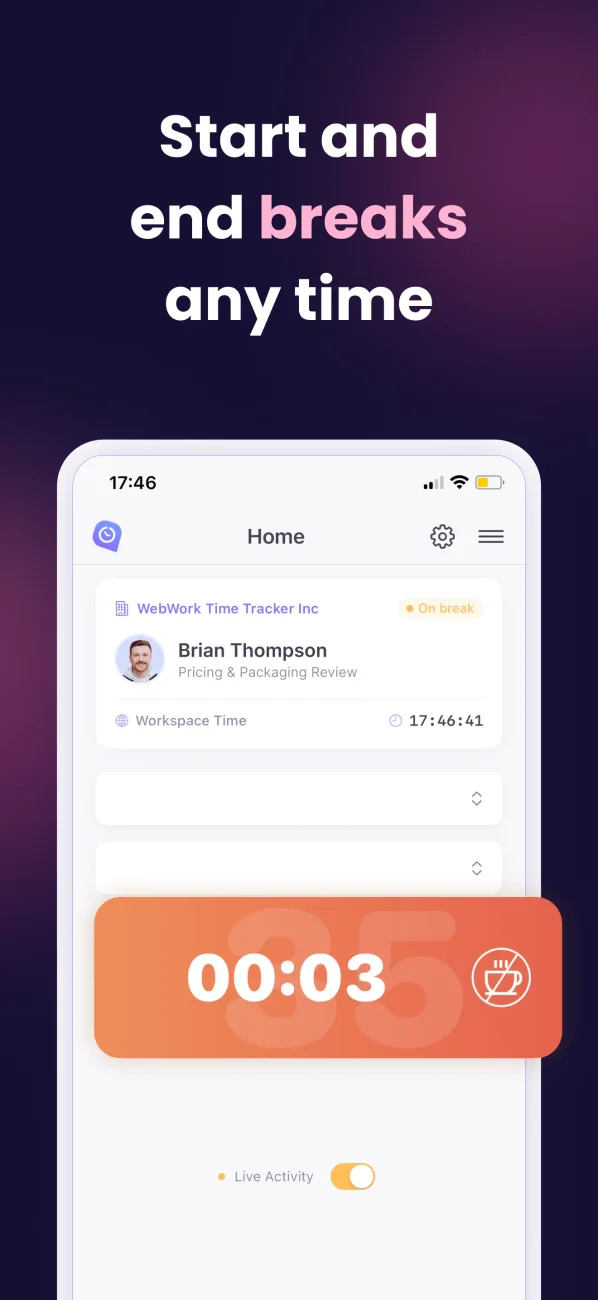
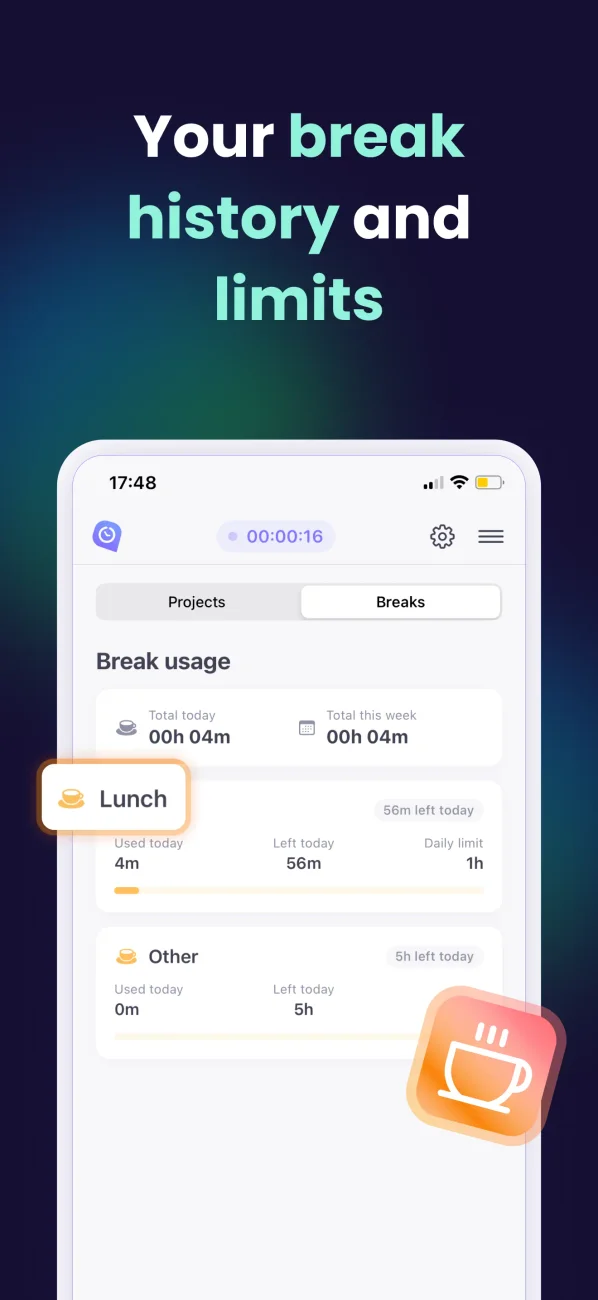
BREAK TRACKING
Log breaks separately so your work hours stay accurate. See your break duration and whether you're within your team's policy.
DAILY & WEEKLY OVERVIEW
See how much you've tracked today and this week with simple charts you can read at a glance.
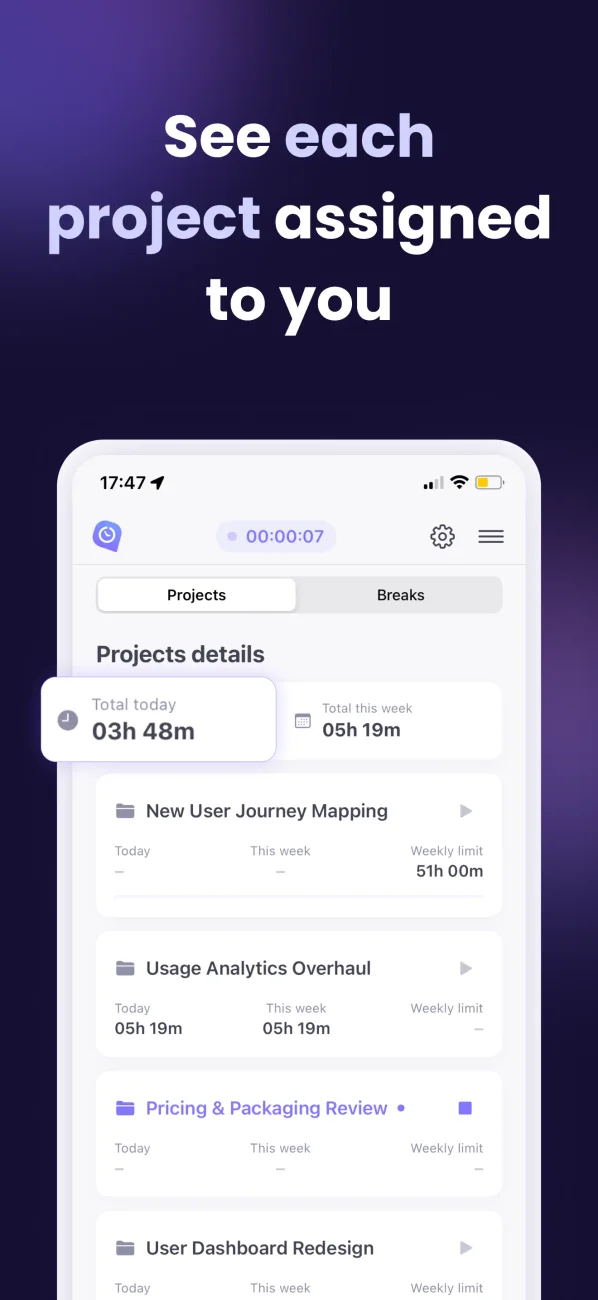
PROJECT TIME TRACKING
Check time spent on each project, start tracking from the project page, and see any time limits your manager has set.
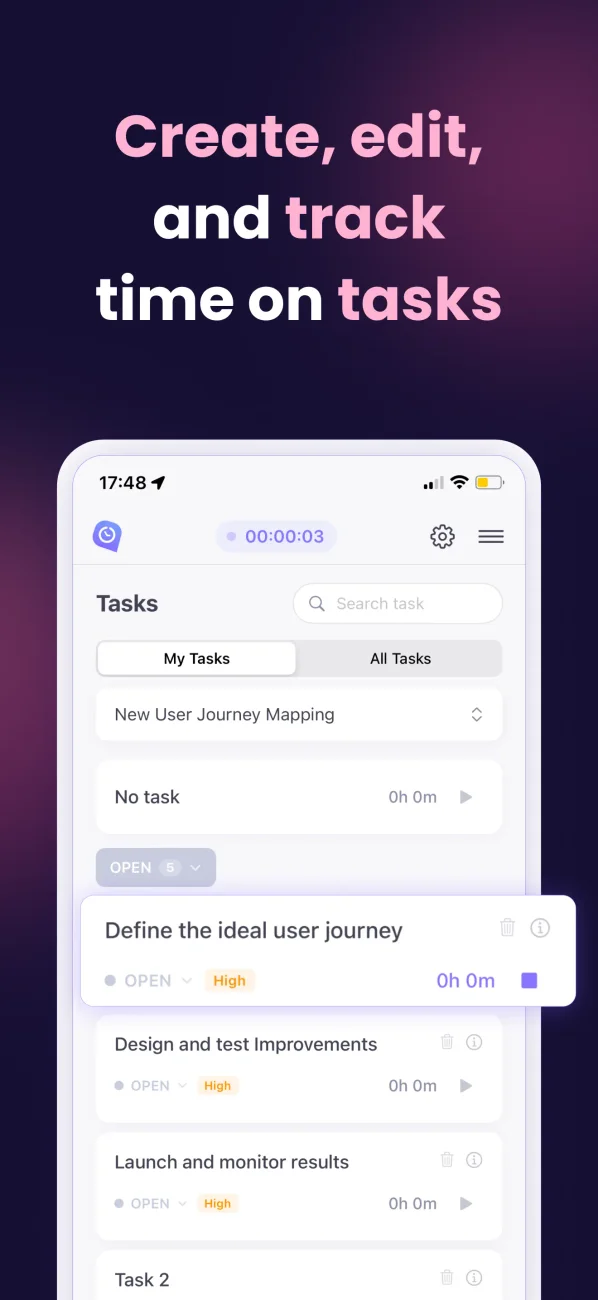
TASK MANAGEMENT
View all your tasks in one place, update statuses, and create new ones when permitted.
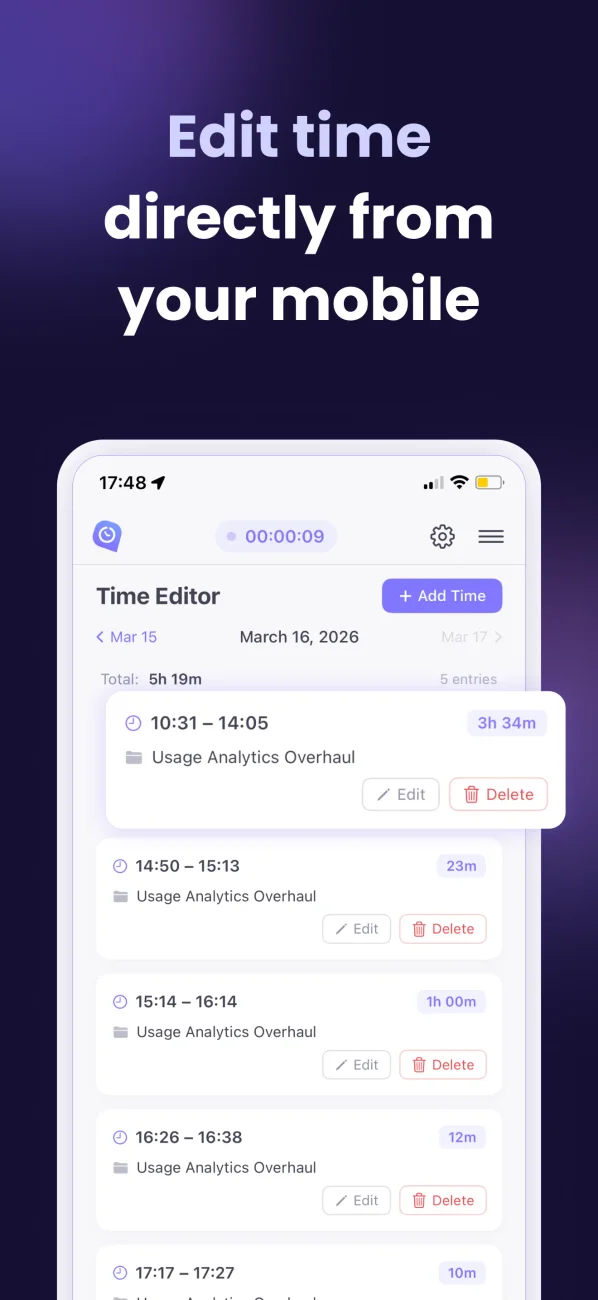
TIME ENTRIES
Browse, edit, or add time entries anytime. No more reconstructing your week from memory.
GPS LOCATION TRACKING
Record where you worked throughout the day. View locations on a map or as a list alongside your tracked time.
OFFLINE TRACKING
Lose your connection? WebWork keeps tracking and syncs everything automatically when you're back online.
DETAILS THAT MAKE IT BETTER
- Unlock instantly with Face ID
- See your running timer on your Home Screen and Lock Screen
- Feel a subtle vibration when tracking starts or stopsMarine Galstyan [1:36 PM]
The smarter way to track work hours, projects, and GPS locations on the go. Log breaks, manage tasks, and get a clear picture of your workday.
START TRACKING IN ONE TAP
Pick a project, select a task, add a note if needed, and tap Start. WebWork logs your time from that moment on.
BREAK TRACKING
Log breaks separately so your work hours stay accurate. See your break duration and whether you're within your team's policy.
DAILY & WEEKLY OVERVIEW
See how much you've tracked today and this week with simple charts you can read at a glance.
PROJECT TIME TRACKING
Check time spent on each project, start tracking from the project page, and see any time limits your manager has set.
LEAVE MANAGEMENT
Request time off directly from the app. Check the status of your requests and see your leave history in one place. If you have approval permissions, you can review, approve, or reject requests from your team.
TASK MANAGEMENT
View all your tasks in one place, update statuses, and create new ones when permitted.
TIME ENTRIES
Browse, edit, or add time entries anytime. No more reconstructing your week from memory.
GPS LOCATION TRACKING
Record where you worked throughout the day. View locations on a map or as a list alongside your tracked time. If job sites are assigned, see when you entered and exited each site, how long you stayed, and which job site you are currently at.
OFFLINE TRACKING
Lose your connection? WebWork keeps tracking and syncs everything automatically when you're back online.
DETAILS THAT MAKE IT BETTER
Unlock instantly with Face ID
See your running timer on your Home Screen and Lock Screen
Feel a subtle vibration when tracking starts or stops
KIOSK MODE
Turn any shared device into a team time clock. Switch to Kiosk Mode, select an existing kiosk, and let your team clock in and out without needing their own device. No login required, no delays.
Depending on your setup, team members clock in with a PIN or an NFC tag assigned directly from the app.
ON-SITE MONITORING
Assign a job site to your kiosk and enable geofencing to monitor on-site presence. See when team members arrived, when they left, and how long they stayed.
Có gì mới
Phiên bản 13 · 17/11/2026
- When you cannot start a break, the app now tells you why and who can change it.
- The Start break window has a new, cleaner look.
- Small improvements.
Quyền riêng tư của ứng dụng
Những gì WebWork AI, Inc. khai báo trên App Store về cách ứng dụng này xử lý dữ liệu.
-
Dữ liệu liên kết với bạn
Có thể được thu thập và liên kết với danh tính của bạn.
- Thông tin liên hệ
- Mã định danh
- Chẩn đoán
Phương thức đảm bảo quyền riêng tư có thể khác nhau, chẳng hạn như tuỳ theo các tính năng bạn sử dụng hoặc độ tuổi của bạn.
Thông tin
- Người bán
- WebWork AI, Inc.
- Danh mục
- Hiệu Suất
- Phiên bản
- 13
- Cập nhật
- 17/11/2026
- Phát hành
- 29/04/2016
- Kích thước
- 12,1 MB
- Yêu cầu
- iOS 17.6 trở lên
- Độ tuổi
- 12+
- Giá
- Miễn phí
- Ngôn ngữ
- Tiếng Anh
- Bản quyền
- © WebWork Time Tracker
Có thể bạn cũng thích
-
 Time Doctor 2Hiệu Suất
-
 Hubstaff Time TrackerHiệu Suất
-
 TimeCamp Time TrackerHiệu Suất
-
 Krisp AI Meeting Note TakerHiệu Suất
-
 PrideStaff EdgeHiệu Suất
-
 Clockify Time TrackerHiệu Suất
-
 Zoho Cliq - Team CommunicationHiệu Suất
-
 Merlin: AI Photo GeneratorAsk AI, AI Chatbot, AI Writer
-
 Instantly AIHiệu Suất
-
 Make for iOSHiệu Suất