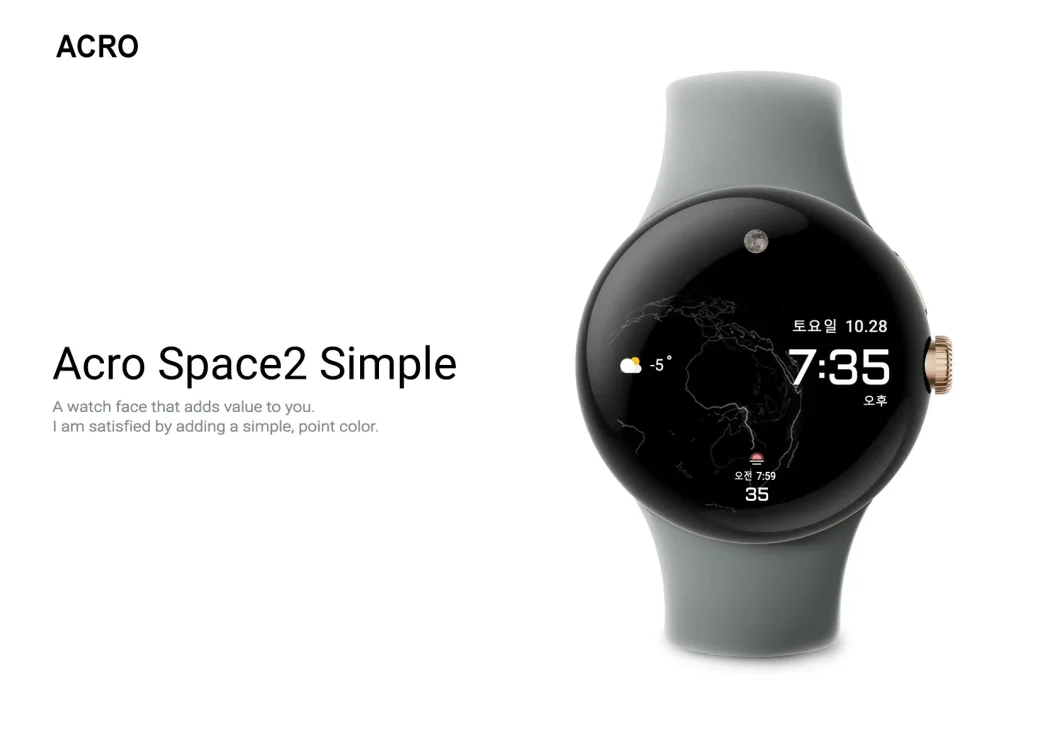
ACRO Space2 Simple Watchface
ACROWatch- PEGI 3Classification d’âge
- PersonnalisationCatégorie
- 16/10/2026Mis à jour
- 1,09 €Prix
Renvoie vers la fiche Google Play officielle de com.watchfacestudio.acro_space2_simple. Dernière vérification le 24/11/2026.
Captures d’écran

À propos de cette application
Traduction automatique par Google. Langue d’origine : Anglais (États-Unis).
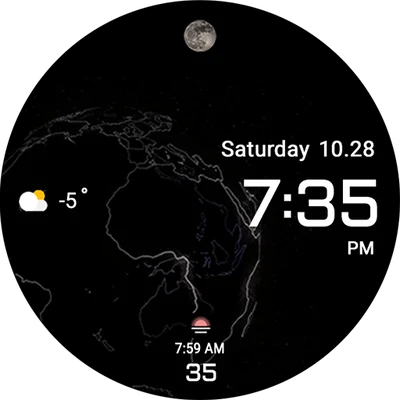
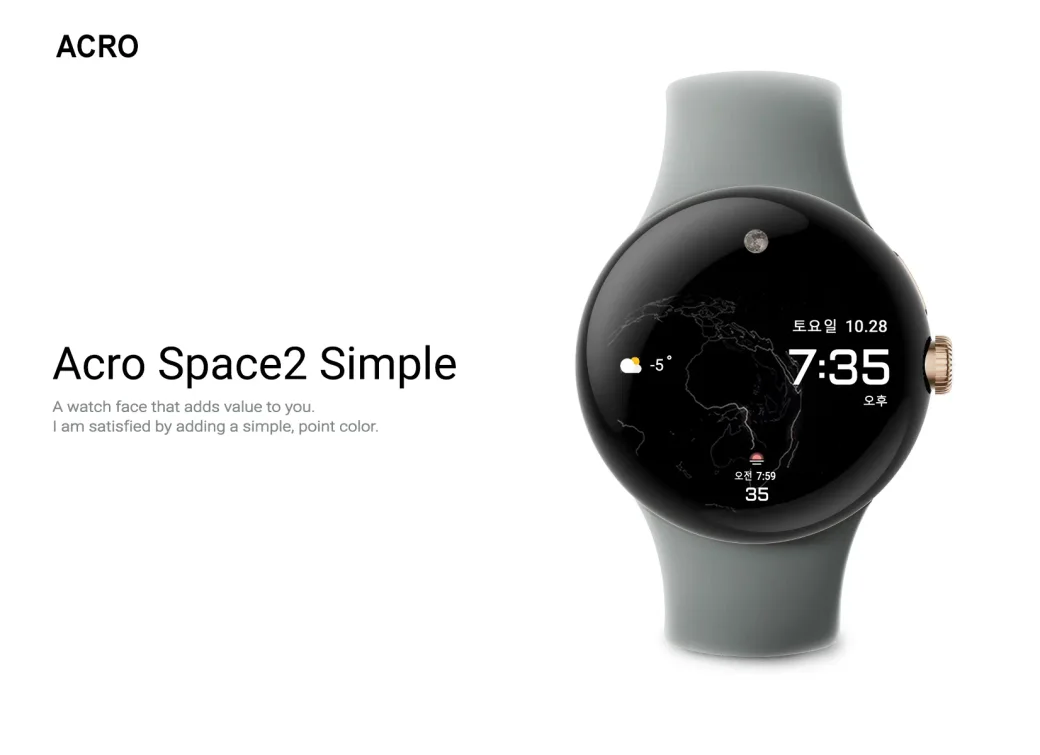
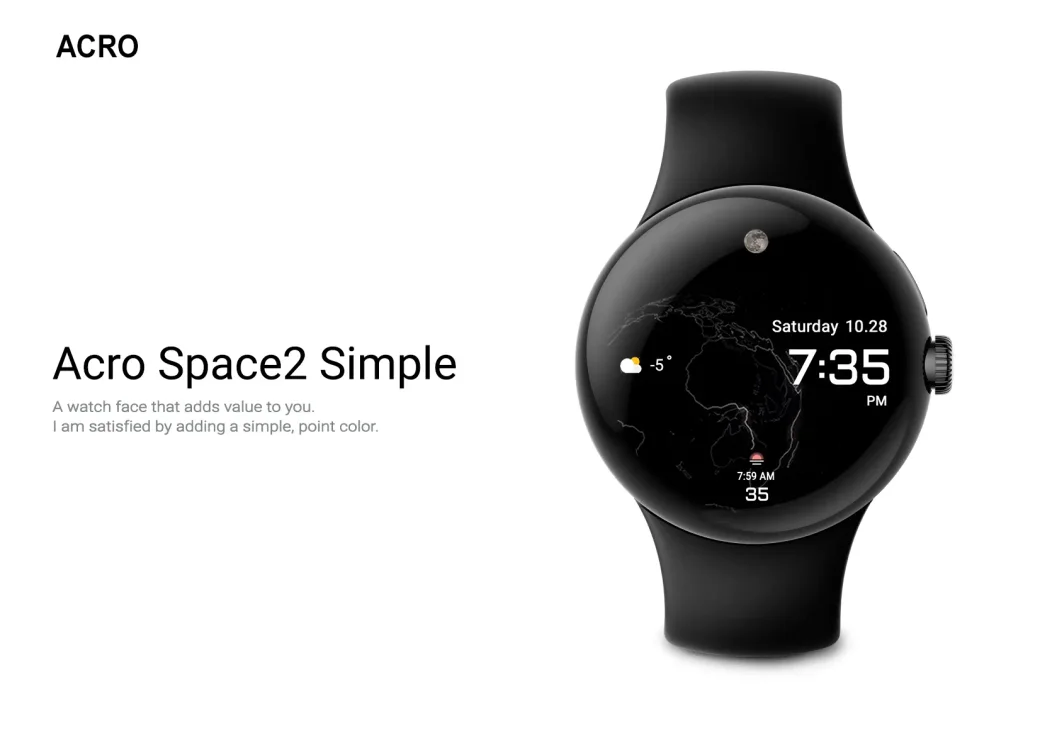
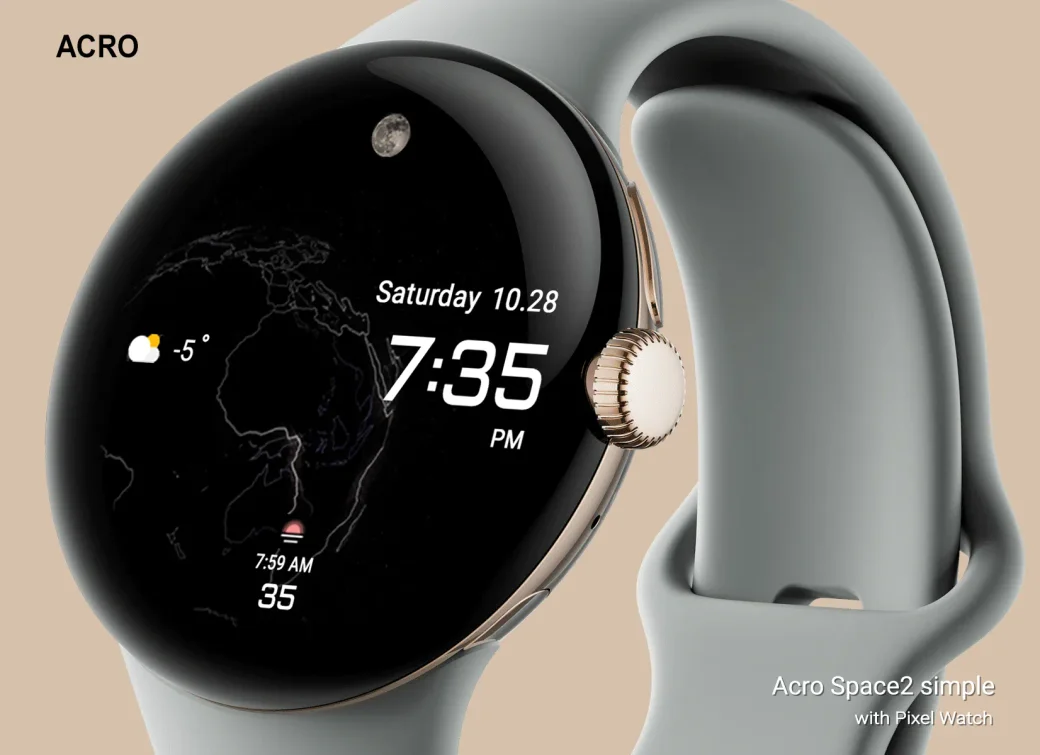
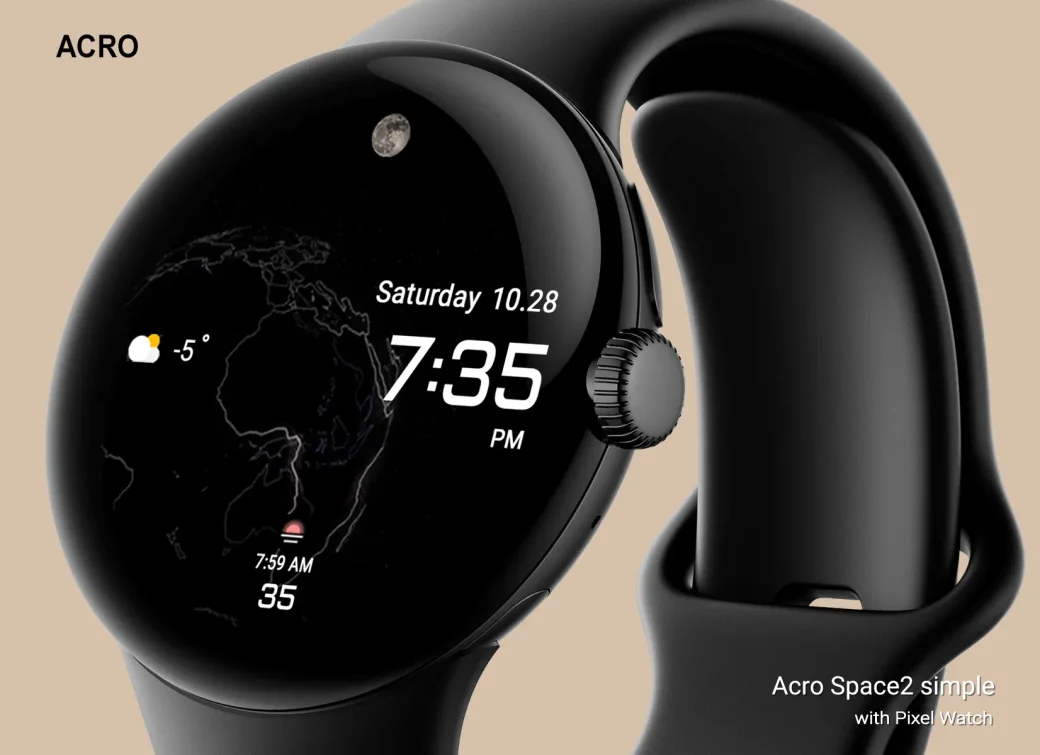
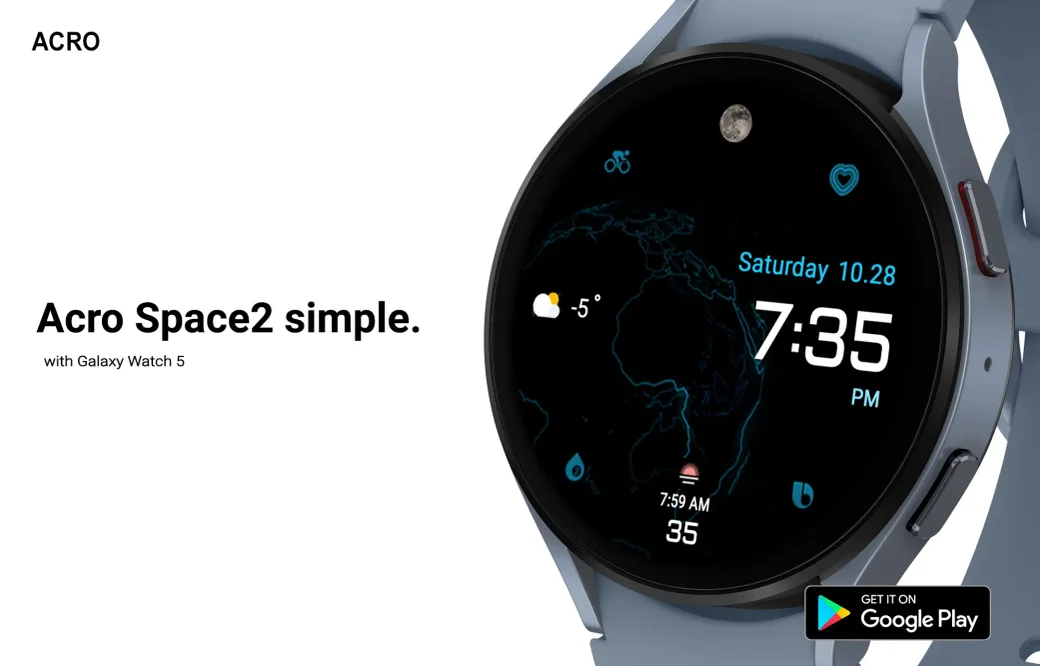
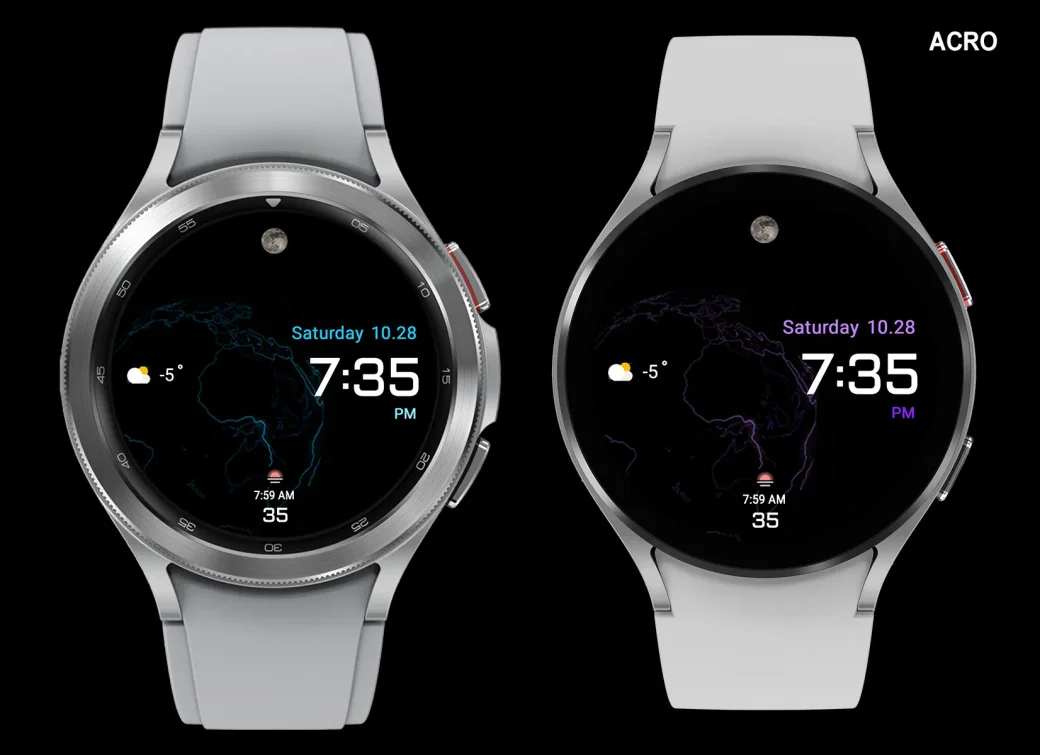
Animation de la Terre, simple cadran de montre numérique moderne
Cadran prenant en charge Wear 2.0
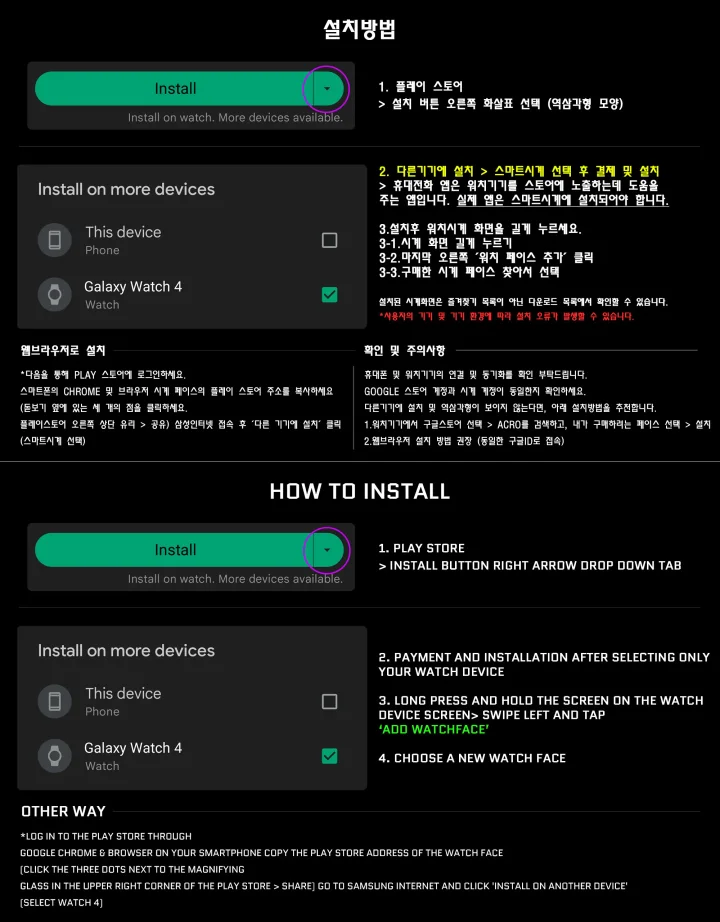
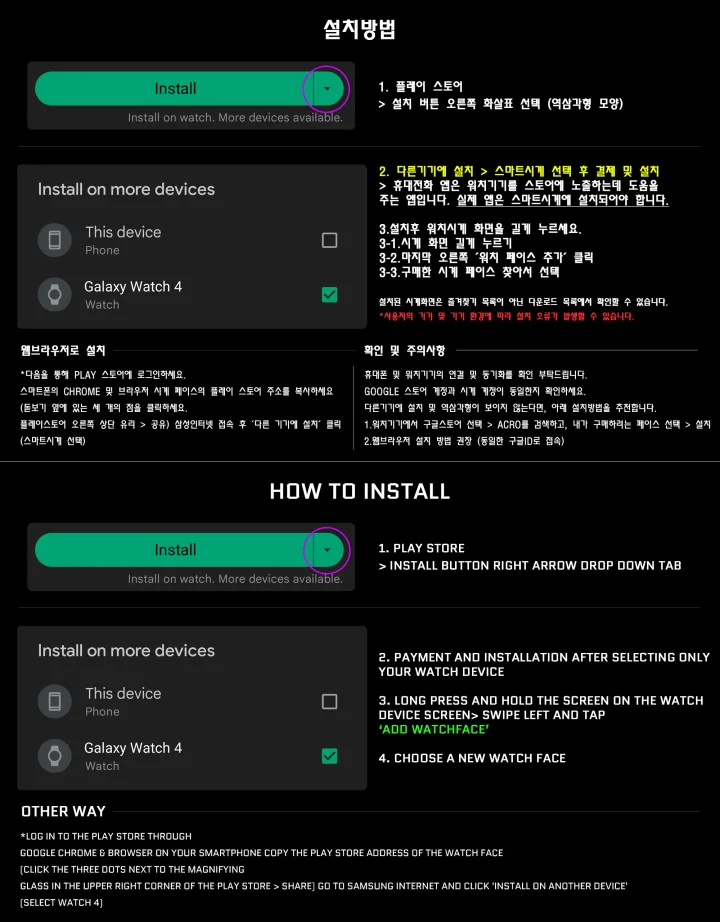
*Comment installer
Application Play Store sur smartphone > Paiement et installation
Lancez l'application Play Store sur votre montre > Applications sur votre téléphone > Cadran de montre applicable > Installer
Paiement et installation de l'application Play Store sur le smartphone (touchez la flèche droite et installez la montre intelligente)
> Besoin de vérifier la connexion entre la montre et le téléphone portable
* Résolu à installer l'affichage
Copiez l'adresse du Play Store du cadran de la montre (cliquez sur les trois points à côté de la loupe dans le coin supérieur droit du Play Store > partager)
Allez sur Samsung Internet et cliquez sur "Installer sur un autre appareil" > sélectionnez la montre 4
-------------------------------------------------- ----
- Afin d'utiliser toutes les fonctions, le consentement à l'utilisation du capteur est requis.
- Certaines fonctionnalités peuvent ne pas être disponibles sur toutes les montres.
- Si l'application Play Store s'affiche comme étant incompatible, veuillez l'installer à l'aide d'un navigateur Web sur votre PC/ordinateur portable en plus de l'application sur votre téléphone.
- Ce cadran prend en charge les appareils Wear OS.
-------------------------------------------------- ----
Rechercher les cadrans installés
1. Appuyez longuement sur le cadran de la montre > 2. Cliquez sur le bouton Décorer > 3. Cliquez sur « Ajouter un cadran de montre » en dernier à droite > Confirmez le cadran de montre acheté
Comment configurer Personnaliser
1. Appuyez longuement sur le cadran de la montre > 2. Cliquez sur le bouton Décorer > 3. Appuyez sur chaque zone de complication pour définir les informations correspondantes > 4. Cliquez sur OK
Découvrez le nouveau cadran de la montre dans la boutique ACRO
https://play.google.com/store/apps/dev?id=7728319687716467388
Pour toute question concernant l'application, veuillez nous contacter à l'adresse e-mail ci-dessous.
Mail : help.acro@gmail.com
Afficher le texte d’origine
Watchface that supports Wear 2.0
*How to install
Play Store app on smartphone > Payment and installation
Launch the Play Store app on your watch > Apps on your phone > Applicable watch face > Install
Payment and installation of the Play Store app on the smartphone (touch the right arrow and install the smart watch)
> Need to check the connection between watch device and mobile phone
*Resolved to be installed display
Copy the play store address of the watch face (click the three dots next to the magnifying glass in the upper right corner of the play store > share)
Go to Samsung Internet and click 'Install on another device' > select watch 4
------------------------------------------------------
- In order to use all functions, consent to use the sensor is required.
- Some features may not be available on all watches.
- If the Play Store app is shown as incompatible, please install it using a web web browser on your PC/laptop in addition to the app on your phone.
- this watchface supports wear os devices.
------------------------------------------------------
Find installed watchfaces
1. Press and hold the watch face > 2. Click the Decorate button > 3. Click ‘Add watch face’ on the last right > Confirm the purchased watch face
How to set up Customize
1. Press and hold the watch face > 2. Click the Decorate button > 3. Tap each complication area to set the corresponding information > 4. Click OK
Discover the new watch face in the ACRO store
https://play.google.com/store/apps/dev?id=7728319687716467388
For inquiries about the app, please contact us at the email below.
Mail : help.acro@gmail.com
Sécurité des données
Ce que ACROWatch déclare sur Google Play au sujet des données que cette application collecte et partage.
- Aucune donnée partagée avec des tiersEn savoir plus sur la manière dont les développeurs déclarent le partage
- Aucune donnée collectéeEn savoir plus sur la manière dont les développeurs déclarent la collecte
Coordonnées du développeur
- E-mailhelp.acro@gmail.com
- Politique de confidentialitéblog.naver.com
- Adresse명지국제3로 97 명지삼성그린코아더베스트, 104동 2803호 강서구, 부산광역시 46726 South Korea
Informations
- Proposée par
- ACROWatch
- Catégorie
- Personnalisation
- Mis à jour
- 16/10/2026
- Publié
- 23/01/2023
- Classification d’âge
- PEGI 3
- Prix
- 1,09 €
- Nom du package
- com.watchfacestudio.acro_space2_simple
Applications similaires
-
 Lunar: Moon Digital Watch Face
Personnalisation
-
 COS Watch Face
Personnalisation
-
 Terre Digi
Personnalisation
-
 Orbital Watch Face Time Zone
Personnalisation
-
 Space Galaxy Watch
Personnalisation
-
 Second Earth Watch Face
Personnalisation
-
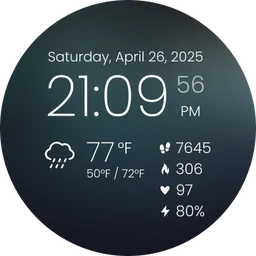 CELEST5572 Data Hub Watch
Personnalisation
-
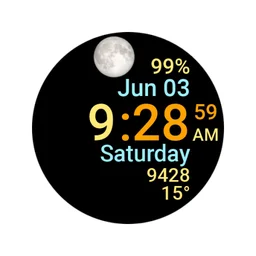 Multilingual Watch Face
Personnalisation
-
 Nine Planets Watch Face
Personnalisation
-
 Lunar: Digital Cadran
Personnalisation
-
 Weather Animated Pro
Personnalisation
-
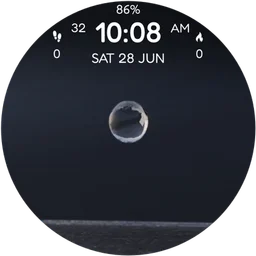 Water Surface Cadran
Personnalisation