ACRO Space2 Simple Watchface
ACROWatch- PEGI 3Yaş sınırı
- KişiselleştirmeKategori
- 16.10.2026Güncellendi
- ₺53,99Fiyat
com.watchfacestudio.acro_space2_simple için resmi Google Play sayfasına bağlanır. Son kontrol: 24.11.2026.
Ekran görüntüleri

Bu uygulama hakkında
Google tarafından otomatik çeviri. Orijinal dil: İngilizce (Amerika Birleşik Devletleri).
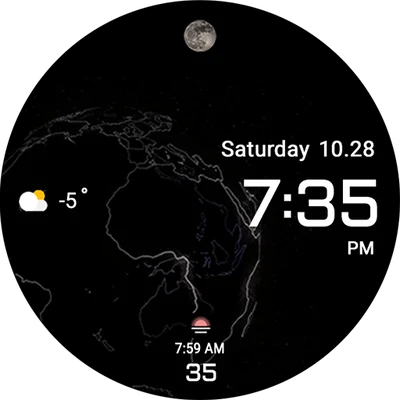
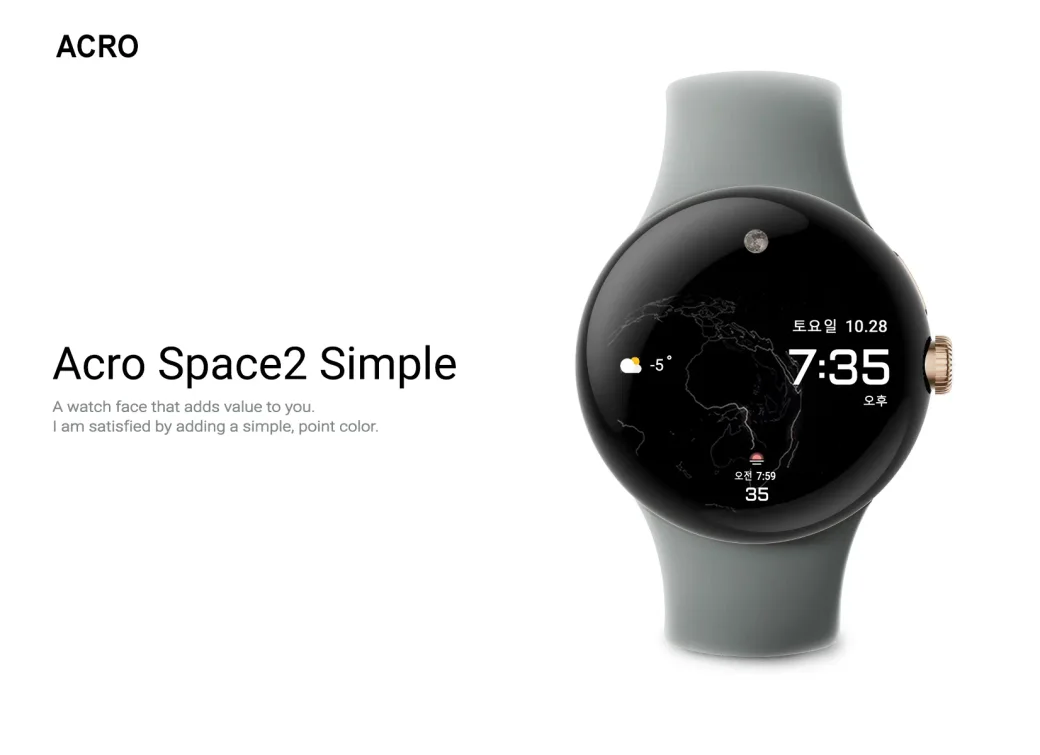
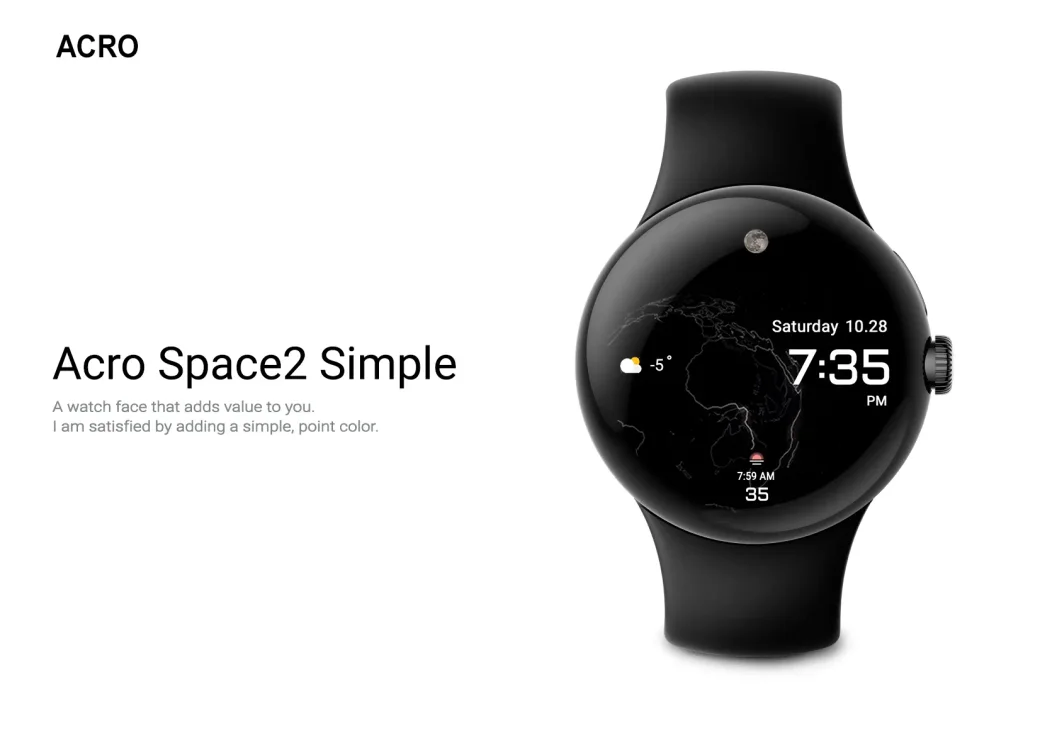
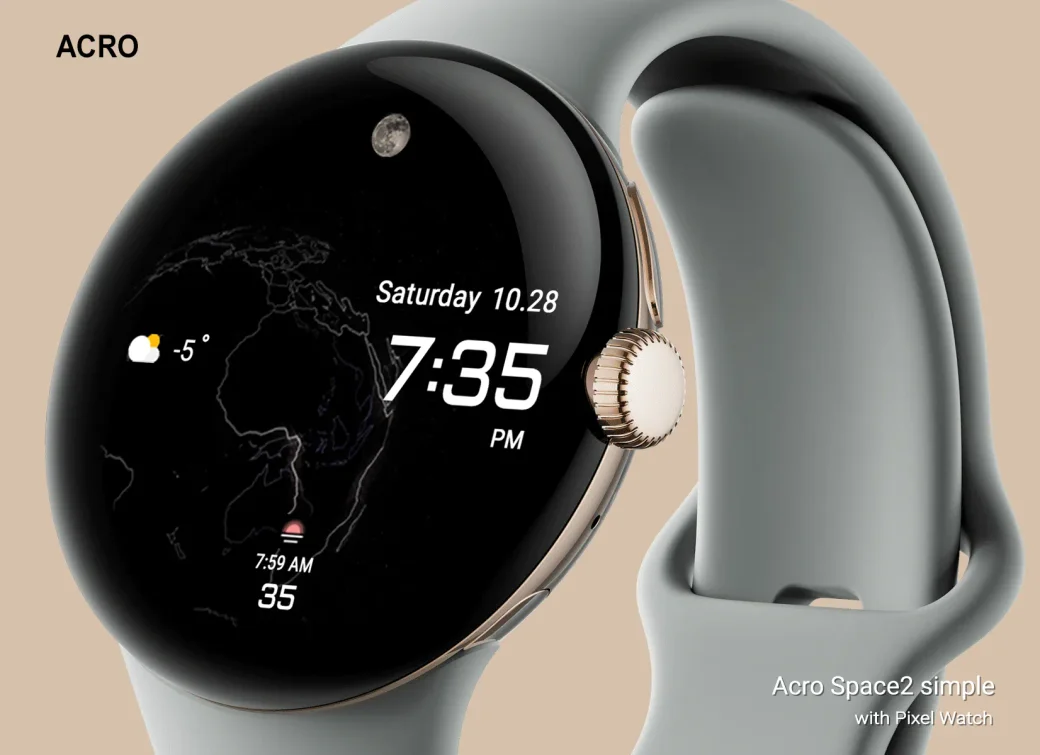
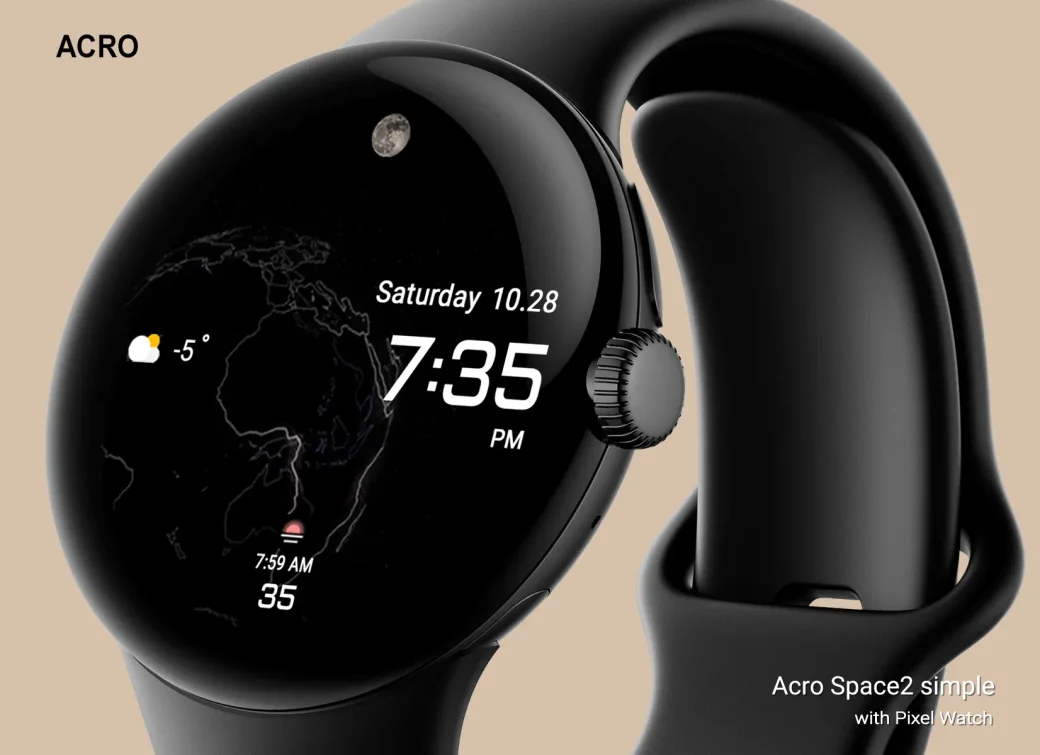
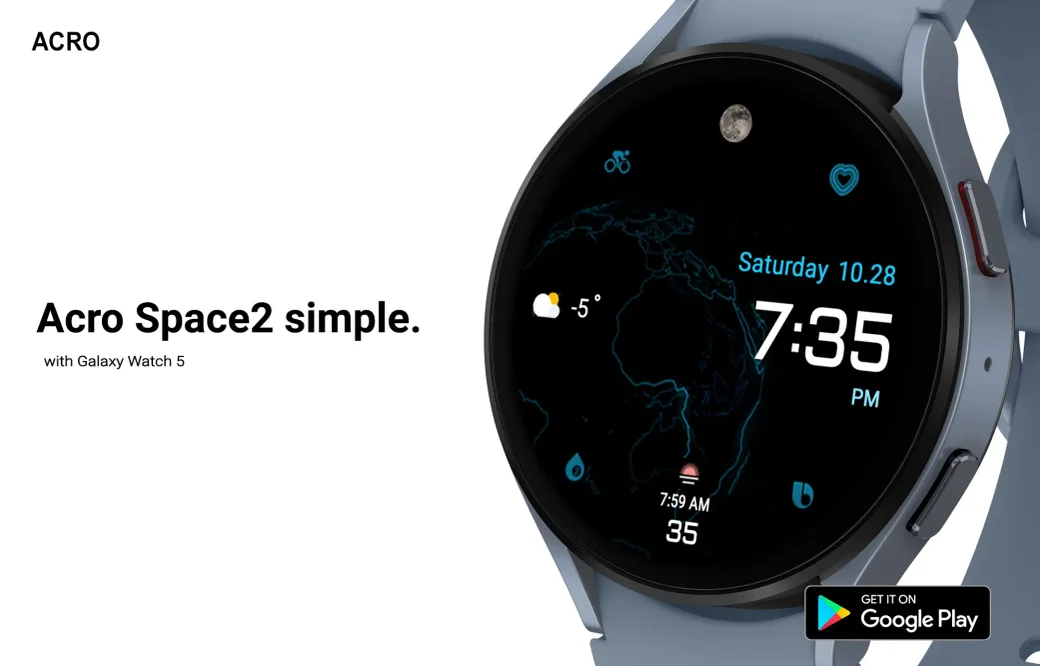
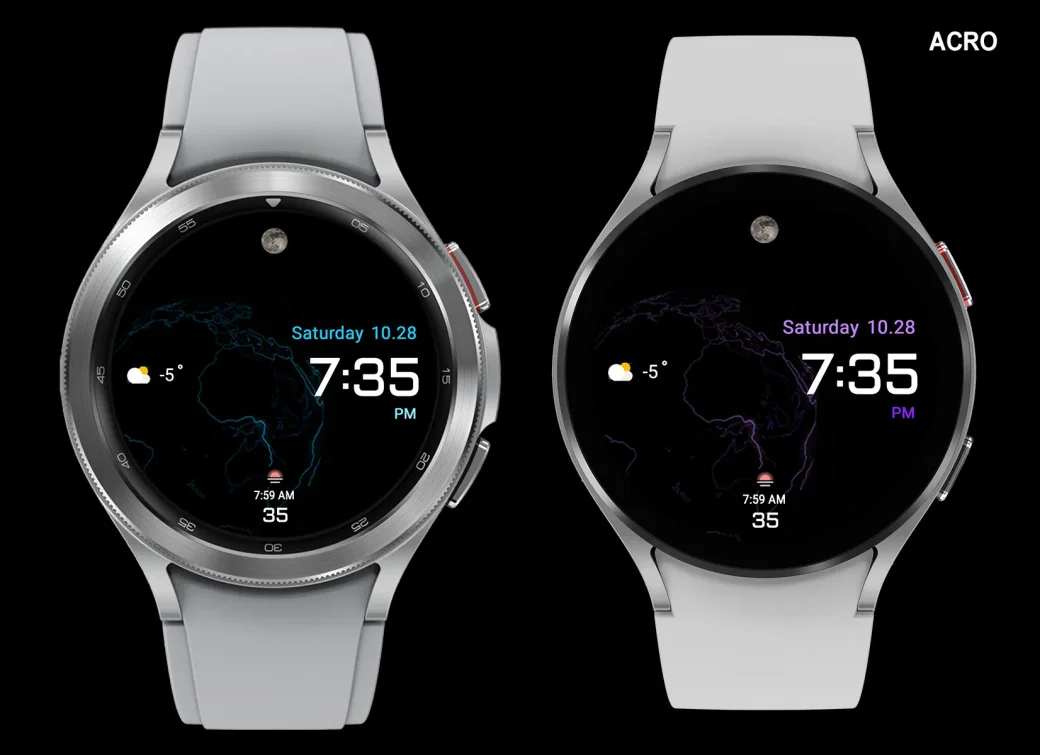
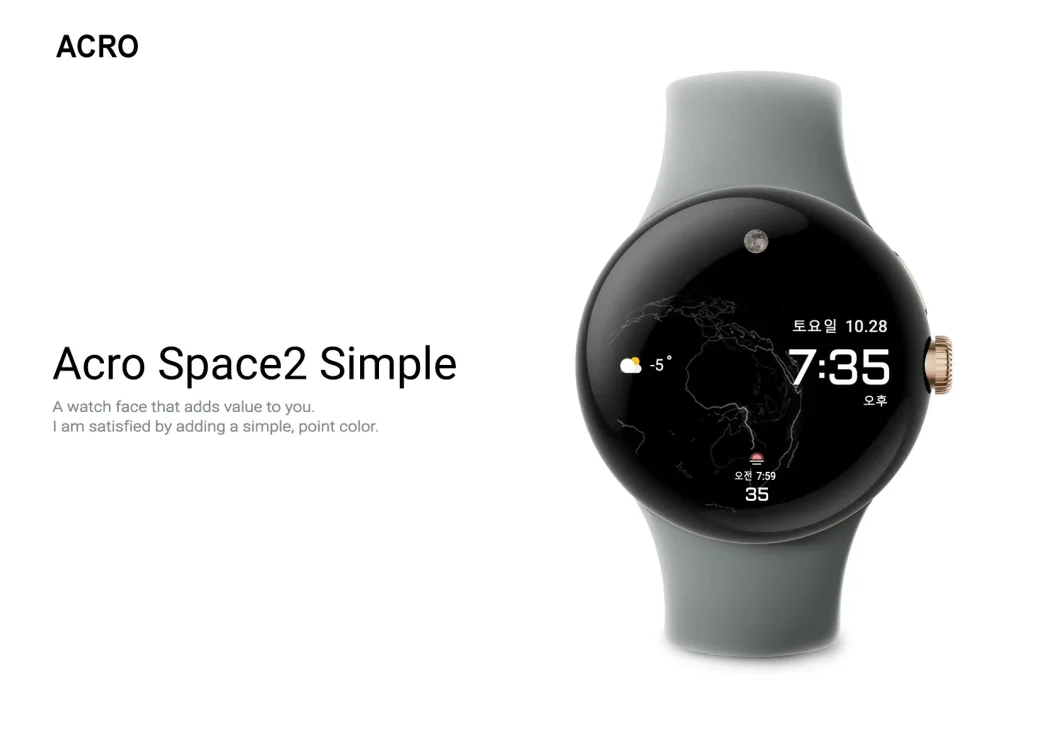
Dünya animasyonu, basit modern dijital saat yüzü
Wear 2.0'ı destekleyen saat yüzü
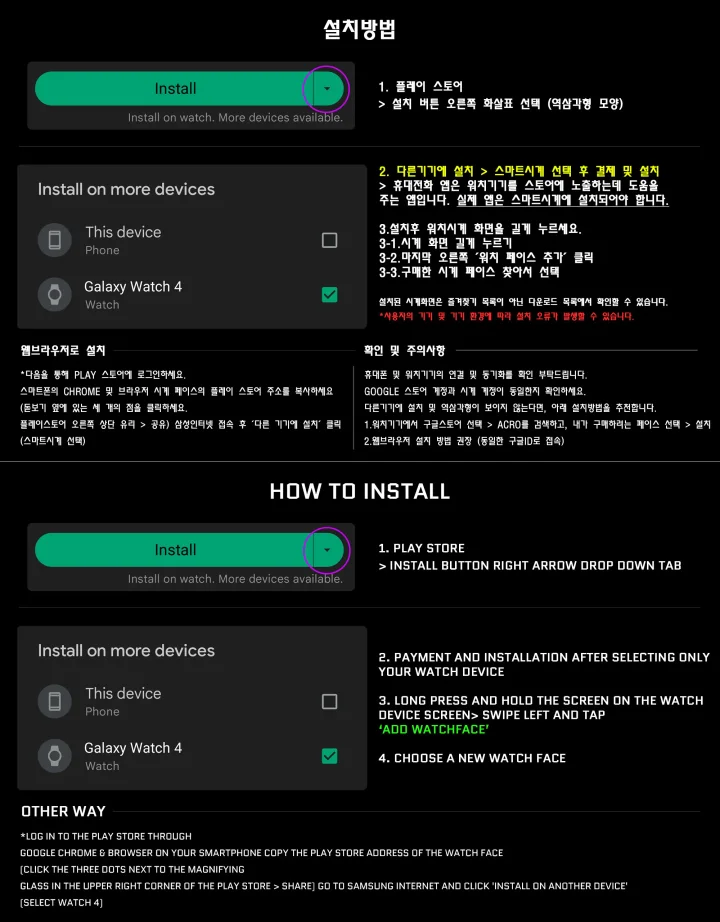
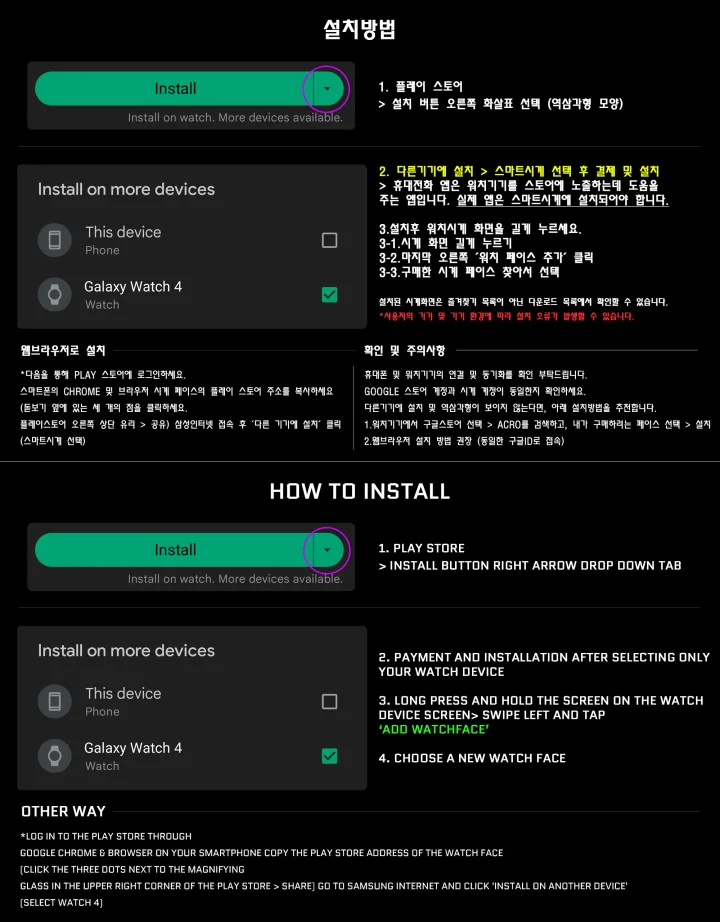
*Nasıl kurulur
Akıllı telefonda Play Store uygulaması > Ödeme ve kurulum
Saatinizde Play Store uygulamasını başlatın > Telefonunuzdaki uygulamalar > Uygulanabilir saat yüzü > Yükle
Play Store uygulamasının akıllı telefona ödenmesi ve yüklenmesi (sağ oka dokunun ve akıllı saati yükleyin)
> Saat cihazı ve cep telefonu arasındaki bağlantıyı kontrol etmeniz gerekiyor
*Ekran kurulumuna karar verildi
Saat yüzünün play store adresini kopyalayın (play store'un sağ üst köşesindeki büyütecin yanındaki üç noktayı tıklayın > paylaş)
Samsung Internet'e gidin ve 'Başka bir cihaza yükle'ye tıklayın > izle 4'ü seçin
-------------------------------------------------- ----
- Tüm fonksiyonların kullanılabilmesi için sensörün kullanılmasına izin verilmesi gerekir.
- Bazı özellikler tüm saatlerde bulunmayabilir.
- Play Store uygulaması uyumsuz olarak gösteriliyorsa, lütfen telefonunuzdaki uygulamaya ek olarak PC/dizüstü bilgisayarınıza bir web tarayıcısı kullanarak kurun.
- bu watchface aşınma işletim sistemi cihazlarını destekler.
-------------------------------------------------- ----
Yüklü saat yüzlerini bulun
1. Saat yüzüne basın ve basılı tutun > 2. Dekore et düğmesine tıklayın > 3. Sağ sondaki "Saat yüzü ekle"ye tıklayın > Satın alınan saat yüzünü onaylayın
Özelleştirme nasıl kurulur?
1. Saat kadranını basılı tutun > 2. Dekore Et düğmesine tıklayın > 3. İlgili bilgileri ayarlamak için her bir komplikasyon alanına dokunun > 4. Tamam'a tıklayın
ACRO mağazasında yeni saat yüzünü keşfedin
https://play.google.com/store/apps/dev?id=7728319687716467388
Uygulamayla ilgili sorularınız için lütfen aşağıdaki e-posta adresinden bizimle iletişime geçin.
Posta : help.acro@gmail.com
Orijinal metni göster
Watchface that supports Wear 2.0
*How to install
Play Store app on smartphone > Payment and installation
Launch the Play Store app on your watch > Apps on your phone > Applicable watch face > Install
Payment and installation of the Play Store app on the smartphone (touch the right arrow and install the smart watch)
> Need to check the connection between watch device and mobile phone
*Resolved to be installed display
Copy the play store address of the watch face (click the three dots next to the magnifying glass in the upper right corner of the play store > share)
Go to Samsung Internet and click 'Install on another device' > select watch 4
------------------------------------------------------
- In order to use all functions, consent to use the sensor is required.
- Some features may not be available on all watches.
- If the Play Store app is shown as incompatible, please install it using a web web browser on your PC/laptop in addition to the app on your phone.
- this watchface supports wear os devices.
------------------------------------------------------
Find installed watchfaces
1. Press and hold the watch face > 2. Click the Decorate button > 3. Click ‘Add watch face’ on the last right > Confirm the purchased watch face
How to set up Customize
1. Press and hold the watch face > 2. Click the Decorate button > 3. Tap each complication area to set the corresponding information > 4. Click OK
Discover the new watch face in the ACRO store
https://play.google.com/store/apps/dev?id=7728319687716467388
For inquiries about the app, please contact us at the email below.
Mail : help.acro@gmail.com
Veri güvenliği
Bu uygulamanın topladığı ve paylaştığı veriler hakkında ACROWatch tarafından Google Play üzerinde yapılan beyan.
- Üçüncü taraflarla veri paylaşımı yokGeliştiricilerin, veri paylaşımını nasıl beyan ettikleri hakkında daha fazla bilgi edinin
- Veri toplanamadıGeliştiricilerin, veri toplamayı nasıl beyan ettikleri hakkında daha fazla bilgi edinin
Geliştirici iletişim bilgileri
- E-postahelp.acro@gmail.com
- Gizlilik politikasıblog.naver.com
- Adres명지국제3로 97 명지삼성그린코아더베스트, 104동 2803호 강서구, 부산광역시 46726 South Korea
Bilgiler
- Sunan
- ACROWatch
- Kategori
- Kişiselleştirme
- Güncellendi
- 16.10.2026
- Yayın tarihi
- 23.01.2023
- Yaş sınırı
- PEGI 3
- Fiyat
- ₺53,99
- Paket adı
- com.watchfacestudio.acro_space2_simple
Benzer uygulamalar
-
 Lunar: Moon Digital Watch Face
Kişiselleştirme
-
 COS Watch Face
Kişiselleştirme
-
 Dünya Dijital
Kişiselleştirme
-
 Orbital Watch Face Time Zone
Kişiselleştirme
-
 Space Galaxy Watch
Kişiselleştirme
-
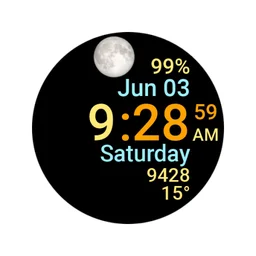 Multilingual Watch Face
Kişiselleştirme
-
 Nine Planets Watch Face
Kişiselleştirme
-
 Lunar: Digital Kadran
Kişiselleştirme
-
 Weather Animated Pro
Kişiselleştirme
-
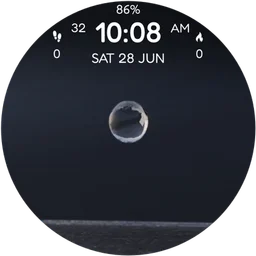 Water Surface Saat Yüzü
Kişiselleştirme
-
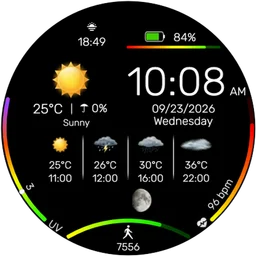 Digital Weather R01 watch face
Kişiselleştirme
-
 Animated Moonfall Watch Face
Kişiselleştirme