ACRO Space2 Simple Watchface
ACROWatch- Rating 3+Batasan usia
- PersonalisasiKategori
- 16/10/2026Diperbarui
- Rp 18.000Harga
Tertaut ke halaman resmi com.watchfacestudio.acro_space2_simple di Google Play. Terakhir diperiksa pada 24/11/2026.
Tangkapan layar

Tentang aplikasi ini
Terjemahan otomatis oleh Google. Bahasa asli: Inggris (Amerika Serikat).
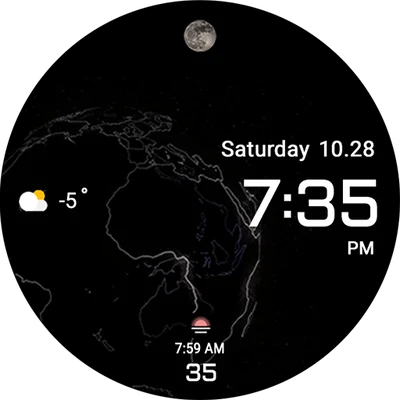
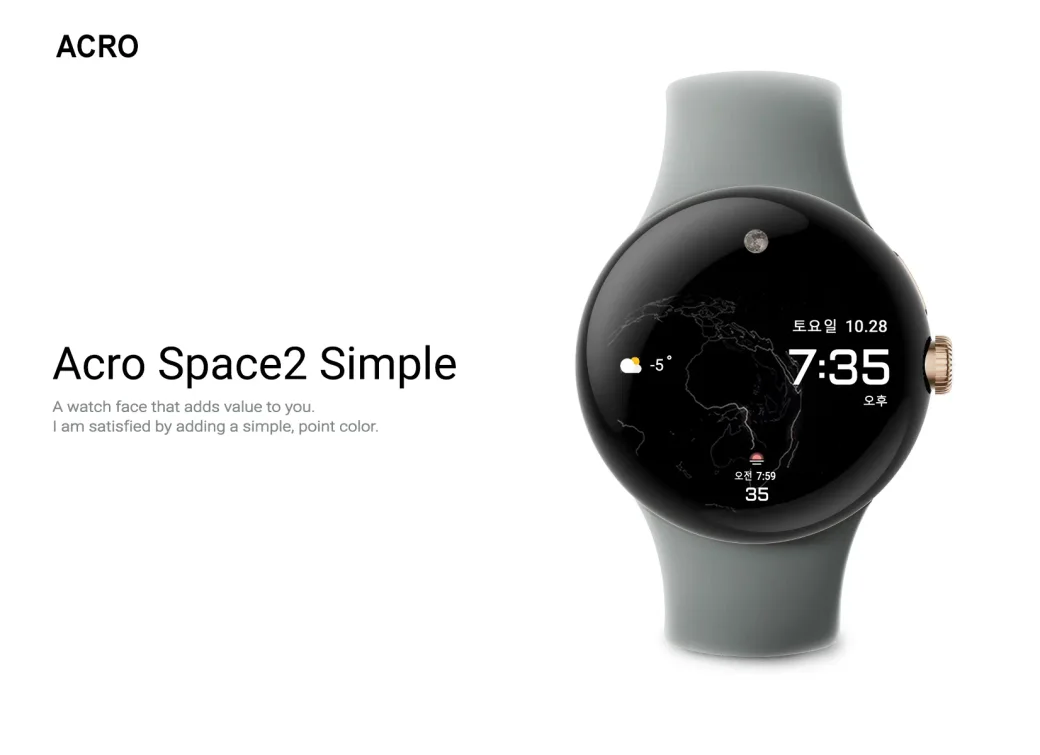
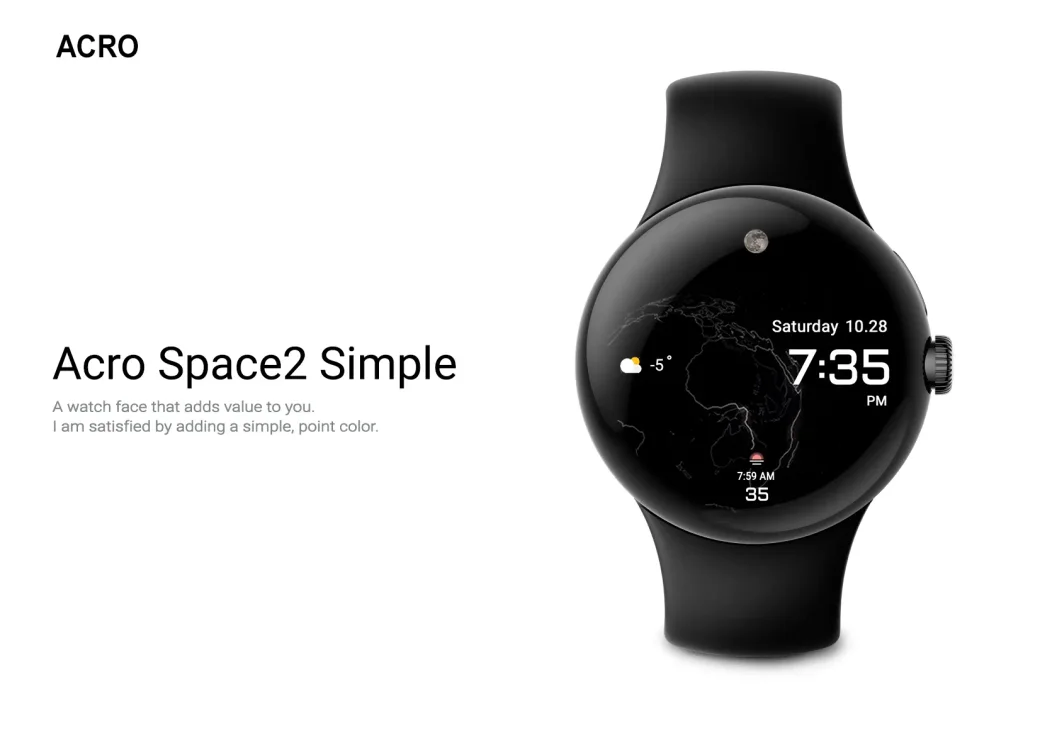
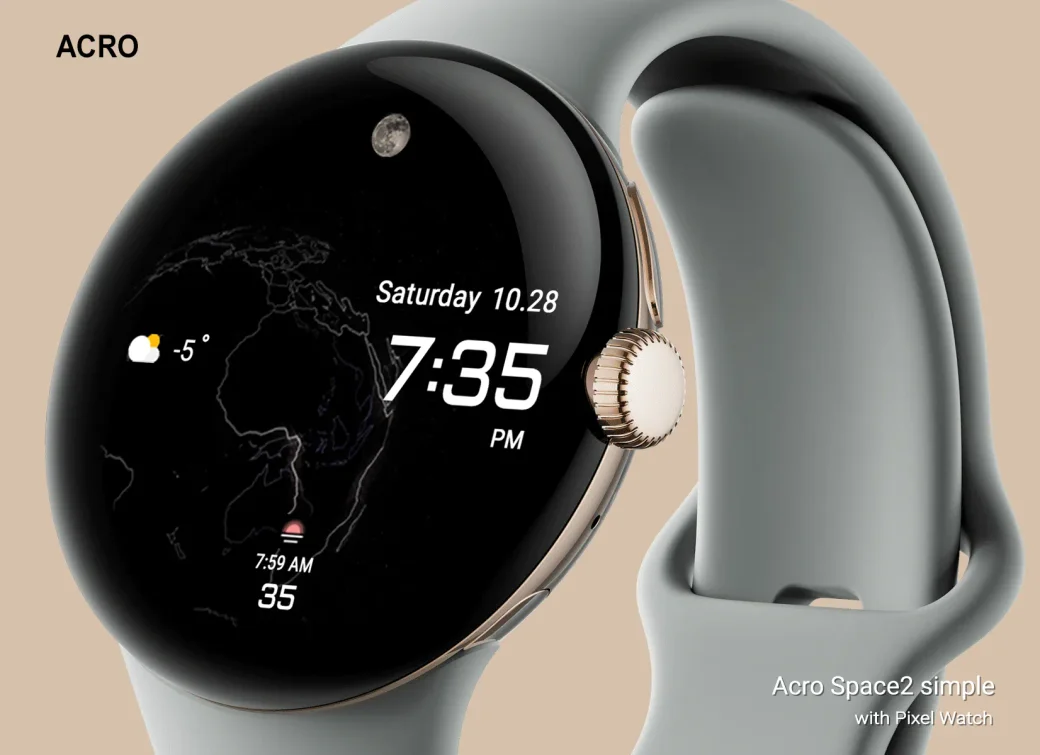
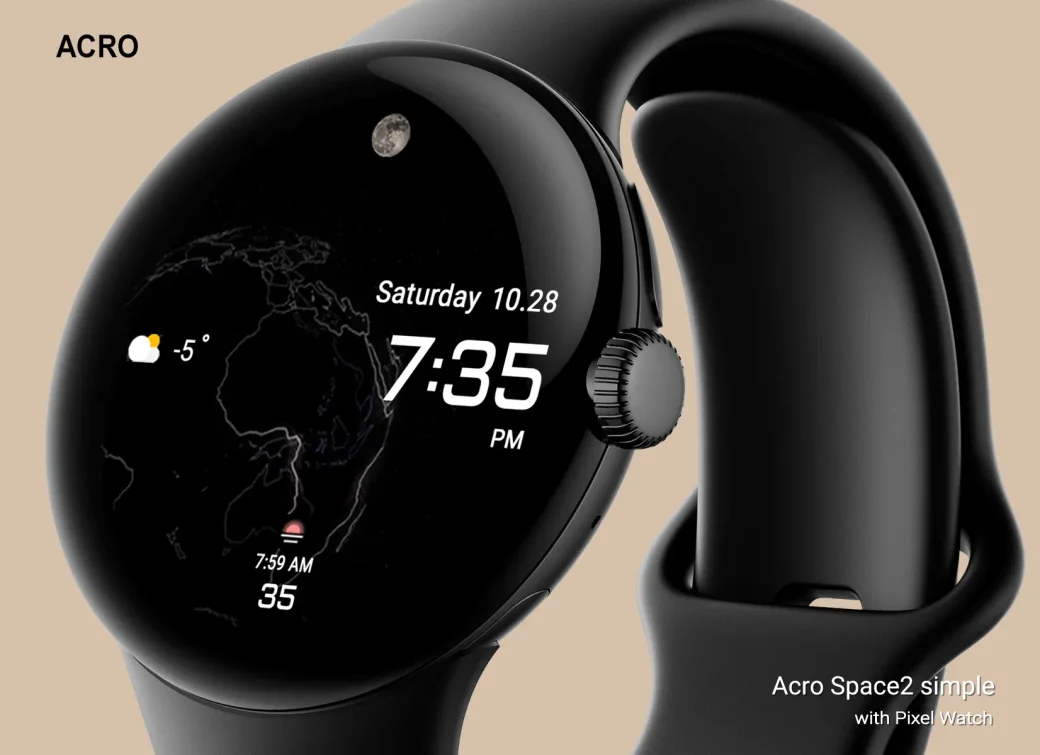
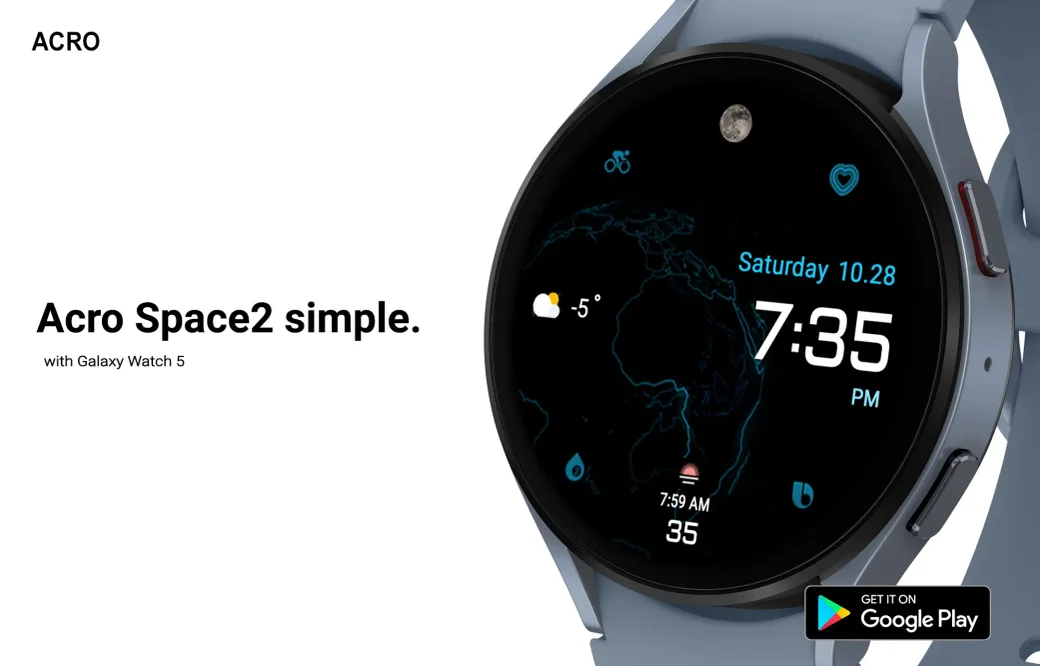
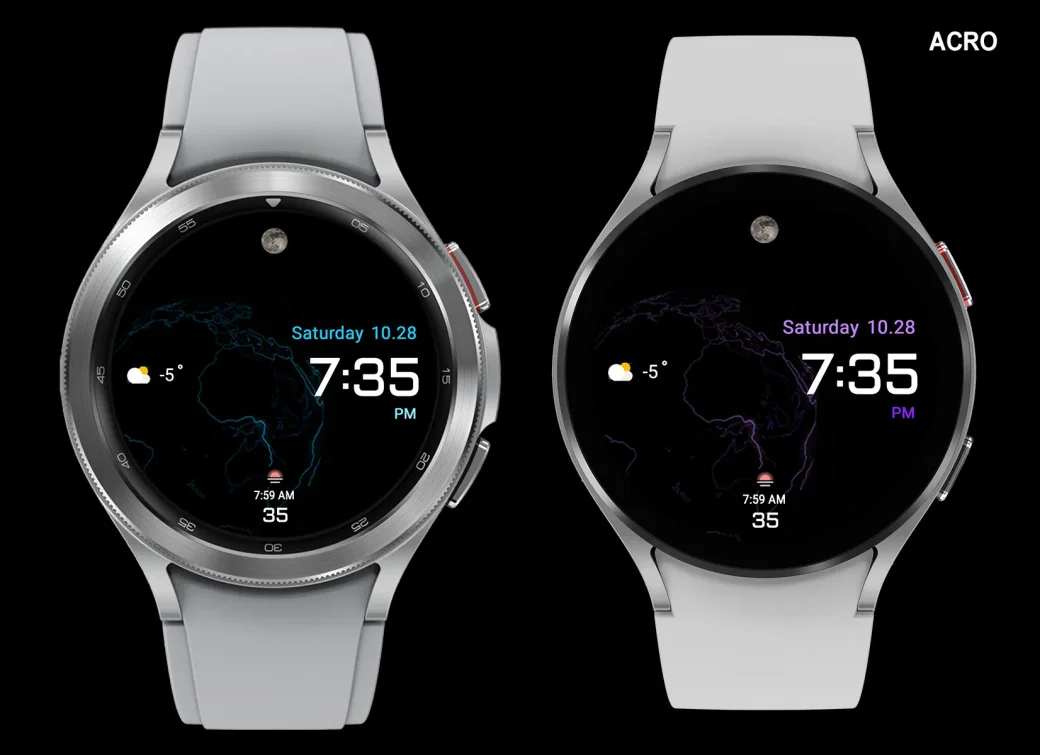
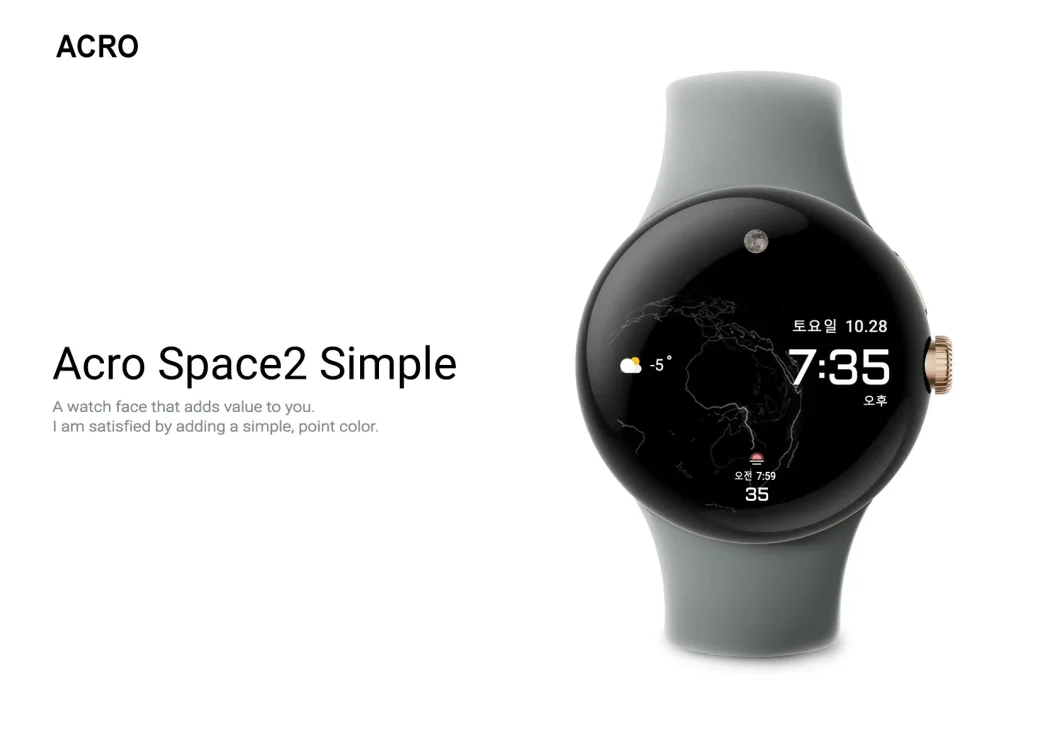
Animasi bumi, tampilan jam digital modern sederhana
Tampilan jam yang mendukung Wear 2.0
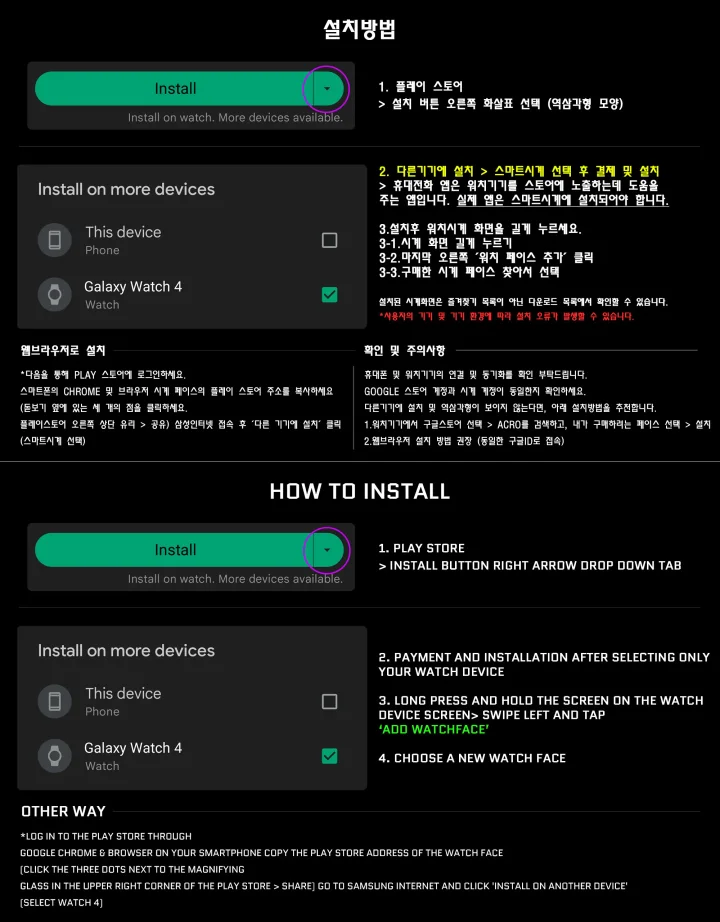
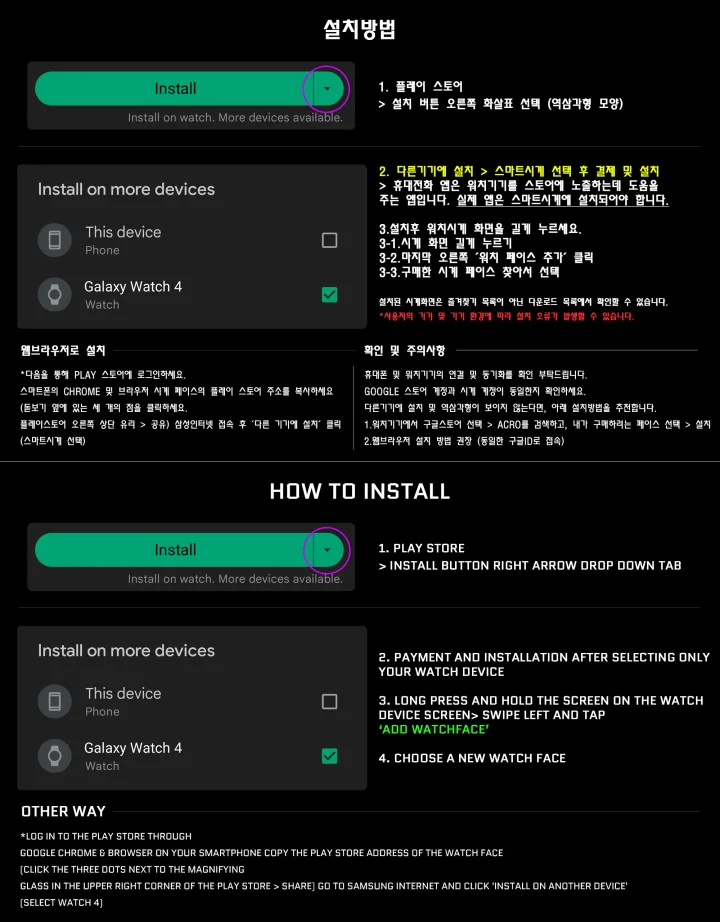
*Bagaimana cara meng-install
Aplikasi Play Store di smartphone > Pembayaran dan pemasangan
Luncurkan aplikasi Play Store di jam tangan Anda > Aplikasi di ponsel Anda > Tampilan jam yang berlaku > Instal
Pembayaran dan pemasangan aplikasi Play Store di smartphone (sentuh panah kanan dan pasang jam tangan pintar)
> Perlu memeriksa koneksi antara perangkat jam tangan dan ponsel
* Diselesaikan untuk dipasang tampilan
Salin alamat play store dari tampilan jam (klik tiga titik di sebelah kaca pembesar di pojok kanan atas play store > bagikan)
Buka Samsung Internet dan klik 'Instal di perangkat lain' > pilih tonton 4
-------------------------------------------------- ----
- Untuk menggunakan semua fungsi, persetujuan untuk menggunakan sensor diperlukan.
- Beberapa fitur mungkin tidak tersedia di semua jam tangan.
- Jika aplikasi Play Store terlihat tidak kompatibel, harap instal menggunakan browser web di PC/laptop selain aplikasi di ponsel Anda.
- tampilan jam ini mendukung perangkat wear os.
-------------------------------------------------- ----
Temukan tampilan jam yang terpasang
1. Tekan dan tahan tampilan jam > 2. Klik tombol Hiasi > 3. Klik ‘Tambahkan tampilan jam’ di kanan terakhir > Konfirmasi tampilan jam yang dibeli
Cara menyiapkan Sesuaikan
1. Tekan dan tahan tampilan jam > 2. Klik tombol Hiasi > 3. Ketuk setiap area komplikasi untuk mengatur informasi yang sesuai > 4. Klik OK
Temukan tampilan jam baru di toko ACRO
https://play.google.com/store/apps/dev?id=7728319687716467388
Untuk pertanyaan tentang aplikasi, silakan hubungi kami di email di bawah ini.
Email : help.acro@gmail.com
Tampilkan teks asli
Watchface that supports Wear 2.0
*How to install
Play Store app on smartphone > Payment and installation
Launch the Play Store app on your watch > Apps on your phone > Applicable watch face > Install
Payment and installation of the Play Store app on the smartphone (touch the right arrow and install the smart watch)
> Need to check the connection between watch device and mobile phone
*Resolved to be installed display
Copy the play store address of the watch face (click the three dots next to the magnifying glass in the upper right corner of the play store > share)
Go to Samsung Internet and click 'Install on another device' > select watch 4
------------------------------------------------------
- In order to use all functions, consent to use the sensor is required.
- Some features may not be available on all watches.
- If the Play Store app is shown as incompatible, please install it using a web web browser on your PC/laptop in addition to the app on your phone.
- this watchface supports wear os devices.
------------------------------------------------------
Find installed watchfaces
1. Press and hold the watch face > 2. Click the Decorate button > 3. Click ‘Add watch face’ on the last right > Confirm the purchased watch face
How to set up Customize
1. Press and hold the watch face > 2. Click the Decorate button > 3. Tap each complication area to set the corresponding information > 4. Click OK
Discover the new watch face in the ACRO store
https://play.google.com/store/apps/dev?id=7728319687716467388
For inquiries about the app, please contact us at the email below.
Mail : help.acro@gmail.com
Keamanan data
Yang dinyatakan ACROWatch di Google Play tentang data yang dikumpulkan dan dibagikan aplikasi ini.
- Tidak ada data yang dibagikan kepada pihak ketigaPelajari lebih lanjut cara developer menyatakan pembagian data
- Tidak ada data yang dikumpulkanPelajari lebih lanjut cara developer menyatakan pengumpulan data
Kontak pengembang
- Emailhelp.acro@gmail.com
- Kebijakan Privasiblog.naver.com
- Alamat명지국제3로 97 명지삼성그린코아더베스트, 104동 2803호 강서구, 부산광역시 46726 South Korea
Informasi
- Ditawarkan oleh
- ACROWatch
- Kategori
- Personalisasi
- Diperbarui
- 16/10/2026
- Dirilis
- 23/1/2023
- Batasan usia
- Rating 3+
- Harga
- Rp 18.000
- Nama paket
- com.watchfacestudio.acro_space2_simple
Aplikasi serupa
-
 Lunar: Moon Digital Watch Face
Personalisasi
-
 COS Watch Face
Personalisasi
-
 Bumi Digi
Personalisasi
-
 Orbital Watch Face Time Zone
Personalisasi
-
 Space Galaxy Watch
Personalisasi
-
 CELEST5572 Data Hub Watch
Personalisasi
-
 Multilingual Watch Face
Personalisasi
-
 Nine Planets Watch Face
Personalisasi
-
 Lunar: Digital Watch Face
Personalisasi
-
 Weather Animated Pro
Personalisasi
-
 Water Surface Watch Face
Personalisasi
-
 Digital Weather R01 watch face
Personalisasi