- Classification d’âge4+
- CatégorieUtilitaires
- DéveloppeurZhangzhou SEETEC Optoelectronics Technology Co.,Ltd
- LanguesAnglais+ 8 de plus
- Taille17,3 Mo
Renvoie vers la page App Store officielle
Download.org n’héberge aucun fichier de ANDYCINE. Le bouton ouvre la page de l’application sur App Store, où Zhangzhou SEETEC Optoelectronics Technology Co.,Ltd la publie. Fiche vérifiée pour la dernière fois le 15/11/2026.
Captures d’écran
À propos
Le développeur n’a pas fourni ce texte dans votre langue.
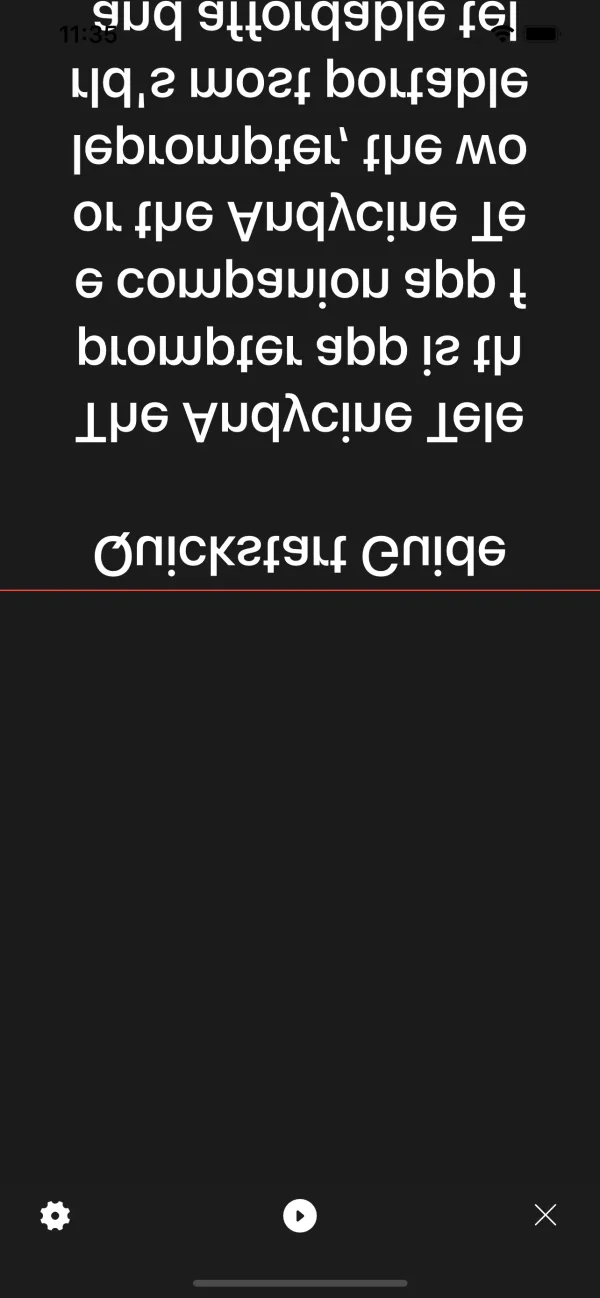
The Andycine Teleprompter app is the companion app for the Andycine Teleprompter, the world's most portable and affordable teleprompter.
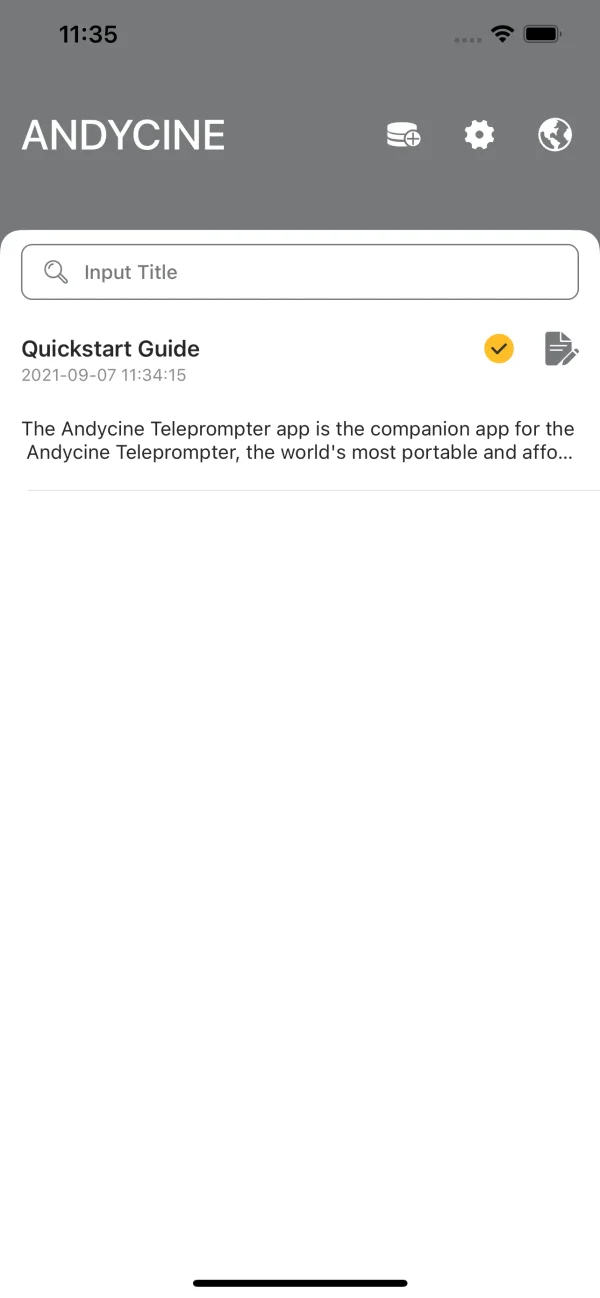
Use the scripts manager to manage your scripts or add and delete new scripts. Select the + icon to add a new script. Select the pencil icon to edit or delete a script.
Select a script to load it into the script player. Press the Pause/Play button to play the script. Adjust the scroll settings to match your desired reading speed.
You can adjust various scroll settings by selecting the menu icon.
- The scroll options will allow you to adjust the font size and the scroll speed for the teleprompter.
- The Margins option is used to bring in the text on larger phones to fit within the teleprompter.
- Font Color/Background Color allows you to change color of the font/background in the script player.
- Mirror Mode will mirror the script to be used with a teleprompter.
- Loop Script will automatically restart the script from the top once the end is reached.
- Portrait mode will play the script in the portrait mode.
- Reset options will resume factory setting
- App Version will let you know the version is what you get
The Andycine Teleprompter is also compatible with the Andycine Teleprompter Remote accessory that included in the package.
The remote will allow you to control and navigate the application from a distance.
You use the remote to navigate the scripts manager. You can also use the remote to control the script Player.
- OK will pause or play the script.
- Up and Down buttons will adjust the scroll speed.
- Left and Right buttons will adjust the font size.
- Back arrow will exit to the script manager.
- Menu button will open the settings menu.
- X button will jump to previous page.
- Y button will jump to next page.
- A button will restart the script.
- B button will mirror the script to be used with a teleprompter.
Customer Support: cs@andycine.com
Please feel free to send email to us if any question.
Thank you very much.
Andycine Team.
Nouveautés
Version 1.1.9 · 02/11/2026
fix some bugs
Confidentialité de l’application
Ce que Zhangzhou SEETEC Optoelectronics Technology Co.,Ltd déclare sur l’App Store au sujet du traitement des données par cette application.
-
Données non collectées
Le développeur ne collecte aucune donnée à partir de cette application.
Les pratiques en matière de confidentialité peuvent varier, notamment en fonction des fonctionnalités que vous utilisez ou de votre âge.
Informations
- Vendeur
- zhangzhou seetec optoelectronics technology co.ltd
- Catégorie
- Utilitaires
- Version
- 1.1.9
- Mis à jour
- 02/11/2026
- Publié
- 08/09/2021
- Taille
- 17,3 Mo
- Nécessite
- iOS 15.6 ou version ultérieure
- Classification d’âge
- 4+
- Prix
- Gratuit
- Langues
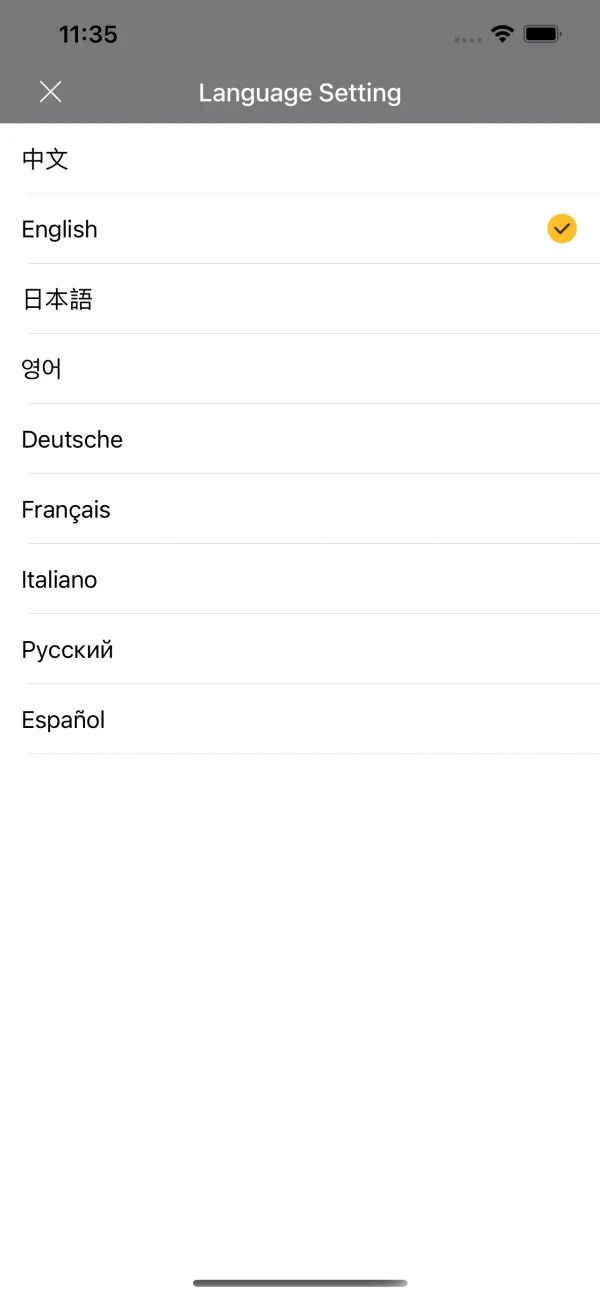
- Anglais, Français, Allemand, Italien, Japonais, Coréen, Russe, Chinois simplifié, Espagnol
- Copyright
- © Andycine Inc.