- Độ tuổi4+
- Danh mụcTiện Ích
- Nhà phát triểnZhangzhou SEETEC Optoelectronics Technology Co.,Ltd
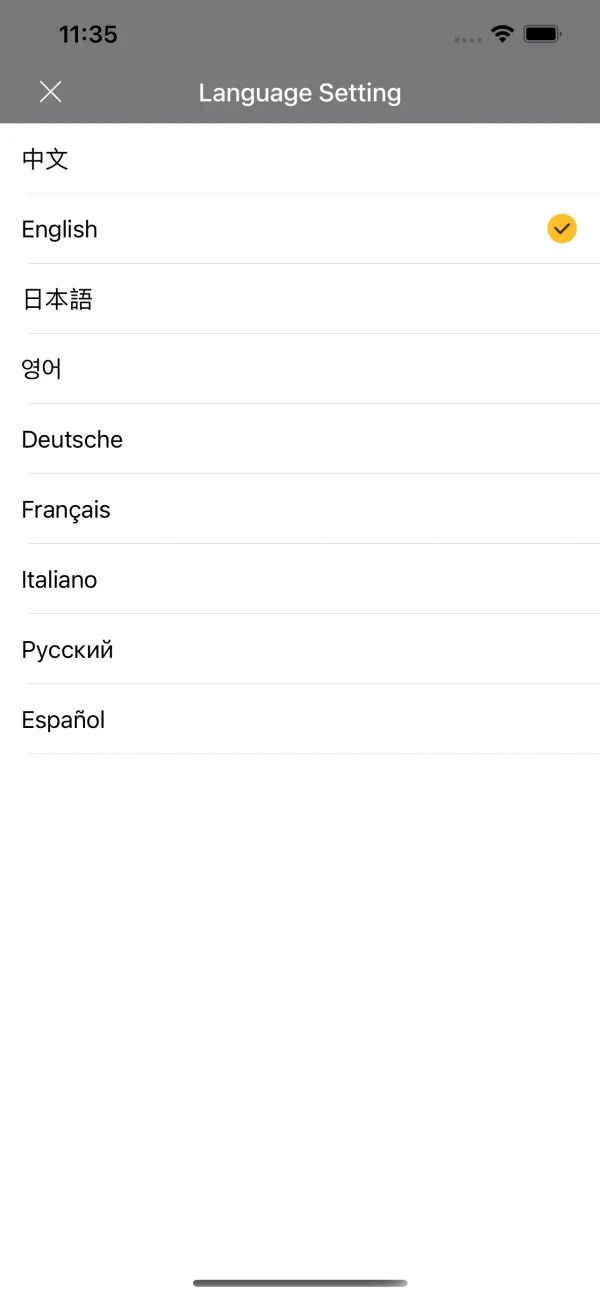
- Ngôn ngữTiếng Anh+ 8 ngôn ngữ khác
- Kích thước17,3 MB
Liên kết đến trang App Store chính thức
Download.org không lưu trữ tệp nào của ANDYCINE. Nút này mở trang ứng dụng trên App Store, nơi Zhangzhou SEETEC Optoelectronics Technology Co.,Ltd phát hành ứng dụng. Trang được kiểm tra lần cuối: 15/11/2026.
Ảnh chụp màn hình
Giới thiệu
Nhà phát triển chưa cung cấp nội dung này bằng ngôn ngữ của bạn.
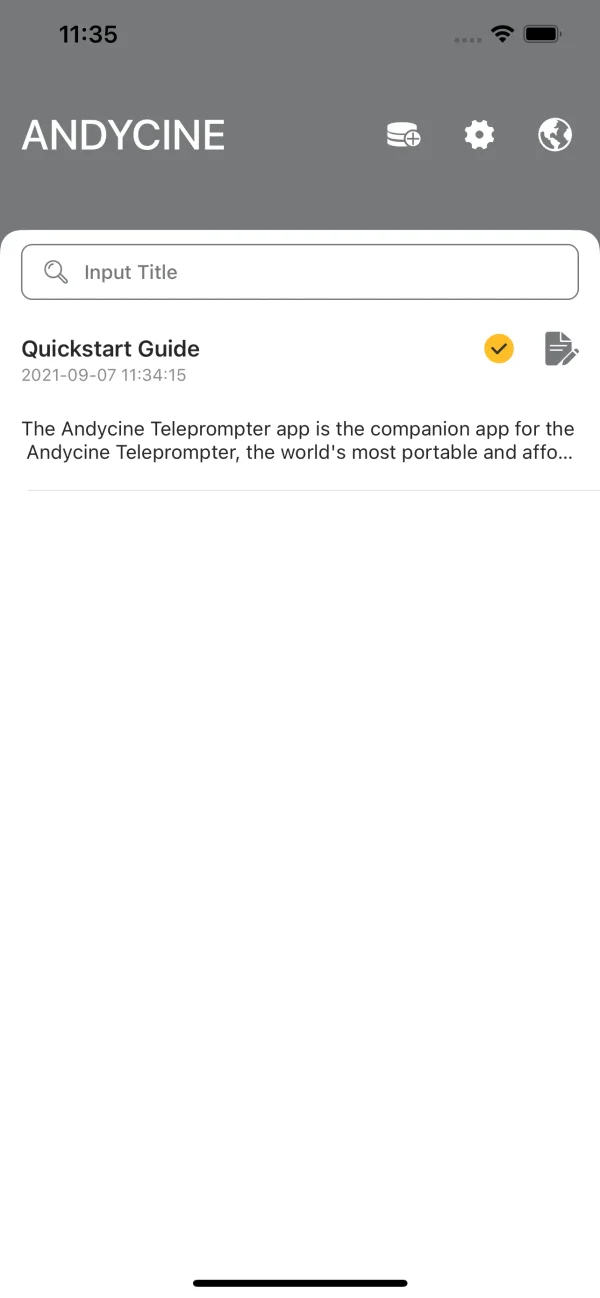
The Andycine Teleprompter app is the companion app for the Andycine Teleprompter, the world's most portable and affordable teleprompter.
Use the scripts manager to manage your scripts or add and delete new scripts. Select the + icon to add a new script. Select the pencil icon to edit or delete a script.
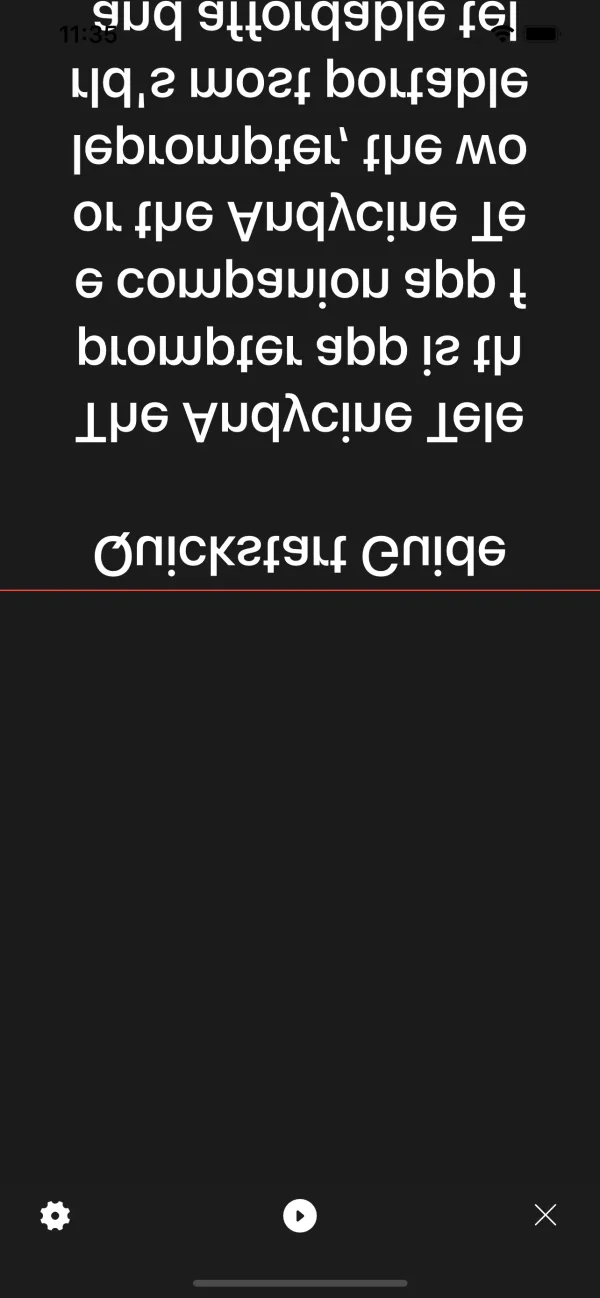
Select a script to load it into the script player. Press the Pause/Play button to play the script. Adjust the scroll settings to match your desired reading speed.
You can adjust various scroll settings by selecting the menu icon.
- The scroll options will allow you to adjust the font size and the scroll speed for the teleprompter.
- The Margins option is used to bring in the text on larger phones to fit within the teleprompter.
- Font Color/Background Color allows you to change color of the font/background in the script player.
- Mirror Mode will mirror the script to be used with a teleprompter.
- Loop Script will automatically restart the script from the top once the end is reached.
- Portrait mode will play the script in the portrait mode.
- Reset options will resume factory setting
- App Version will let you know the version is what you get
The Andycine Teleprompter is also compatible with the Andycine Teleprompter Remote accessory that included in the package.
The remote will allow you to control and navigate the application from a distance.
You use the remote to navigate the scripts manager. You can also use the remote to control the script Player.
- OK will pause or play the script.
- Up and Down buttons will adjust the scroll speed.
- Left and Right buttons will adjust the font size.
- Back arrow will exit to the script manager.
- Menu button will open the settings menu.
- X button will jump to previous page.
- Y button will jump to next page.
- A button will restart the script.
- B button will mirror the script to be used with a teleprompter.
Customer Support: cs@andycine.com
Please feel free to send email to us if any question.
Thank you very much.
Andycine Team.
Có gì mới
Phiên bản 1.1.9 · 02/11/2026
fix some bugs
Quyền riêng tư của ứng dụng
Những gì Zhangzhou SEETEC Optoelectronics Technology Co.,Ltd khai báo trên App Store về cách ứng dụng này xử lý dữ liệu.
-
Dữ liệu không được thu thập
Nhà phát triển không thu thập bất kỳ dữ liệu nào từ ứng dụng này.
Phương thức đảm bảo quyền riêng tư có thể khác nhau, chẳng hạn như tuỳ theo các tính năng bạn sử dụng hoặc độ tuổi của bạn.
Thông tin
- Người bán
- zhangzhou seetec optoelectronics technology co.ltd
- Danh mục
- Tiện Ích
- Phiên bản
- 1.1.9
- Cập nhật
- 02/11/2026
- Phát hành
- 08/09/2021
- Kích thước
- 17,3 MB
- Yêu cầu
- iOS 15.6 trở lên
- Độ tuổi
- 4+
- Giá
- Miễn phí
- Ngôn ngữ
- Tiếng Anh, Tiếng Pháp, Tiếng Đức, Tiếng Ý, Tiếng Nhật, Tiếng Hàn, Tiếng Nga, Tiếng Trung Giản thể, Tiếng Tây Ban Nha
- Bản quyền
- © Andycine Inc.