- 対象年齢4+
- カテゴリユーティリティ
- 開発元Zhangzhou SEETEC Optoelectronics Technology Co.,Ltd
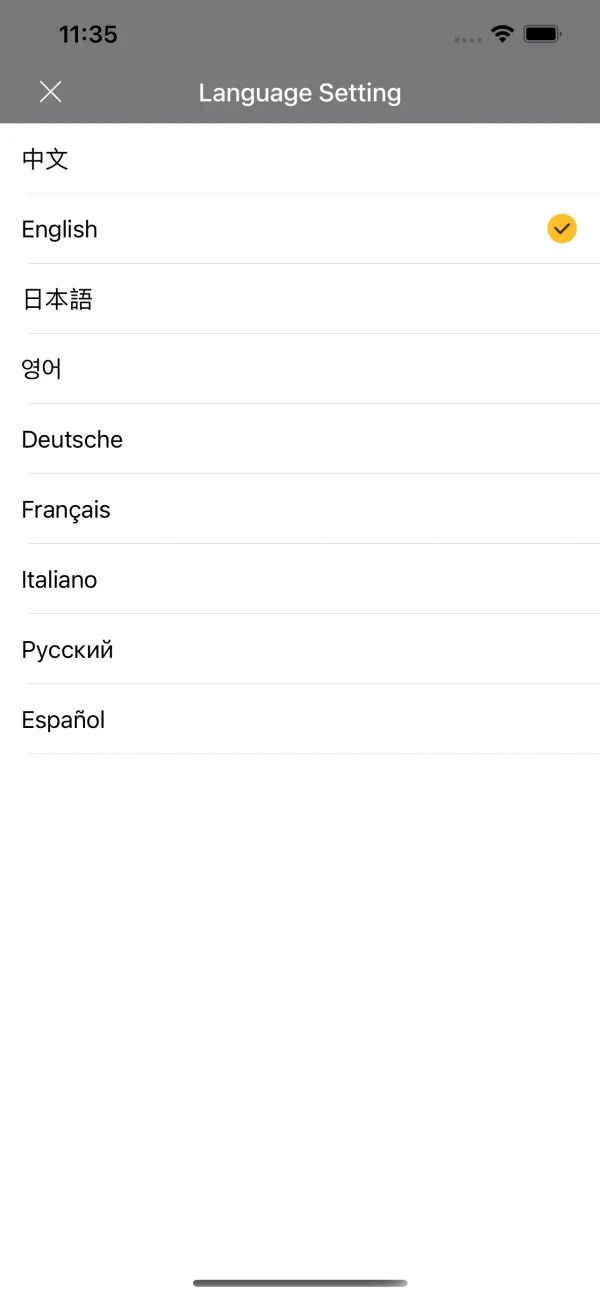
- 言語英語ほか8言語
- サイズ17.3 MB
App Storeの公式ページにリンクしています
Download.orgはANDYCINEのファイルを一切ホストしていません。ボタンを押すと、Zhangzhou SEETEC Optoelectronics Technology Co.,Ltdが公開しているApp Storeのアプリページが開きます。ページの最終確認:2026/11/15。
スクリーンショット
概要
開発元はこのテキストをお使いの言語で提供していません。
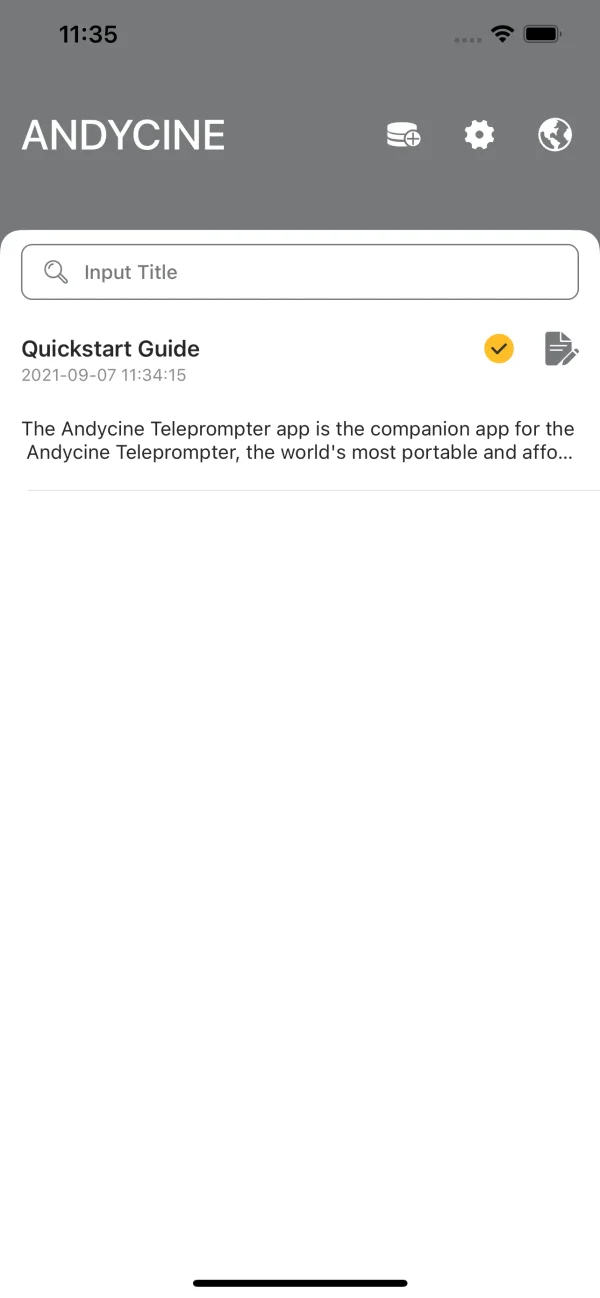
The Andycine Teleprompter app is the companion app for the Andycine Teleprompter, the world's most portable and affordable teleprompter.
Use the scripts manager to manage your scripts or add and delete new scripts. Select the + icon to add a new script. Select the pencil icon to edit or delete a script.
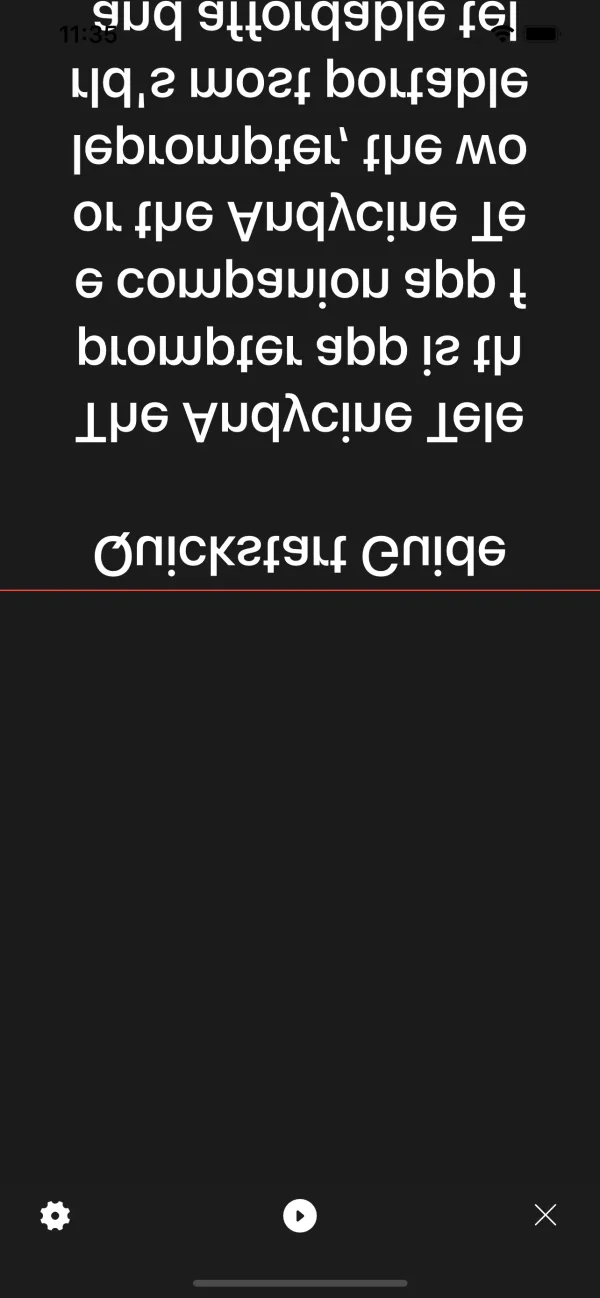
Select a script to load it into the script player. Press the Pause/Play button to play the script. Adjust the scroll settings to match your desired reading speed.
You can adjust various scroll settings by selecting the menu icon.
- The scroll options will allow you to adjust the font size and the scroll speed for the teleprompter.
- The Margins option is used to bring in the text on larger phones to fit within the teleprompter.
- Font Color/Background Color allows you to change color of the font/background in the script player.
- Mirror Mode will mirror the script to be used with a teleprompter.
- Loop Script will automatically restart the script from the top once the end is reached.
- Portrait mode will play the script in the portrait mode.
- Reset options will resume factory setting
- App Version will let you know the version is what you get
The Andycine Teleprompter is also compatible with the Andycine Teleprompter Remote accessory that included in the package.
The remote will allow you to control and navigate the application from a distance.
You use the remote to navigate the scripts manager. You can also use the remote to control the script Player.
- OK will pause or play the script.
- Up and Down buttons will adjust the scroll speed.
- Left and Right buttons will adjust the font size.
- Back arrow will exit to the script manager.
- Menu button will open the settings menu.
- X button will jump to previous page.
- Y button will jump to next page.
- A button will restart the script.
- B button will mirror the script to be used with a teleprompter.
Customer Support: cs@andycine.com
Please feel free to send email to us if any question.
Thank you very much.
Andycine Team.
新機能
バージョン 1.1.9 · 2026/11/2
fix some bugs
アプリのプライバシー
このアプリのデータの取り扱いについて、Zhangzhou SEETEC Optoelectronics Technology Co.,LtdがApp Storeで申告している内容です。
-
データの収集なし
開発元はこのアプリからデータを収集しません。
プライバシーの取り扱いは、ご利用の機能やお客様の年齢などに応じて異なる場合があります。
情報
- 販売元
- zhangzhou seetec optoelectronics technology co.ltd
- カテゴリ
- ユーティリティ
- バージョン
- 1.1.9
- 更新日
- 2026/11/2
- リリース
- 2021/9/8
- サイズ
- 17.3 MB
- 必要条件
- iOS 15.6以降
- 対象年齢
- 4+
- 価格
- 無料
- 言語
- 英語, フランス語, ドイツ語, イタリア語, 日本語, 韓国語, ロシア語, 簡体字中国語, スペイン語
- 著作権
- © Andycine Inc.