
Answer Sheet with Overview
Mark sheet, Bubble sheet
Conçue pour iPhone, iPad
Gratuit · Achats intégrés
- Classification d’âge4+
- CatégorieÉducation
- DéveloppeurRyosuke Yamamoto
- LanguesAnglais
- Taille54,9 Mo
Renvoie vers la page App Store officielle
Download.org n’héberge aucun fichier de Answer Sheet with Overview. Le bouton ouvre la page de l’application sur App Store, où Ryosuke Yamamoto la publie. Fiche vérifiée pour la dernière fois le 16/11/2026.
Captures d’écran
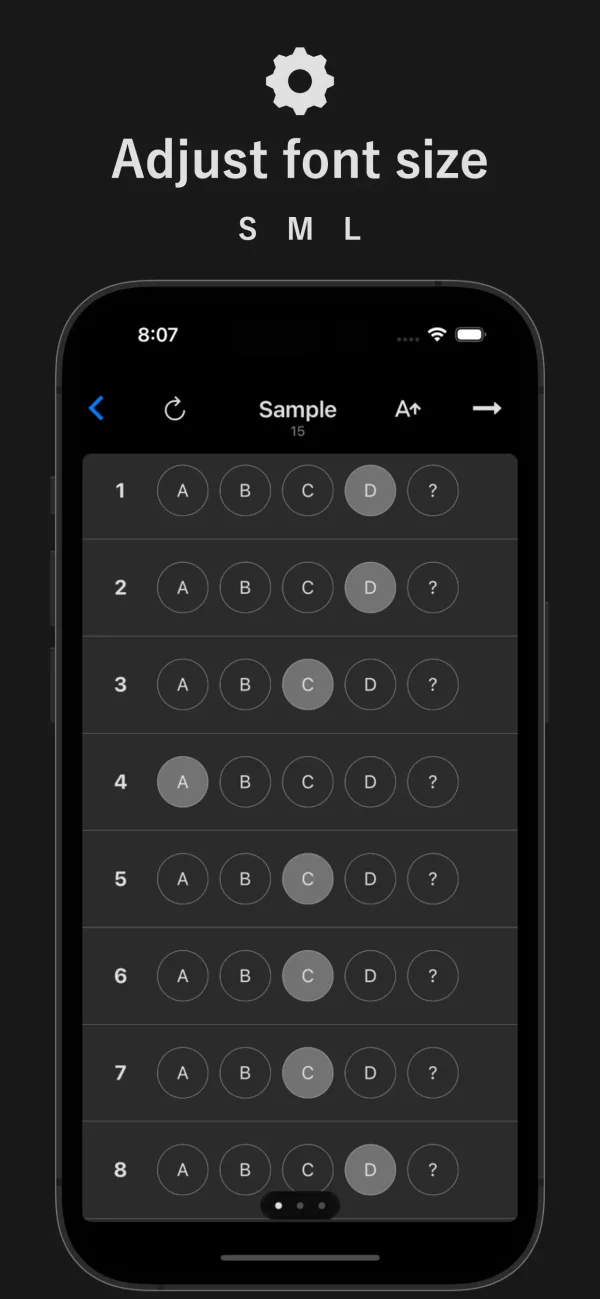
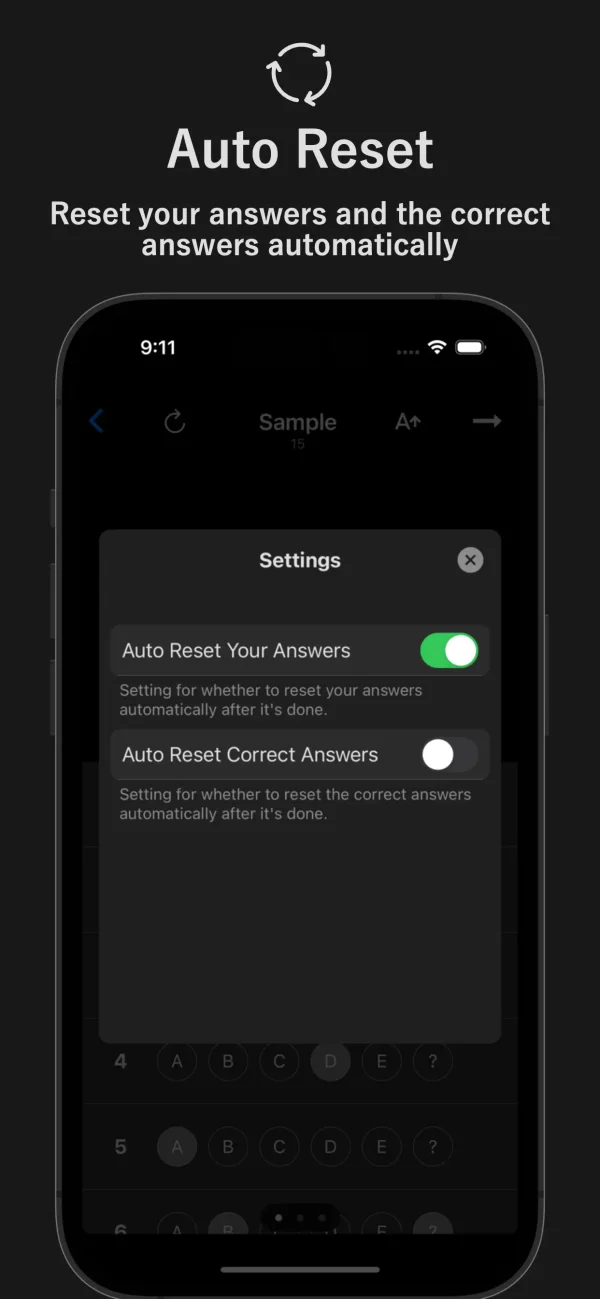
À propos
Le développeur n’a pas fourni ce texte dans votre langue.
"I got it right, but I wasn't really sure."
"Preparing an answer sheet every time I study is a hassle."
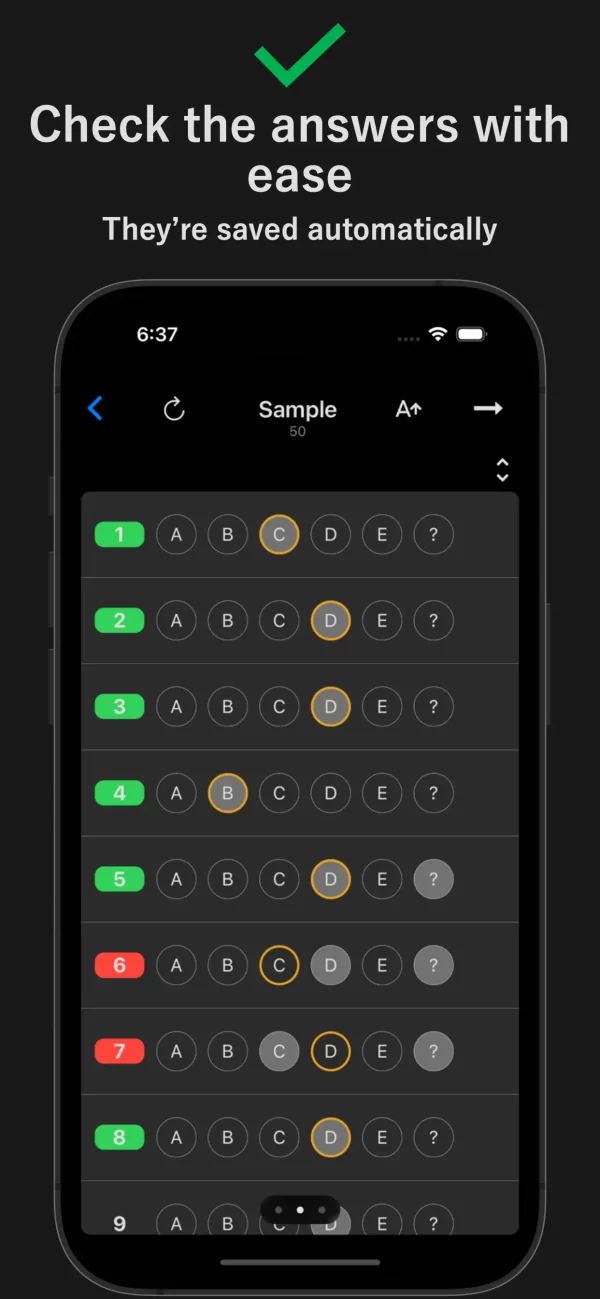
"I want to see which questions I got right or wrong at a glance."
"I want to review just the questions I missed."
Bring a digital answer sheet to your everyday study sessions.
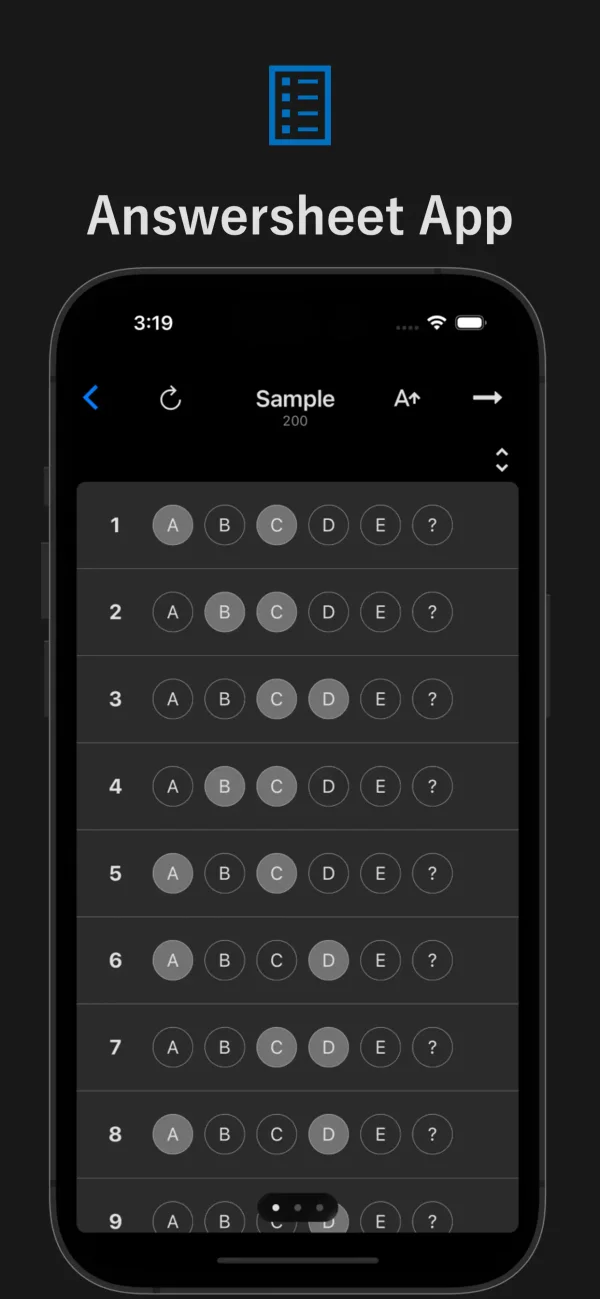
Answer Sheet with Overview works alongside your own workbooks and past exam papers. Mark your answers, enter the correct answers from your answer key, and check your results on iPhone or iPad.
■ Remember where you hesitated
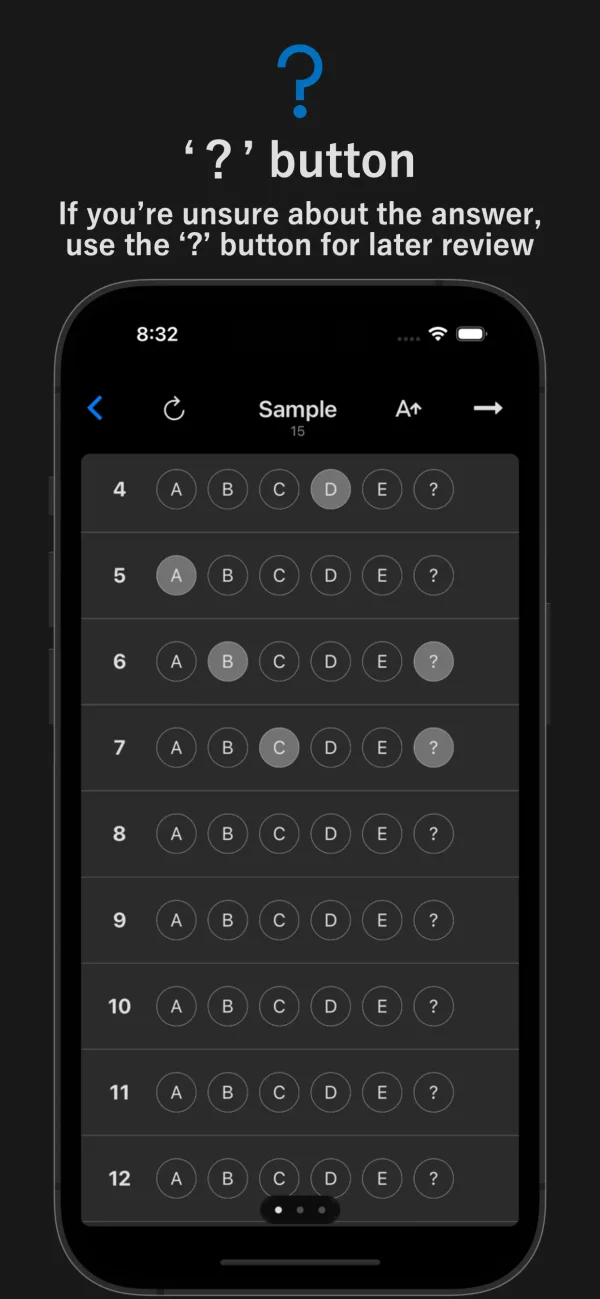
Flag uncertain answers with "?". Even when you get a question right, the flag helps you revisit answers you guessed or weren't confident about.
■ Use the same sheet again and again
Your answers and the answer key are saved automatically. Reuse your sheets as you work through the same workbook or past paper multiple times.
■ See your results at a glance
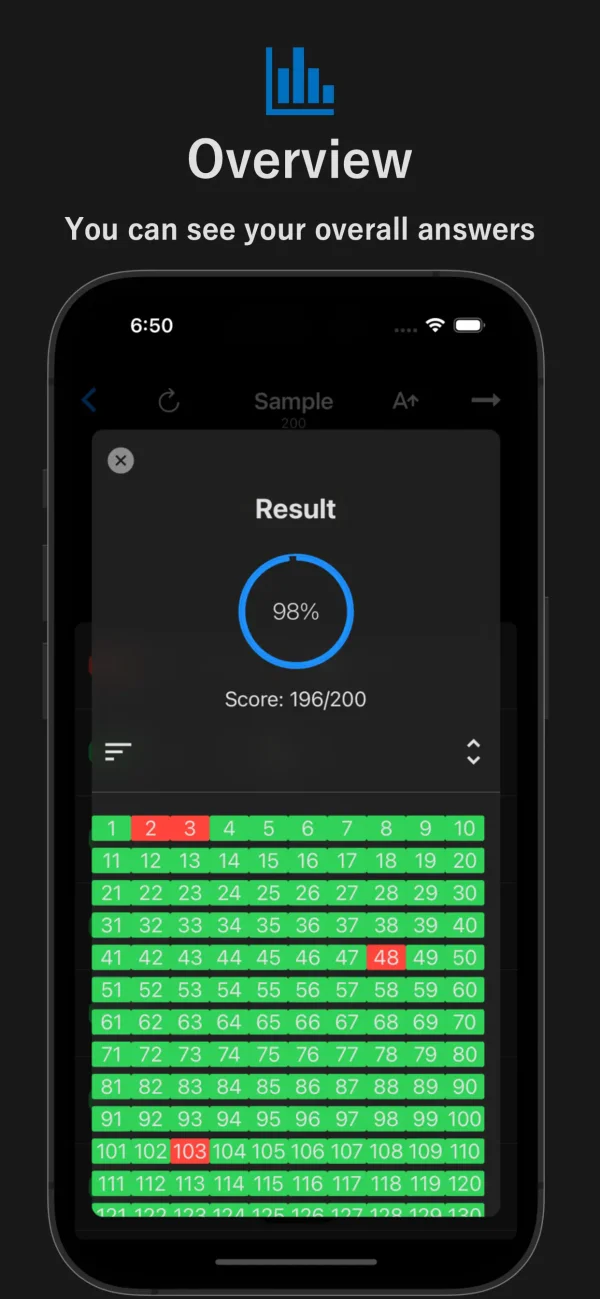
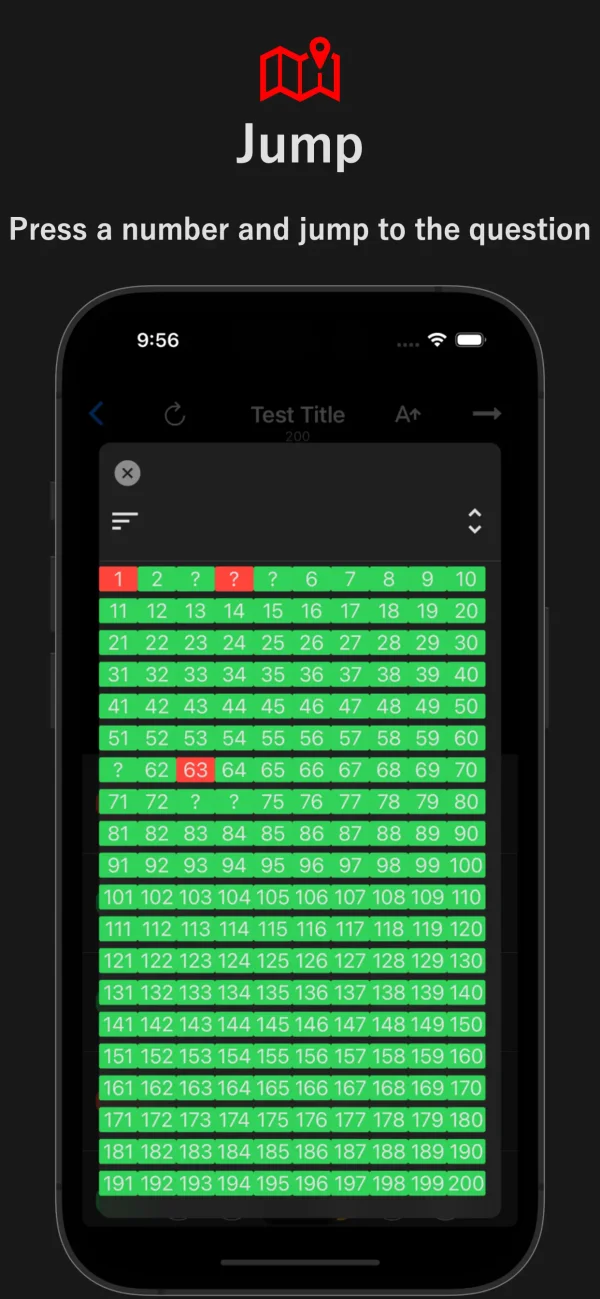
Check your correct answer count, accuracy, and the result for each question in one overview. Tap a question number to jump straight to that question.
■ Create sheets to match your materials
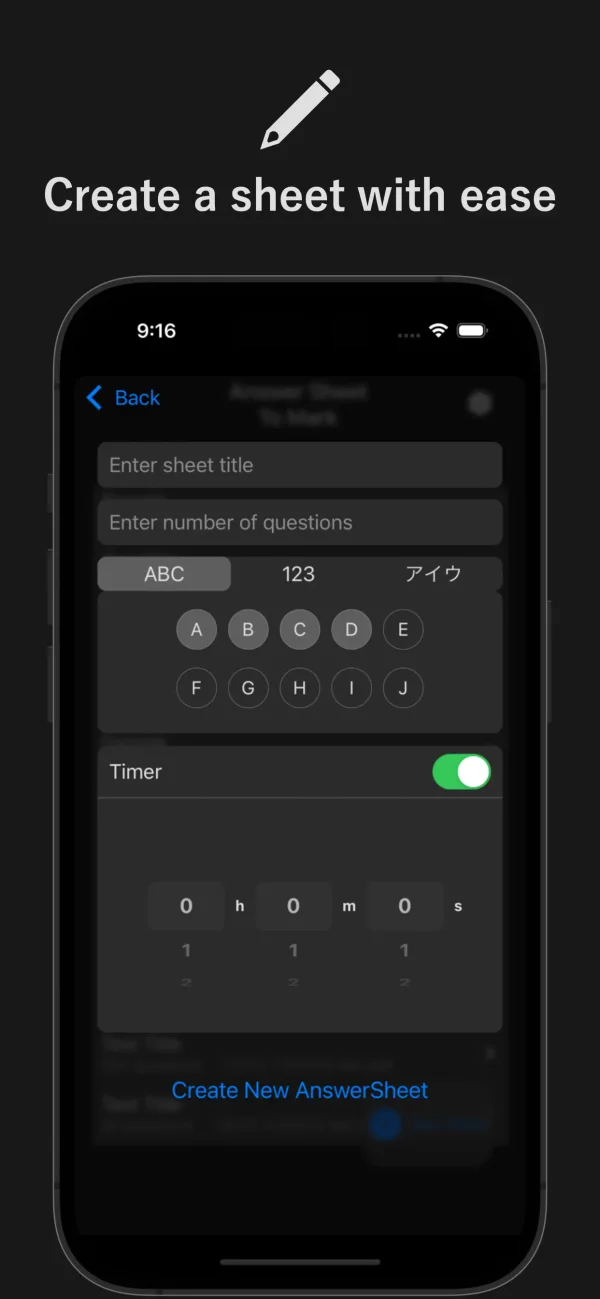
Set the number of questions and choose letters, numbers, or Japanese katakana for your answer choices. You can select multiple answers per question and edit a sheet's title and settings after creating it.
■ Practice under exam conditions
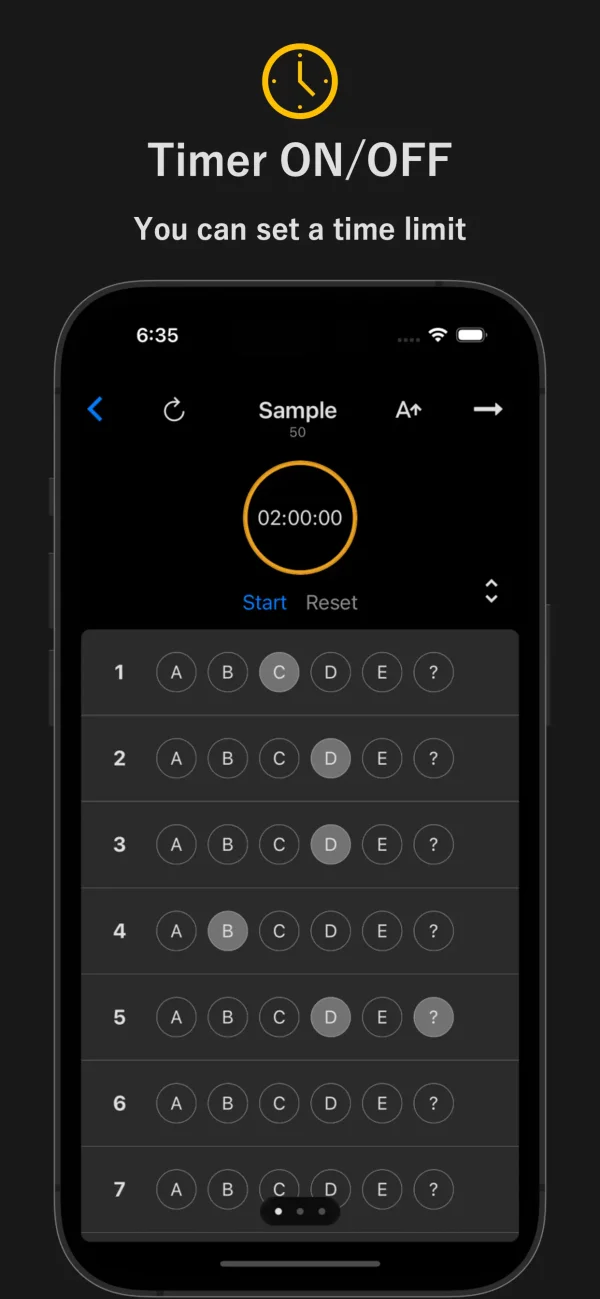
Set a time limit for timed practice, or turn the timer off to study at your own pace.
Make review and organization easier with Pro:
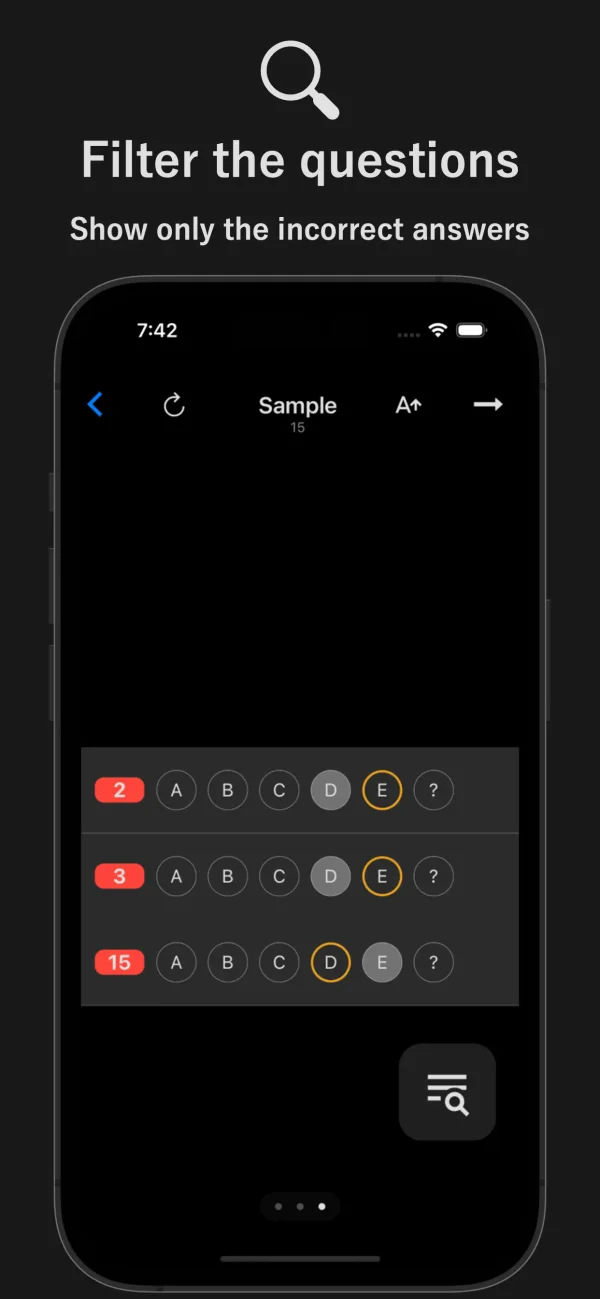
• Focus on the questions you want to review
Show only questions you got wrong or flagged with "?". Include answers you got right but weren't sure about, so they don't get overlooked.
• Organize sheets into folders
Group sheets by subject or workbook. Create and rename folders, and move sheets between them.
• Adjust mark size
Choose an answer bubble size that's comfortable to read and tap.
• Set automatic resets for each sheet
Choose whether to clear your answers and "?" flags, the answer key, or both when you tap "Back to home".
• Study without ads
Enjoy an ad-free study screen.
Core features are free to use.
Pro is available as a one-time in-app purchase.
Nouveautés
Version 2.0.0 · 25/10/2026
Bug fixes and stability improvements.
Confidentialité de l’application
Ce que Ryosuke Yamamoto déclare sur l’App Store au sujet du traitement des données par cette application.
-
Données utilisées pour vous suivre
Peuvent être utilisées pour vous suivre sur des applications et des sites web appartenant à d’autres sociétés.
- Données d’utilisation
-
Données établissant un lien avec vous
Peuvent être collectées et liées à votre identité.
- Données d’utilisation
Les pratiques en matière de confidentialité peuvent varier, notamment en fonction des fonctionnalités que vous utilisez ou de votre âge.
Informations
- Vendeur
- Ryosuke Yamamoto
- Catégorie
- Éducation
- Version
- 2.0.0
- Mis à jour
- 25/10/2026
- Publié
- 20/08/2023
- Taille
- 54,9 Mo
- Nécessite
- iOS 16.4 ou version ultérieure
- Classification d’âge
- 4+
- Prix
- Gratuit
- Achats intégrés
- Oui
- Langues
- Anglais
- Copyright
- © Answer Sheet with Overview
Vous aimerez peut-être aussi
-
 Mark Sheet App "Smart Mark"Éducation
-
 MarkSheet: feuille réponseApp de QCM facile à noter
-
 AnsSheet LiteÉducation
-
 sheetMaker -create MarkSheet-Éducation
-
 PaperScorer ScannerÉducation
-
 Exam Reader-Optical Test GradeÉducation
-
 Quick Key: Paper GradingÉducation
-
 Examica for TeachersTests creator and scanner
-
 Right for TeacherÉducation
-
 EvalBeeÉducation