Answer Sheet with Overview
Mark sheet, Bubble sheet
Được thiết kế cho iPhone, iPad
Miễn phí · Mua hàng trong ứng dụng
- Độ tuổi4+
- Danh mụcGiáo Dục
- Nhà phát triểnRyosuke Yamamoto
- Ngôn ngữTiếng Anh
- Kích thước54,9 MB
Liên kết đến trang App Store chính thức
Download.org không lưu trữ tệp nào của Answer Sheet with Overview. Nút này mở trang ứng dụng trên App Store, nơi Ryosuke Yamamoto phát hành ứng dụng. Trang được kiểm tra lần cuối: 16/11/2026.
Ảnh chụp màn hình
Giới thiệu
Nhà phát triển chưa cung cấp nội dung này bằng ngôn ngữ của bạn.
"I got it right, but I wasn't really sure."
"Preparing an answer sheet every time I study is a hassle."
"I want to see which questions I got right or wrong at a glance."
"I want to review just the questions I missed."
Bring a digital answer sheet to your everyday study sessions.
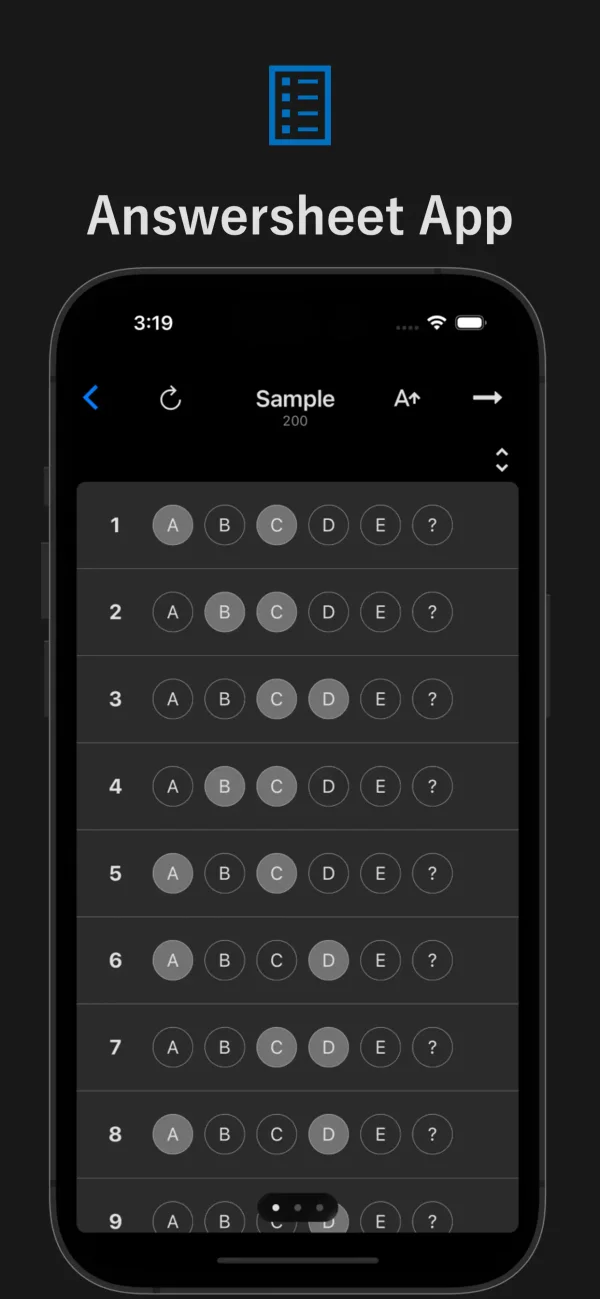
Answer Sheet with Overview works alongside your own workbooks and past exam papers. Mark your answers, enter the correct answers from your answer key, and check your results on iPhone or iPad.
■ Remember where you hesitated
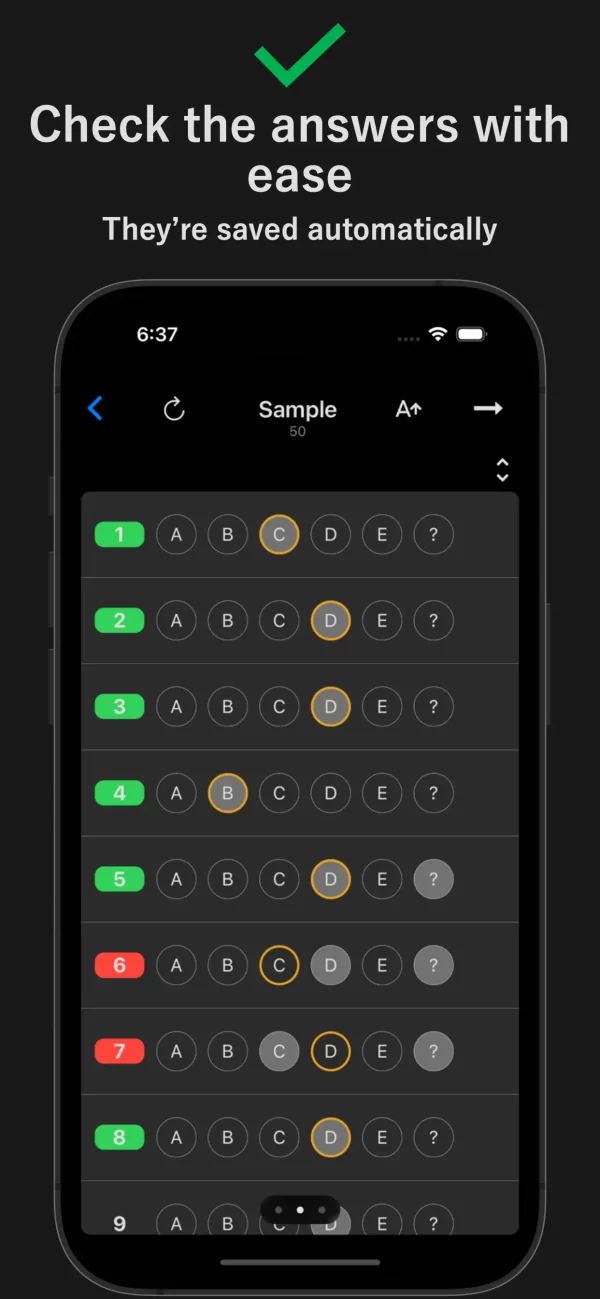
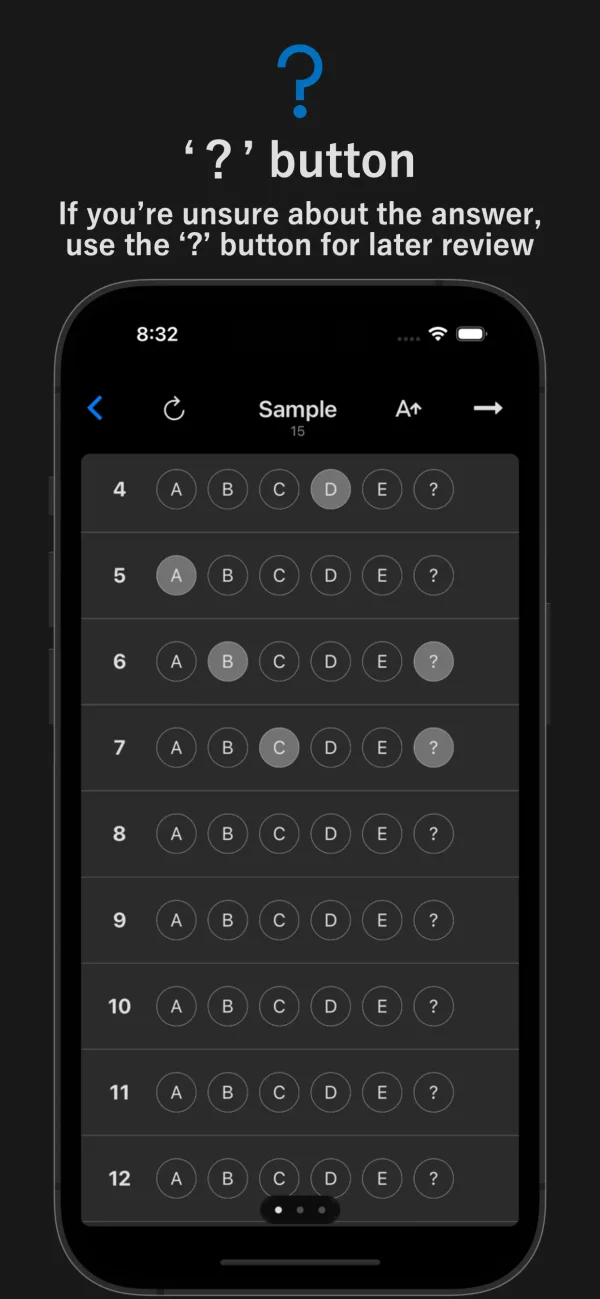
Flag uncertain answers with "?". Even when you get a question right, the flag helps you revisit answers you guessed or weren't confident about.
■ Use the same sheet again and again
Your answers and the answer key are saved automatically. Reuse your sheets as you work through the same workbook or past paper multiple times.
■ See your results at a glance
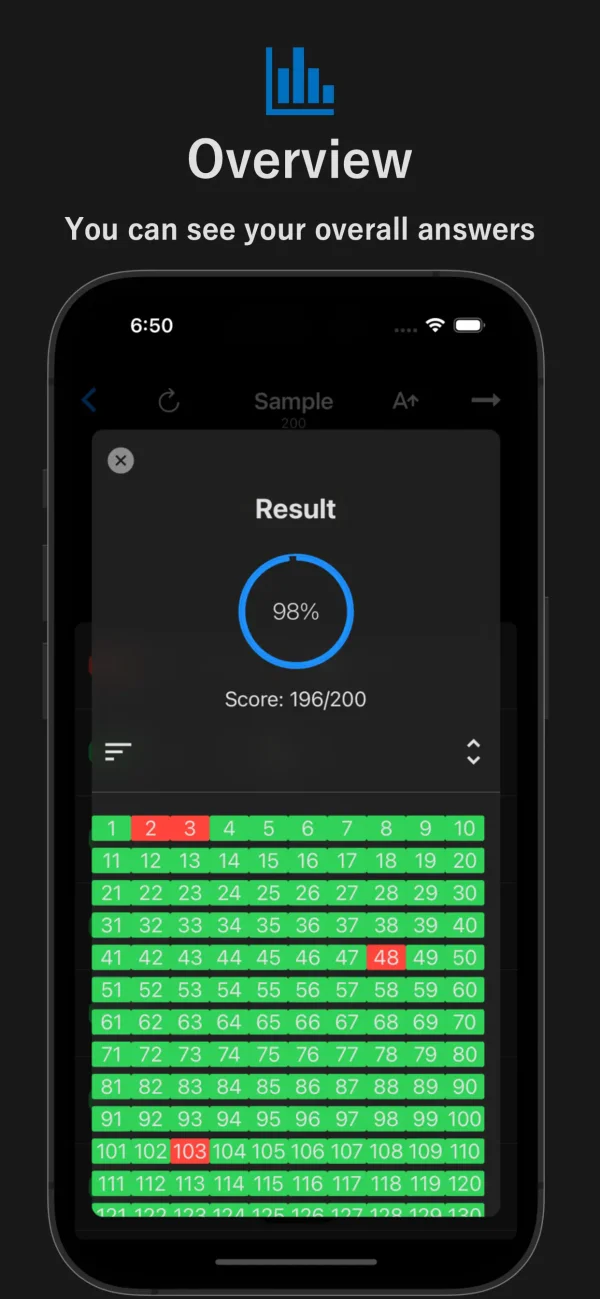
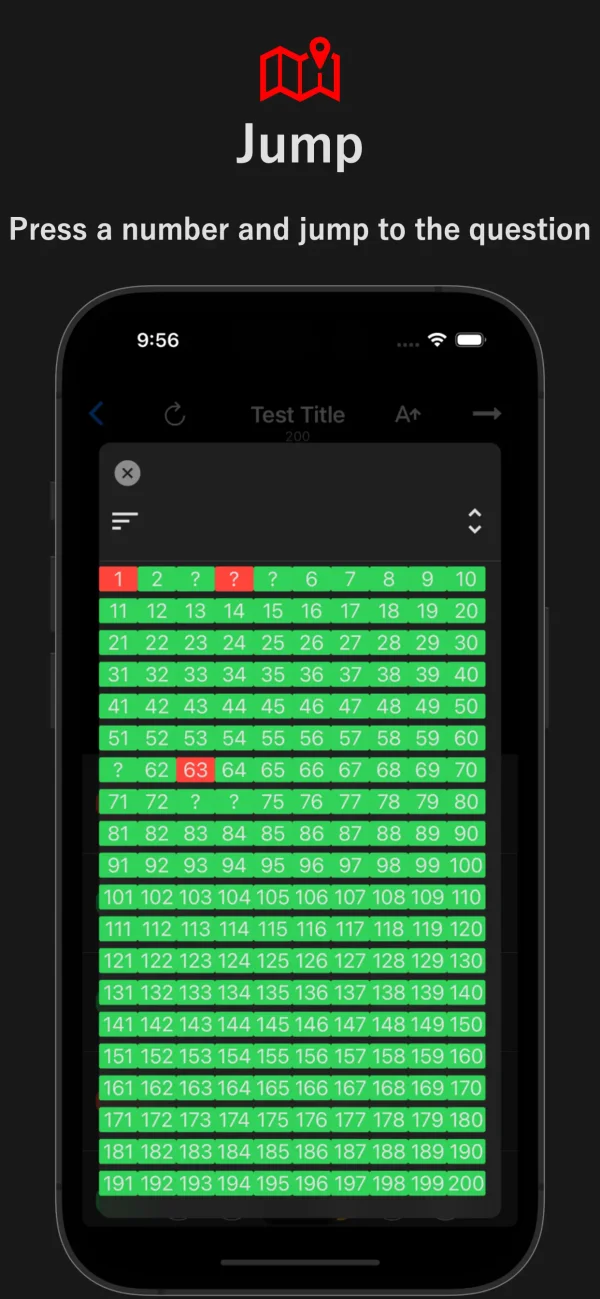
Check your correct answer count, accuracy, and the result for each question in one overview. Tap a question number to jump straight to that question.
■ Create sheets to match your materials
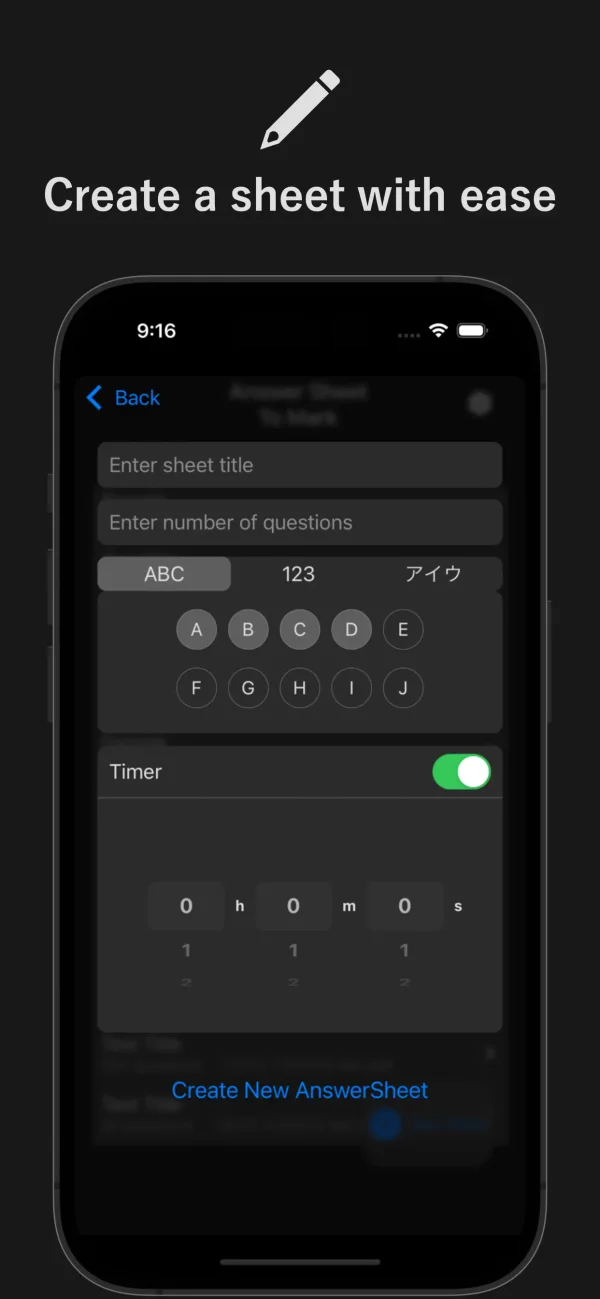
Set the number of questions and choose letters, numbers, or Japanese katakana for your answer choices. You can select multiple answers per question and edit a sheet's title and settings after creating it.
■ Practice under exam conditions
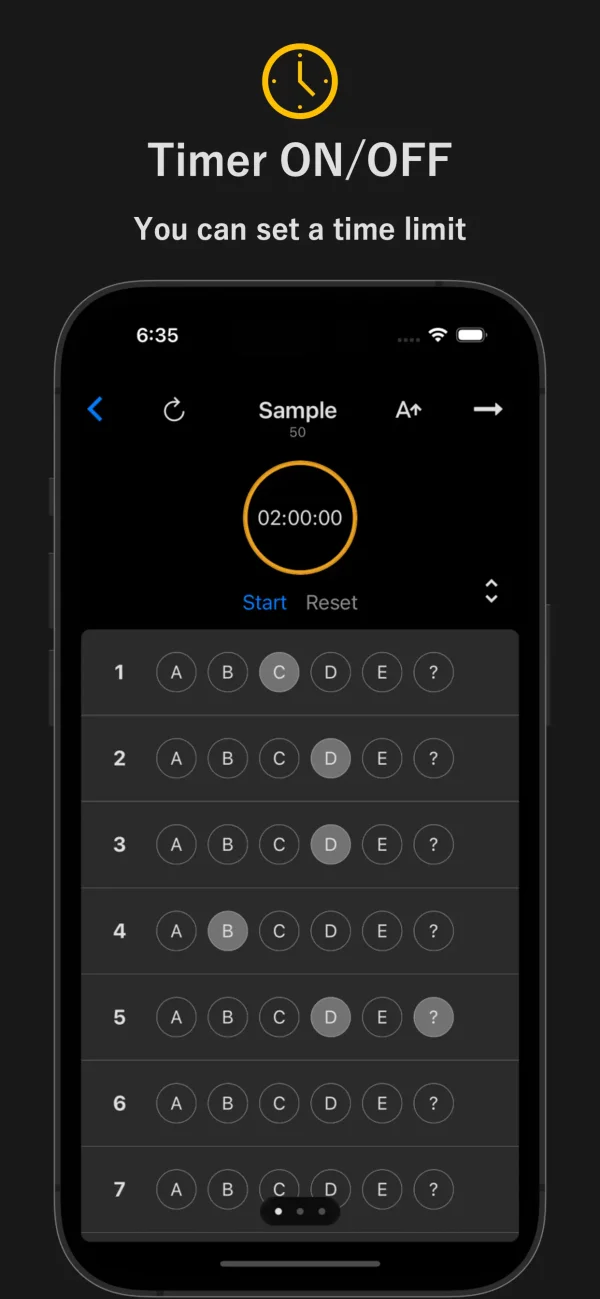
Set a time limit for timed practice, or turn the timer off to study at your own pace.
Make review and organization easier with Pro:
• Focus on the questions you want to review
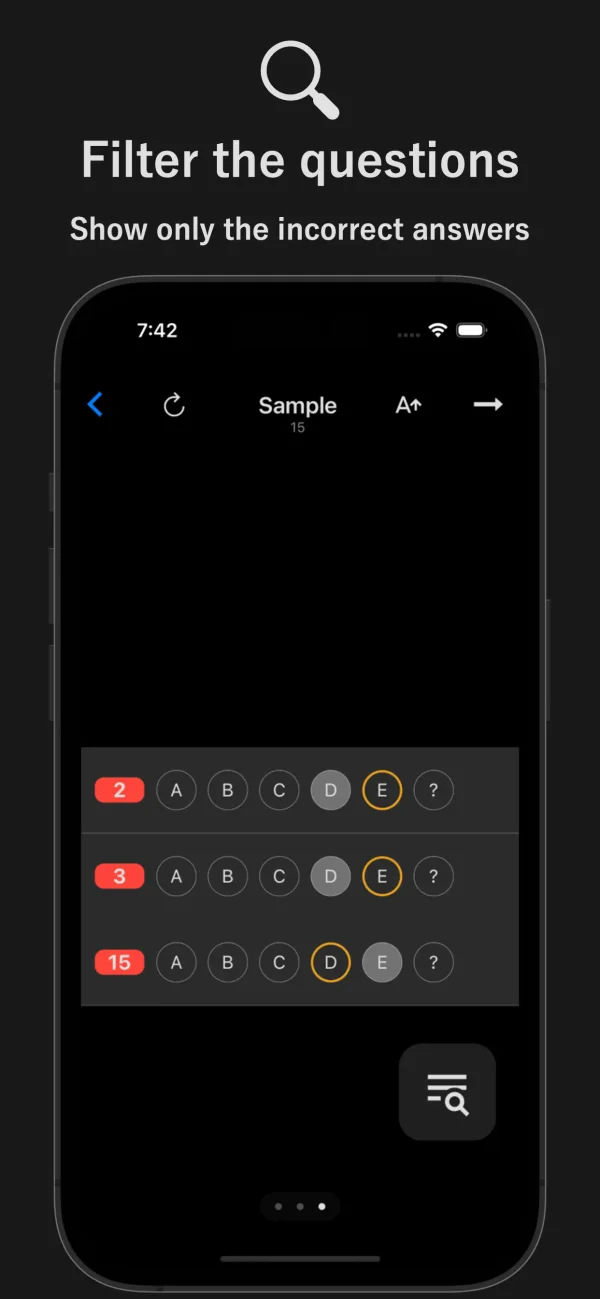
Show only questions you got wrong or flagged with "?". Include answers you got right but weren't sure about, so they don't get overlooked.
• Organize sheets into folders
Group sheets by subject or workbook. Create and rename folders, and move sheets between them.
• Adjust mark size
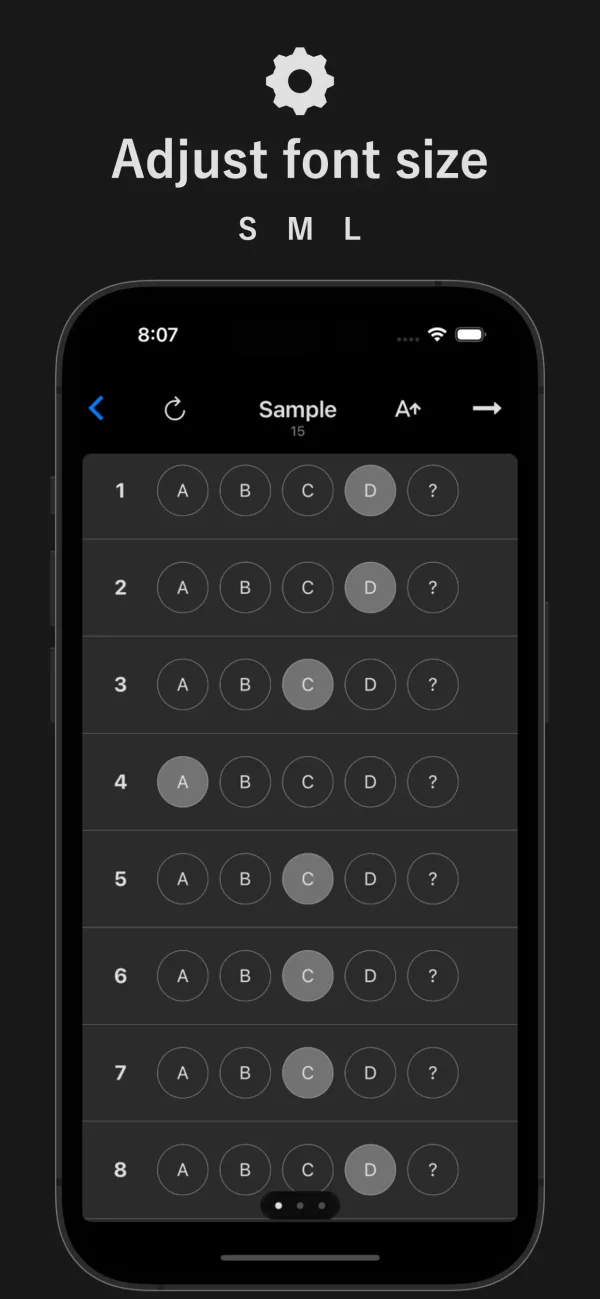
Choose an answer bubble size that's comfortable to read and tap.
• Set automatic resets for each sheet
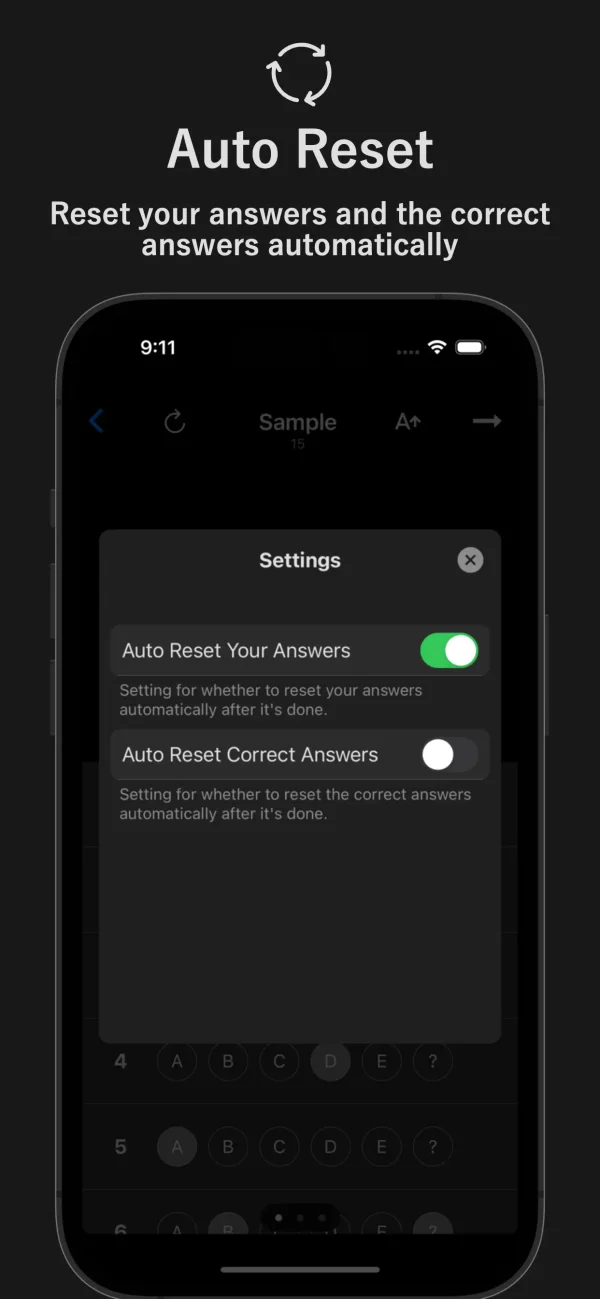
Choose whether to clear your answers and "?" flags, the answer key, or both when you tap "Back to home".
• Study without ads
Enjoy an ad-free study screen.
Core features are free to use.
Pro is available as a one-time in-app purchase.
Có gì mới
Phiên bản 2.0.0 · 25/10/2026
Bug fixes and stability improvements.
Quyền riêng tư của ứng dụng
Những gì Ryosuke Yamamoto khai báo trên App Store về cách ứng dụng này xử lý dữ liệu.
-
Dữ liệu được sử dụng để theo dõi bạn
Có thể được sử dụng để theo dõi bạn trên các ứng dụng và trang web do công ty khác sở hữu.
- Dữ liệu sử dụng
-
Dữ liệu liên kết với bạn
Có thể được thu thập và liên kết với danh tính của bạn.
- Dữ liệu sử dụng
Phương thức đảm bảo quyền riêng tư có thể khác nhau, chẳng hạn như tuỳ theo các tính năng bạn sử dụng hoặc độ tuổi của bạn.
Thông tin
- Người bán
- Ryosuke Yamamoto
- Danh mục
- Giáo Dục
- Phiên bản
- 2.0.0
- Cập nhật
- 25/10/2026
- Phát hành
- 20/08/2023
- Kích thước
- 54,9 MB
- Yêu cầu
- iOS 16.4 trở lên
- Độ tuổi
- 4+
- Giá
- Miễn phí
- Mua hàng trong ứng dụng
- Có
- Ngôn ngữ
- Tiếng Anh
- Bản quyền
- © Answer Sheet with Overview