
Answer Sheet with Overview
Mark sheet, Bubble sheet
Designed for iPhone, iPad
Free · In-app purchases
- Age rating4+
- CategoryEducation
- DeveloperRyosuke Yamamoto
- LanguagesEnglish
- Size54.9 MB
Links to the official App Store page
Download.org hosts no file of Answer Sheet with Overview. The button opens its official App Store page, published by Ryosuke Yamamoto. Listing last checked on Nov 16, 2026.
Screenshots

About
"I got it right, but I wasn't really sure."
"Preparing an answer sheet every time I study is a hassle."
"I want to see which questions I got right or wrong at a glance."
"I want to review just the questions I missed."
Bring a digital answer sheet to your everyday study sessions.
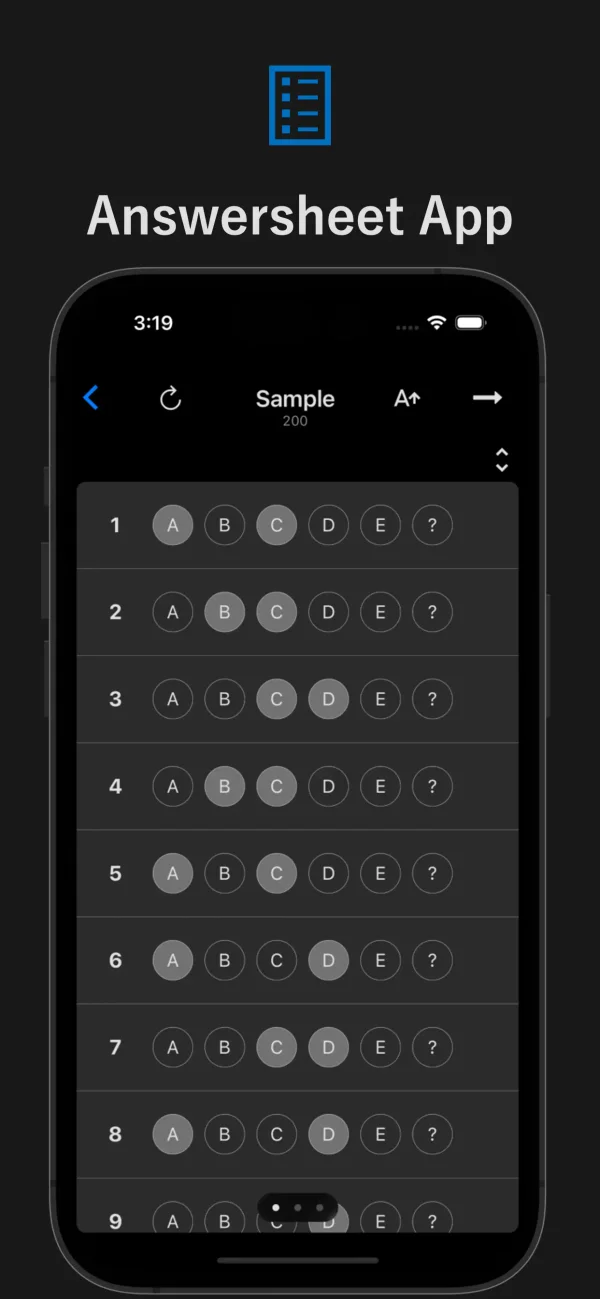
Answer Sheet with Overview works alongside your own workbooks and past exam papers. Mark your answers, enter the correct answers from your answer key, and check your results on iPhone or iPad.
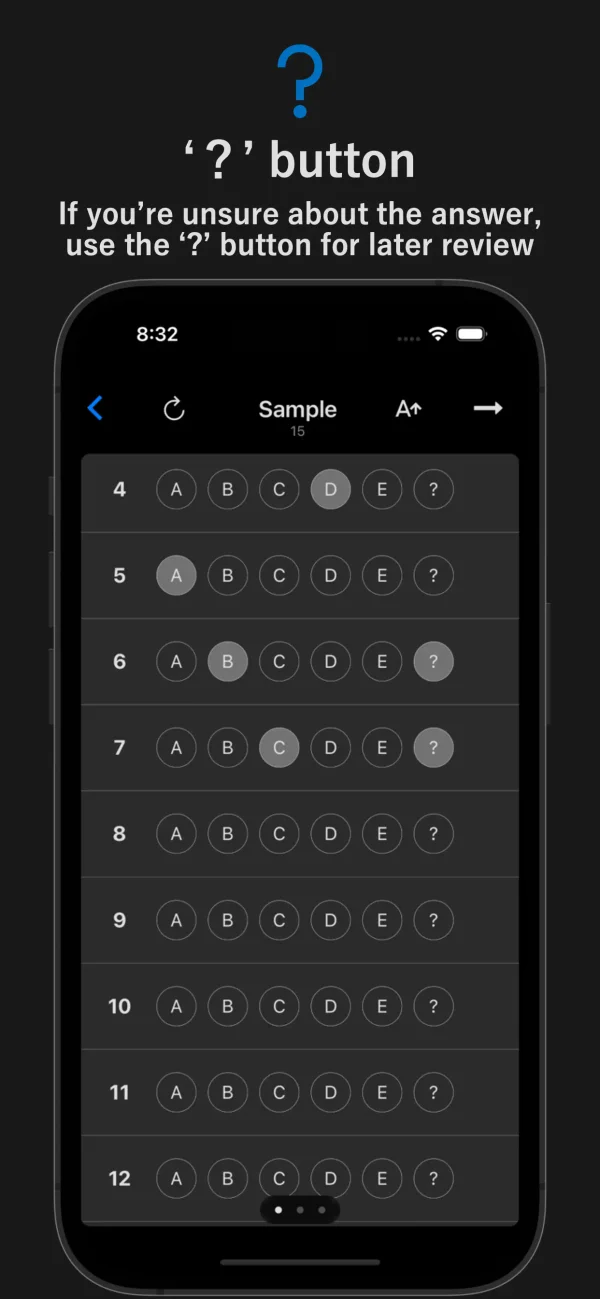
■ Remember where you hesitated
Flag uncertain answers with "?". Even when you get a question right, the flag helps you revisit answers you guessed or weren't confident about.
■ Use the same sheet again and again
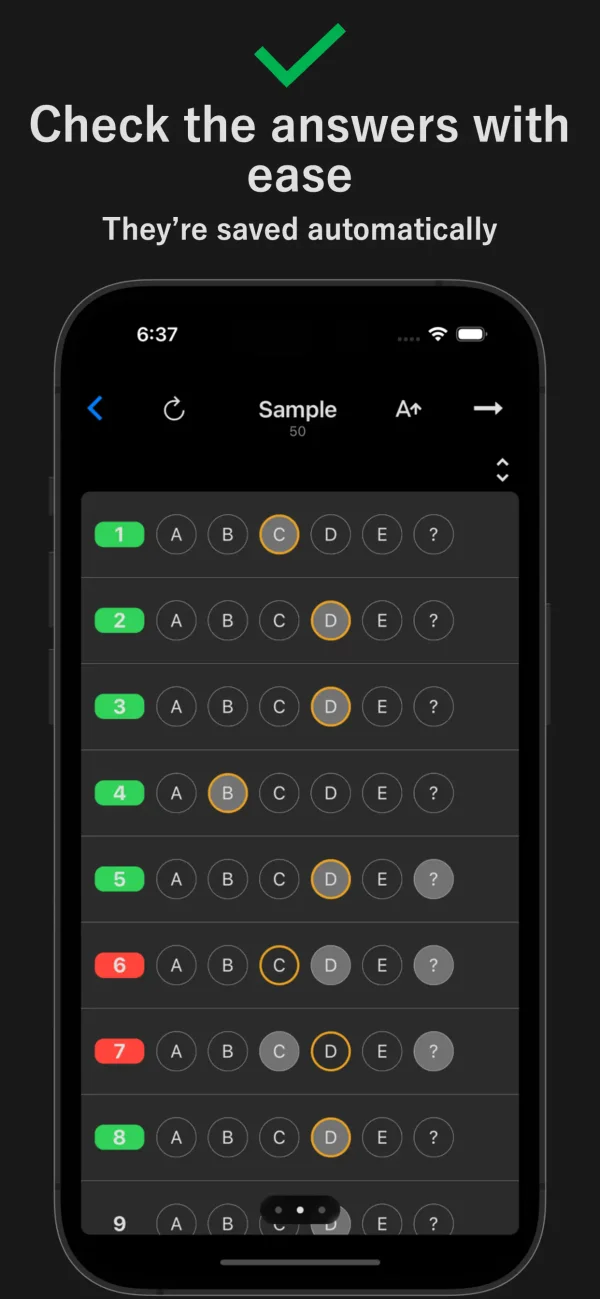
Your answers and the answer key are saved automatically. Reuse your sheets as you work through the same workbook or past paper multiple times.
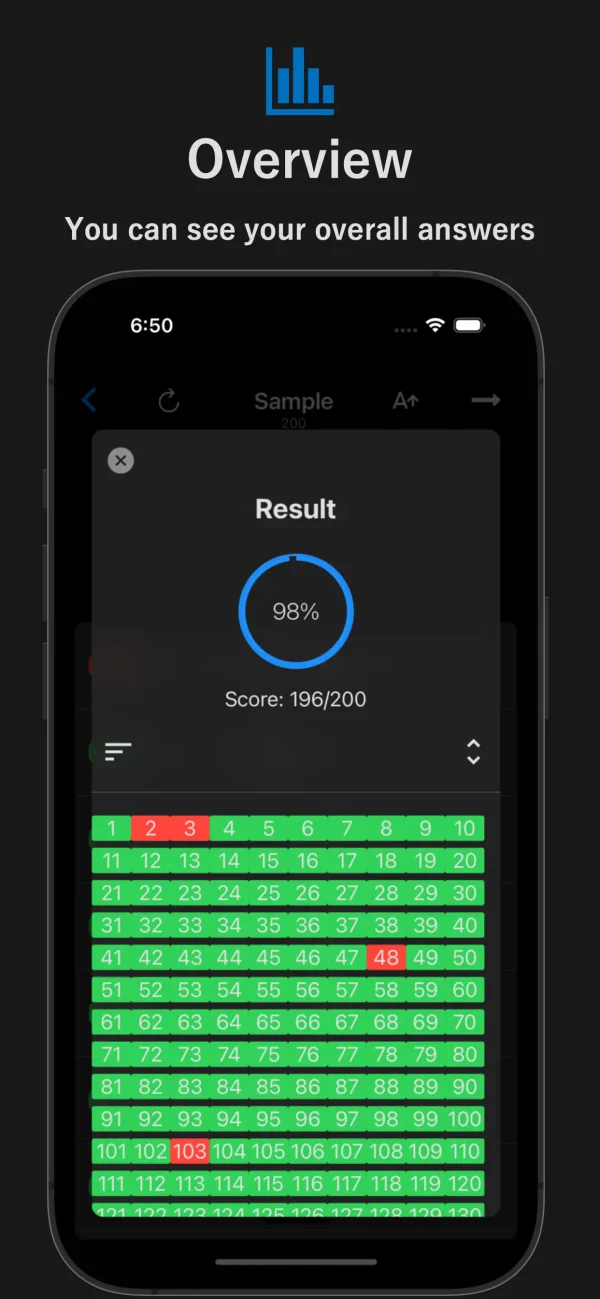
■ See your results at a glance
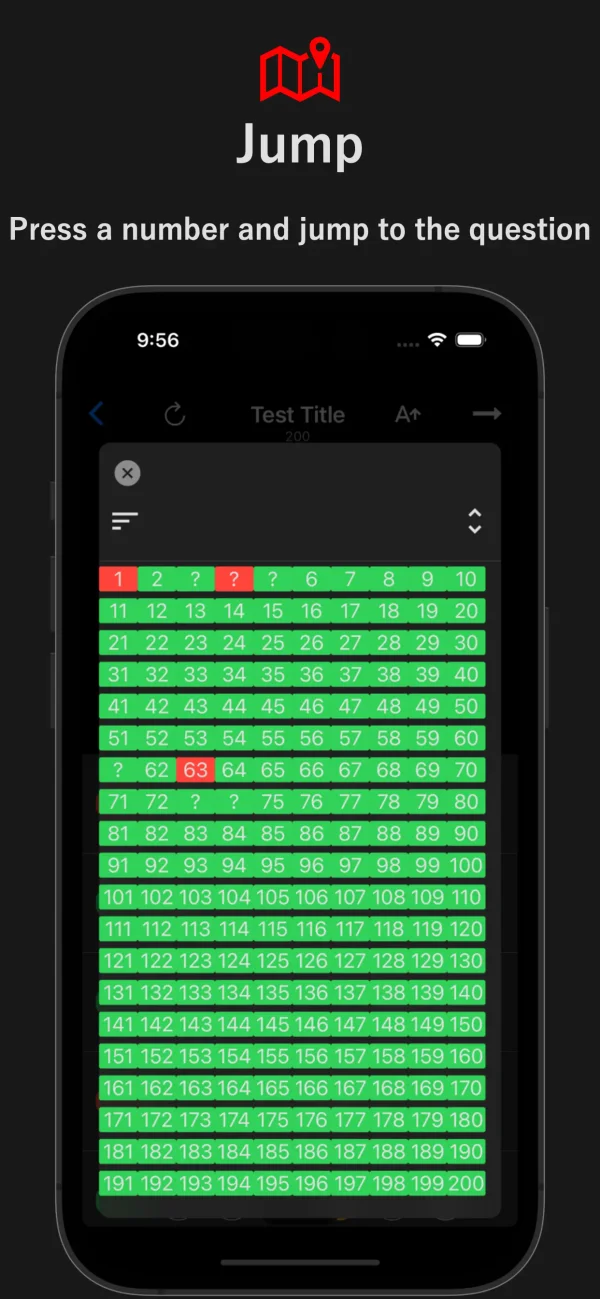
Check your correct answer count, accuracy, and the result for each question in one overview. Tap a question number to jump straight to that question.
■ Create sheets to match your materials
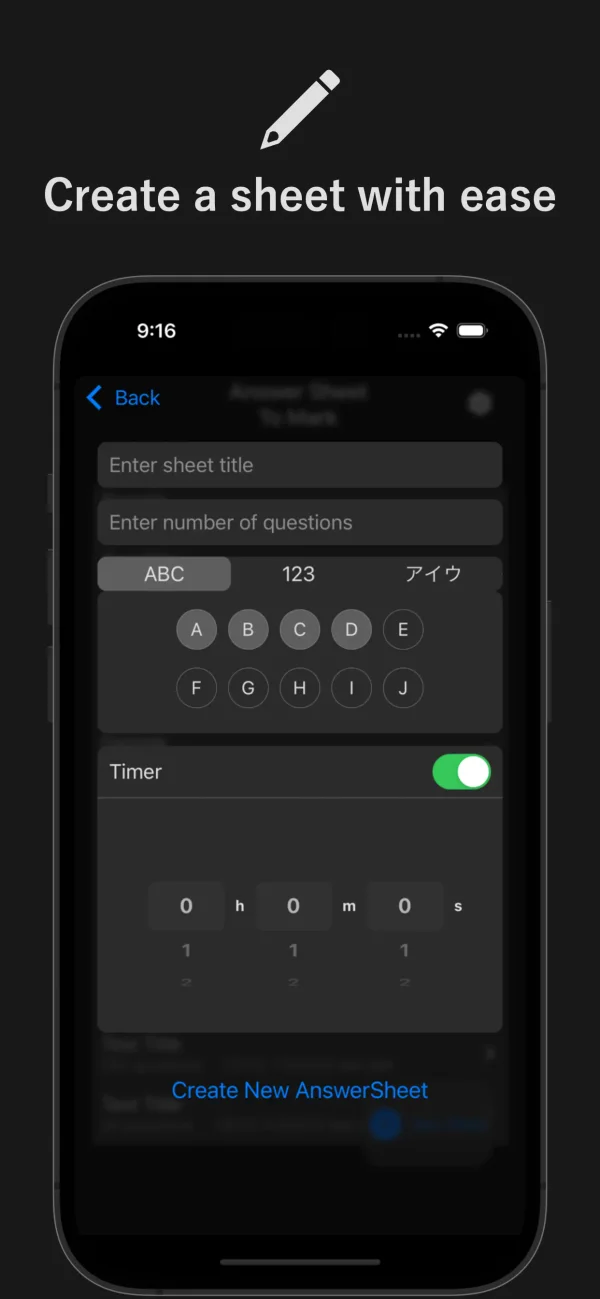
Set the number of questions and choose letters, numbers, or Japanese katakana for your answer choices. You can select multiple answers per question and edit a sheet's title and settings after creating it.
■ Practice under exam conditions
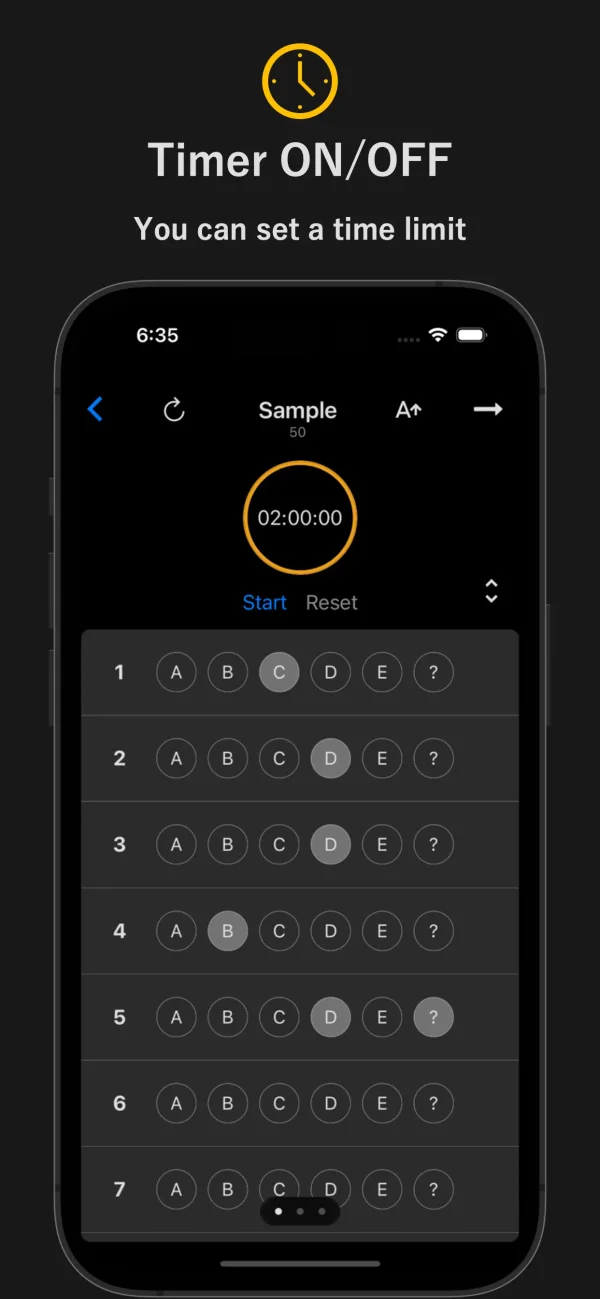
Set a time limit for timed practice, or turn the timer off to study at your own pace.
Make review and organization easier with Pro:
• Focus on the questions you want to review
Show only questions you got wrong or flagged with "?". Include answers you got right but weren't sure about, so they don't get overlooked.
• Organize sheets into folders
Group sheets by subject or workbook. Create and rename folders, and move sheets between them.
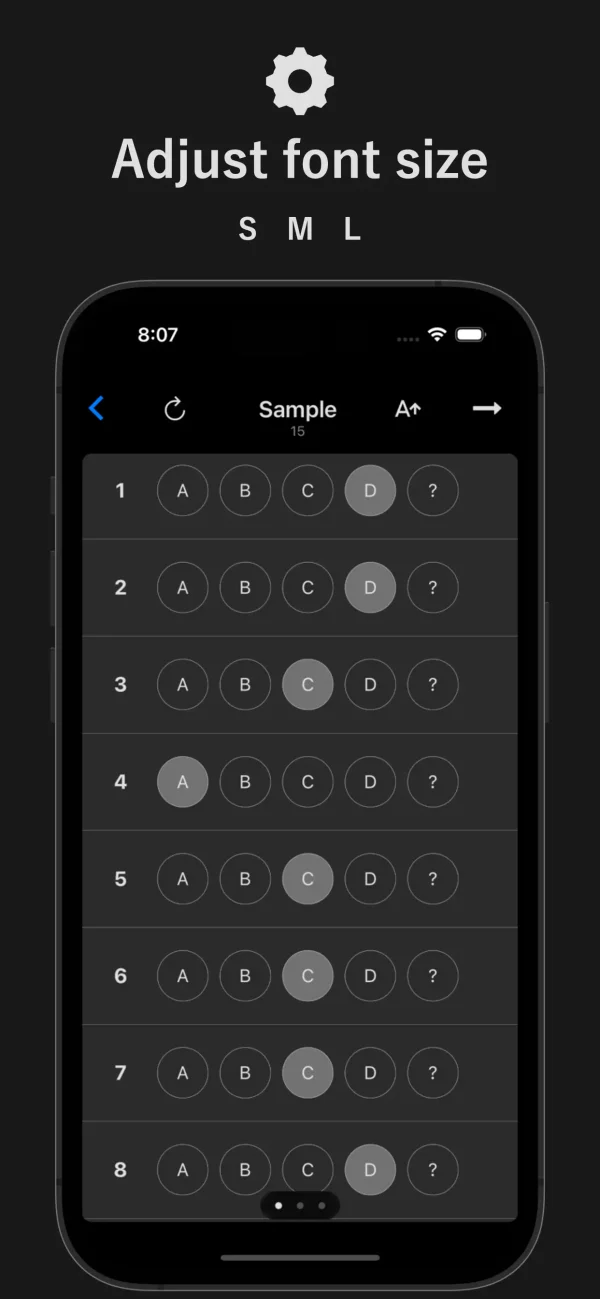
• Adjust mark size
Choose an answer bubble size that's comfortable to read and tap.
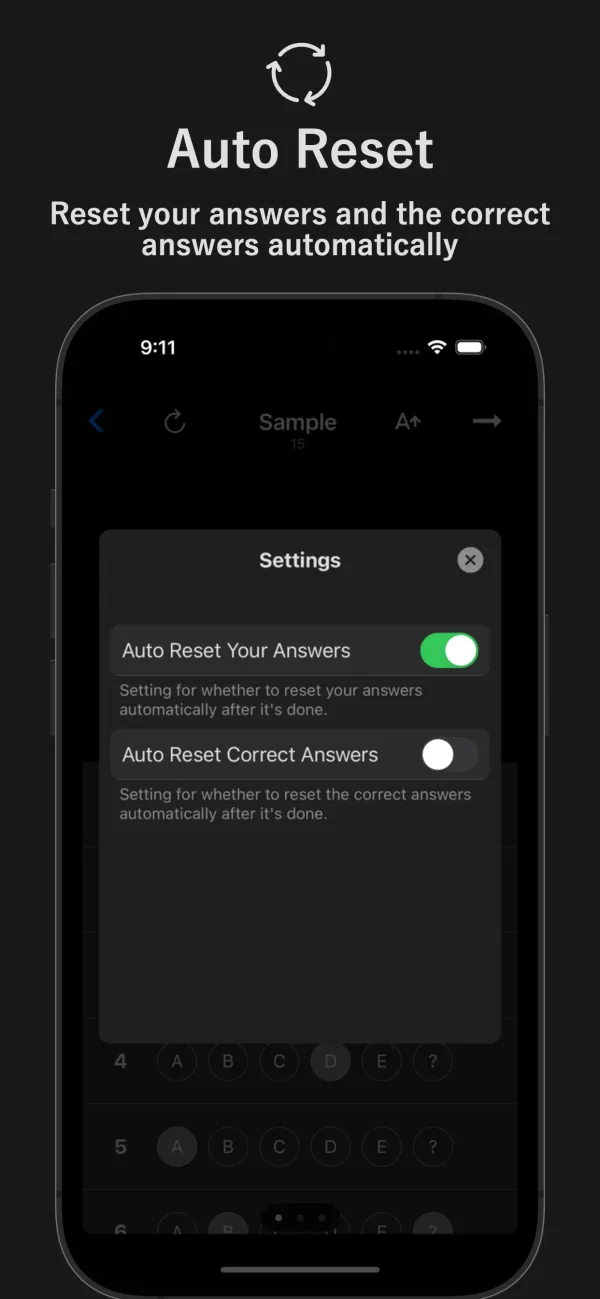
• Set automatic resets for each sheet
Choose whether to clear your answers and "?" flags, the answer key, or both when you tap "Back to home".
• Study without ads
Enjoy an ad-free study screen.
Core features are free to use.
Pro is available as a one-time in-app purchase.
What’s new
Version 2.0.0 · Oct 25, 2026
Bug fixes and stability improvements.
App privacy
What Ryosuke Yamamoto declares on the App Store about how this app handles data.
-
Data used to track you
May be used to track you across apps and websites owned by other companies.
- Usage data
-
Data linked to you
May be collected and linked to your identity.
- Usage data
Privacy practices may vary, for example with the features you use or your age.
Information
- Seller
- Ryosuke Yamamoto
- Category
- Education
- Version
- 2.0.0
- Updated
- Oct 25, 2026
- Released
- Aug 20, 2023
- Size
- 54.9 MB
- Requires
- iOS 16.4 or later
- Age rating
- 4+
- Price
- Free
- In-app purchases
- Yes
- Languages
- English
- Copyright
- © Answer Sheet with Overview
You might also like
-
 Mark Sheet App "Smart Mark"Mark sheet app for your study
-
 MarkSheet: answer sheetEasy-to-grade Bubble Sheet App
-
 AnsSheet LiteAnswer sheet for your workbook
-
 sheetMaker -create MarkSheet-MarkSheet for exams and study
-
 PaperScorer ScannerSmart Bubble Sheet Scanner
-
 Exam Reader-Optical Test GradeGrade Tests with Camera
-
 Quick Key: Paper GradingBubble Sheet Scanner for Tests
-
 Examica for TeachersTests creator and scanner
-
 Right for TeacherOMR grader
-
 EvalBeeOMR Answer sheet scanner app