
BeatsBuddy
Your Cloud Music Library
Conçue pour iPhone, iPad, Mac
Gratuit · Achats intégrés
- Classification d’âge4+
- CatégorieMusique
- DéveloppeurOleg Mueller
- LanguesAnglais
- Taille34,6 Mo
Renvoie vers la page App Store officielle
Download.org n’héberge aucun fichier de BeatsBuddy. Le bouton ouvre la page de l’application sur App Store, où Oleg Mueller la publie. Fiche vérifiée pour la dernière fois le 17/11/2026.
Captures d’écran



À propos
Le développeur n’a pas fourni ce texte dans votre langue.
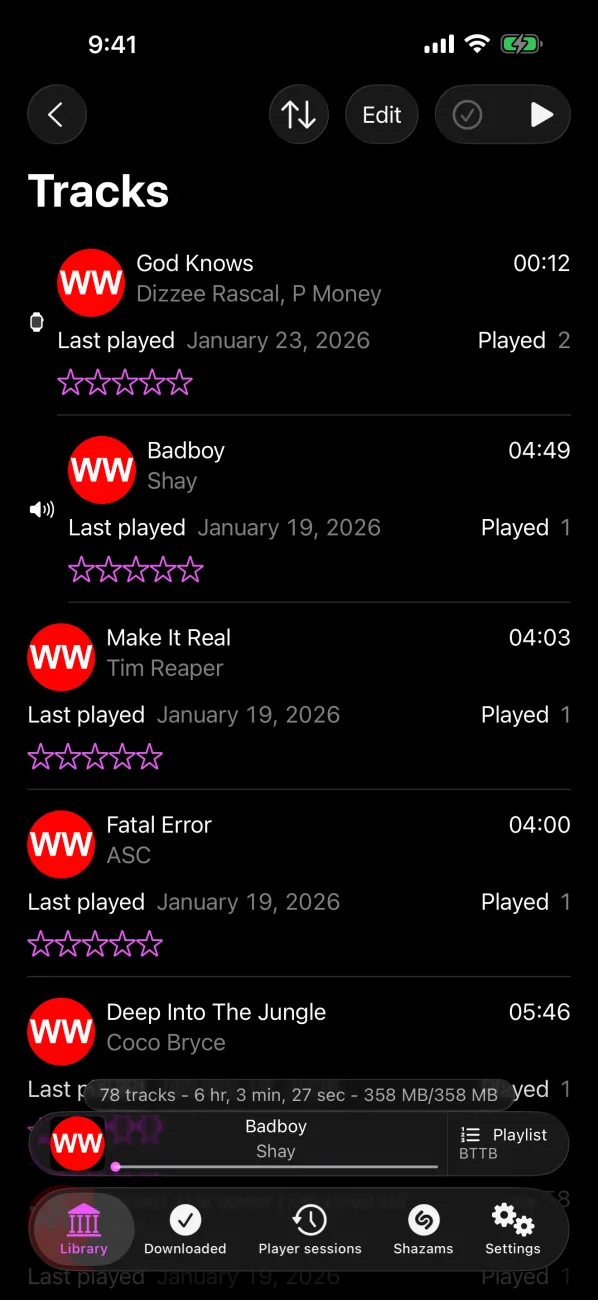
BeatsBuddy is a standalone audio player for iOS, iPadOS, visionOS, watchOS and macOS. It uses iCloud automatically to sync all your tracks metadata and audio data. You can choose on your device which tracks audio data should be downloaded from iCloud.
BeatsBuddy can
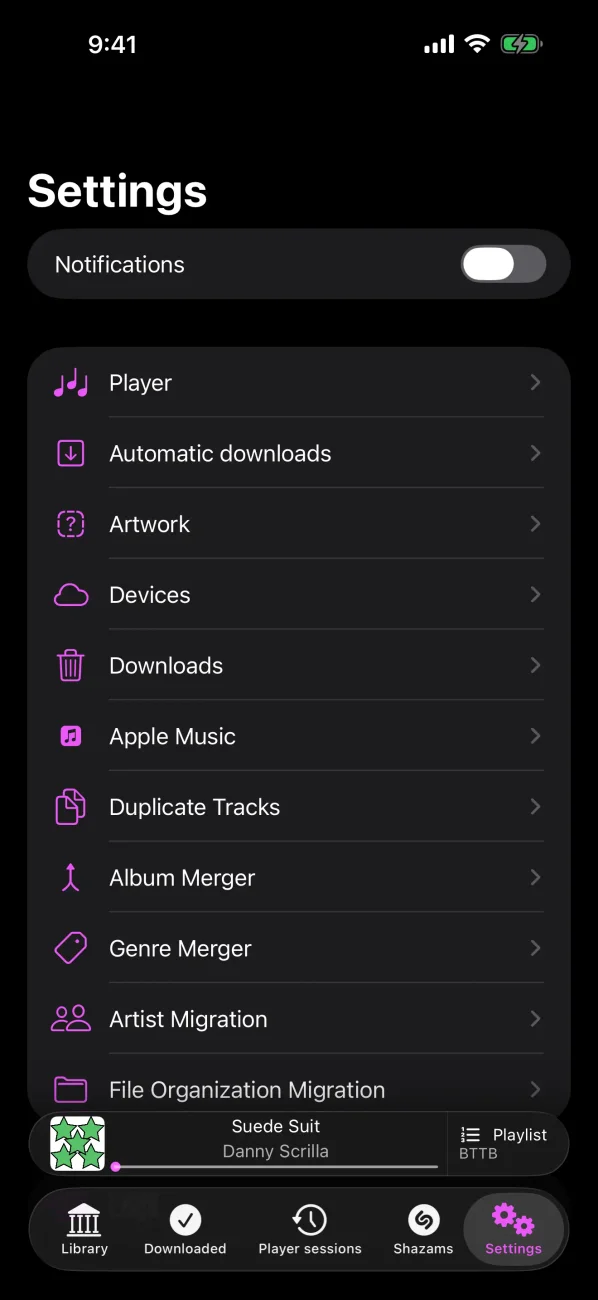
- download and play music from your BeatsBuddy iCloud music library
- add and upload tracks to your BeatsBuddy iCloud music library
- add/remove CUE-files to tracks in your BeatsBuddy music library
- add/remove track cover image
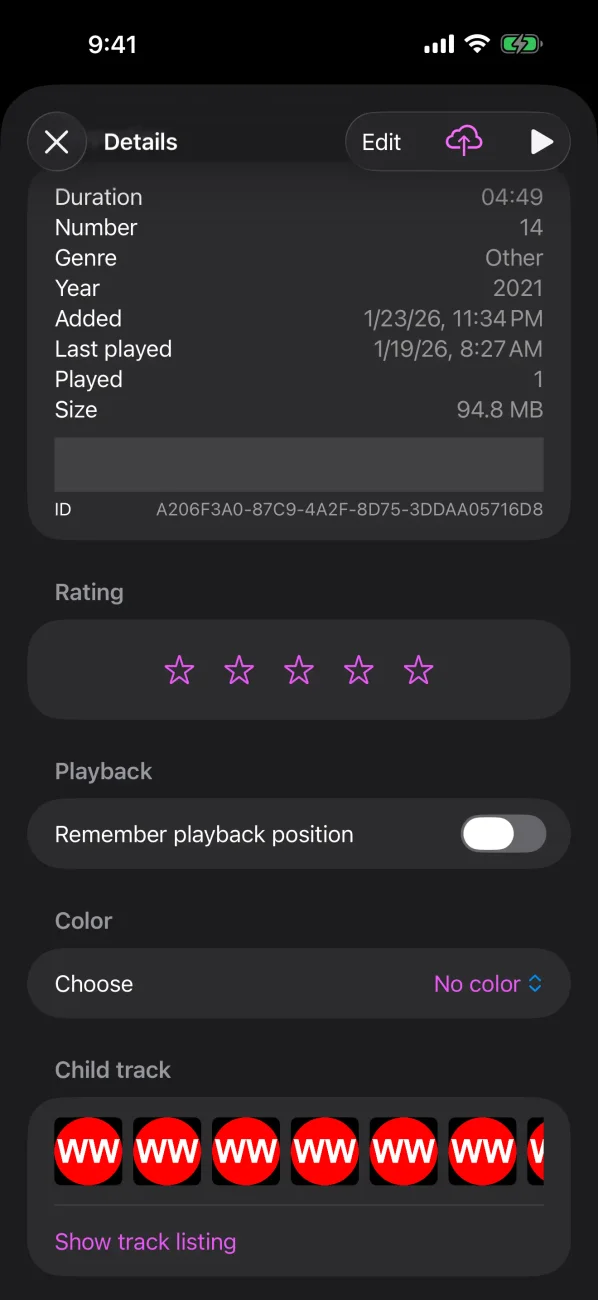
- show all your tracks and their metadata:
-- cover, title, artist, album, duration, number, genre, year, track listing, tags, added, last played, times played, size and color
-- support for multiple artists per track
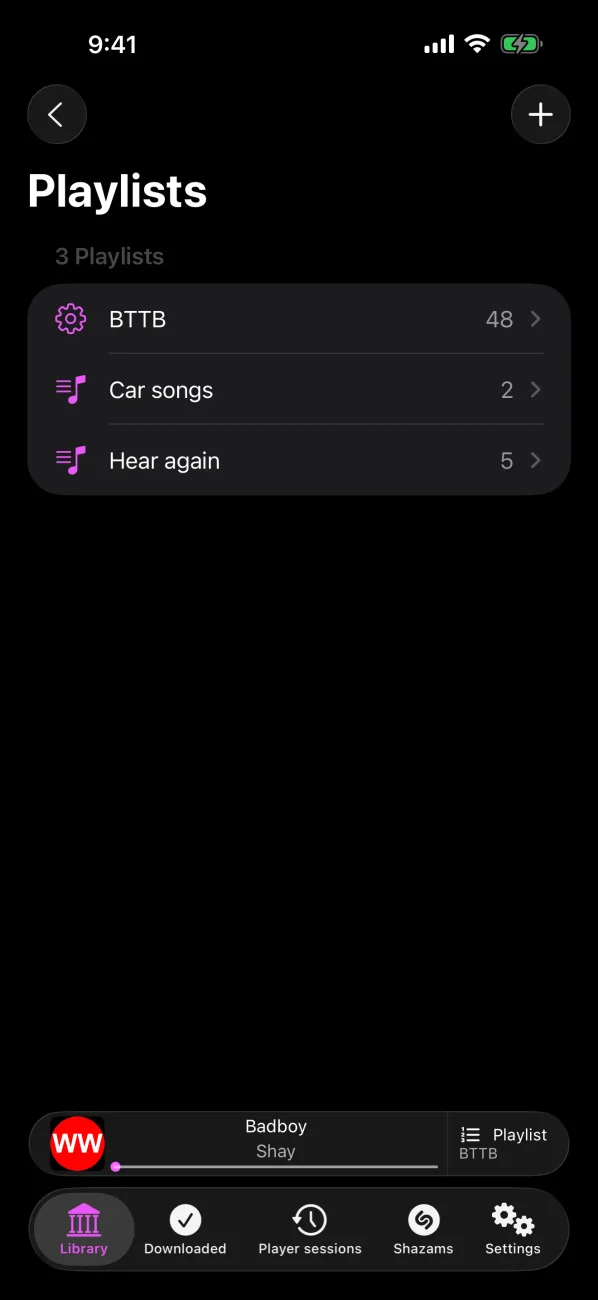
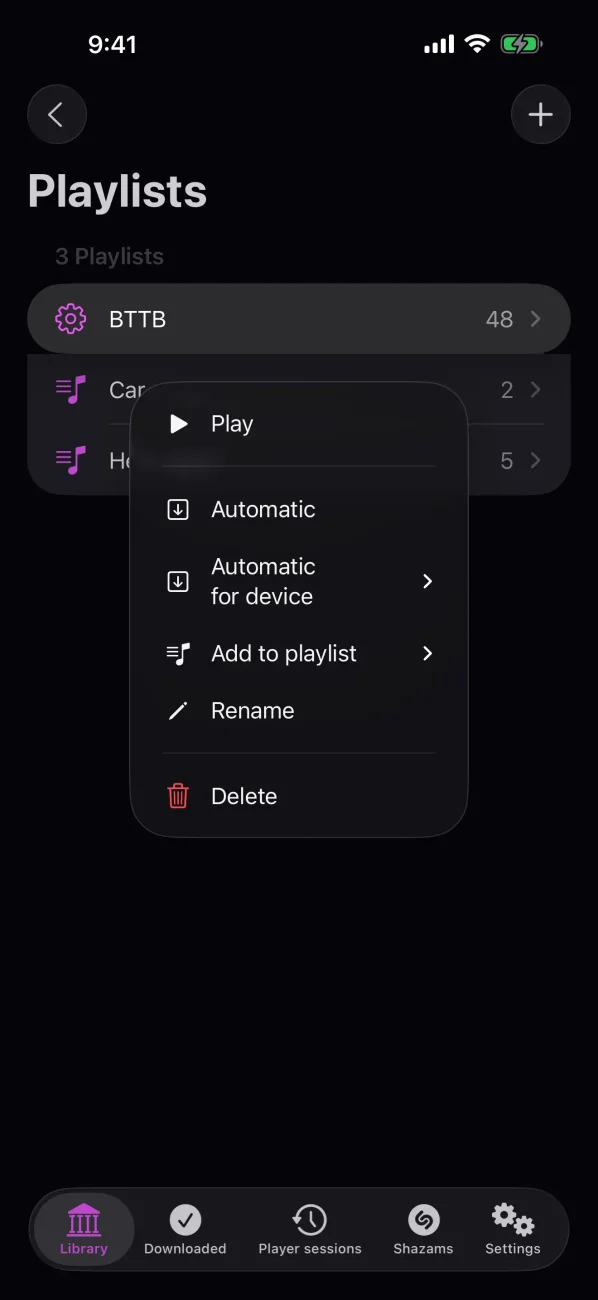
- use and edit your playlists
- use smart playlists
- import music from Files or from your Music Library
- add music with drag & drop
- access audio files via the Files app (iOS/visionOS)
- organize music files with metadata as filename (Artist - Title.mp3) in Artist/Album folder structure
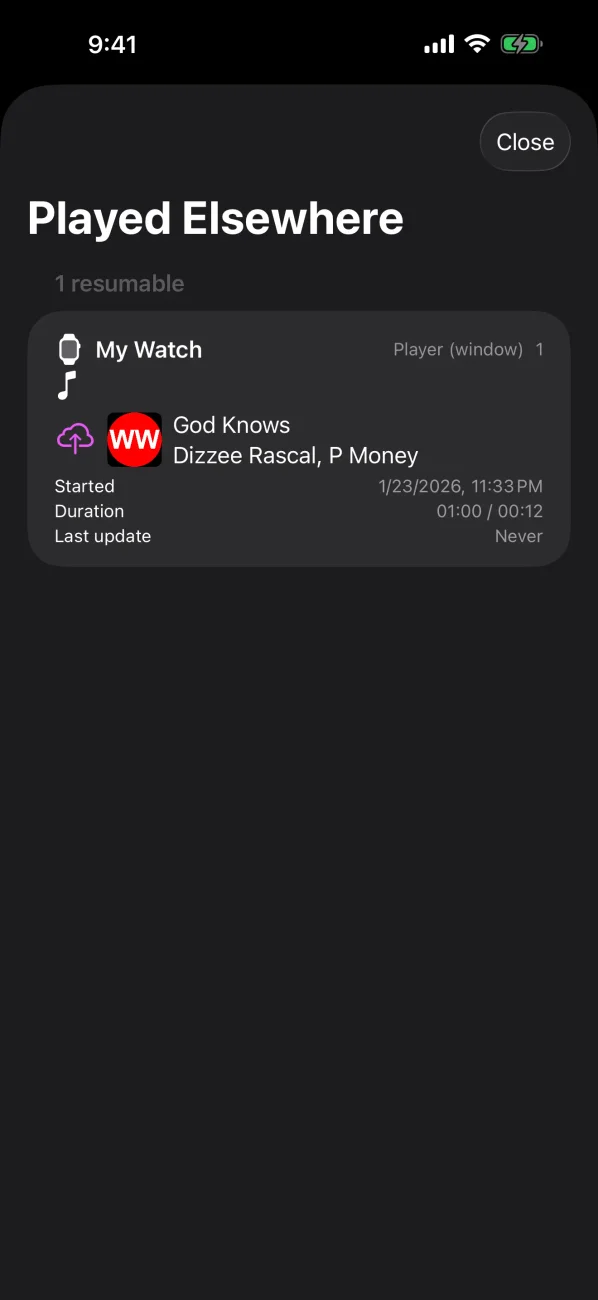
- see what is last played on your other BeatsBuddy devices (in an extra view, in lists and in music player)
- resume played track and queue from another device
- automatic audio data download for artists, albums, playlists, tracks or all tracks
- toggle automatic download for other devices (e.g. if you have a Mac and an iPhone you can activate automatic download for tracks on you iPhone via your Mac)
- merge duplicate albums and genres
- use Shazam to identify a played track and import its metadata
- use Shazam to download missing artwork automatically
- Handoff support
- multi window support on iPadOS
- CarPlay support (iOS)
- Siri integration
- Apple Music support
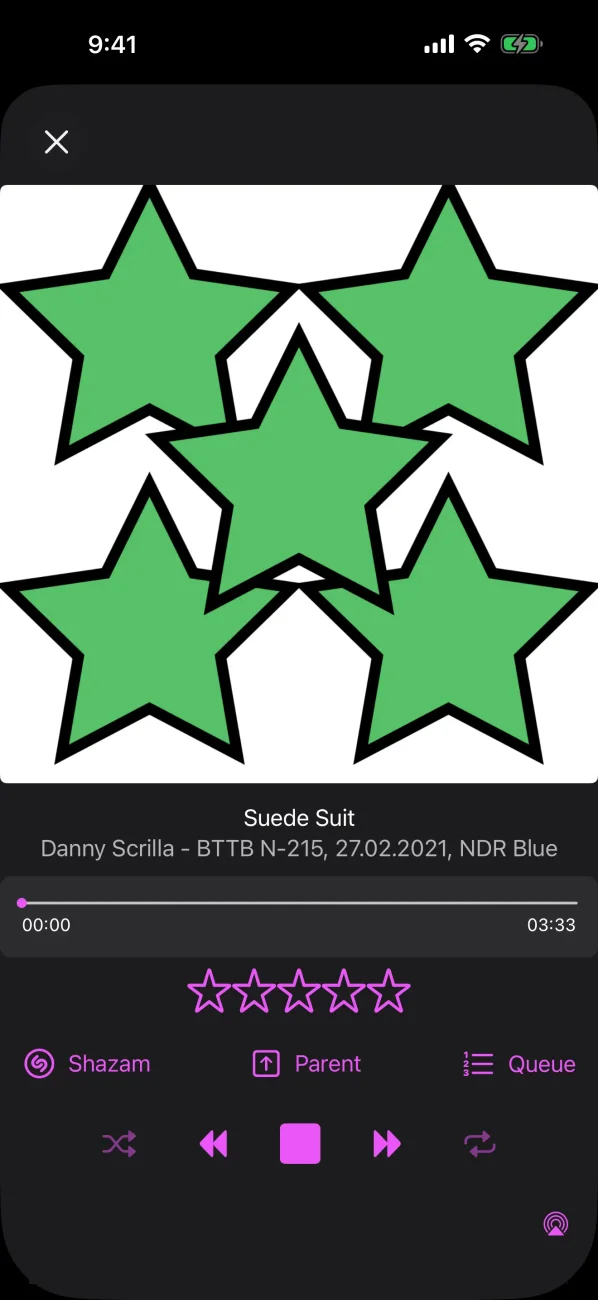
BeatsBuddy music player will show the cover, title, album, artist, duration and duration left. If you have added a track listing (CUE-file) to your track you can also see the positions of the played tracks, their title and artist and progress of tracklisting.
BeatsBuddy will restore your last played item and queue when restarted.
BeatsBuddy does support MP3 and M4A.
You can use BeatsBuddy with up to 30 tracks for free.
Nouveautés
Version 5.0.0 · 26/01/2026
- Multiple artists per track
- audio files can be stored with metadata as name, e.g. Artist - Title.mp3 in Artist/Album folder
- CarPlay support
- Siri integration
- audio files will be accessible via the files app
- Album/Genre merging - deduplicate and merge albums and genres
- bug fixes
Confidentialité de l’application
Ce que Oleg Mueller déclare sur l’App Store au sujet du traitement des données par cette application.
-
Données n’établissant aucun lien avec vous
Peuvent être collectées, mais ne sont pas liées à votre identité.
- Diagnostic
Les pratiques en matière de confidentialité peuvent varier, notamment en fonction des fonctionnalités que vous utilisez ou de votre âge.
Informations
- Vendeur
- Oleg Mueller
- Catégorie
- Musique
- Version
- 5.0.0
- Mis à jour
- 26/01/2026
- Publié
- 24/04/2021
- Taille
- 34,6 Mo
- Nécessite
- iOS 26.0 ou version ultérieure
- Classification d’âge
- 4+
- Prix
- Gratuit
- Achats intégrés
- Oui
- Langues
- Anglais
- Copyright
- © 2025 Oleg Mueller
Vous aimerez peut-être aussi
-
 FS Music PlayerMusique
-
 SOLONAS Player WatchMusique
-
 WatchMPlay - Mp3 Music PlayerMusique
-
 SoundBar - audio playerMusique
-
 Albums! - Box your MusicMusique
-
 Video4Gig Music Video PlayerMusique
-
 Beat Tap: Measure BPMsDéterminez simplement le tempo
-
 TTPlayer: Offline Music PlayerMusique
-
 Flash Offline Music PlayerMusique
-
 Neon - Music with EffectsMusique