
BeatsBuddy
Your Cloud Music Library
Được thiết kế cho iPhone, iPad, Mac
Miễn phí · Mua hàng trong ứng dụng
- Độ tuổi4+
- Danh mụcNhạc
- Nhà phát triểnOleg Mueller
- Ngôn ngữTiếng Anh
- Kích thước34,6 MB
Liên kết đến trang App Store chính thức
Download.org không lưu trữ tệp nào của BeatsBuddy. Nút này mở trang ứng dụng trên App Store, nơi Oleg Mueller phát hành ứng dụng. Trang được kiểm tra lần cuối: 17/11/2026.
Ảnh chụp màn hình



Giới thiệu
Nhà phát triển chưa cung cấp nội dung này bằng ngôn ngữ của bạn.
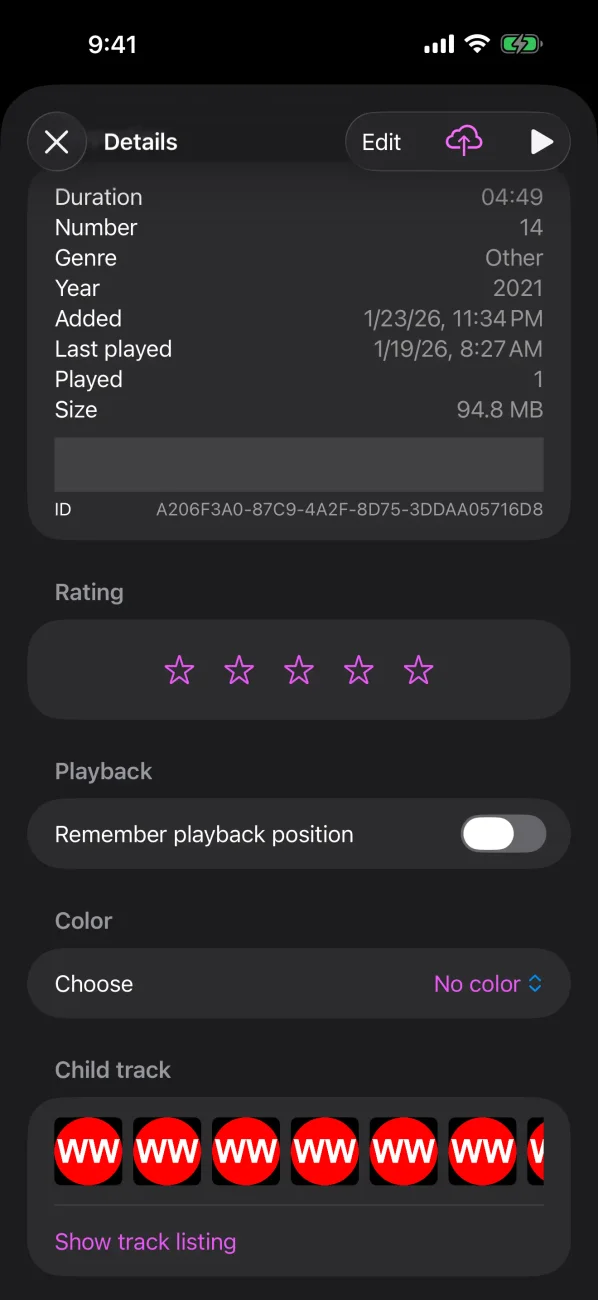
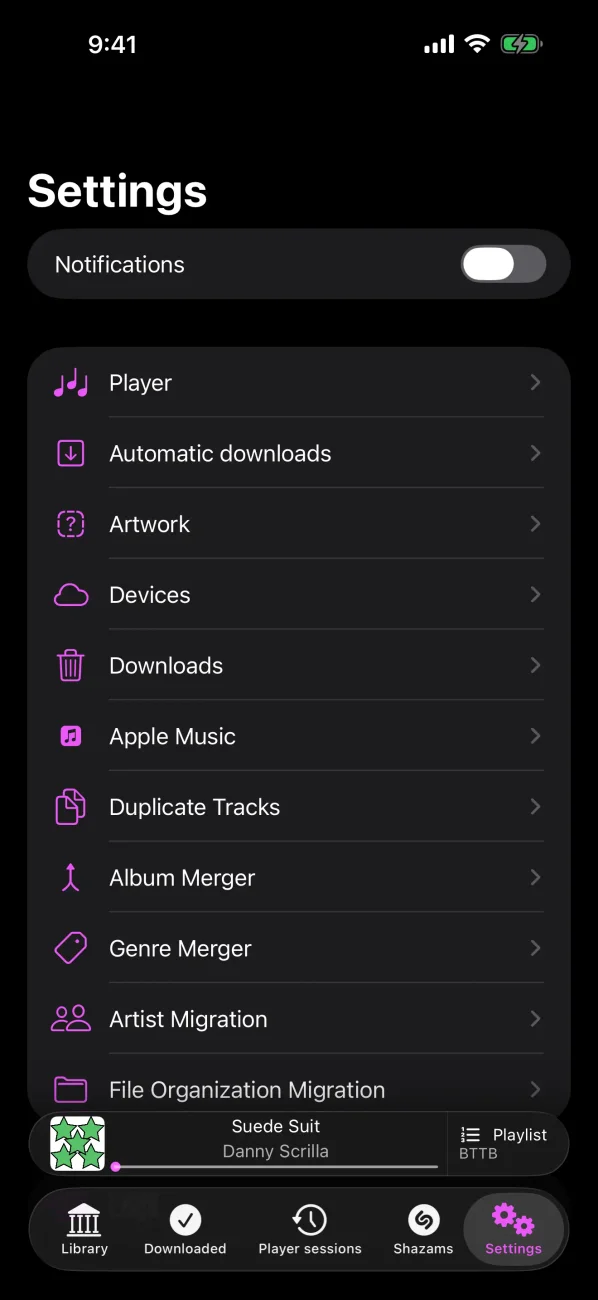
BeatsBuddy is a standalone audio player for iOS, iPadOS, visionOS, watchOS and macOS. It uses iCloud automatically to sync all your tracks metadata and audio data. You can choose on your device which tracks audio data should be downloaded from iCloud.
BeatsBuddy can
- download and play music from your BeatsBuddy iCloud music library
- add and upload tracks to your BeatsBuddy iCloud music library
- add/remove CUE-files to tracks in your BeatsBuddy music library
- add/remove track cover image
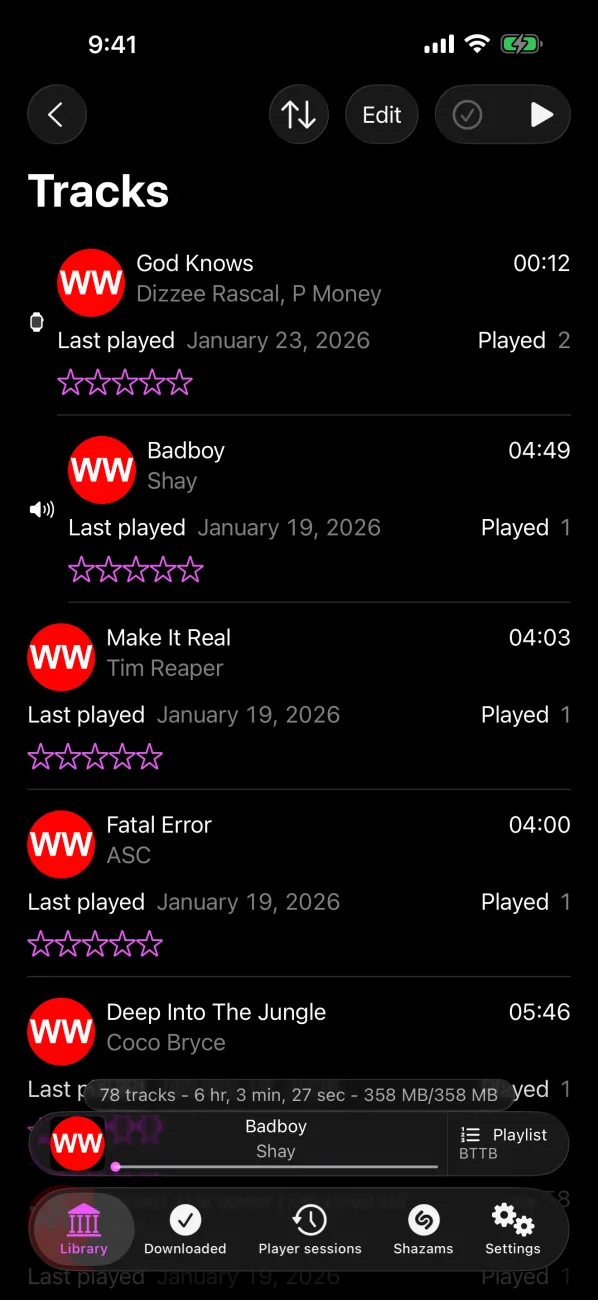
- show all your tracks and their metadata:
-- cover, title, artist, album, duration, number, genre, year, track listing, tags, added, last played, times played, size and color
-- support for multiple artists per track
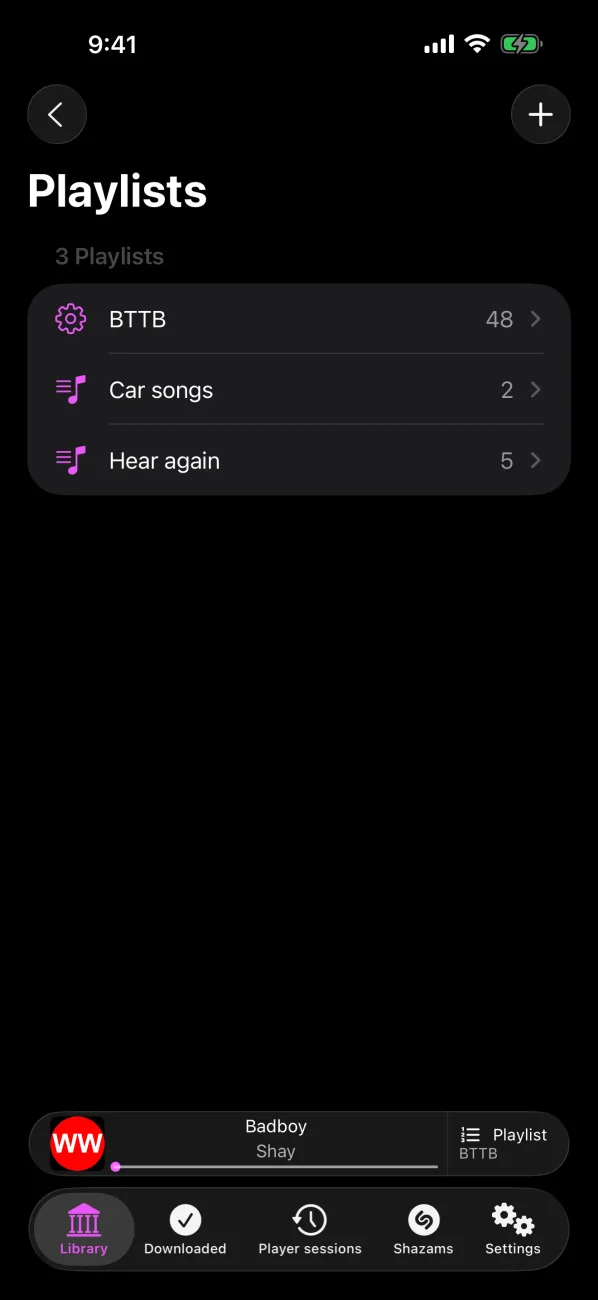
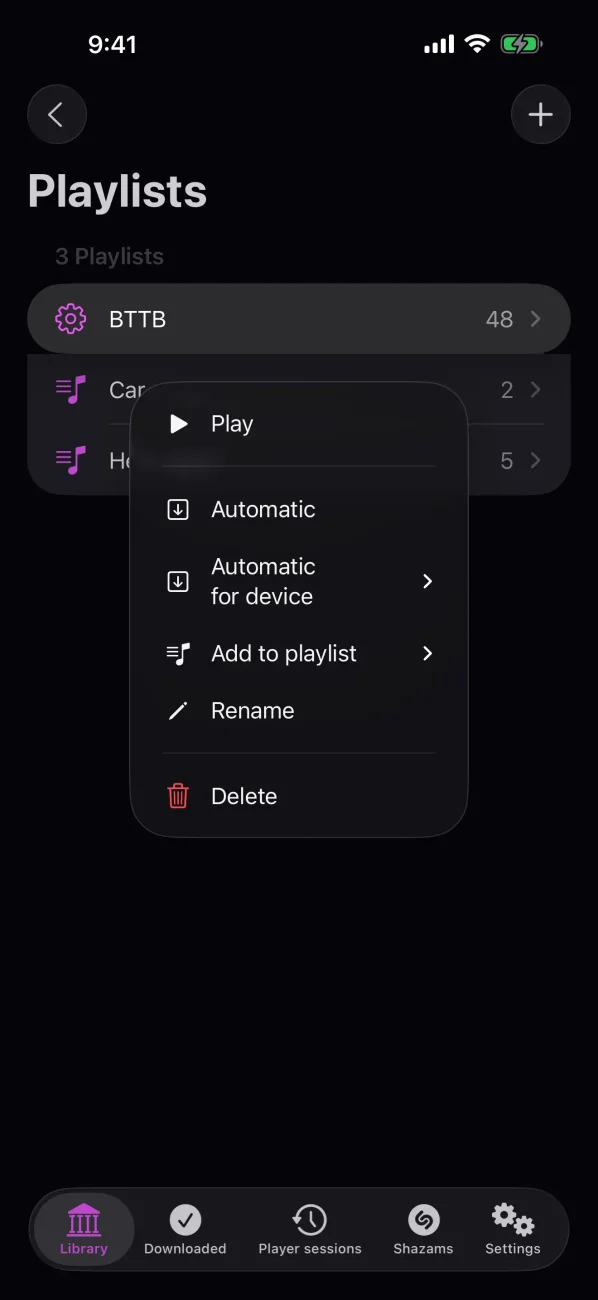
- use and edit your playlists
- use smart playlists
- import music from Files or from your Music Library
- add music with drag & drop
- access audio files via the Files app (iOS/visionOS)
- organize music files with metadata as filename (Artist - Title.mp3) in Artist/Album folder structure
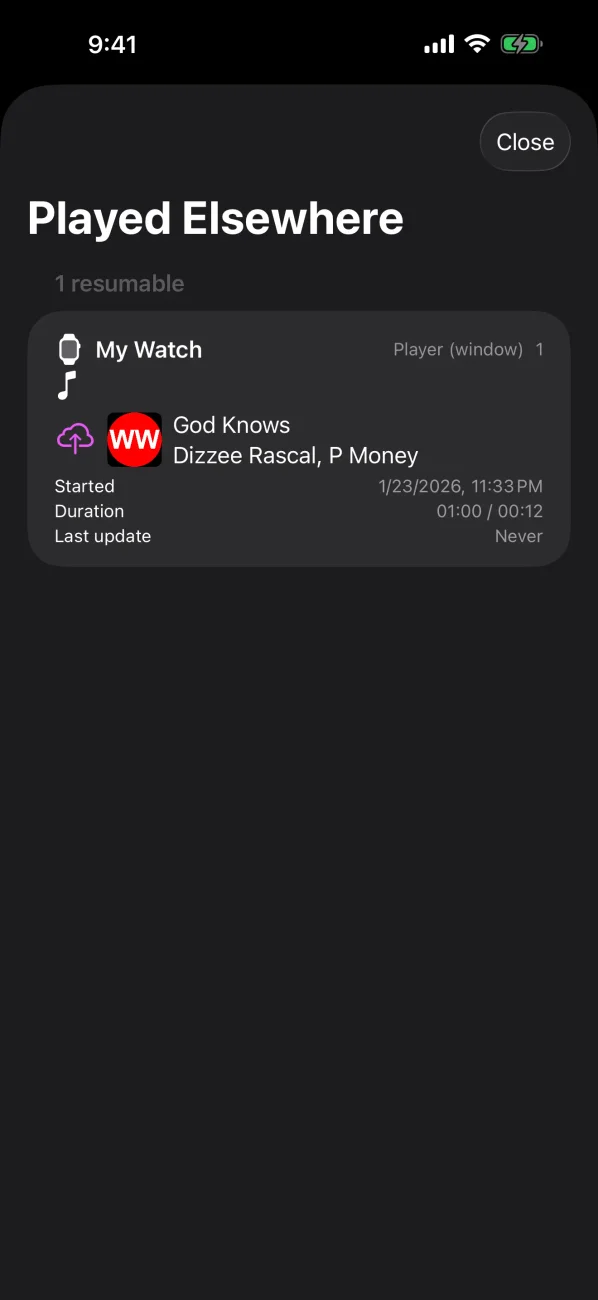
- see what is last played on your other BeatsBuddy devices (in an extra view, in lists and in music player)
- resume played track and queue from another device
- automatic audio data download for artists, albums, playlists, tracks or all tracks
- toggle automatic download for other devices (e.g. if you have a Mac and an iPhone you can activate automatic download for tracks on you iPhone via your Mac)
- merge duplicate albums and genres
- use Shazam to identify a played track and import its metadata
- use Shazam to download missing artwork automatically
- Handoff support
- multi window support on iPadOS
- CarPlay support (iOS)
- Siri integration
- Apple Music support
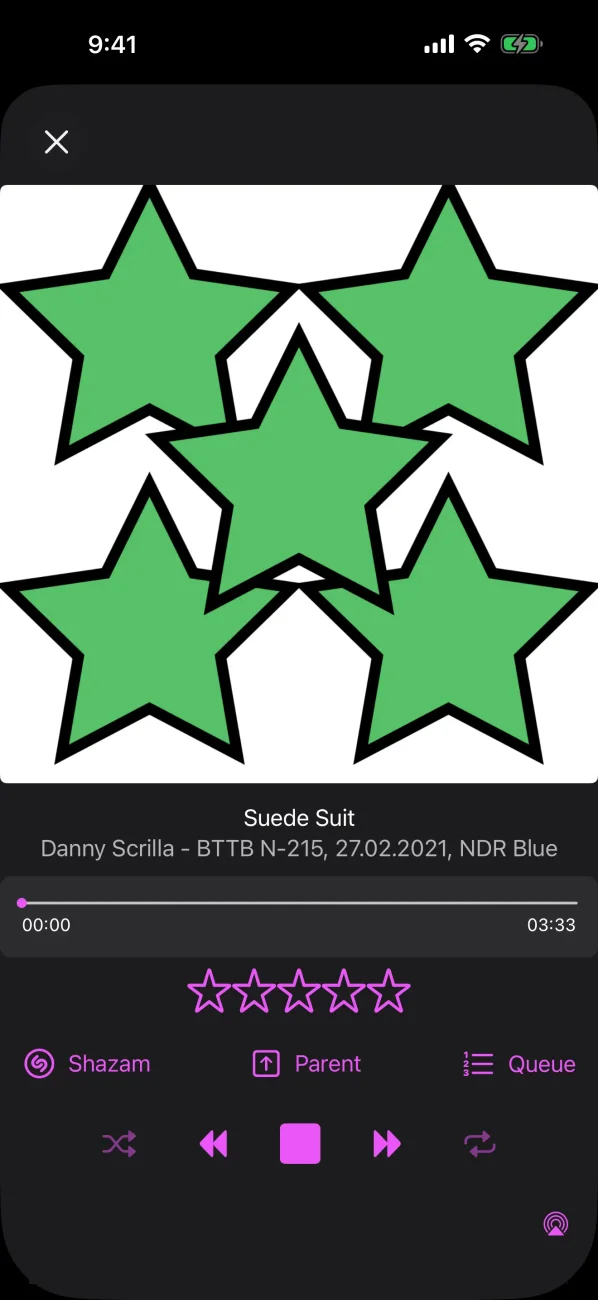
BeatsBuddy music player will show the cover, title, album, artist, duration and duration left. If you have added a track listing (CUE-file) to your track you can also see the positions of the played tracks, their title and artist and progress of tracklisting.
BeatsBuddy will restore your last played item and queue when restarted.
BeatsBuddy does support MP3 and M4A.
You can use BeatsBuddy with up to 30 tracks for free.
Có gì mới
Phiên bản 5.0.0 · 26/01/2026
- Multiple artists per track
- audio files can be stored with metadata as name, e.g. Artist - Title.mp3 in Artist/Album folder
- CarPlay support
- Siri integration
- audio files will be accessible via the files app
- Album/Genre merging - deduplicate and merge albums and genres
- bug fixes
Quyền riêng tư của ứng dụng
Những gì Oleg Mueller khai báo trên App Store về cách ứng dụng này xử lý dữ liệu.
-
Dữ liệu không liên kết với bạn
Có thể được thu thập nhưng không liên kết với danh tính của bạn.
- Chẩn đoán
Phương thức đảm bảo quyền riêng tư có thể khác nhau, chẳng hạn như tuỳ theo các tính năng bạn sử dụng hoặc độ tuổi của bạn.
Thông tin
- Người bán
- Oleg Mueller
- Danh mục
- Nhạc
- Phiên bản
- 5.0.0
- Cập nhật
- 26/01/2026
- Phát hành
- 24/04/2021
- Kích thước
- 34,6 MB
- Yêu cầu
- iOS 26.0 trở lên
- Độ tuổi
- 4+
- Giá
- Miễn phí
- Mua hàng trong ứng dụng
- Có
- Ngôn ngữ
- Tiếng Anh
- Bản quyền
- © 2025 Oleg Mueller
Có thể bạn cũng thích
-
 FS Music PlayerNhạc
-
 SOLONAS Player WatchNhạc
-
 WatchMPlay - Mp3 Music PlayerNhạc
-
 SoundBar - audio playerNhạc
-
 Albums! - Box your MusicNhạc
-
 Video4Gig Music Video PlayerNhạc
-
 Beat Tap: Measure BPMsXác định nhịp điệu bài hát
-
 TTPlayer: Offline Music PlayerNhạc
-
 Flash Offline Music PlayerNhạc
-
 Neon - Music with EffectsNhạc