
BeatsBuddy
Your Cloud Music Library
Designed for iPhone, iPad, Mac
Free · In-app purchases
- Age rating4+
- CategoryMusic
- DeveloperOleg Mueller
- LanguagesEnglish
- Size34.6 MB
Links to the official App Store page
Download.org hosts no file of BeatsBuddy. The button opens its official App Store page, published by Oleg Mueller. Listing last checked on Nov 17, 2026.
Screenshots



About
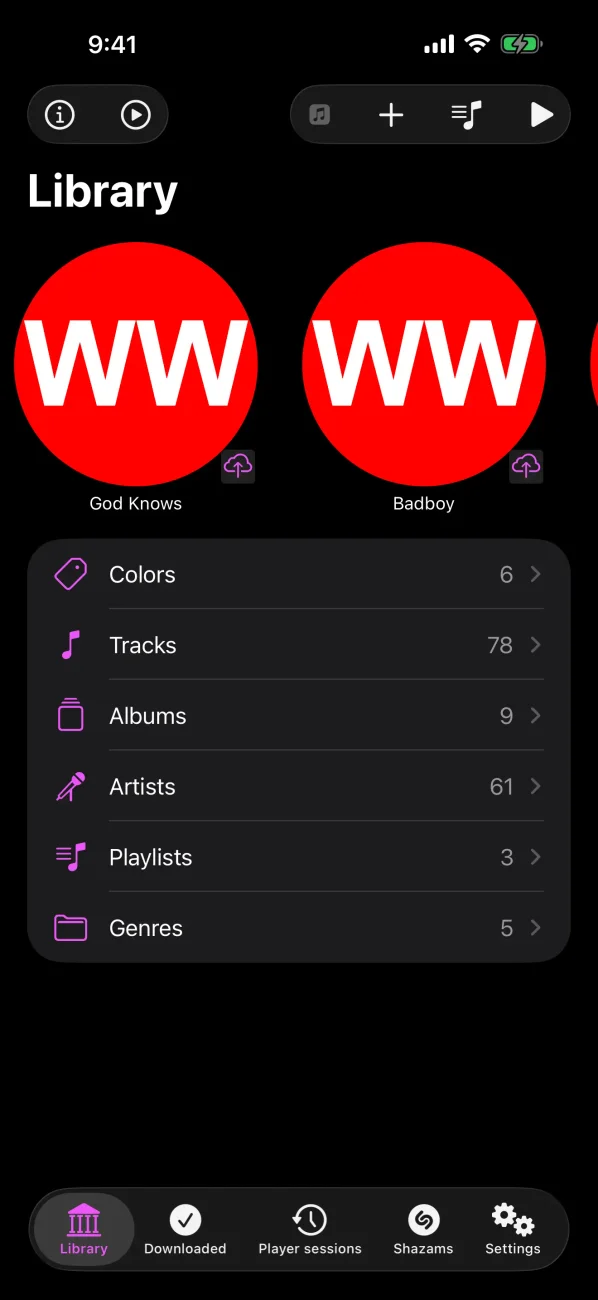
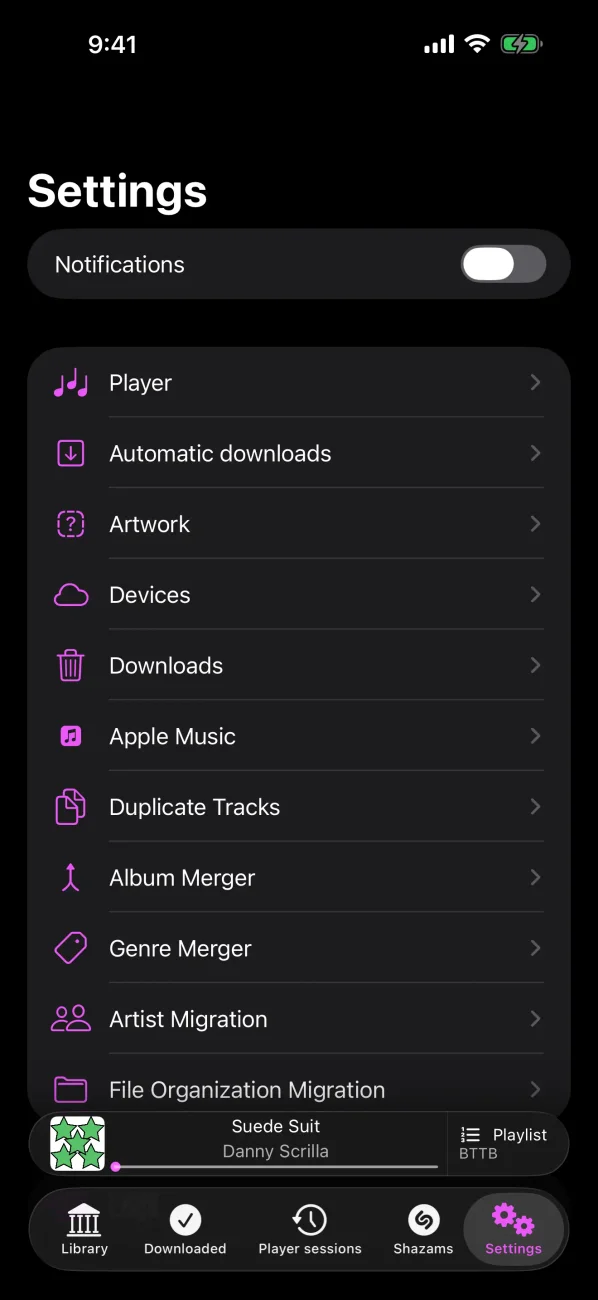
BeatsBuddy is a standalone audio player for iOS, iPadOS, visionOS, watchOS and macOS. It uses iCloud automatically to sync all your tracks metadata and audio data. You can choose on your device which tracks audio data should be downloaded from iCloud.
BeatsBuddy can
- download and play music from your BeatsBuddy iCloud music library
- add and upload tracks to your BeatsBuddy iCloud music library
- add/remove CUE-files to tracks in your BeatsBuddy music library
- add/remove track cover image
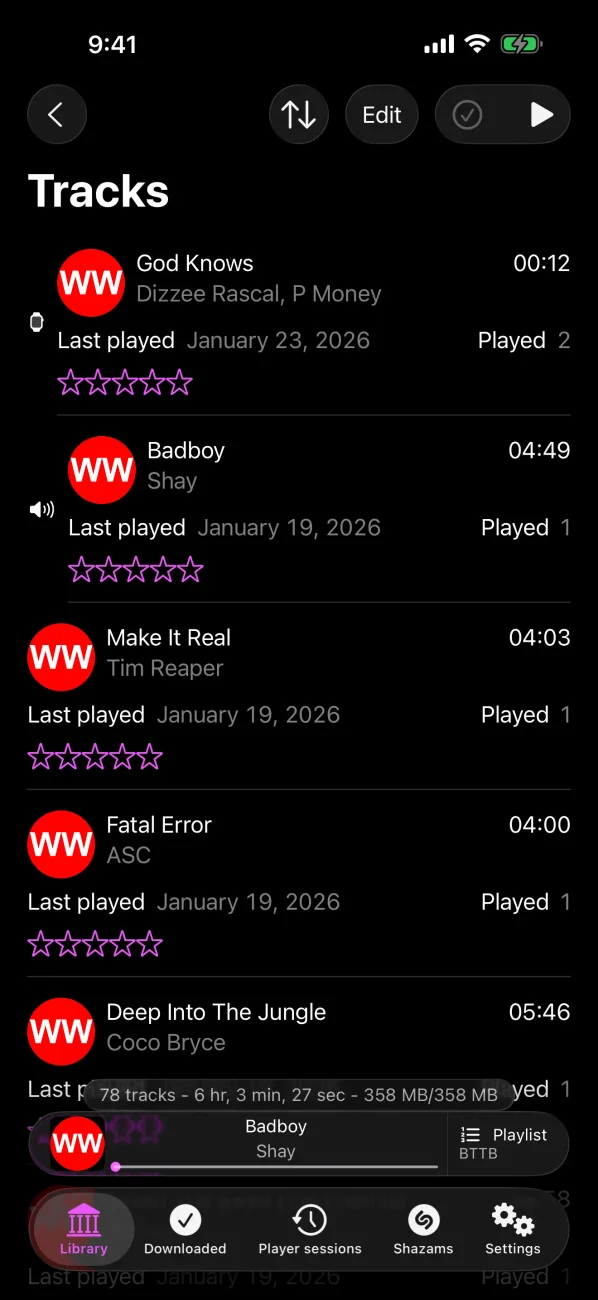
- show all your tracks and their metadata:
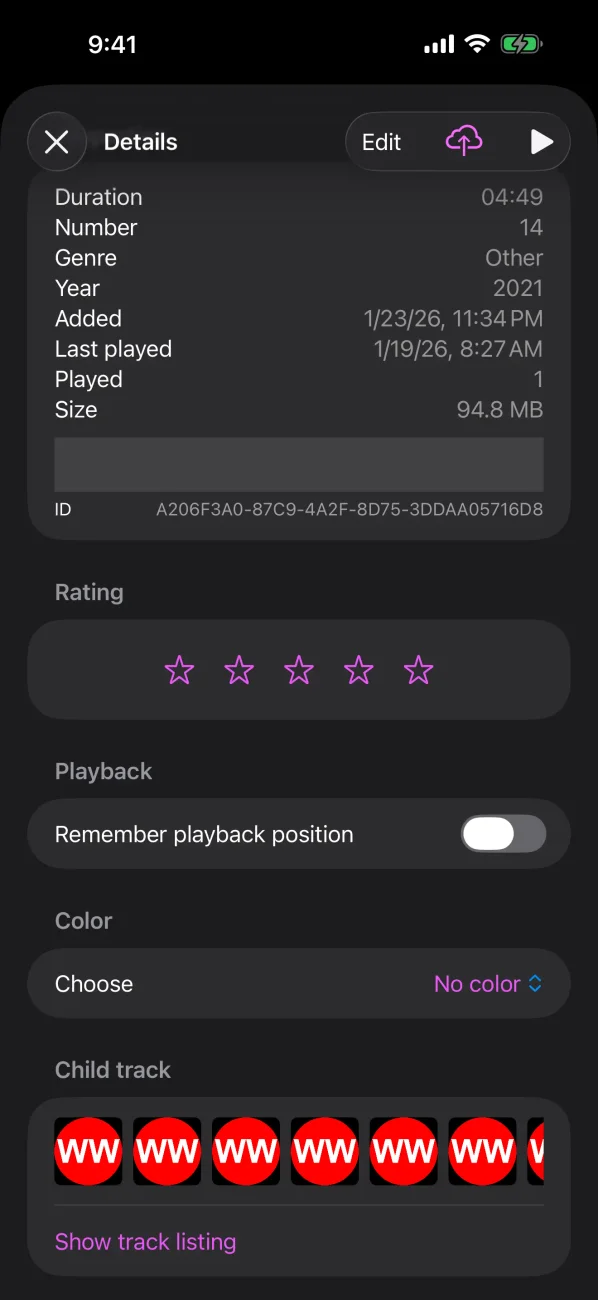
-- cover, title, artist, album, duration, number, genre, year, track listing, tags, added, last played, times played, size and color
-- support for multiple artists per track
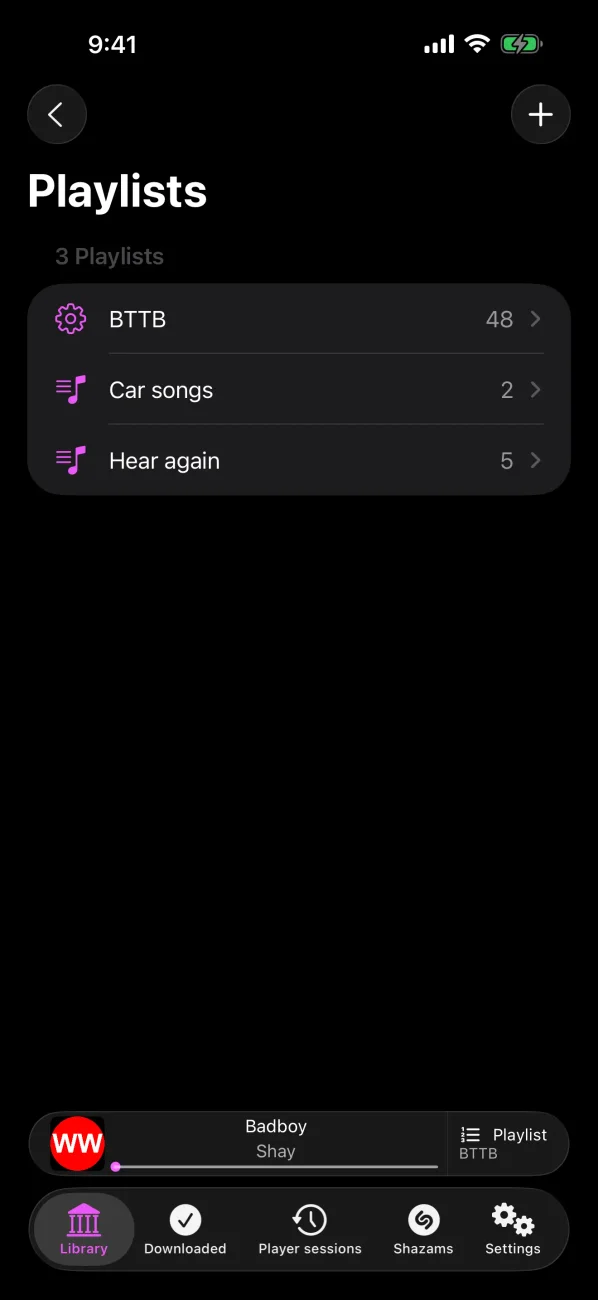
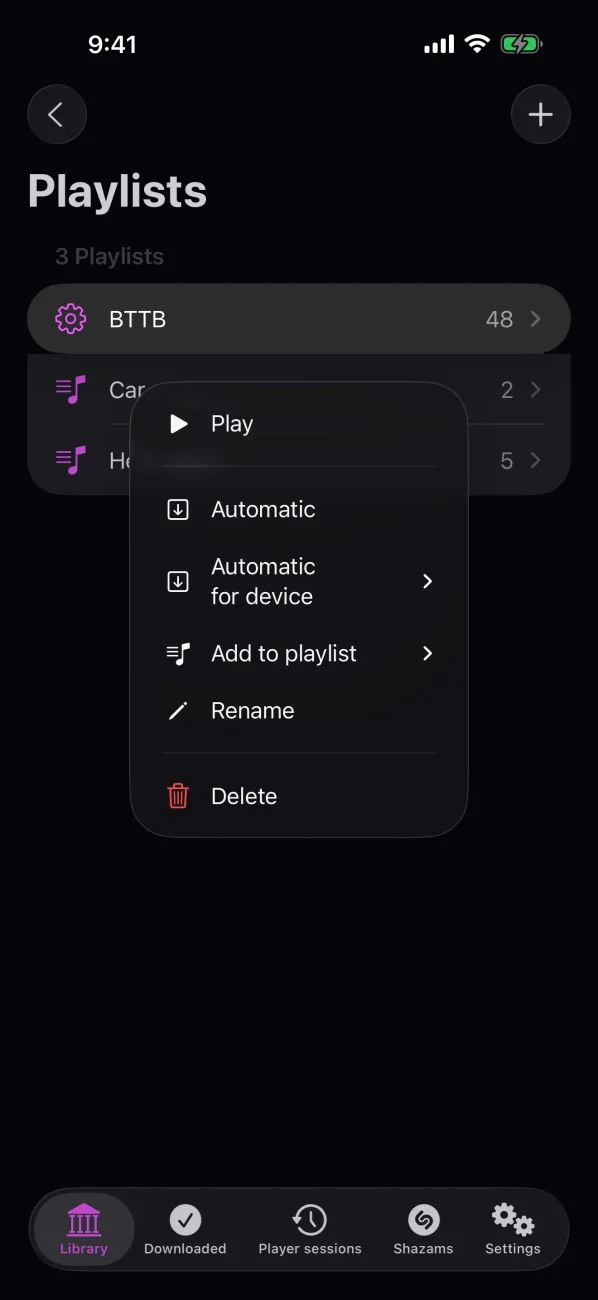
- use and edit your playlists
- use smart playlists
- import music from Files or from your Music Library
- add music with drag & drop
- access audio files via the Files app (iOS/visionOS)
- organize music files with metadata as filename (Artist - Title.mp3) in Artist/Album folder structure
- see what is last played on your other BeatsBuddy devices (in an extra view, in lists and in music player)
- resume played track and queue from another device
- automatic audio data download for artists, albums, playlists, tracks or all tracks
- toggle automatic download for other devices (e.g. if you have a Mac and an iPhone you can activate automatic download for tracks on you iPhone via your Mac)
- merge duplicate albums and genres
- use Shazam to identify a played track and import its metadata
- use Shazam to download missing artwork automatically
- Handoff support
- multi window support on iPadOS
- CarPlay support (iOS)
- Siri integration
- Apple Music support
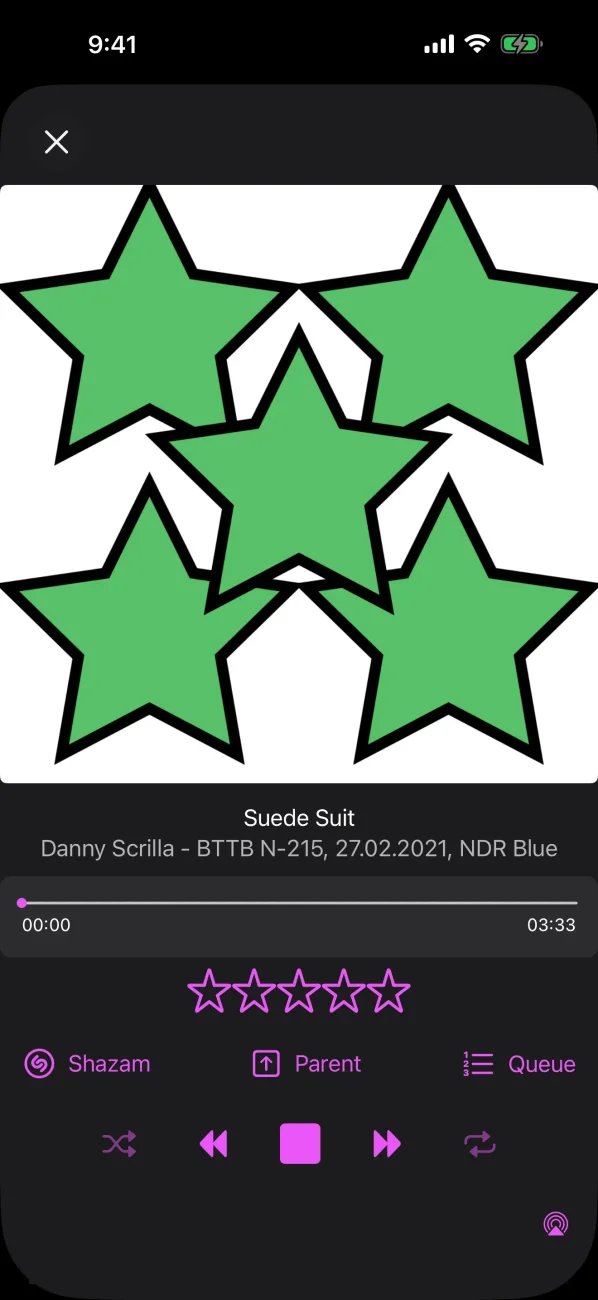
BeatsBuddy music player will show the cover, title, album, artist, duration and duration left. If you have added a track listing (CUE-file) to your track you can also see the positions of the played tracks, their title and artist and progress of tracklisting.
BeatsBuddy will restore your last played item and queue when restarted.
BeatsBuddy does support MP3 and M4A.
You can use BeatsBuddy with up to 30 tracks for free.
What’s new
Version 5.0.0 · Jan 26, 2026
- Multiple artists per track
- audio files can be stored with metadata as name, e.g. Artist - Title.mp3 in Artist/Album folder
- CarPlay support
- Siri integration
- audio files will be accessible via the files app
- Album/Genre merging - deduplicate and merge albums and genres
- bug fixes
App privacy
What Oleg Mueller declares on the App Store about how this app handles data.
-
Data not linked to you
May be collected but is not linked to your identity.
- Diagnostics
Privacy practices may vary, for example with the features you use or your age.
Information
- Seller
- Oleg Mueller
- Category
- Music
- Version
- 5.0.0
- Updated
- Jan 26, 2026
- Released
- Apr 24, 2021
- Size
- 34.6 MB
- Requires
- iOS 26.0 or later
- Age rating
- 4+
- Price
- Free
- In-app purchases
- Yes
- Languages
- English
- Copyright
- © 2025 Oleg Mueller
You might also like
-
 FS Music PlayerMusic
-
 SOLONAS Player WatchStream NAS music, no iPhone
-
 WatchMPlay - Mp3 Music PlayerMusic player Phone and Watch
-
 SoundBar - audio playerListen to music offline
-
 Albums! - Box your MusicFor your Music and Audiobooks
-
 Video4Gig Music Video PlayerMusic
-
 Beat Tap: Measure BPMsSimply determine song tempos
-
 TTPlayer: Offline Music Playerwatch remote playback control
-
 Flash Offline Music PlayerEnjoy loving song MP3&video
-
 Neon - Music with EffectsOffline Background Listening