- Classification d’âge+4
- CatégorieProductivité
- DéveloppeurBRUNA Gontijo
- LanguesAnglais
- Taille44,9 Mo
Renvoie vers la page App Store officielle
Download.org n’héberge aucun fichier de BPaper. Le bouton ouvre la page de l’application sur App Store, où BRUNA Gontijo la publie. Fiche vérifiée pour la dernière fois le 12/11/2026.
Captures d’écran




À propos
Le développeur n’a pas fourni ce texte dans votre langue.
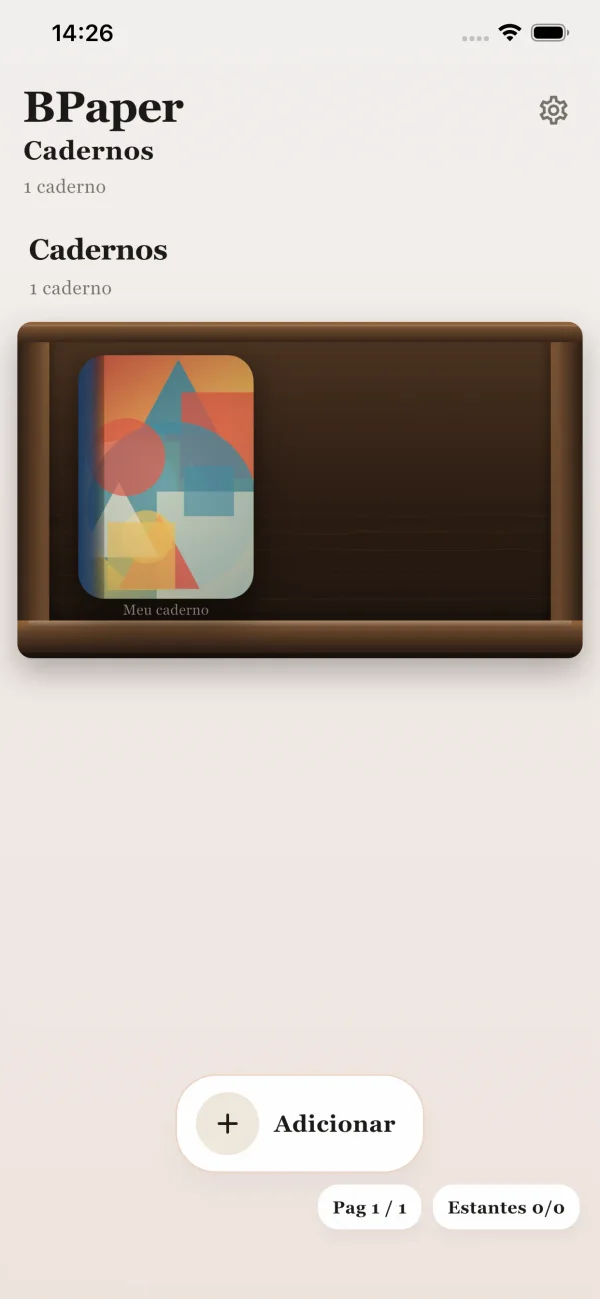
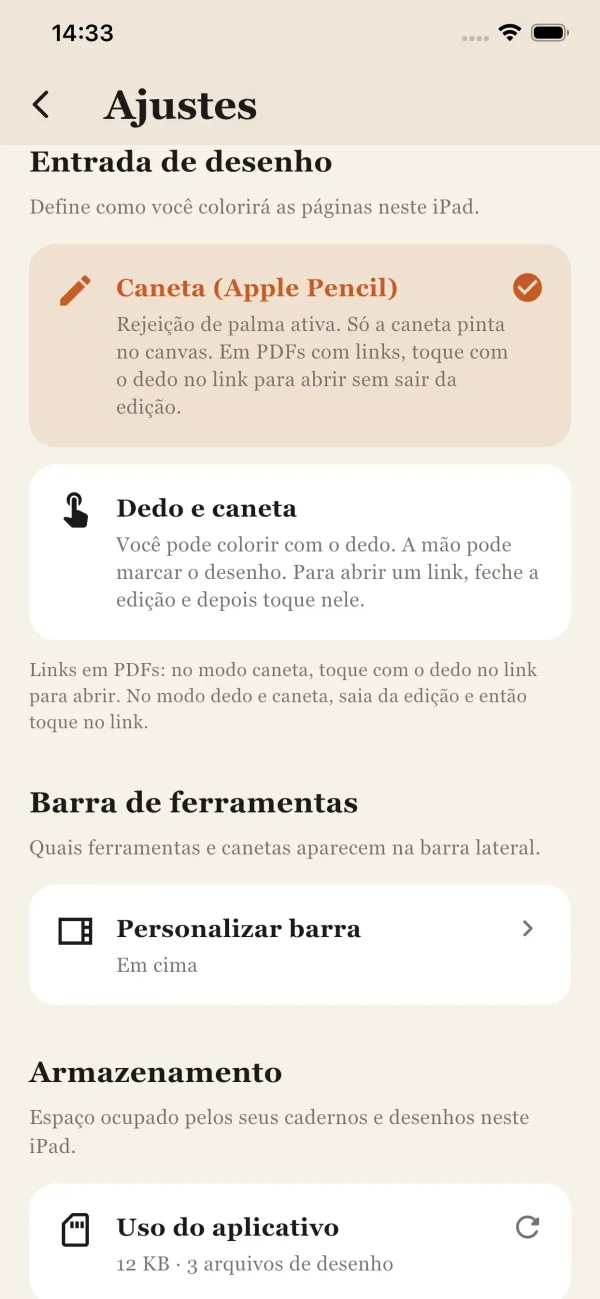
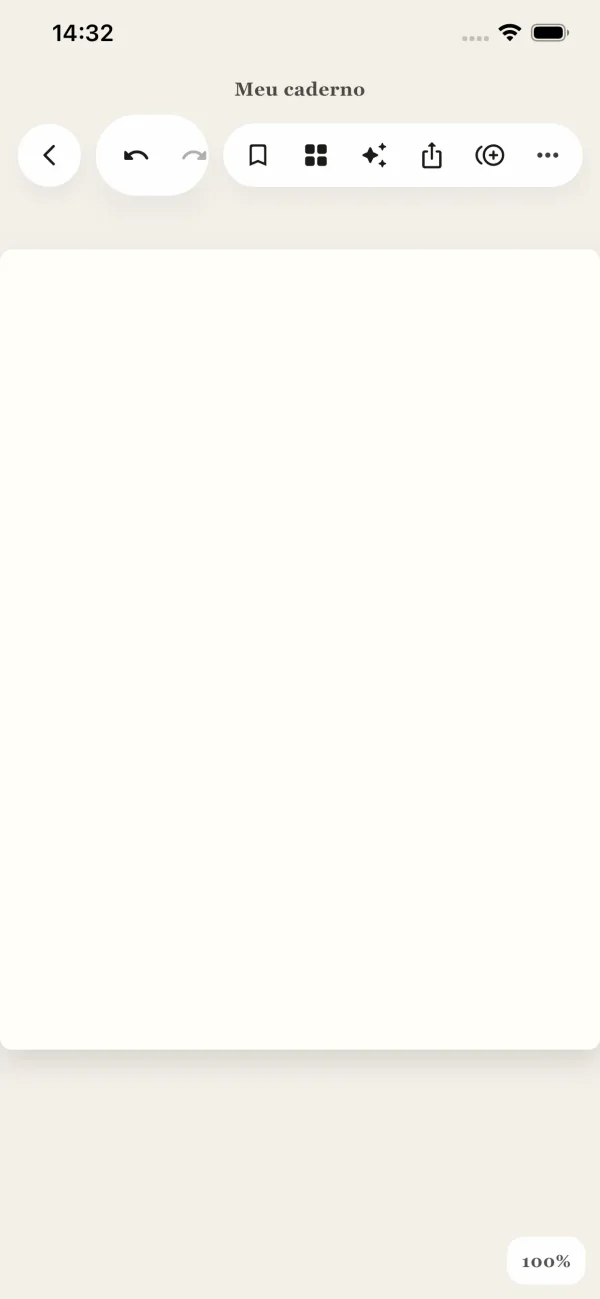
BPaper is your digital notebook for naturally creating, sketching, and organizing ideas—especially on the iPad with Apple Pencil.
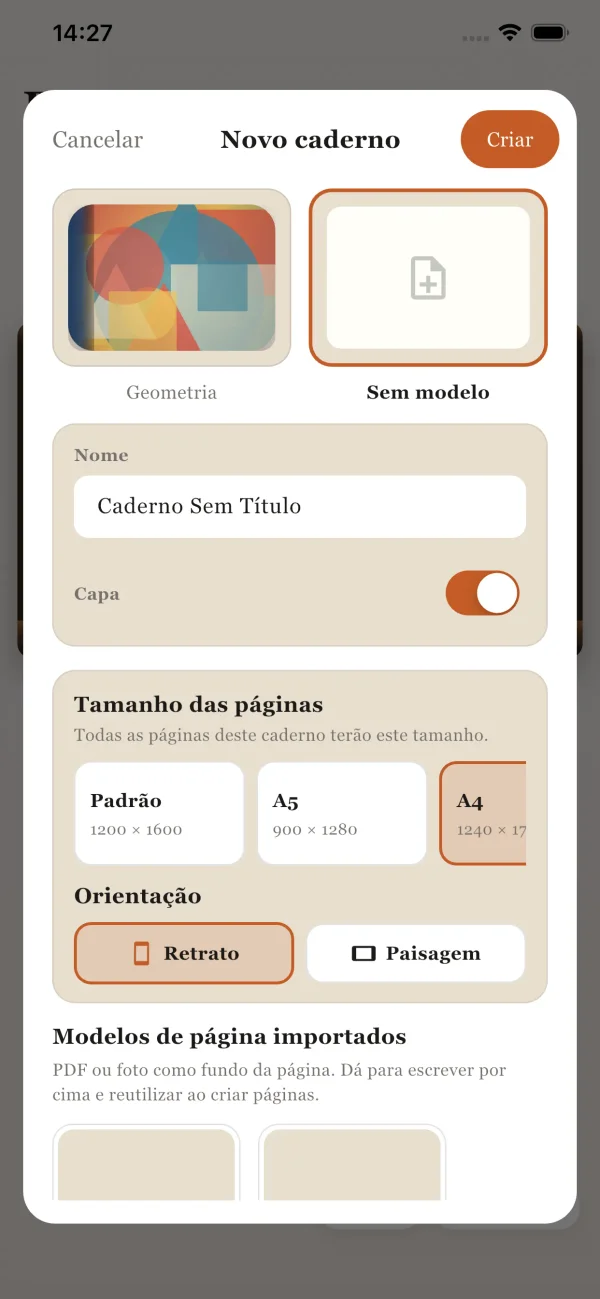
Create notebooks, add blank or patterned pages (lined, grid, dotted), draw using pens, neon markers, and highlighters, and customize colors, thickness, and opacity. Import PDFs, export your work, and add a notebook shortcut to your Home Screen using the cover widget.
Key features
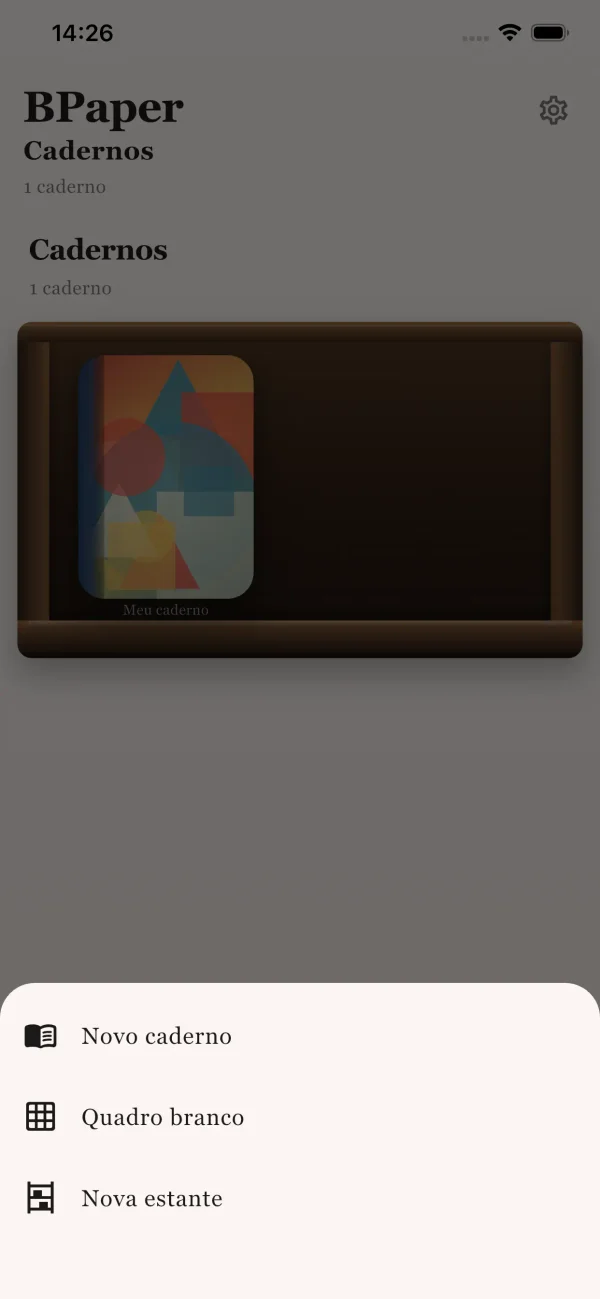
• Notebooks and pages organized your way
• Fluid drawing with Apple Pencil (and finger support)
• Various pens with adjustable color, thickness, and opacity
• Eraser, selection tool, photo support, and clear page function
• Page patterns: blank, lined, grid, and dotted
• PDF import and export
• Home Screen widget displaying the notebook cover
• Customizable toolbar (position, tools, and pens)
• Interface available in Portuguese, English, and Spanish
Your notebooks are stored locally on your device. Some features may require an internet connection, and rewarded ads may be needed to unlock specific actions.
BPaper — the art of creation, right at the tip of your pencil.
Nouveautés
Version 0.6.0 · 15/09/2026
• Area links: draw a rectangle on the page (not tied to strokes or shapes)
• Per-notebook option to show and select link areas (move, resize, cut, paste, and delete)
• Updated Link tool help and “How to Use” guide with step-by-step instructions (select Link, draw area, Create link, pick a page or website)
• Export a page or selection as an image (PNG/JPEG), with preview, 1×/2× resolution, and save to Photos or share (WhatsApp, social apps, students)
• Document tabs: open multiple notebooks at once, switch from the top bar, and close tabs individually
Confidentialité de l’application
Ce que BRUNA Gontijo déclare sur l’App Store au sujet du traitement des données par cette application.
-
Données utilisées pour vous suivre
Peuvent être utilisées pour vous suivre sur des applications et des sites web appartenant à d’autres sociétés.
- Identifiants
- Données d’utilisation
-
Données établissant un lien avec vous
Peuvent être collectées et liées à votre identité.
- Identifiants
- Données d’utilisation
Les pratiques en matière de confidentialité peuvent varier, notamment en fonction des fonctionnalités que vous utilisez ou de votre âge.
Informations
- Vendeur
- BRUNA Gontijo
- Catégorie
- Productivité
- Version
- 0.6.0
- Mis à jour
- 15/09/2026
- Publié
- 10/08/2026
- Taille
- 44,9 Mo
- Nécessite
- iOS 14.0 ou version ultérieure
- Classification d’âge
- +4
- Prix
- Gratuit
- Langues
- Anglais
- Copyright
- © 2026 Aquilib
Vous aimerez peut-être aussi
-
 AINotes : Prise de notes & PDFManuscrit, dessin & toile
-
 NoteApp, Mindmap, PDF: InkNodeProductivité
-
 Mes Notes - Cahier de NoteBloc-notes Liste de Tâches
-
 StarNote: Notes et PDFCarnet et agenda numérique
-
 Pages Blanches — Notes PDFTraitement De Texte & Docs
-
 Notes pour iPad - CarnetBloc-Notes & Planificateur
-
 OrigNotesProductivité
-
 Maratona.appProductivité
-
 Ingresso Nacional - WalletProductivité
-
 Slides: Créateur de Slides IACréez des slides avec l'IA