BPaper
Caderno digital - BPaper
Dirancang untuk iPhone, iPad, iPod touch
Gratis
- Batasan usia+4
- KategoriProduktivitas
- PengembangBRUNA Gontijo
- BahasaInggris
- Ukuran44,9 MB
Tertaut ke halaman resmi App Store
Download.org tidak menyimpan file BPaper apa pun. Tombol ini membuka halaman aplikasi di App Store, tempat BRUNA Gontijo menerbitkannya. Halaman terakhir diperiksa pada 12/11/2026.
Tangkapan layar


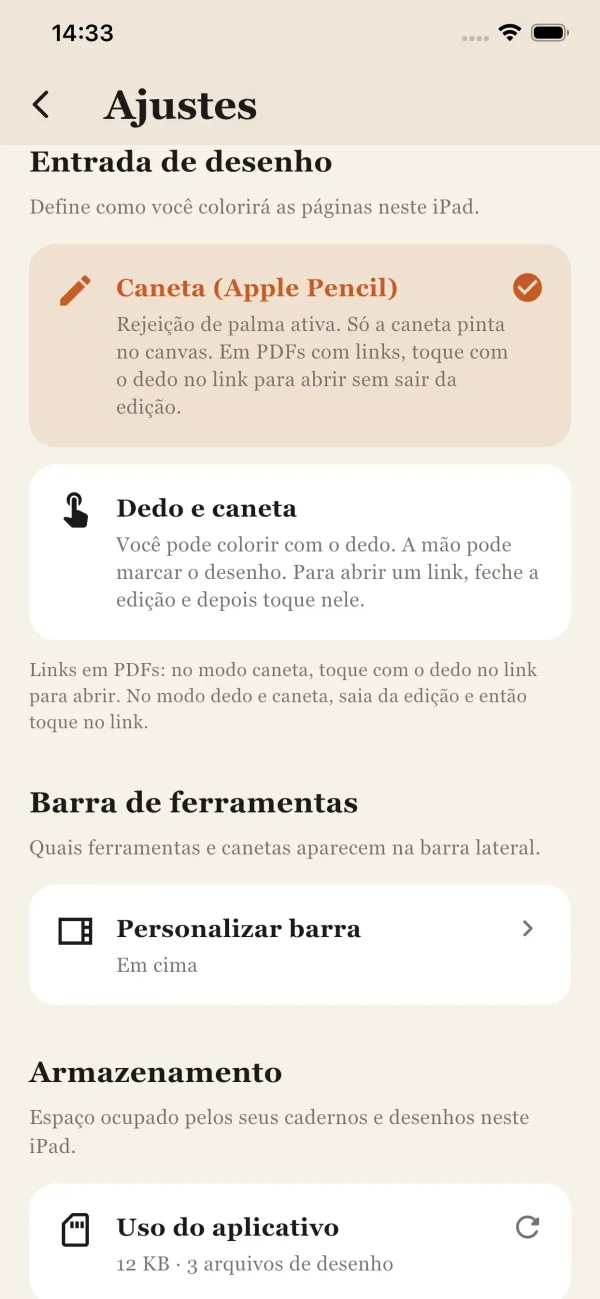


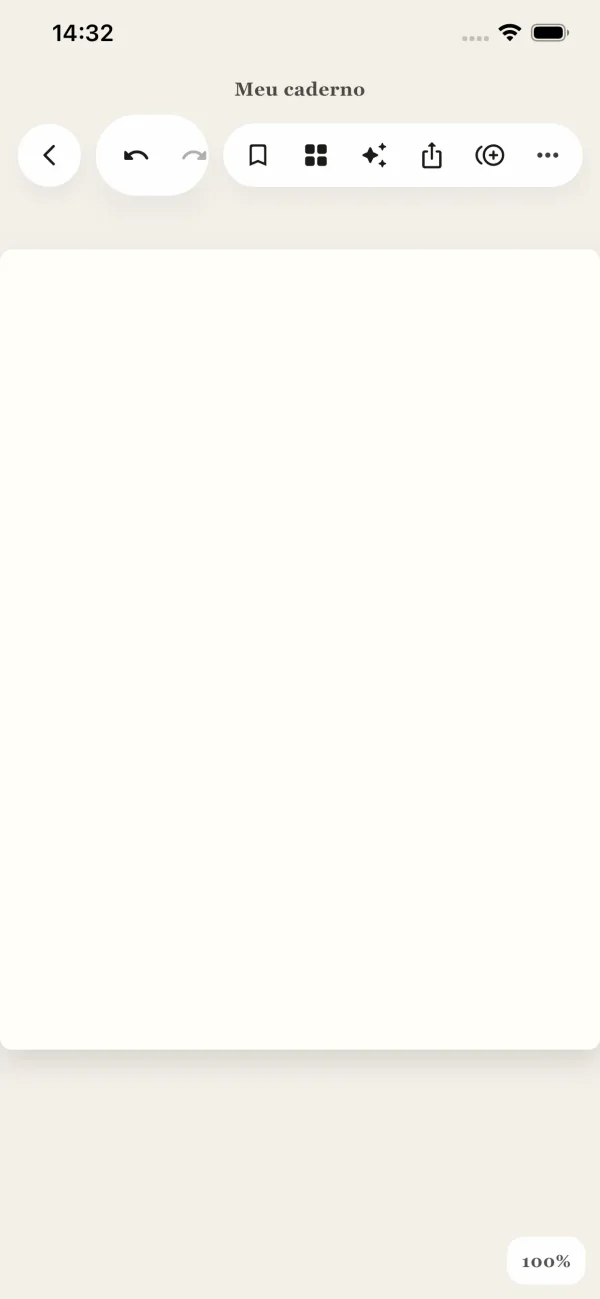
Tentang
Pengembang belum menyediakan teks ini dalam bahasa Anda.
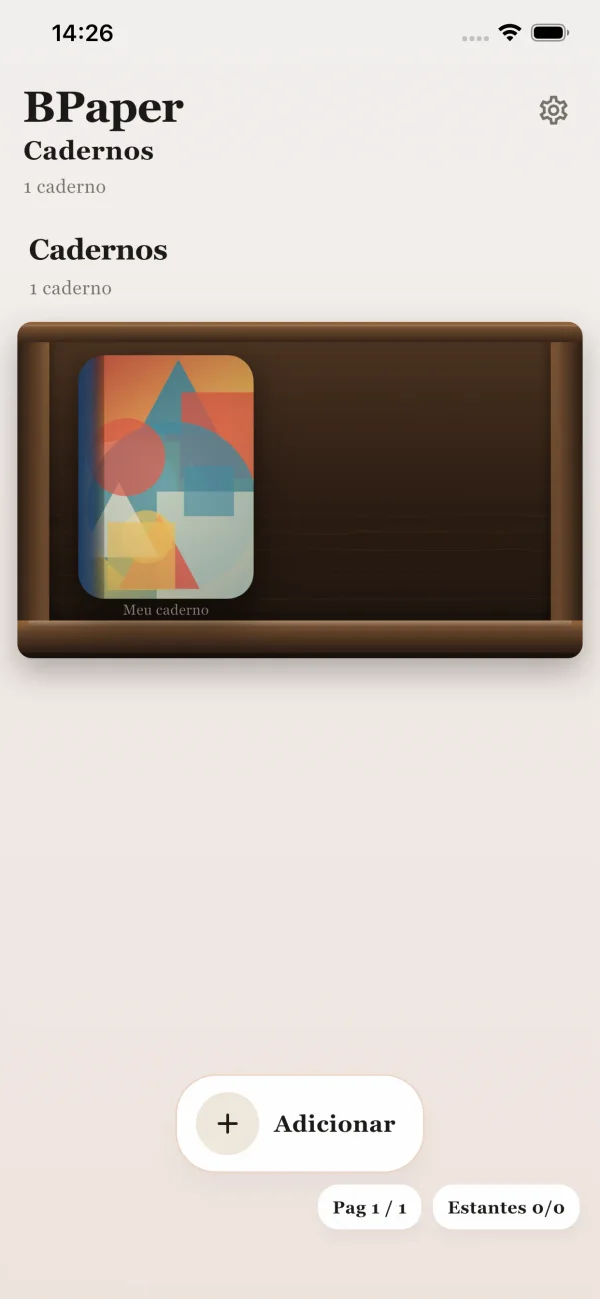
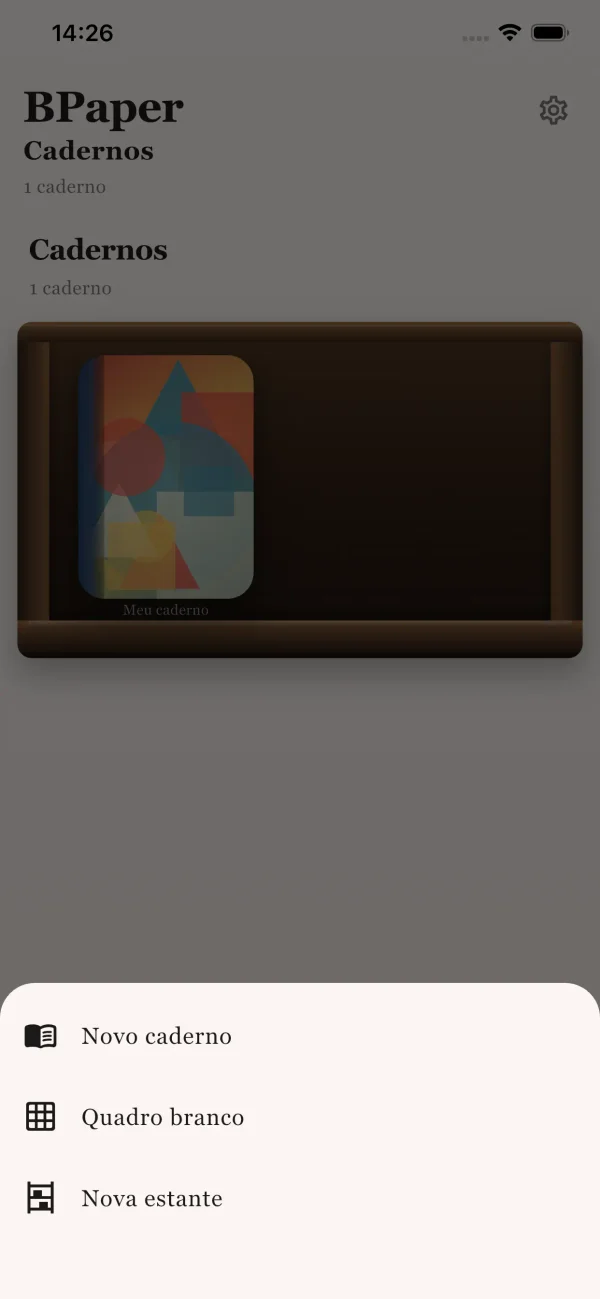
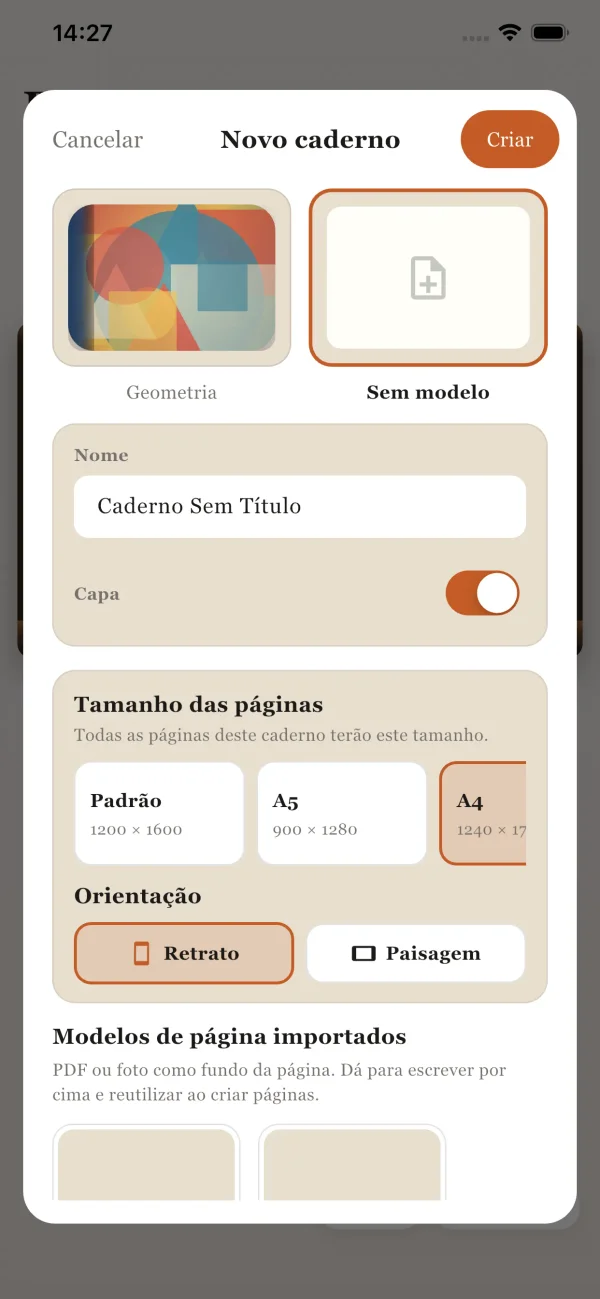
BPaper is your digital notebook for naturally creating, sketching, and organizing ideas—especially on the iPad with Apple Pencil.
Create notebooks, add blank or patterned pages (lined, grid, dotted), draw using pens, neon markers, and highlighters, and customize colors, thickness, and opacity. Import PDFs, export your work, and add a notebook shortcut to your Home Screen using the cover widget.
Key features
• Notebooks and pages organized your way
• Fluid drawing with Apple Pencil (and finger support)
• Various pens with adjustable color, thickness, and opacity
• Eraser, selection tool, photo support, and clear page function
• Page patterns: blank, lined, grid, and dotted
• PDF import and export
• Home Screen widget displaying the notebook cover
• Customizable toolbar (position, tools, and pens)
• Interface available in Portuguese, English, and Spanish
Your notebooks are stored locally on your device. Some features may require an internet connection, and rewarded ads may be needed to unlock specific actions.
BPaper — the art of creation, right at the tip of your pencil.
Yang baru
Versi 0.6.0 · 15/9/2026
• Area links: draw a rectangle on the page (not tied to strokes or shapes)
• Per-notebook option to show and select link areas (move, resize, cut, paste, and delete)
• Updated Link tool help and “How to Use” guide with step-by-step instructions (select Link, draw area, Create link, pick a page or website)
• Export a page or selection as an image (PNG/JPEG), with preview, 1×/2× resolution, and save to Photos or share (WhatsApp, social apps, students)
• Document tabs: open multiple notebooks at once, switch from the top bar, and close tabs individually
Privasi aplikasi
Yang dinyatakan BRUNA Gontijo di App Store tentang cara aplikasi ini menangani data.
-
Data yang digunakan untuk melacak Anda
Dapat digunakan untuk melacak Anda di aplikasi dan situs web milik perusahaan lain.
- Pengenal
- Data penggunaan
-
Data yang ditautkan dengan Anda
Dapat dikumpulkan dan ditautkan dengan identitas Anda.
- Pengenal
- Data penggunaan
Praktik privasi dapat bervariasi, misalnya berdasarkan fitur yang Anda gunakan atau usia Anda.
Informasi
- Penjual
- BRUNA Gontijo
- Kategori
- Produktivitas
- Versi
- 0.6.0
- Diperbarui
- 15/9/2026
- Dirilis
- 10/8/2026
- Ukuran
- 44,9 MB
- Memerlukan
- iOS 14.0 atau yang lebih baru
- Batasan usia
- +4
- Harga
- Gratis
- Bahasa
- Inggris
- Hak cipta
- © 2026 Aquilib
Mungkin Anda juga suka
-
 AINotes: Catatan & PDFTulisan Tangan & Kanvas
-
 NoteApp, Mindmap, PDF: InkNodeProduktivitas
-
 Buku Catatan Saya Daftar TugasMencatat Suara Memo Cepat
-
 StarNote: Catatan & PDFTulis Tangan & Rekam Audio
-
 Digital Notebook - Note TakingProduktivitas
-
 Notes for iPad - Pencil NotesProduktivitas
-
 OrigNotesProduktivitas
-
 Maratona.appProduktivitas
-
 Ingresso Nacional - WalletProduktivitas
-
 Slides AI: Pembuat Slide AIBuat slide cepat pakai AI