BPaper
Caderno digital - BPaper
Entwickelt für iPhone, iPad, iPod touch
Kostenlos
- Altersfreigabe+4
- KategorieProduktivität
- EntwicklerBRUNA Gontijo
- SprachenEnglisch
- Größe44,9 MB
Verlinkt auf die offizielle App Store-Seite
Download.org hostet keine Datei von BPaper. Die Schaltfläche öffnet die App-Seite bei App Store, wo BRUNA Gontijo die App veröffentlicht. Eintrag zuletzt geprüft am 12.11.2026.
Screenshots




Info
Der Entwickler hat diesen Text nicht in Ihrer Sprache bereitgestellt.
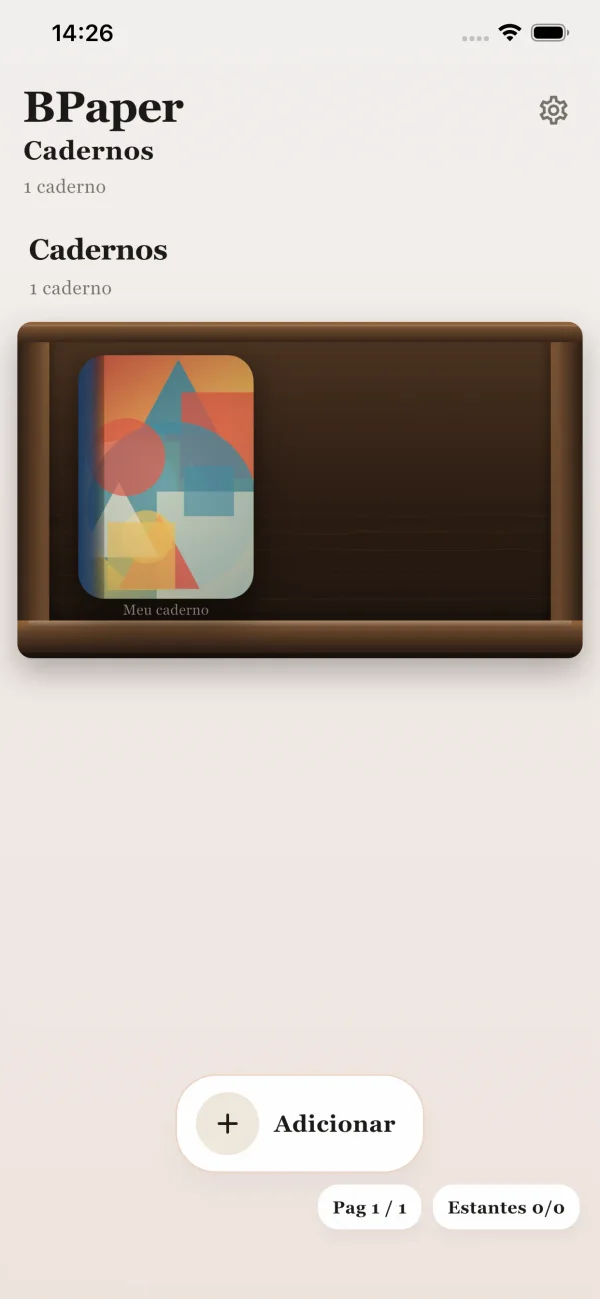
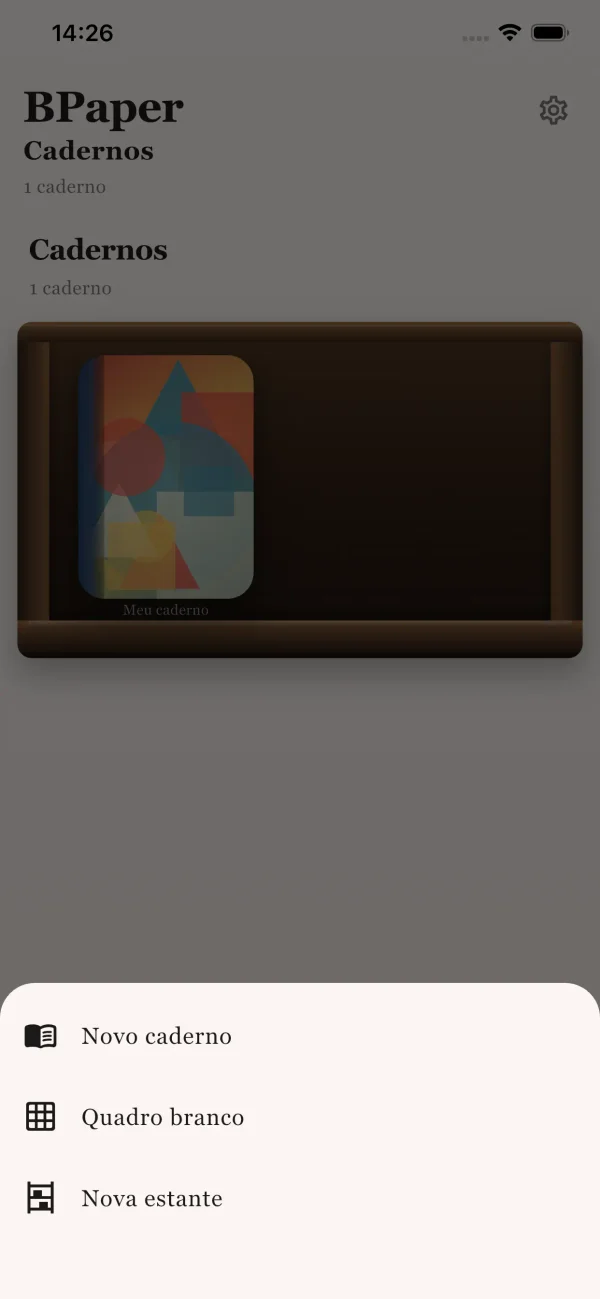
BPaper is your digital notebook for naturally creating, sketching, and organizing ideas—especially on the iPad with Apple Pencil.
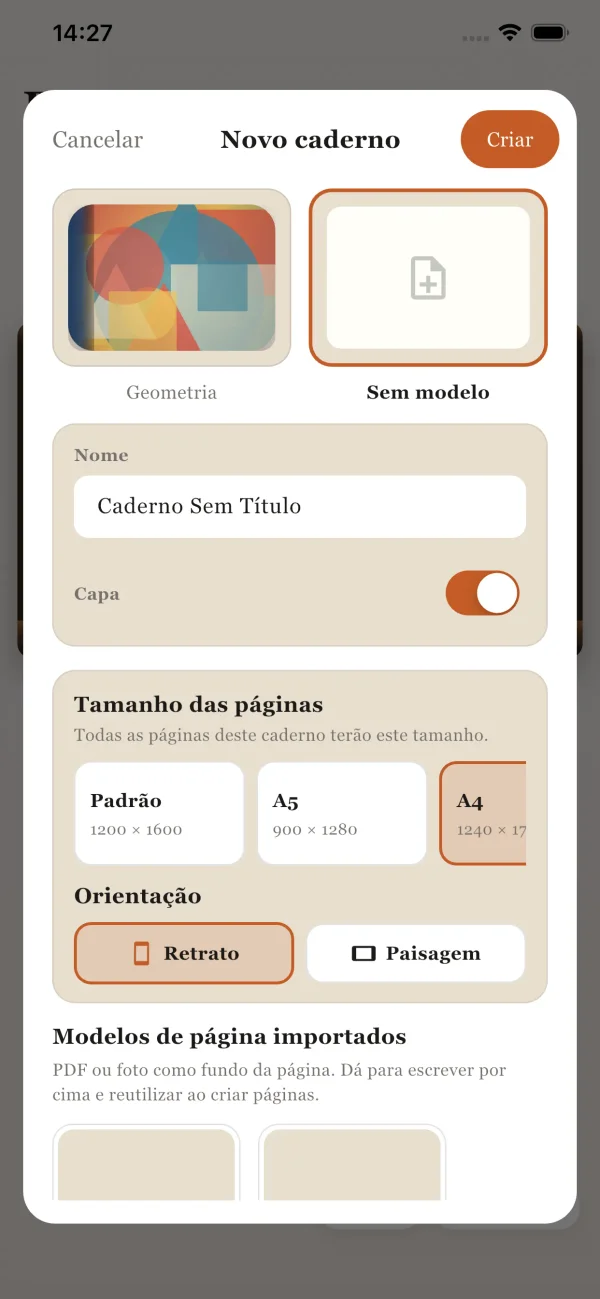
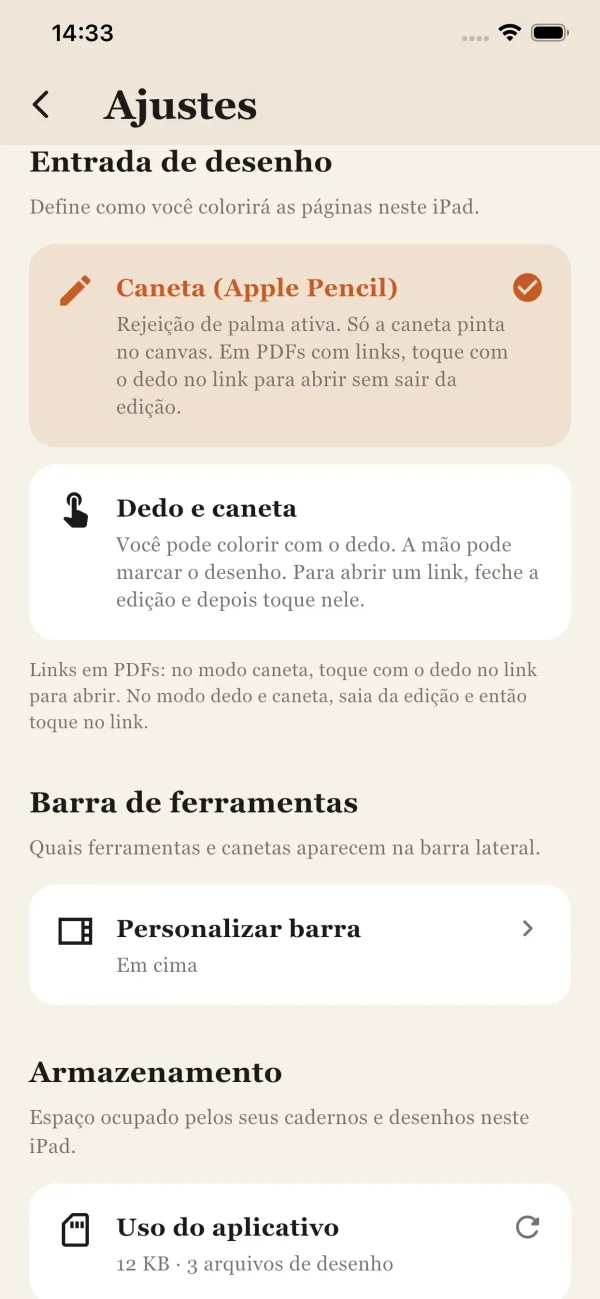
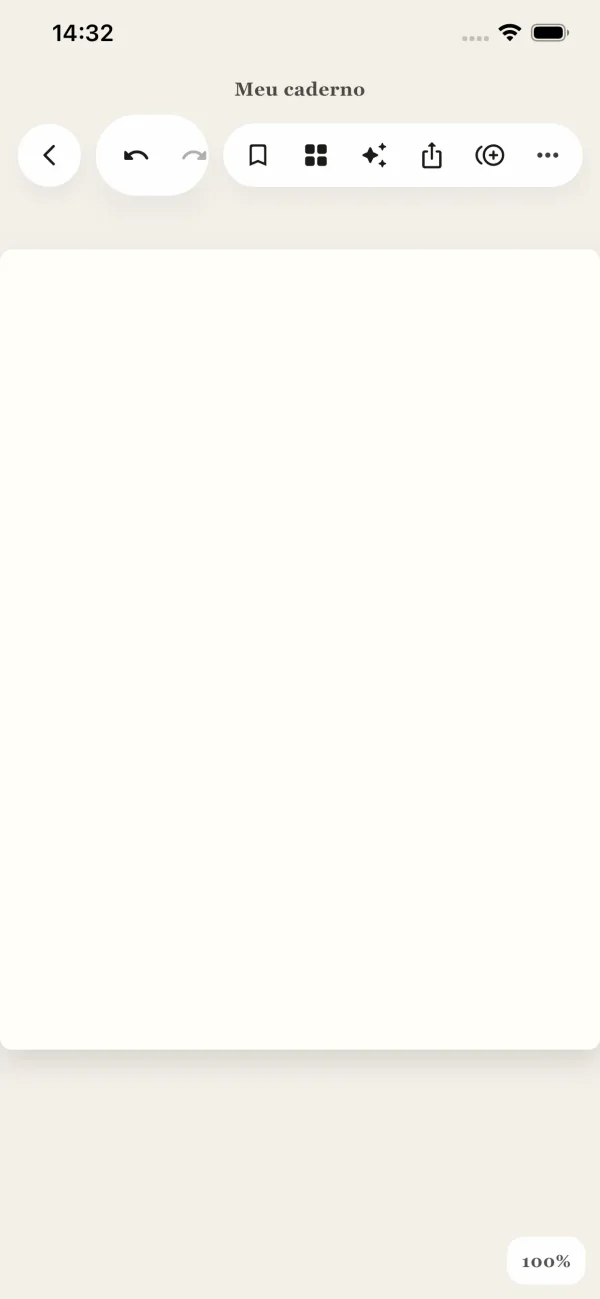
Create notebooks, add blank or patterned pages (lined, grid, dotted), draw using pens, neon markers, and highlighters, and customize colors, thickness, and opacity. Import PDFs, export your work, and add a notebook shortcut to your Home Screen using the cover widget.
Key features
• Notebooks and pages organized your way
• Fluid drawing with Apple Pencil (and finger support)
• Various pens with adjustable color, thickness, and opacity
• Eraser, selection tool, photo support, and clear page function
• Page patterns: blank, lined, grid, and dotted
• PDF import and export
• Home Screen widget displaying the notebook cover
• Customizable toolbar (position, tools, and pens)
• Interface available in Portuguese, English, and Spanish
Your notebooks are stored locally on your device. Some features may require an internet connection, and rewarded ads may be needed to unlock specific actions.
BPaper — the art of creation, right at the tip of your pencil.
Neue Funktionen
Version 0.6.0 · 15.09.2026
• Area links: draw a rectangle on the page (not tied to strokes or shapes)
• Per-notebook option to show and select link areas (move, resize, cut, paste, and delete)
• Updated Link tool help and “How to Use” guide with step-by-step instructions (select Link, draw area, Create link, pick a page or website)
• Export a page or selection as an image (PNG/JPEG), with preview, 1×/2× resolution, and save to Photos or share (WhatsApp, social apps, students)
• Document tabs: open multiple notebooks at once, switch from the top bar, and close tabs individually
App-Datenschutz
Was BRUNA Gontijo im App Store zum Umgang dieser App mit Daten angibt.
-
Daten, die zum Tracking Ihrer Person verwendet werden
Können verwendet werden, um Sie über Apps und Websites anderer Unternehmen hinweg zu verfolgen.
- Kennungen
- Nutzungsdaten
-
Mit Ihnen verknüpfte Daten
Können erfasst und mit Ihrer Identität verknüpft werden.
- Kennungen
- Nutzungsdaten
Die Datenschutzpraktiken können variieren, zum Beispiel je nach den von Ihnen verwendeten Funktionen oder Ihrem Alter.
Informationen
- Anbieter
- BRUNA Gontijo
- Kategorie
- Produktivität
- Version
- 0.6.0
- Aktualisiert
- 15.09.2026
- Veröffentlicht
- 10.08.2026
- Größe
- 44,9 MB
- Erfordert
- iOS 14.0 oder neuer
- Altersfreigabe
- +4
- Preis
- Kostenlos
- Sprachen
- Englisch
- Copyright
- © 2026 Aquilib
Das könnte Ihnen auch gefallen
-
 AINotes: Notizen & PDFHandschrift, Zeichnen & OCR
-
 NoteApp, Mindmap, PDF: InkNodeProduktivität
-
 Meine Notizen Notizbuch ListenNotizblock mit Checklisten
-
 StarNote: Notizen & PDFHandschrift & Audioaufnahmen
-
 Digitales Notizbuch: PDF TafelSchreibprogramm für Lernplan
-
 Notizen für iPad - NotizbuchPlaner & Tagesplaner
-
 OrigNotesProduktivität
-
 Maratona.appProduktivität
-
 Ingresso Nacional - WalletProduktivität
-
 Slides: KI-PräsentationstoolSchnell Folien per KI