
- Classification d’âge4+
- CatégorieStyle de vie
- DéveloppeurLee Minku
- LanguesAnglais+ 2 de plus
- Taille5,3 Mo
Renvoie vers la page App Store officielle
Download.org n’héberge aucun fichier de Cam.G. Le bouton ouvre la page de l’application sur App Store, où Lee Minku la publie. Fiche vérifiée pour la dernière fois le 17/11/2026.
Captures d’écran
À propos
Le développeur n’a pas fourni ce texte dans votre langue.
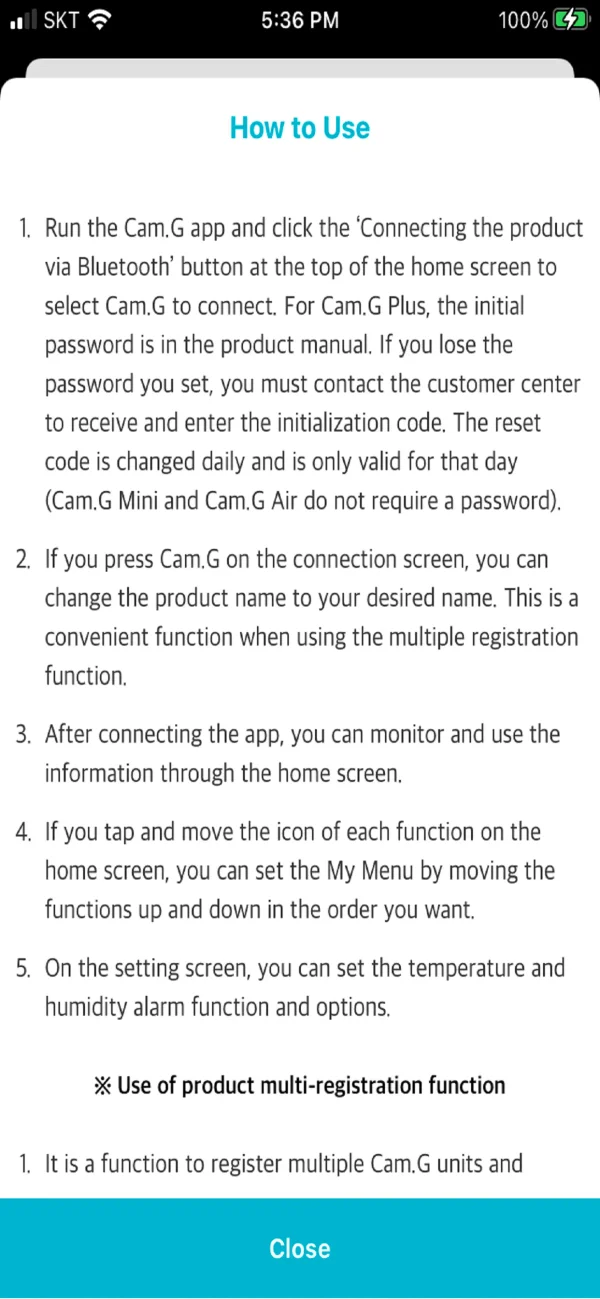
I. Cam.G Help
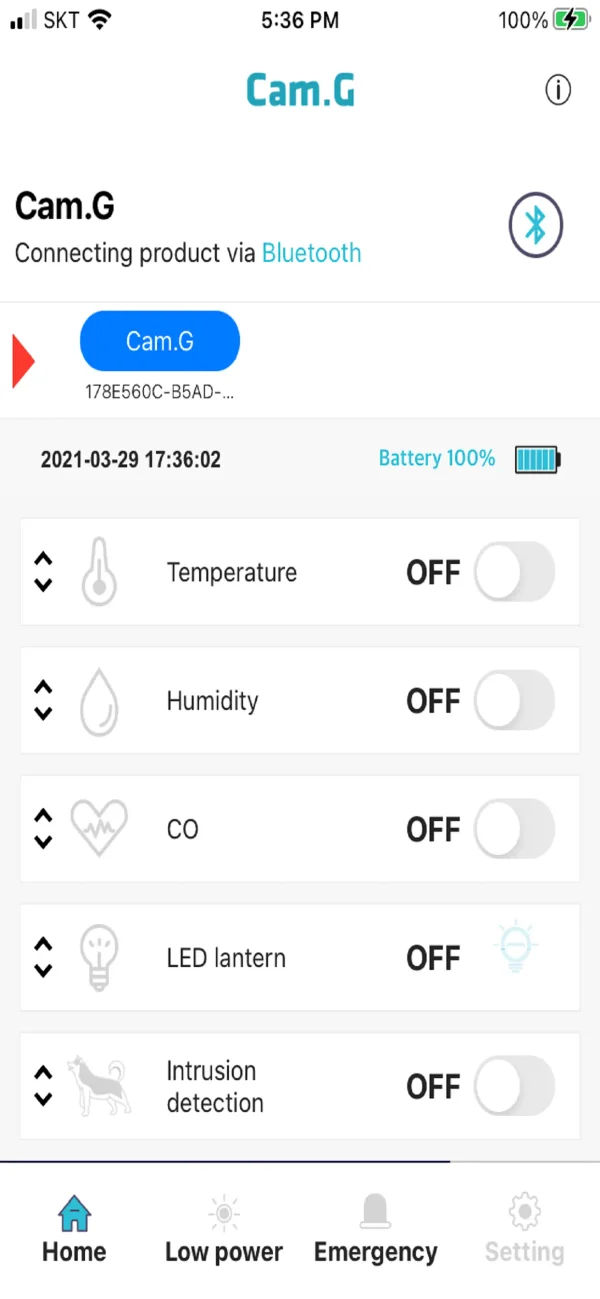
1. Run the Cam.G app and click the ‘Connecting the product via Bluetooth’ button at the top of the home screen to select Cam.G to connect. For Cam.G Plus, the initial password is in the product manual. If you lose the password you set, you must contact the customer center to receive and enter the initialization code. The reset code is changed daily and is only valid for that day (Cam.G Mini and Cam.G Air do not require a password).
2. If you press Cam.G on the connection screen, you can change the product name to your desired name. This is a convenient function when using the multiple registration function.
3. After connecting the app, you can monitor and use the information through the home screen.
4. If you tap and move the icon of each function on the home screen, you can set the My Menu by moving the functions up and down in the order you want.
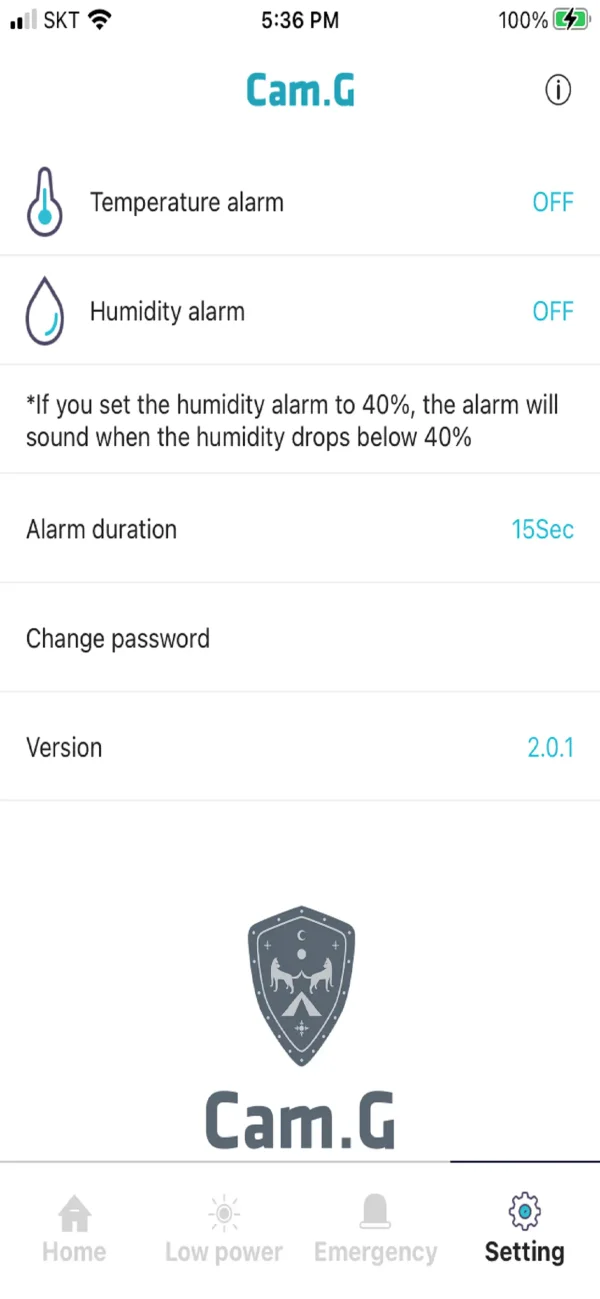
5. On the setting screen, you can set the temperature and humidity alarm function and options.
* If you install and run the app but it does not run and the app crashes, please reset the iPhone Settings → General → Reset → Reset All Settings.
II. Use of product multi-registration function
1. It is a function to register multiple Cam.G units and connect them to move.
2. Click the ‘Connecting the product via Bluetooth’ button to display a list of products that can be registered. At this time, if you select and connect the desired device, the connected product is registered at the top of the home screen, so you can conveniently connect the product.
3. If you want to disconnect a specific product after multiple product registration, you can delete the registration by long pressing the name of the connected product. If you delete a connected product, it is automatically connected to the next device in the list, and the name of the connected product moves to the front of the list.
* Cam.G, which was released before Cam.G Plus, does not provide product multi-registration.
Nouveautés
Version 2.4.0 · 25/09/2024
Cam.G new version response and code error correction
Confidentialité de l’application
Ce que Lee Minku déclare sur l’App Store au sujet du traitement des données par cette application.
-
Données non collectées
Le développeur ne collecte aucune donnée à partir de cette application.
Les pratiques en matière de confidentialité peuvent varier, notamment en fonction des fonctionnalités que vous utilisez ou de votre âge.
Informations
- Vendeur
- Lee Minku
- Catégorie
- Style de vie
- Version
- 2.4.0
- Mis à jour
- 25/09/2024
- Publié
- 01/02/2018
- Taille
- 5,3 Mo
- Nécessite
- iOS 14.0 ou version ultérieure
- Classification d’âge
- 4+
- Prix
- Gratuit
- Langues
- Anglais, Japonais, Coréen
- Copyright
- © 2024 CPDGROUP