
- Batasan usia4+
- KategoriGaya Hidup
- PengembangLee Minku
- BahasaInggris+ 2 lainnya
- Ukuran5,3 MB
Tertaut ke halaman resmi App Store
Download.org tidak menyimpan file Cam.G apa pun. Tombol ini membuka halaman aplikasi di App Store, tempat Lee Minku menerbitkannya. Halaman terakhir diperiksa pada 17/11/2026.
Tangkapan layar
Tentang
Pengembang belum menyediakan teks ini dalam bahasa Anda.
I. Cam.G Help
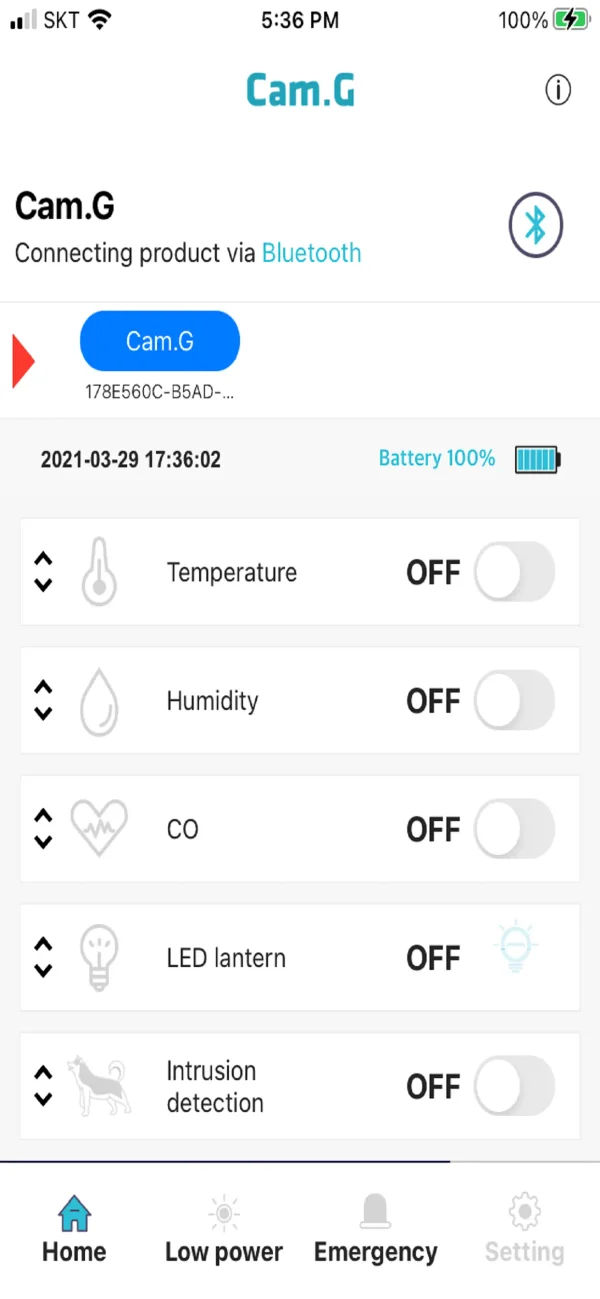
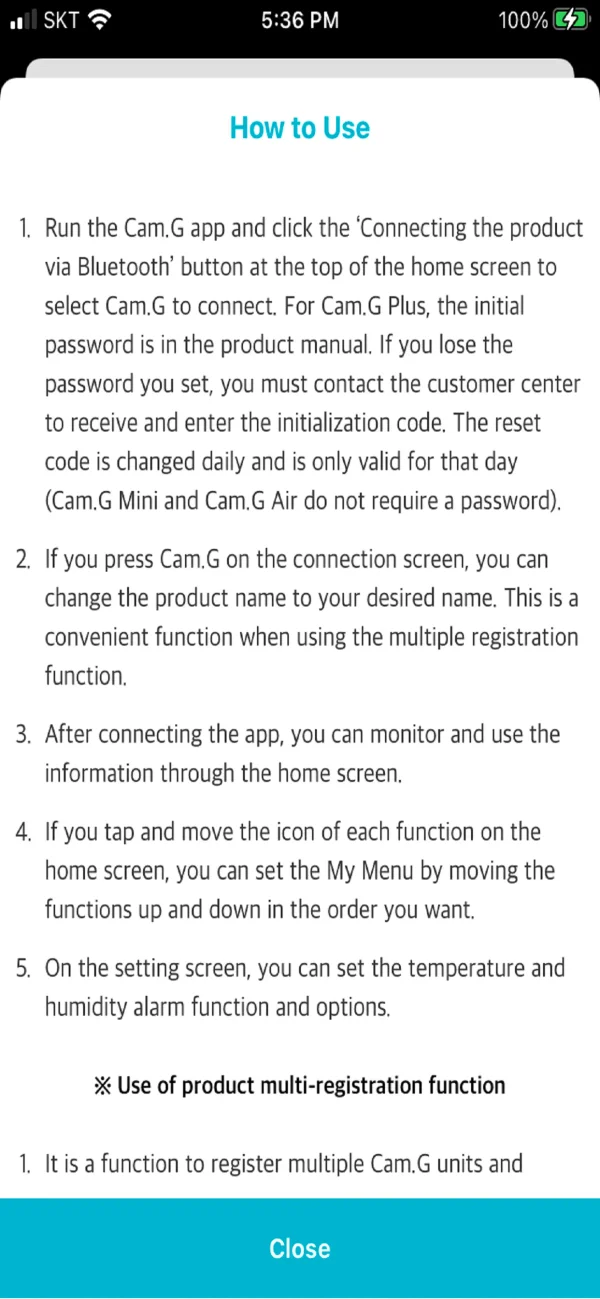
1. Run the Cam.G app and click the ‘Connecting the product via Bluetooth’ button at the top of the home screen to select Cam.G to connect. For Cam.G Plus, the initial password is in the product manual. If you lose the password you set, you must contact the customer center to receive and enter the initialization code. The reset code is changed daily and is only valid for that day (Cam.G Mini and Cam.G Air do not require a password).
2. If you press Cam.G on the connection screen, you can change the product name to your desired name. This is a convenient function when using the multiple registration function.
3. After connecting the app, you can monitor and use the information through the home screen.
4. If you tap and move the icon of each function on the home screen, you can set the My Menu by moving the functions up and down in the order you want.
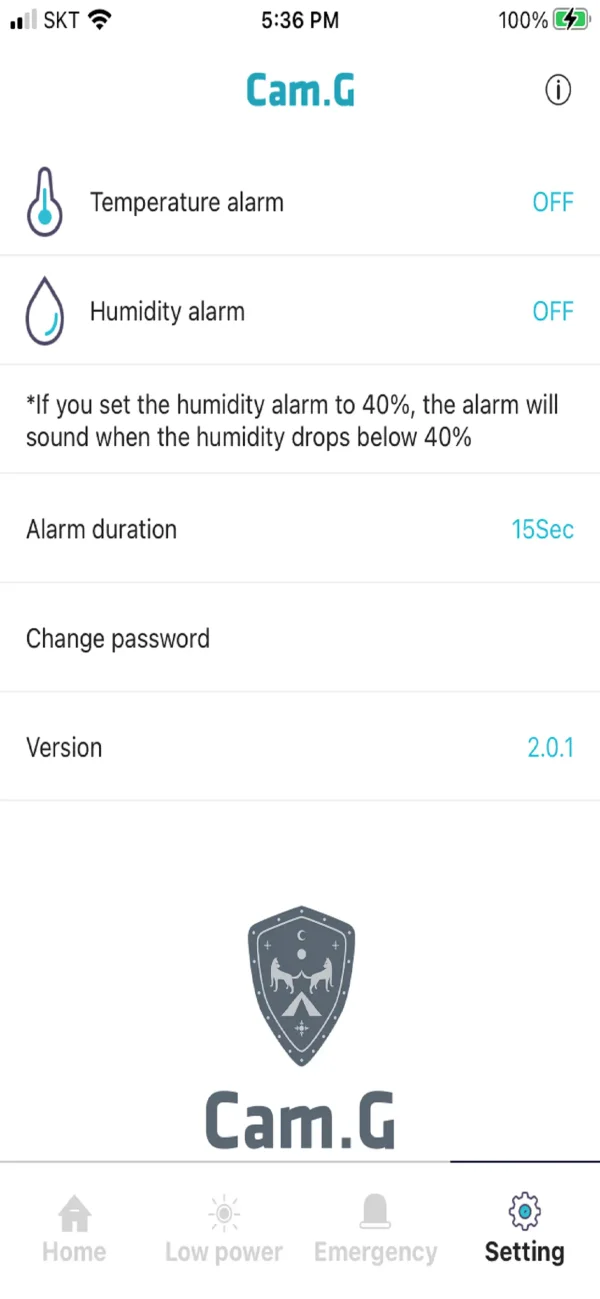
5. On the setting screen, you can set the temperature and humidity alarm function and options.
* If you install and run the app but it does not run and the app crashes, please reset the iPhone Settings → General → Reset → Reset All Settings.
II. Use of product multi-registration function
1. It is a function to register multiple Cam.G units and connect them to move.
2. Click the ‘Connecting the product via Bluetooth’ button to display a list of products that can be registered. At this time, if you select and connect the desired device, the connected product is registered at the top of the home screen, so you can conveniently connect the product.
3. If you want to disconnect a specific product after multiple product registration, you can delete the registration by long pressing the name of the connected product. If you delete a connected product, it is automatically connected to the next device in the list, and the name of the connected product moves to the front of the list.
* Cam.G, which was released before Cam.G Plus, does not provide product multi-registration.
Yang baru
Versi 2.4.0 · 25/9/2024
Cam.G new version response and code error correction
Privasi aplikasi
Yang dinyatakan Lee Minku di App Store tentang cara aplikasi ini menangani data.
-
Data tidak dikumpulkan
Pengembang tidak mengumpulkan data apa pun dari aplikasi ini.
Praktik privasi dapat bervariasi, misalnya berdasarkan fitur yang Anda gunakan atau usia Anda.
Informasi
- Penjual
- Lee Minku
- Kategori
- Gaya Hidup
- Versi
- 2.4.0
- Diperbarui
- 25/9/2024
- Dirilis
- 1/2/2018
- Ukuran
- 5,3 MB
- Memerlukan
- iOS 14.0 atau yang lebih baru
- Batasan usia
- 4+
- Harga
- Gratis
- Bahasa
- Inggris, Jepang, Korea
- Hak cipta
- © 2024 CPDGROUP