
- Độ tuổi4+
- Danh mụcLối Sống
- Nhà phát triểnLee Minku
- Ngôn ngữTiếng Anh+ 2 ngôn ngữ khác
- Kích thước5,3 MB
Liên kết đến trang App Store chính thức
Download.org không lưu trữ tệp nào của Cam.G. Nút này mở trang ứng dụng trên App Store, nơi Lee Minku phát hành ứng dụng. Trang được kiểm tra lần cuối: 17/11/2026.
Ảnh chụp màn hình
Giới thiệu
Nhà phát triển chưa cung cấp nội dung này bằng ngôn ngữ của bạn.
I. Cam.G Help
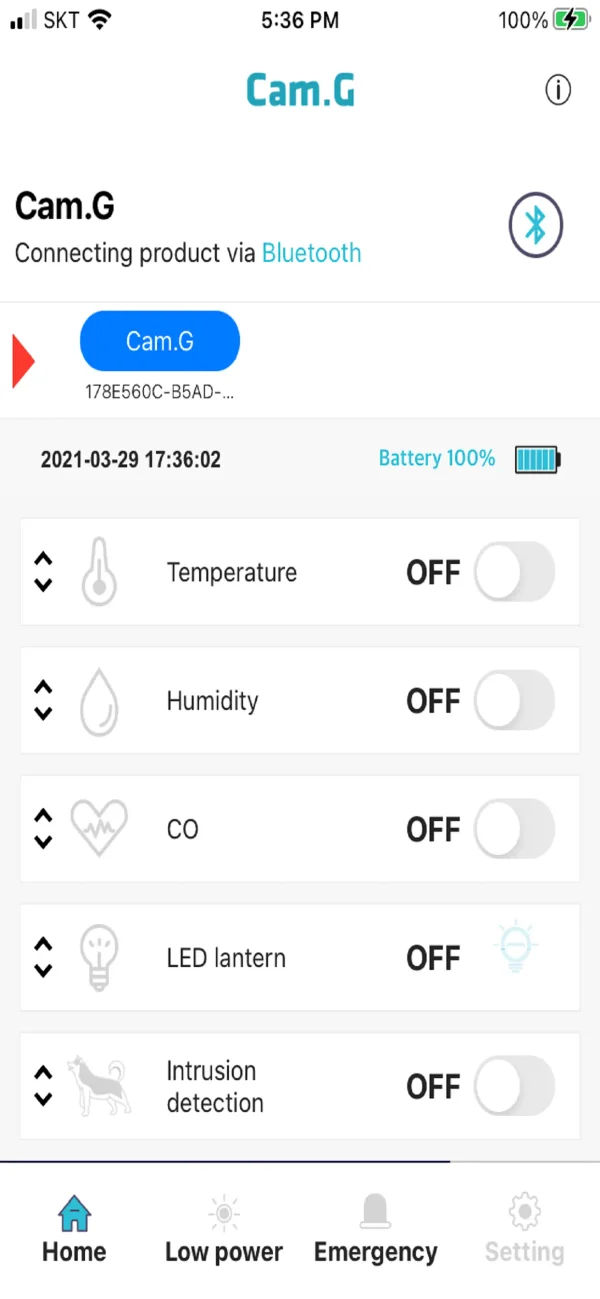
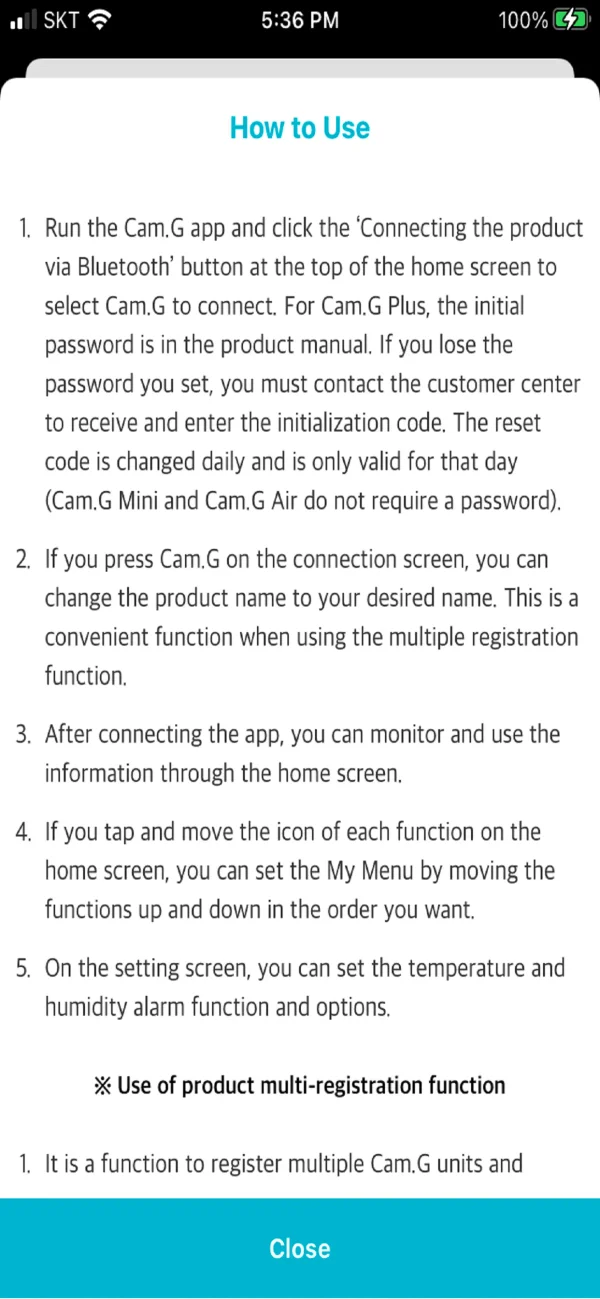
1. Run the Cam.G app and click the ‘Connecting the product via Bluetooth’ button at the top of the home screen to select Cam.G to connect. For Cam.G Plus, the initial password is in the product manual. If you lose the password you set, you must contact the customer center to receive and enter the initialization code. The reset code is changed daily and is only valid for that day (Cam.G Mini and Cam.G Air do not require a password).
2. If you press Cam.G on the connection screen, you can change the product name to your desired name. This is a convenient function when using the multiple registration function.
3. After connecting the app, you can monitor and use the information through the home screen.
4. If you tap and move the icon of each function on the home screen, you can set the My Menu by moving the functions up and down in the order you want.
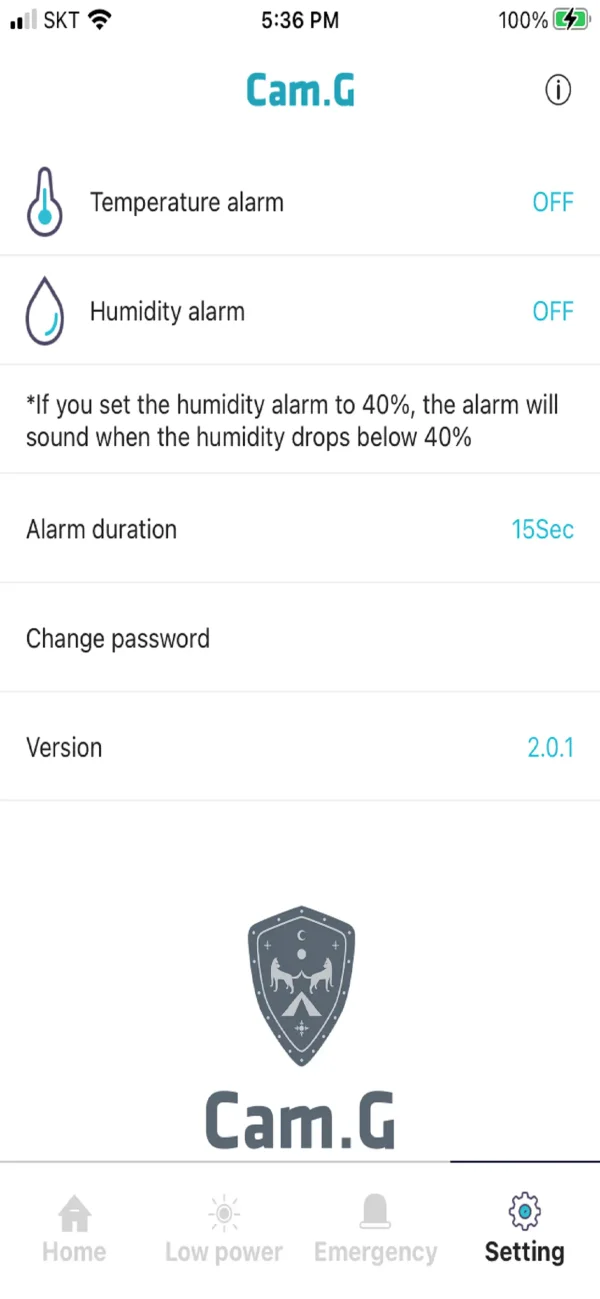
5. On the setting screen, you can set the temperature and humidity alarm function and options.
* If you install and run the app but it does not run and the app crashes, please reset the iPhone Settings → General → Reset → Reset All Settings.
II. Use of product multi-registration function
1. It is a function to register multiple Cam.G units and connect them to move.
2. Click the ‘Connecting the product via Bluetooth’ button to display a list of products that can be registered. At this time, if you select and connect the desired device, the connected product is registered at the top of the home screen, so you can conveniently connect the product.
3. If you want to disconnect a specific product after multiple product registration, you can delete the registration by long pressing the name of the connected product. If you delete a connected product, it is automatically connected to the next device in the list, and the name of the connected product moves to the front of the list.
* Cam.G, which was released before Cam.G Plus, does not provide product multi-registration.
Có gì mới
Phiên bản 2.4.0 · 25/09/2024
Cam.G new version response and code error correction
Quyền riêng tư của ứng dụng
Những gì Lee Minku khai báo trên App Store về cách ứng dụng này xử lý dữ liệu.
-
Dữ liệu không được thu thập
Nhà phát triển không thu thập bất kỳ dữ liệu nào từ ứng dụng này.
Phương thức đảm bảo quyền riêng tư có thể khác nhau, chẳng hạn như tuỳ theo các tính năng bạn sử dụng hoặc độ tuổi của bạn.
Thông tin
- Người bán
- Lee Minku
- Danh mục
- Lối Sống
- Phiên bản
- 2.4.0
- Cập nhật
- 25/09/2024
- Phát hành
- 01/02/2018
- Kích thước
- 5,3 MB
- Yêu cầu
- iOS 14.0 trở lên
- Độ tuổi
- 4+
- Giá
- Miễn phí
- Ngôn ngữ
- Tiếng Anh, Tiếng Nhật, Tiếng Hàn
- Bản quyền
- © 2024 CPDGROUP