Defter Notes
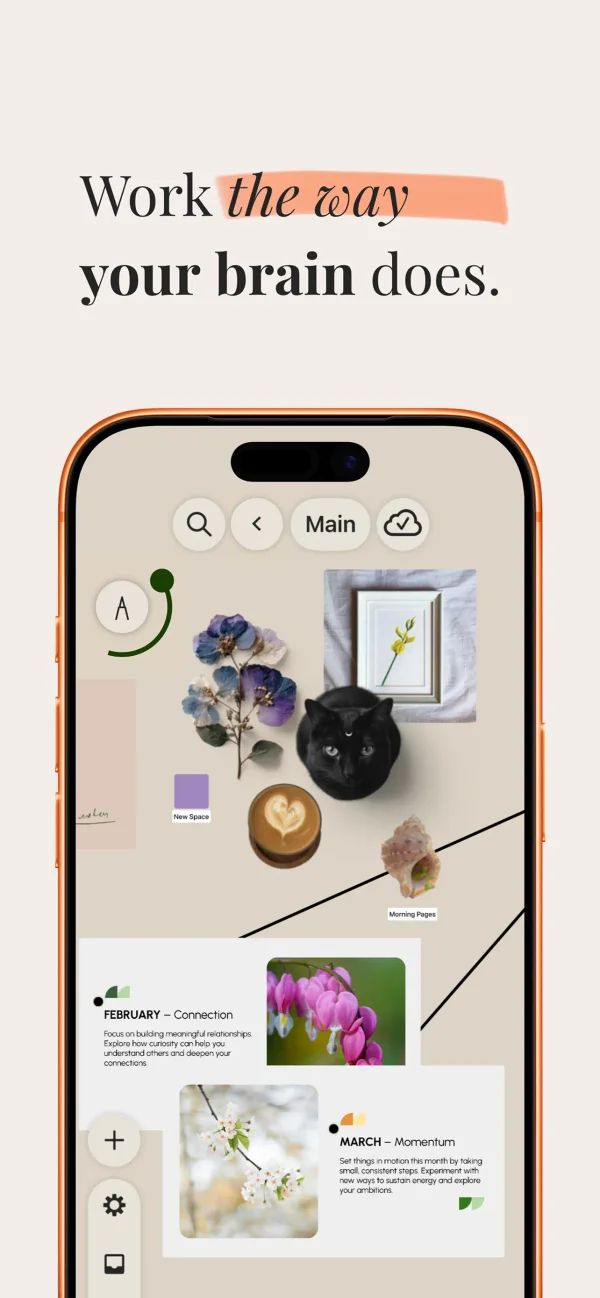
handwritten spatial notes
Conçue pour iPhone, iPad
Gratuit · Achats intégrés
- Classification d’âge4+
- CatégorieProductivité
- DéveloppeurDeft Works ApS
- LanguesAnglais
- Taille59,3 Mo
Renvoie vers la page App Store officielle
Download.org n’héberge aucun fichier de Defter Notes. Le bouton ouvre la page de l’application sur App Store, où Deft Works ApS la publie. Fiche vérifiée pour la dernière fois le 15/11/2026.
Captures d’écran
À propos
Le développeur n’a pas fourni ce texte dans votre langue.
Defter Notes is loved by academics, students, teachers, researchers, journal keepers, knowledge workers, designers, architects, engineers, writers, and anyone who thinks best with their hands and eyes.
It’s built for people who see ideas as living things: connected, evolving, and worth exploring.
Think without boundaries
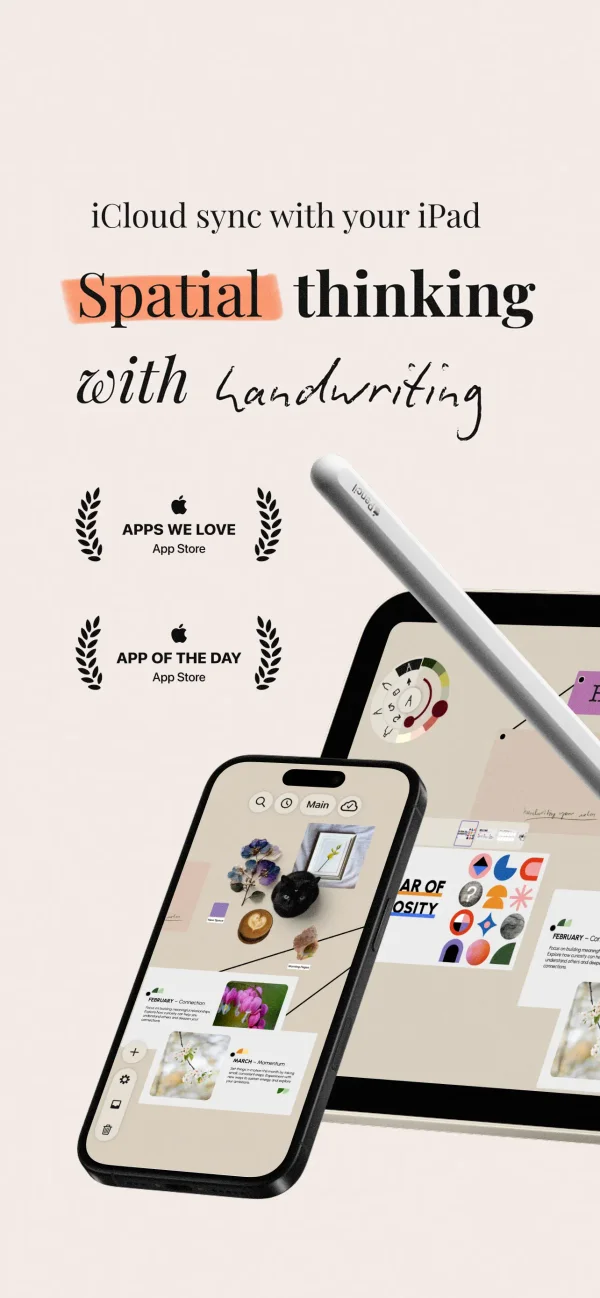
Defter Notes gives you an infinite canvas for spatial thinking. Drop ideas anywhere. Draw connections. Expand as far as your thoughts take you. Enjoy pure creative flow.
Capture ideas your way
Whether it starts as a quick sketch, a handwritten note, or a PDF you’re diving into, Defter Notes adapts to your process. Write, draw, or type; then move, link, and layer it all together. Your ideas stay flexible and alive.
Work the way your brain works
Move items freely. Zoom in and out of context. Build hierarchies of Spaces that let you go deeper into your projects. Defter Notes stays out of the way so your focus stays on thinking.
Top features
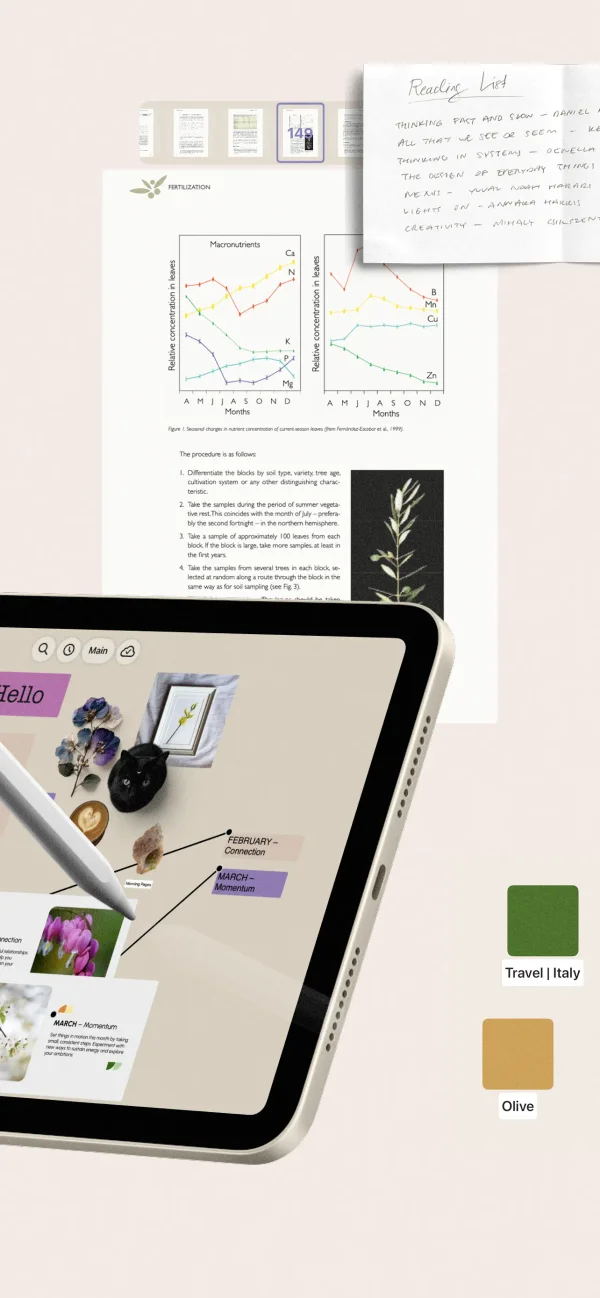
* Stacks for deep work: Ideal for reading, studying, or comparing multiple resources.
* Deft movement with gestures: Drag pages or extract text directly out of PDFs.
* Cross-reference and multitask: View, resize, and reorder documents side by side.
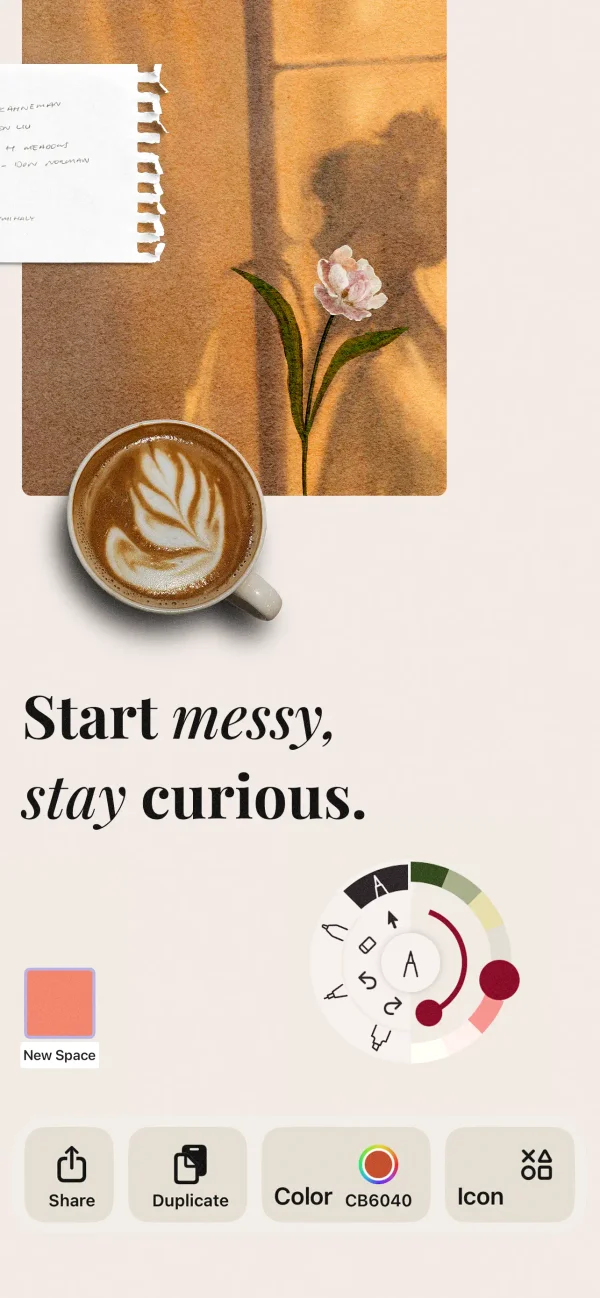
* Handwriting and text tools: Combine pen, pencil, marker, and text boxes using Apple Pencil or Scribble.
* Fluid editing: Double-tap any item to edit or share.
* Intuitive navigation: Use the mini-map, navigation bar, gestures, and select tool to move effortlessly through infinite spaces.
* Supports links and files: Drop in PDFs, images, URLs, and attachments right onto your canvas.
Join the community: https://discord.com/invite/GjS5tJSmBW
Terms of use: https://www.apple.com/legal/internet-services/itunes/dev/stdeula/
Privacy policy: https://www.defternotes.com/touprivacypolicy
https://defternotes.com
Nouveautés
Version 2.8.1 · 01/11/2026
+ keyboard support for markdown text-boxes (e.g. cmd + b for bold, cmd + i for italic)
+ keyboard shortcuts added (e.g. cmd + f to open search, cmd + backspace to delete selected items)
bug fixes:
+ items movement inconsistency
+ PDF stack thumbnails stuck with placeholder image
Confidentialité de l’application
Ce que Deft Works ApS déclare sur l’App Store au sujet du traitement des données par cette application.
-
Données n’établissant aucun lien avec vous
Peuvent être collectées, mais ne sont pas liées à votre identité.
- Données d’utilisation
Les pratiques en matière de confidentialité peuvent varier, notamment en fonction des fonctionnalités que vous utilisez ou de votre âge.
Informations
- Vendeur
- Deft Works ApS
- Catégorie
- Productivité
- Version
- 2.8.1
- Mis à jour
- 01/11/2026
- Publié
- 09/01/2022
- Taille
- 59,3 Mo
- Nécessite
- iOS 17.0 ou version ultérieure
- Classification d’âge
- 4+
- Prix
- Gratuit
- Achats intégrés
- Oui
- Langues
- Anglais
- Copyright
- © 2025 Caner Ergin & Cansu Tastan
Vous aimerez peut-être aussi
-
 Muse — canevas pour vos idéesPensée inspirée et concentrée
-
 Paraphrase AI: HumaniserReformuler & réécrire avec IA
-
 ZoomNotes LiteProductivité
-
 Supernotes – Notes & JournalZettelkasten Markdown Rapide
-
 Mangonote : Notes Vocales IADictaphone & Transcription
-
 Natural Reader Read Aloud BookAlternatives à Speechify
-
 Bookmark & Link Saver - TraceEnregistrez liens et captures
-
 Podcast Maker: Learn with AiProductivité
-
 Endless PaperProductivité
-
 Tot PocketProductivité