Defter Notes
handwritten spatial notes
Entwickelt für iPhone, iPad
Kostenlos · In-App-Käufe
- Altersfreigabe4+
- KategorieProduktivität
- EntwicklerDeft Works ApS
- SprachenEnglisch
- Größe59,3 MB
Verlinkt auf die offizielle App Store-Seite
Download.org hostet keine Datei von Defter Notes. Die Schaltfläche öffnet die App-Seite bei App Store, wo Deft Works ApS die App veröffentlicht. Eintrag zuletzt geprüft am 15.11.2026.
Screenshots
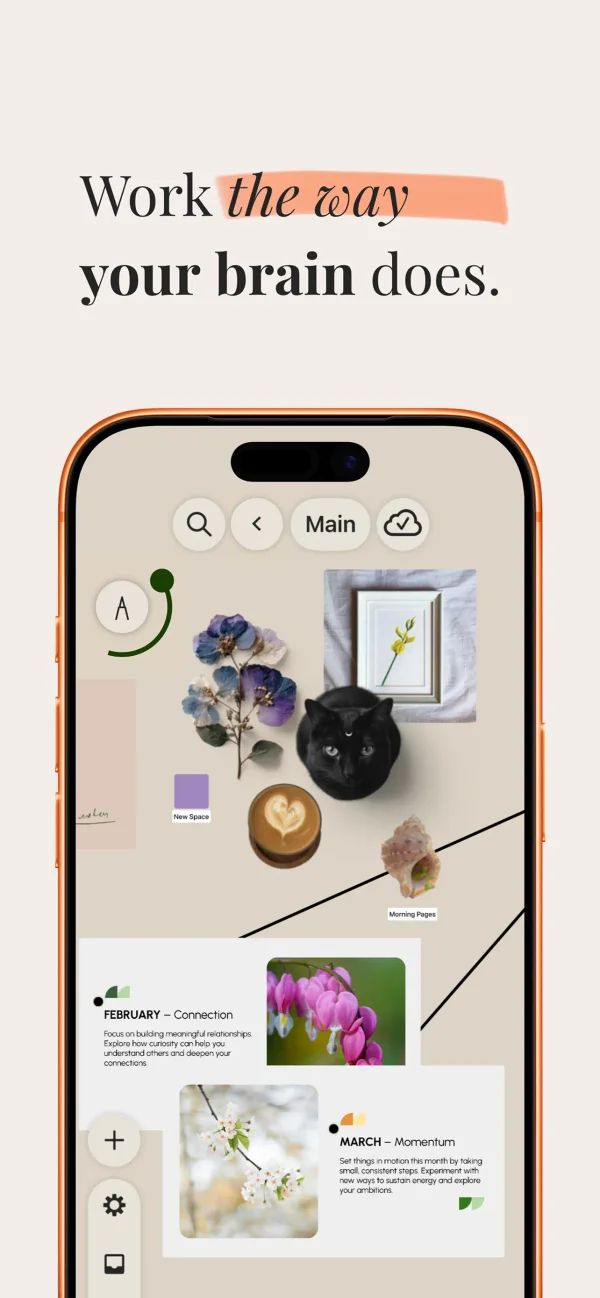
Info
Der Entwickler hat diesen Text nicht in Ihrer Sprache bereitgestellt.
Defter Notes is loved by academics, students, teachers, researchers, journal keepers, knowledge workers, designers, architects, engineers, writers, and anyone who thinks best with their hands and eyes.
It’s built for people who see ideas as living things: connected, evolving, and worth exploring.
Think without boundaries
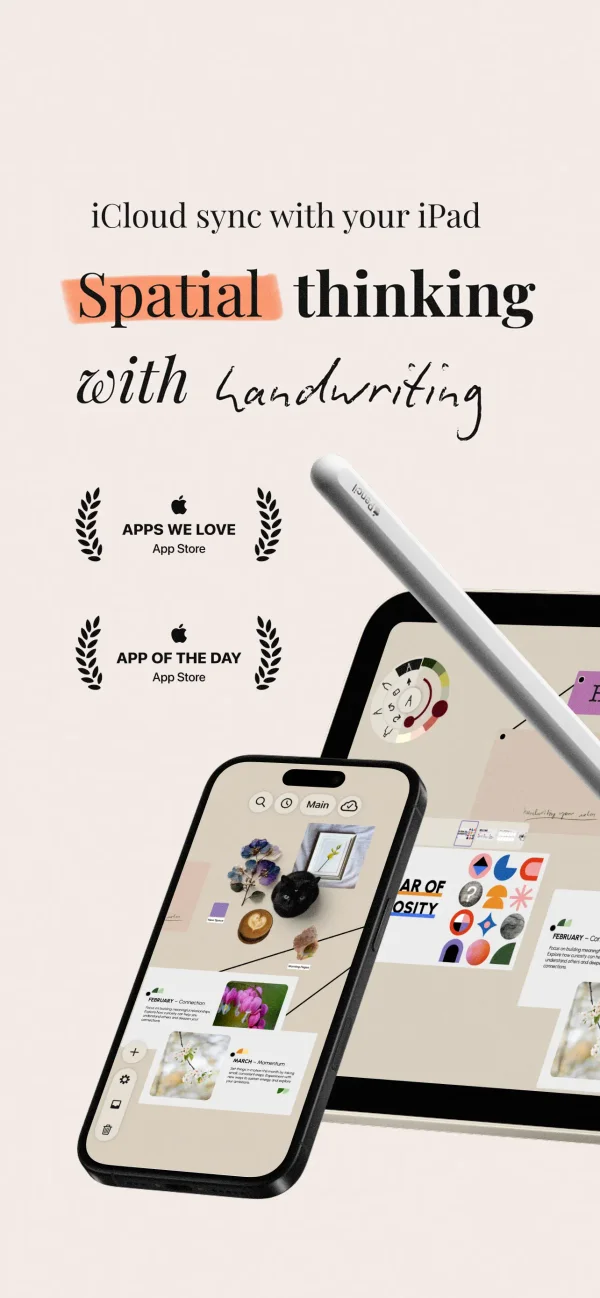
Defter Notes gives you an infinite canvas for spatial thinking. Drop ideas anywhere. Draw connections. Expand as far as your thoughts take you. Enjoy pure creative flow.
Capture ideas your way
Whether it starts as a quick sketch, a handwritten note, or a PDF you’re diving into, Defter Notes adapts to your process. Write, draw, or type; then move, link, and layer it all together. Your ideas stay flexible and alive.
Work the way your brain works
Move items freely. Zoom in and out of context. Build hierarchies of Spaces that let you go deeper into your projects. Defter Notes stays out of the way so your focus stays on thinking.
Top features
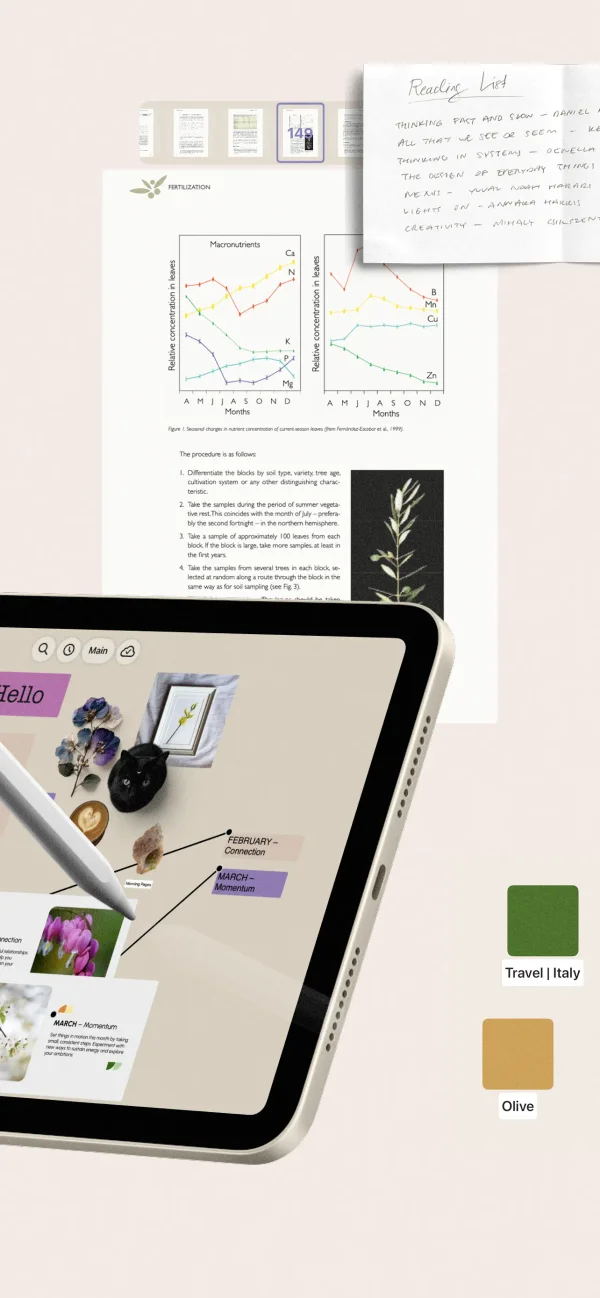
* Stacks for deep work: Ideal for reading, studying, or comparing multiple resources.
* Deft movement with gestures: Drag pages or extract text directly out of PDFs.
* Cross-reference and multitask: View, resize, and reorder documents side by side.
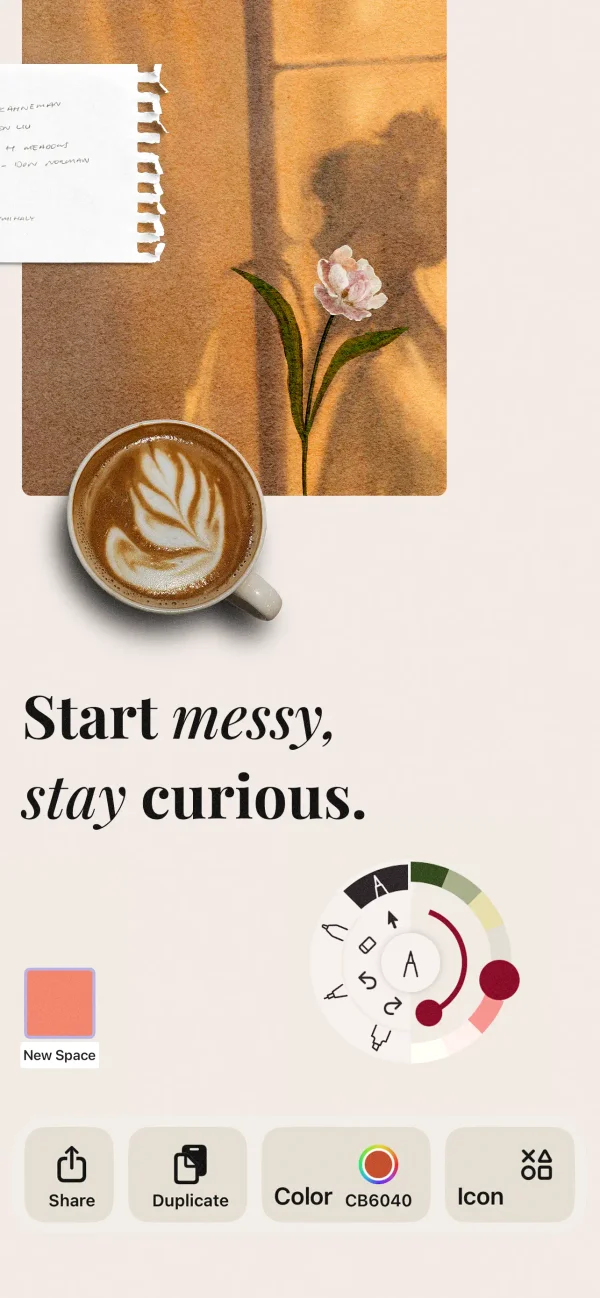
* Handwriting and text tools: Combine pen, pencil, marker, and text boxes using Apple Pencil or Scribble.
* Fluid editing: Double-tap any item to edit or share.
* Intuitive navigation: Use the mini-map, navigation bar, gestures, and select tool to move effortlessly through infinite spaces.
* Supports links and files: Drop in PDFs, images, URLs, and attachments right onto your canvas.
Join the community: https://discord.com/invite/GjS5tJSmBW
Terms of use: https://www.apple.com/legal/internet-services/itunes/dev/stdeula/
Privacy policy: https://www.defternotes.com/touprivacypolicy
https://defternotes.com
Neue Funktionen
Version 2.8.1 · 01.11.2026
+ keyboard support for markdown text-boxes (e.g. cmd + b for bold, cmd + i for italic)
+ keyboard shortcuts added (e.g. cmd + f to open search, cmd + backspace to delete selected items)
bug fixes:
+ items movement inconsistency
+ PDF stack thumbnails stuck with placeholder image
App-Datenschutz
Was Deft Works ApS im App Store zum Umgang dieser App mit Daten angibt.
-
Nicht mit Ihnen verknüpfte Daten
Können erfasst werden, sind aber nicht mit Ihrer Identität verknüpft.
- Nutzungsdaten
Die Datenschutzpraktiken können variieren, zum Beispiel je nach den von Ihnen verwendeten Funktionen oder Ihrem Alter.
Informationen
- Anbieter
- Deft Works ApS
- Kategorie
- Produktivität
- Version
- 2.8.1
- Aktualisiert
- 01.11.2026
- Veröffentlicht
- 09.01.2022
- Größe
- 59,3 MB
- Erfordert
- iOS 17.0 oder neuer
- Altersfreigabe
- 4+
- Preis
- Kostenlos
- In-App-Käufe
- Ja
- Sprachen
- Englisch
- Copyright
- © 2025 Caner Ergin & Cansu Tastan
Das könnte Ihnen auch gefallen
-
 Muse — Canvas für IdeenInspiriert & fokussiert denken
-
 Paraphrase AI: UmschreibenText humanisieren mit KI
-
 ZoomNotes LiteProduktivität
-
 Supernotes – Notizen KlarSchnelles MD Zettelkasten
-
 Mangonote: KI SprachnotizenDiktiergerät & Transkription
-
 Natural Reader Read Aloud BookAI vorlesen app - Bücher, PDF
-
 Bookmark & Link Saver - TraceScreenshot & Links sammeln
-
 Podcast Maker: Learn with AiProduktivität
-
 Endless PaperProduktivität
-
 Tot PocketProduktivität