Defter Notes
handwritten spatial notes
Được thiết kế cho iPhone, iPad
Miễn phí · Mua hàng trong ứng dụng
- Độ tuổi4+
- Danh mụcHiệu Suất
- Nhà phát triểnDeft Works ApS
- Ngôn ngữTiếng Anh
- Kích thước59,3 MB
Liên kết đến trang App Store chính thức
Download.org không lưu trữ tệp nào của Defter Notes. Nút này mở trang ứng dụng trên App Store, nơi Deft Works ApS phát hành ứng dụng. Trang được kiểm tra lần cuối: 15/11/2026.
Ảnh chụp màn hình
Giới thiệu
Nhà phát triển chưa cung cấp nội dung này bằng ngôn ngữ của bạn.
Defter Notes is loved by academics, students, teachers, researchers, journal keepers, knowledge workers, designers, architects, engineers, writers, and anyone who thinks best with their hands and eyes.
It’s built for people who see ideas as living things: connected, evolving, and worth exploring.
Think without boundaries
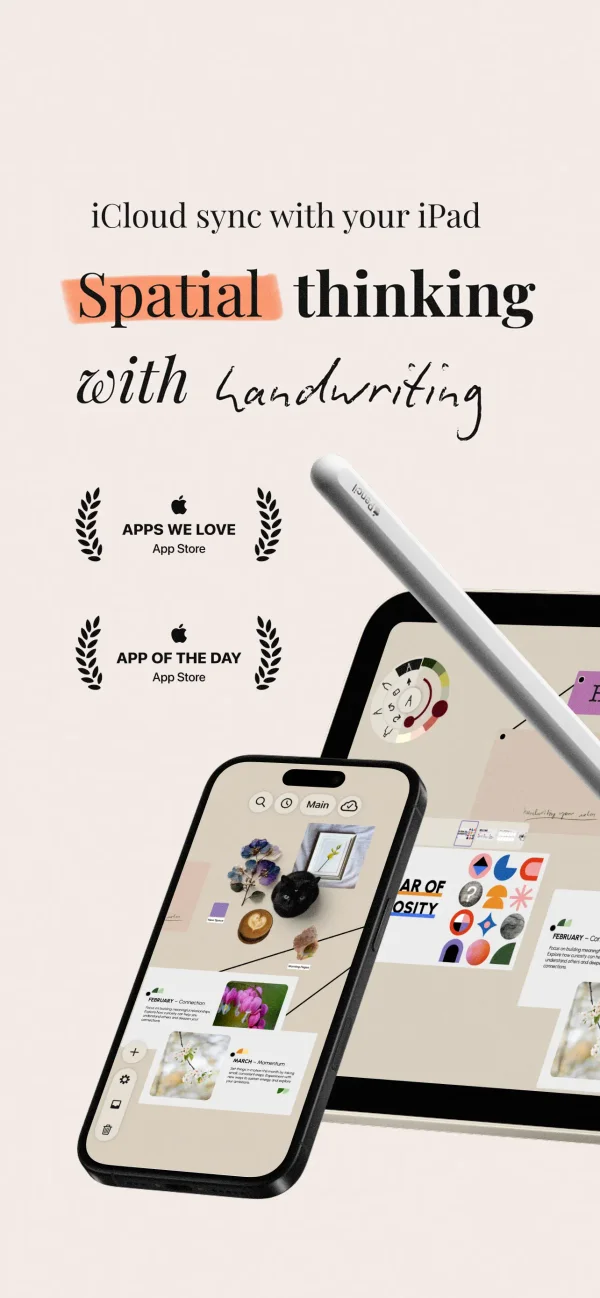
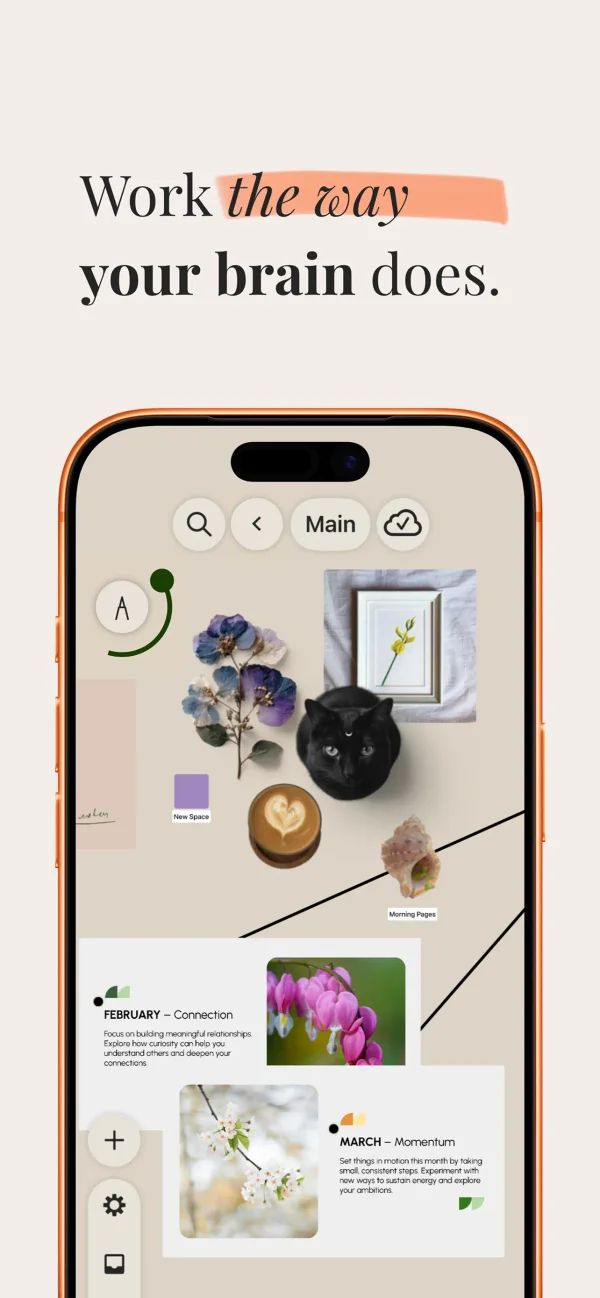
Defter Notes gives you an infinite canvas for spatial thinking. Drop ideas anywhere. Draw connections. Expand as far as your thoughts take you. Enjoy pure creative flow.
Capture ideas your way
Whether it starts as a quick sketch, a handwritten note, or a PDF you’re diving into, Defter Notes adapts to your process. Write, draw, or type; then move, link, and layer it all together. Your ideas stay flexible and alive.
Work the way your brain works
Move items freely. Zoom in and out of context. Build hierarchies of Spaces that let you go deeper into your projects. Defter Notes stays out of the way so your focus stays on thinking.
Top features
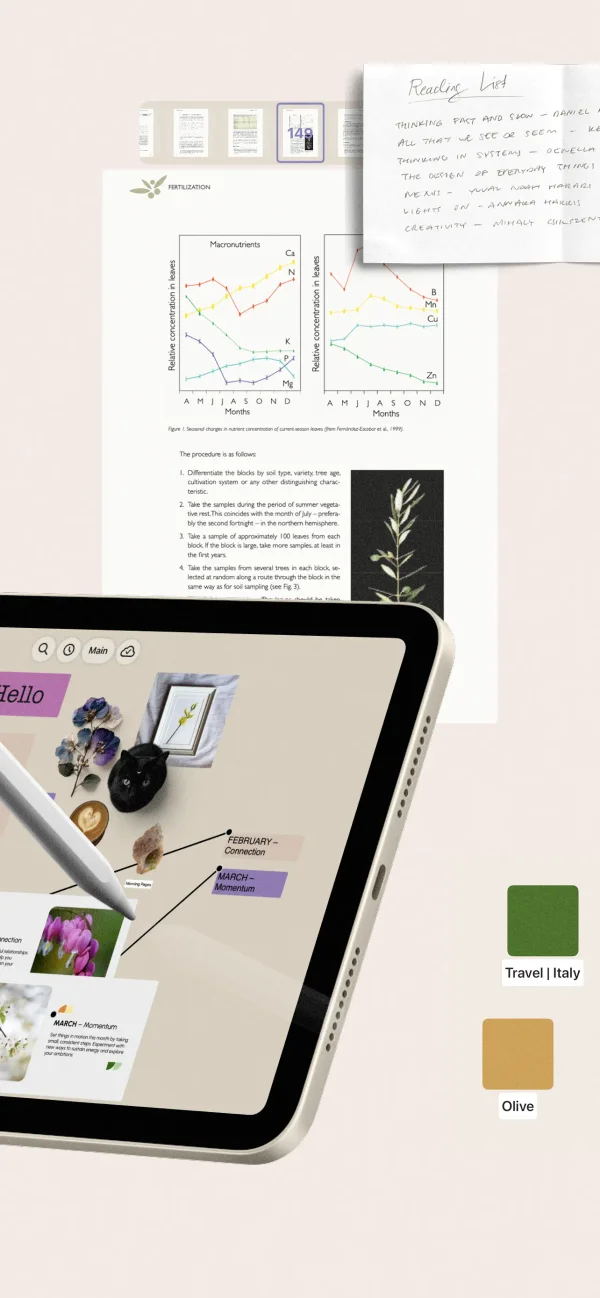
* Stacks for deep work: Ideal for reading, studying, or comparing multiple resources.
* Deft movement with gestures: Drag pages or extract text directly out of PDFs.
* Cross-reference and multitask: View, resize, and reorder documents side by side.
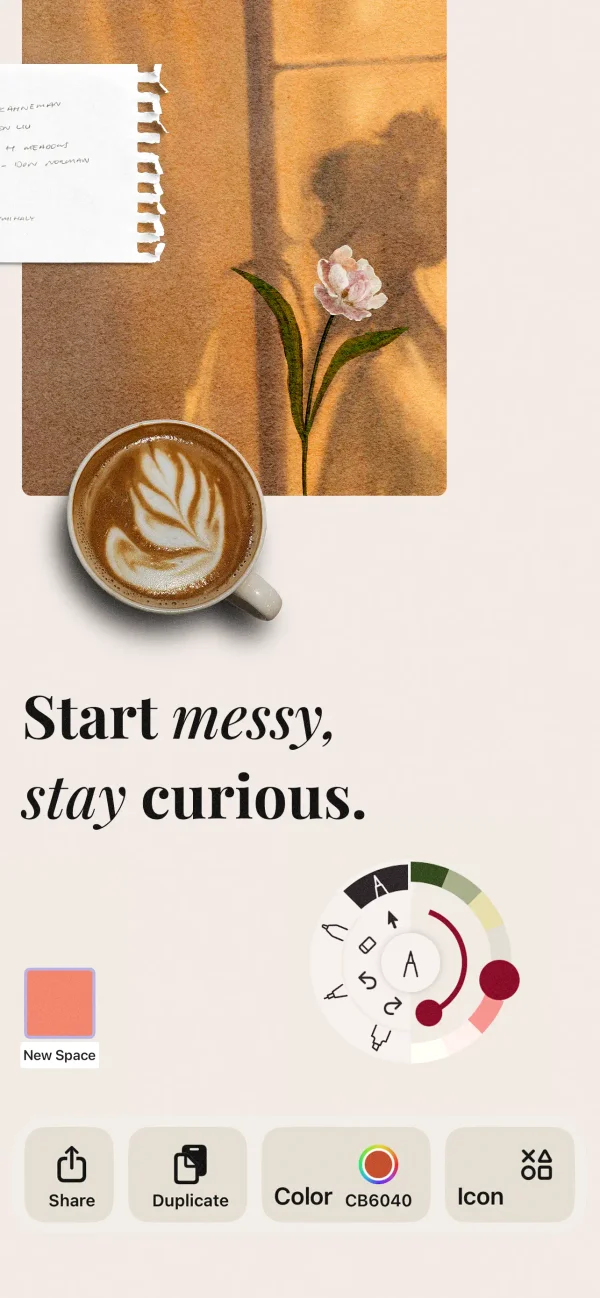
* Handwriting and text tools: Combine pen, pencil, marker, and text boxes using Apple Pencil or Scribble.
* Fluid editing: Double-tap any item to edit or share.
* Intuitive navigation: Use the mini-map, navigation bar, gestures, and select tool to move effortlessly through infinite spaces.
* Supports links and files: Drop in PDFs, images, URLs, and attachments right onto your canvas.
Join the community: https://discord.com/invite/GjS5tJSmBW
Terms of use: https://www.apple.com/legal/internet-services/itunes/dev/stdeula/
Privacy policy: https://www.defternotes.com/touprivacypolicy
https://defternotes.com
Có gì mới
Phiên bản 2.8.1 · 01/11/2026
+ keyboard support for markdown text-boxes (e.g. cmd + b for bold, cmd + i for italic)
+ keyboard shortcuts added (e.g. cmd + f to open search, cmd + backspace to delete selected items)
bug fixes:
+ items movement inconsistency
+ PDF stack thumbnails stuck with placeholder image
Quyền riêng tư của ứng dụng
Những gì Deft Works ApS khai báo trên App Store về cách ứng dụng này xử lý dữ liệu.
-
Dữ liệu không liên kết với bạn
Có thể được thu thập nhưng không liên kết với danh tính của bạn.
- Dữ liệu sử dụng
Phương thức đảm bảo quyền riêng tư có thể khác nhau, chẳng hạn như tuỳ theo các tính năng bạn sử dụng hoặc độ tuổi của bạn.
Thông tin
- Người bán
- Deft Works ApS
- Danh mục
- Hiệu Suất
- Phiên bản
- 2.8.1
- Cập nhật
- 01/11/2026
- Phát hành
- 09/01/2022
- Kích thước
- 59,3 MB
- Yêu cầu
- iOS 17.0 trở lên
- Độ tuổi
- 4+
- Giá
- Miễn phí
- Mua hàng trong ứng dụng
- Có
- Ngôn ngữ
- Tiếng Anh
- Bản quyền
- © 2025 Caner Ergin & Cansu Tastan
Có thể bạn cũng thích
-
 Allume — for focused thinkingHiệu Suất
-
 Paraphrase: Reword & RewriterViết lại văn bản bằng AI
-
 ZoomNotes LiteHiệu Suất
-
 Supernotes – Shareable NotesRealtime Editing Collaboration
-
 Mangonote: AI Note TakerHiệu Suất
-
 AI Readerest: Đọc to sách PdfĐọc Văn bản âm thanh tự nhiên
-
 Bookmark & Link Saver - TraceHiệu Suất
-
 Podcast Maker: Learn with AiHiệu Suất
-
 Endless PaperHiệu Suất
-
 Tot PocketHiệu Suất